SERVICE AREA · HOUSTON · TEXAS
Houston AV repair, system takeovers and installation.
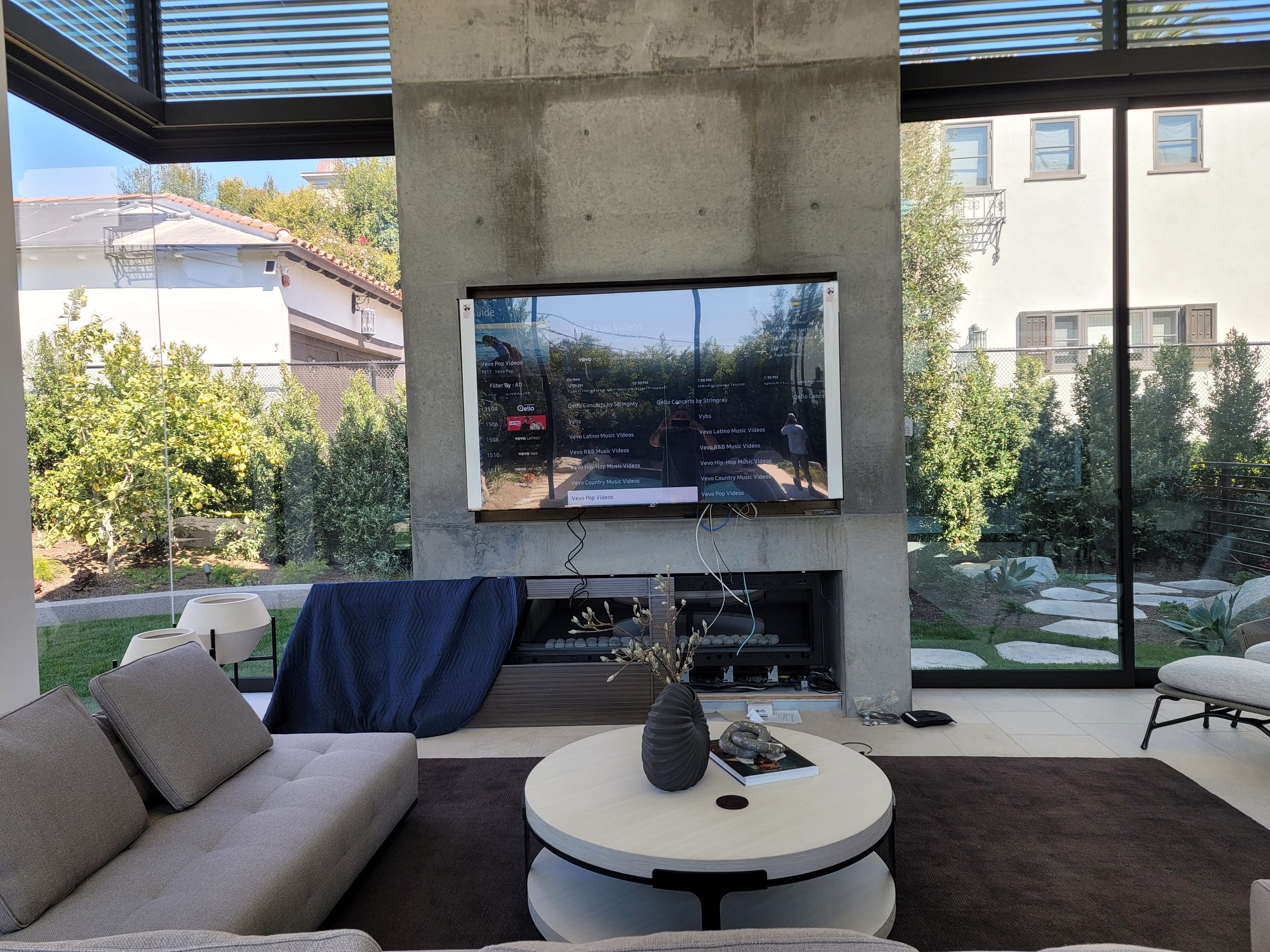
Frozen controls, missing picture or sound, or an unfamiliar smart-home system after a move? Obsidian AV assesses existing Houston AV systems, including installations by others. Repair, takeover and installation planning begin with the equipment, symptoms and property access—not an automatic replacement package.
Choose the right starting point for an existing system
For a single-room failure, report the source and controls that reproduce it. For a whole-home outage, note whether local lights, internet and independent device controls still work. For a takeover, gather the seller’s equipment list and available configuration records. These are different starting points and may need different access, tools and visit scope.
Let the building determine the installation plan
A condo may require building approval, an elevator reservation and a limited work window. A finished home may have inaccessible cable routes. A renovation may offer a short opportunity to label and test wiring before walls close. Identify these constraints early, alongside seating, viewing distance, listening areas and equipment ventilation, so hardware is not selected before the installation is feasible.
Choose the service path for the installed system
Use AV troubleshooting for a source, picture or sound fault and smart-home service for broader control problems. The platform guides explain the access and compatibility questions behind a takeover.
Services available in Houston
Arrange access for Houston service
For a Houston service visit, include the exact address, system brand, affected rooms and the person authorized to approve work. Describe gates, loading, management approval or work-hour restrictions. Confirm availability and diagnostic charges before booking; a ZIP code or neighborhood name does not establish travel time or a repair completion date.
A useful installation brief
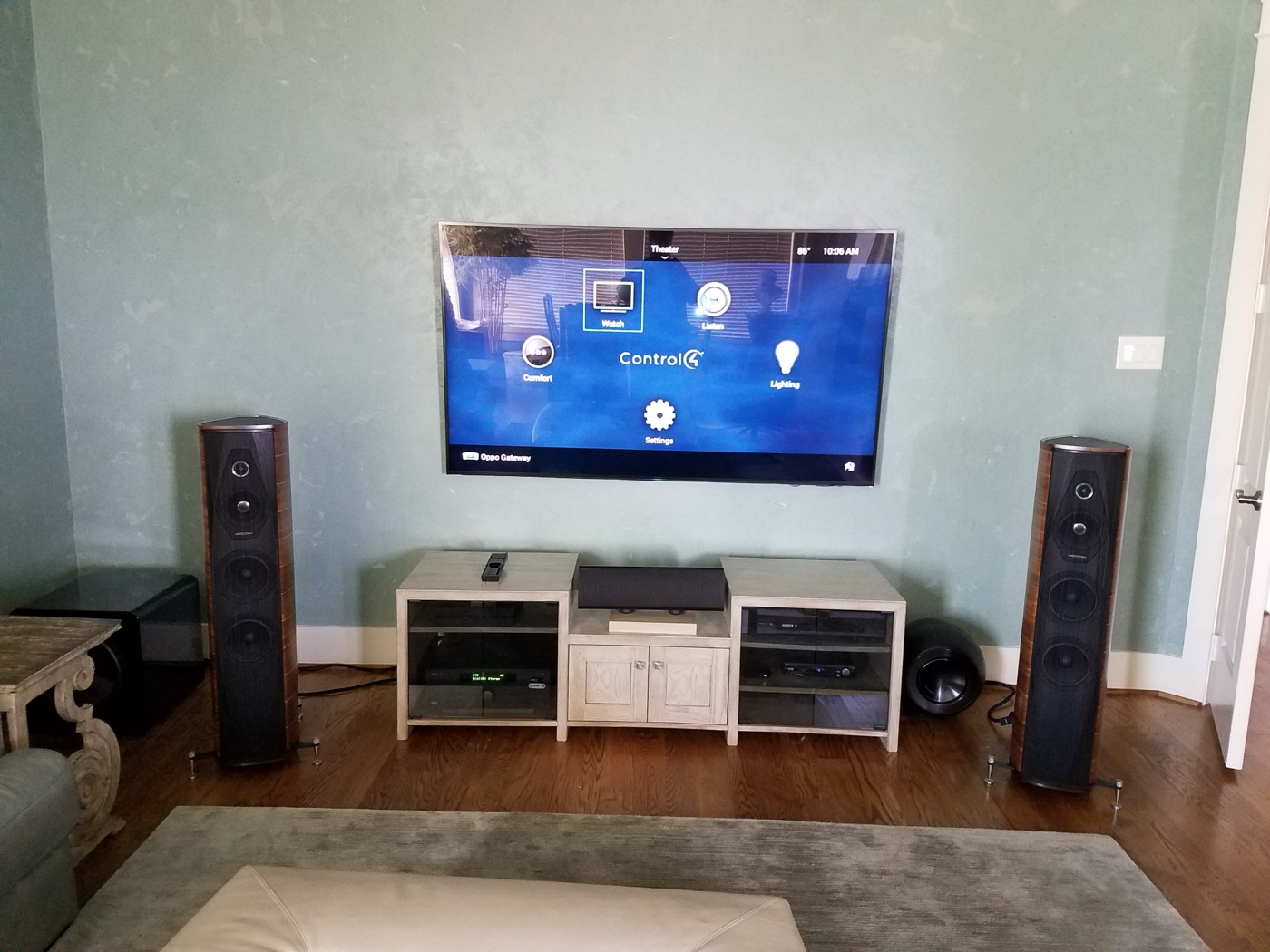
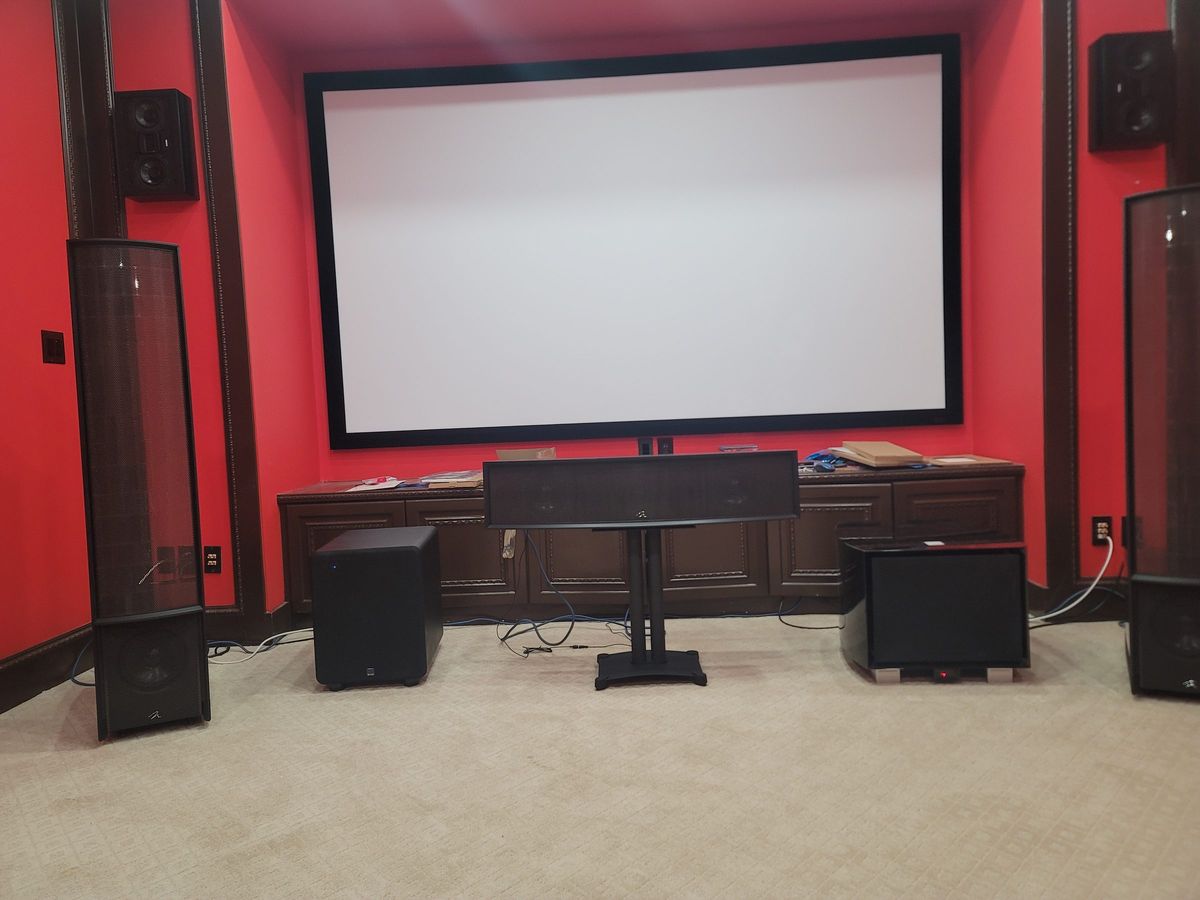
Theater and media rooms
Document seating and viewing distances, ambient light, doors and the intended listening area. Speaker placement, room treatment and sound isolation are separate design decisions. Do not select a screen or speaker count before checking the room.
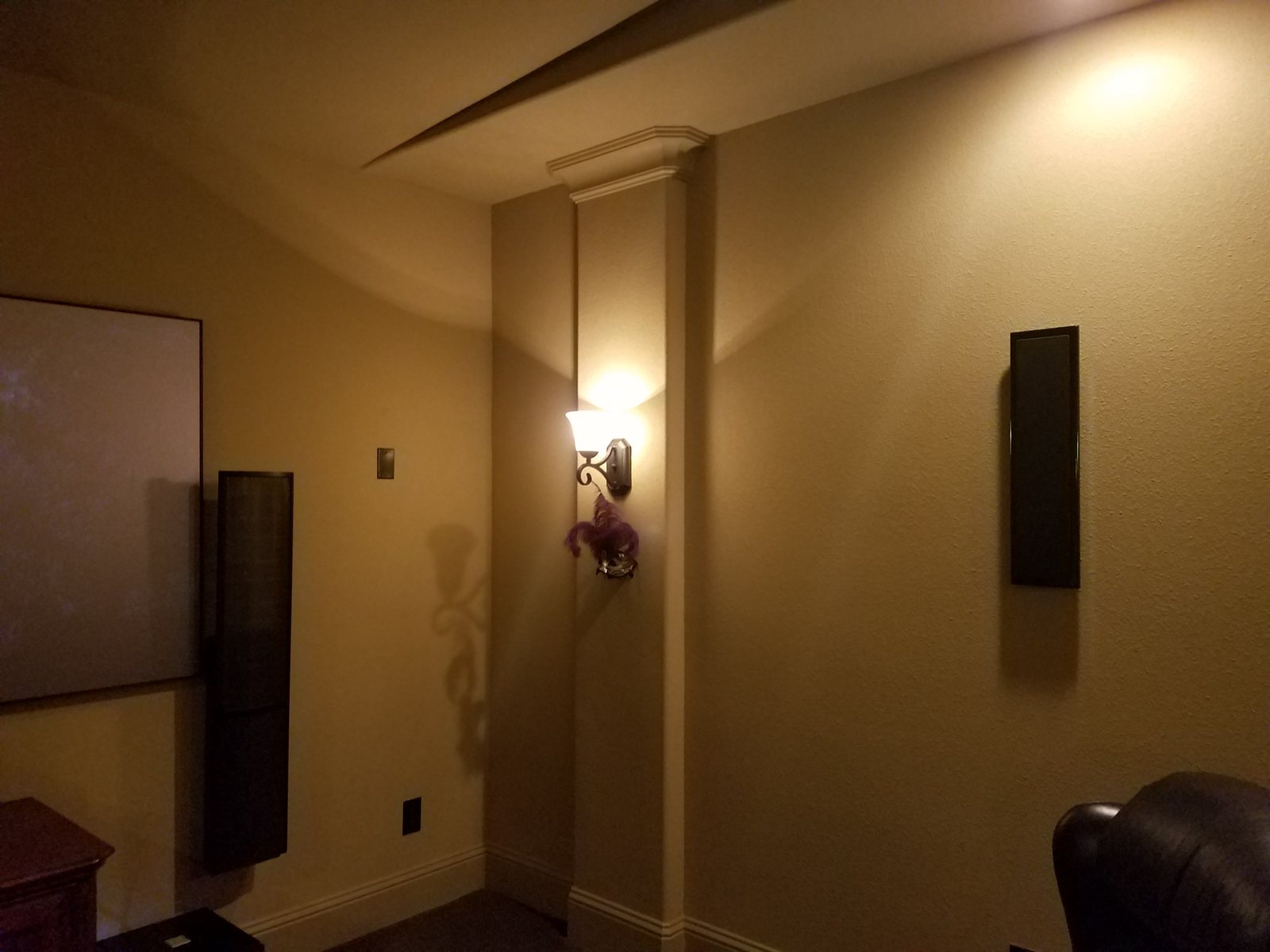
Audio, lighting and shades
List rooms needing independent sources or volume, the actions each scene should perform and the manual controls that must remain available. Verify amplifier capacity, lighting-load compatibility, shade power and supported integrations.
Outdoor equipment and power
Select products for the actual sun, moisture and temperature exposure. Plan safe mounting, cable entries and accessible indoor electronics where appropriate. Manufacturer ratings, electrical work and storm preparation require a site-specific plan; no enclosure or surge device guarantees protection from every event.
Networks and commercial AV
Identify the network administrator and the devices or meeting services that must communicate. For business spaces, plan camera sightlines, microphone coverage and guest connections, then agree access and outage windows with IT before configuration changes.
Plan the work and the handover
- Assess the existing state. Identify equipment, working functions, accessible files and installation constraints.
- Agree a scope. Separate repair, optional upgrades, other-trade work and any access or compatibility limitations.
- Coordinate the installation. Confirm cable paths, equipment clearances and construction dates before finishes close.
- Define acceptance checks. Specify the room controls, sources and scenes to test, the documentation to supply and any unresolved items.
Service requests in Houston and surrounding areas
Service areas include Houston, River Oaks, Memorial, The Woodlands, Montrose, the Heights, Galleria, the Energy Corridor, Bellaire and West University Place. These are service areas, not separate offices.
See all service areas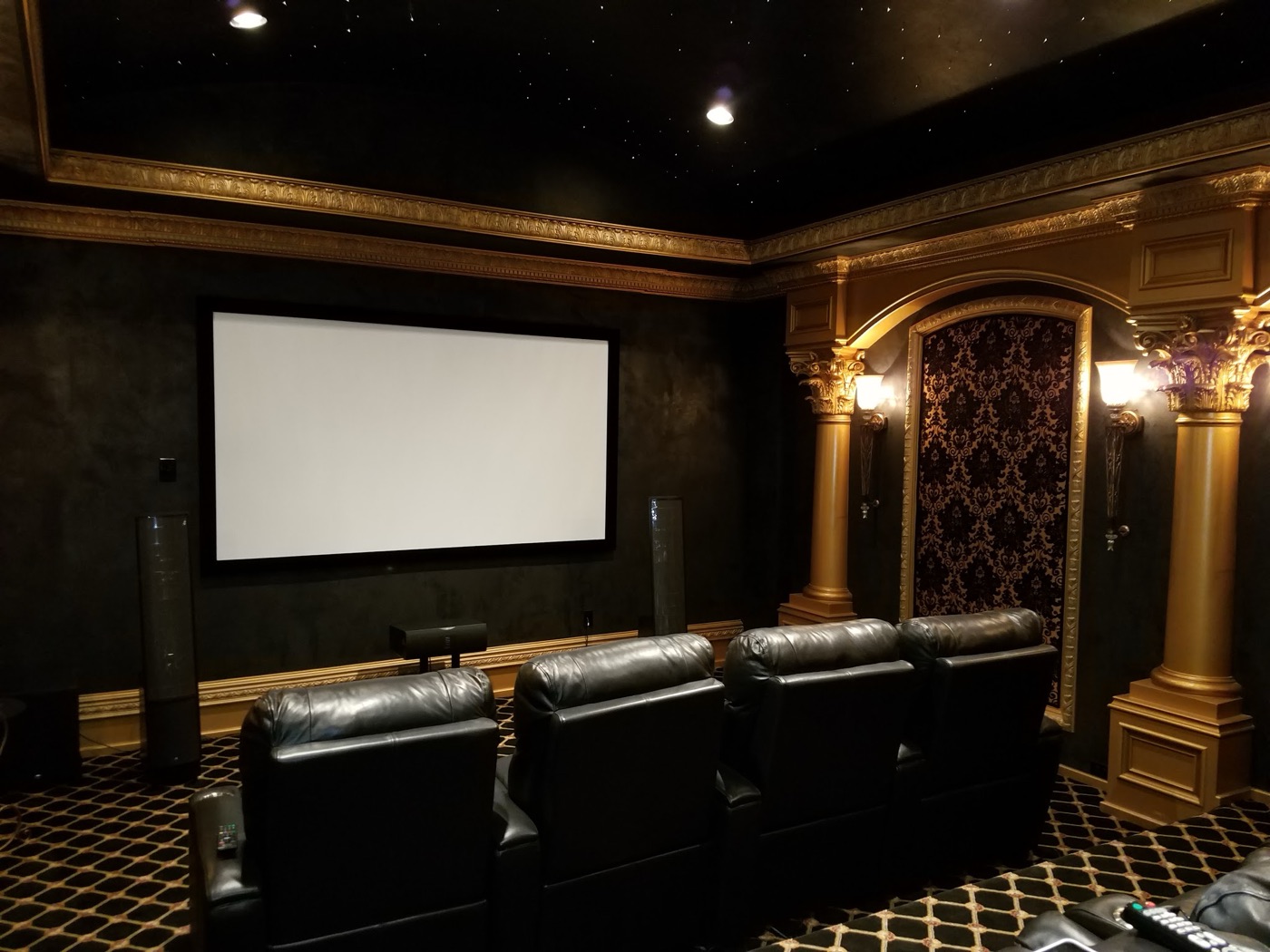
Also serving communities around Houston.
AV service questions for Houston
Can diagnosis and a future upgrade be scoped separately?
Yes. Identify the failed functions that matter now and list optional improvements separately. Assessment can establish which equipment and wiring are usable, what access is available and which changes depend on other trades. Repair and upgrade options remain subject to compatibility, condition and support availability.
Can you assess a system installed by another company?
Yes. Assessment starts with equipment identification, symptoms and authorized access. Programming requirements differ: custom-programmed Crestron systems may require editable program source; Control4 work depends on authorized Composer Pro access and an accessible project; Savant work depends on available configuration, software generation and authorized programming tools. Lutron lighting or shades may also have their own configuration and access requirements. Missing files, unsupported hardware or access limits can restrict repair or migration; recovery is not guaranteed.
Discuss your Houston system
Call 346-357-5323 with the address and what you are seeing.