06 · NETWORKING + WI-FI
Networking & AV troubleshooting in Houston.
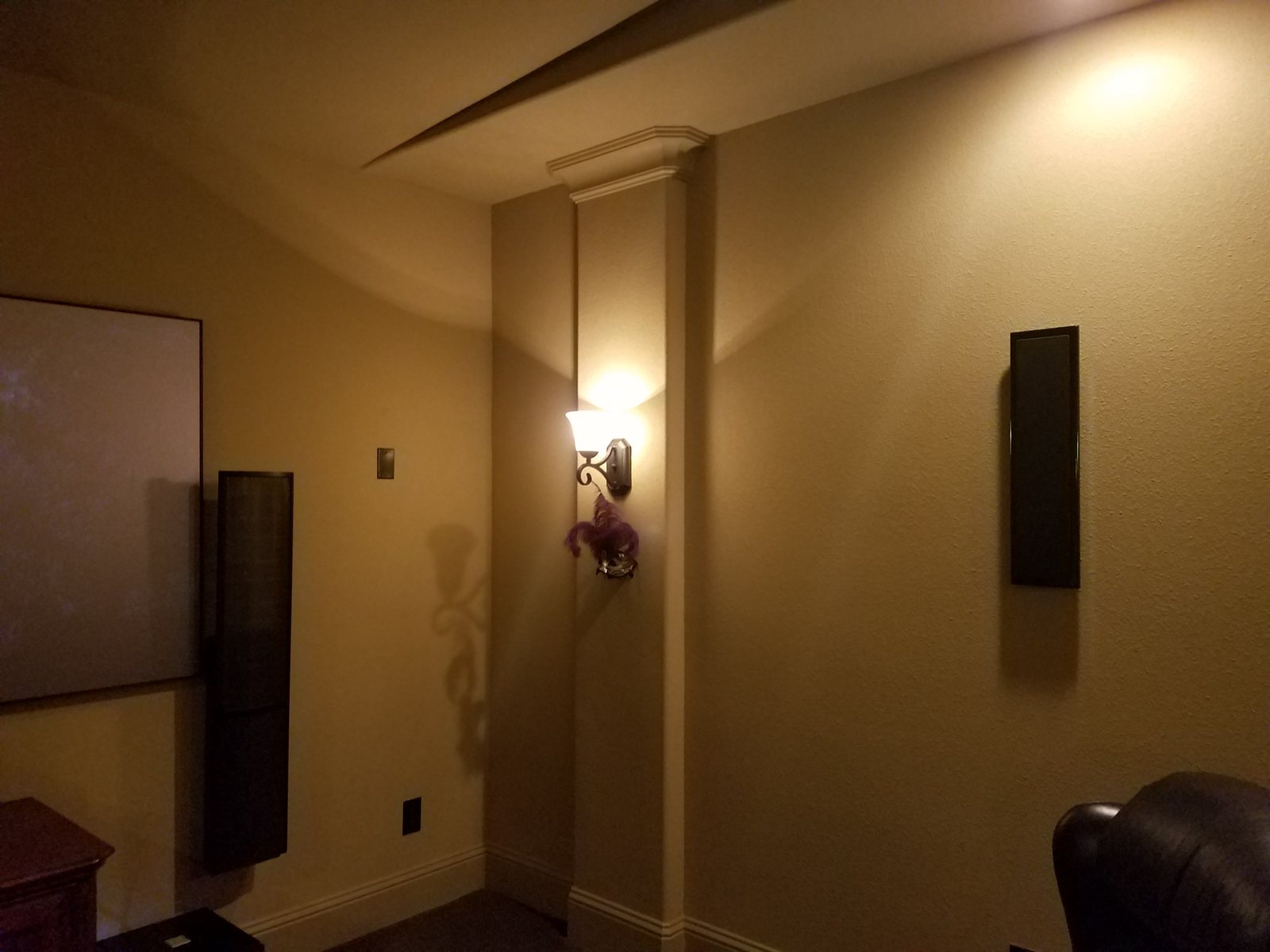
If streaming works on one device but control, cameras or audio zones keep dropping, the fault may sit between systems. We trace wired and wireless connectivity, switch configuration and AV signal flow before recommending a network rebuild.
Enterprise-Grade Network Design
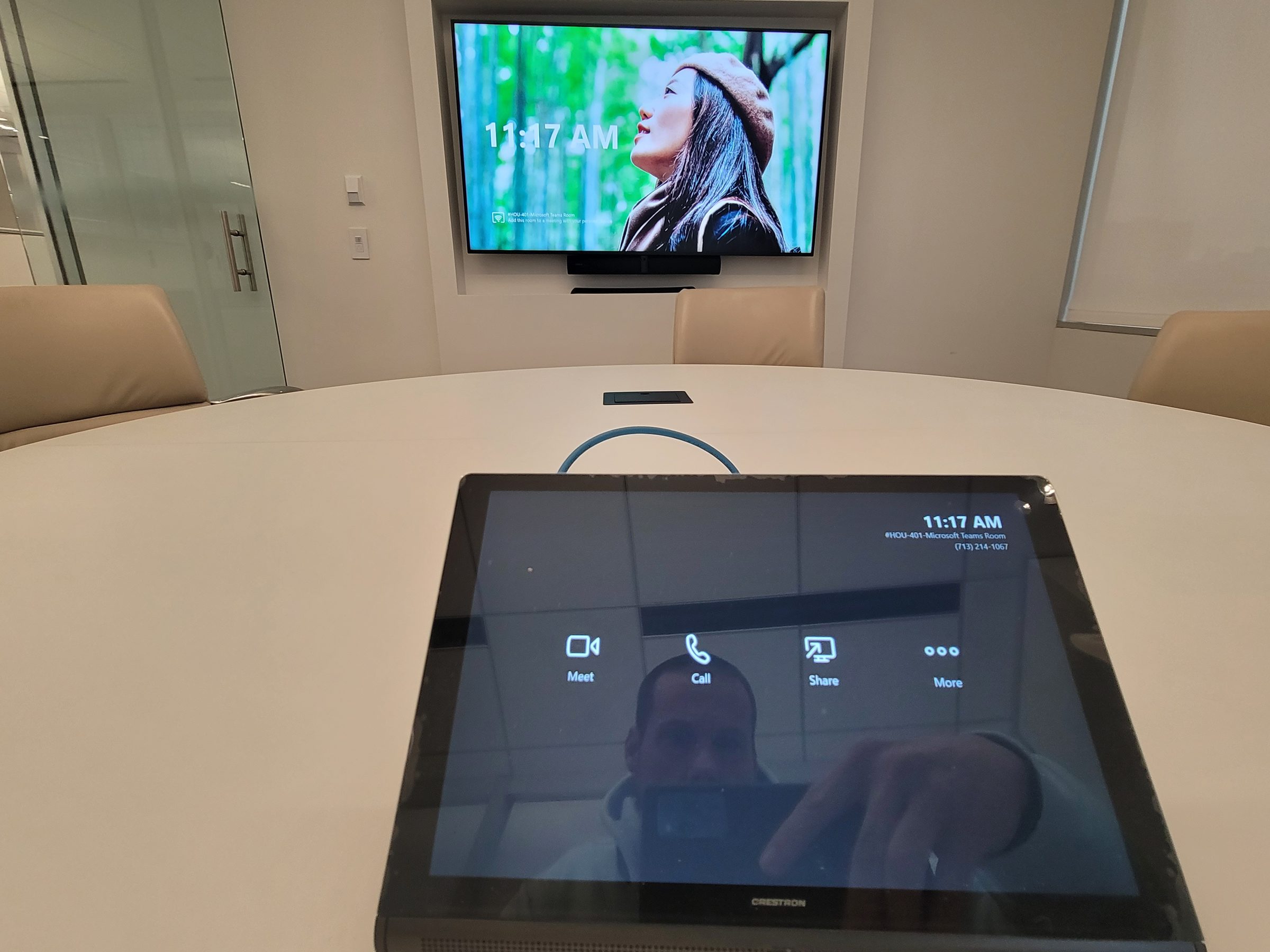
A poorly designed network means dropped connections, laggy control interfaces, security cameras that freeze and streaming that buffers. We design networks the way enterprise IT does — managed switches, VLAN segmentation, dedicated Wi-Fi access points and QoS for AV traffic.
- Managed network switches — UniFi, Araknis, Luxul, Cisco
- Enterprise Wi-Fi — UniFi, Ruckus, Aruba access points
- VLAN segmentation for AV, IoT, guests and security
- QoS for AV over IP and Dante audio
- Remote monitoring and management
AV Over IP and Dante
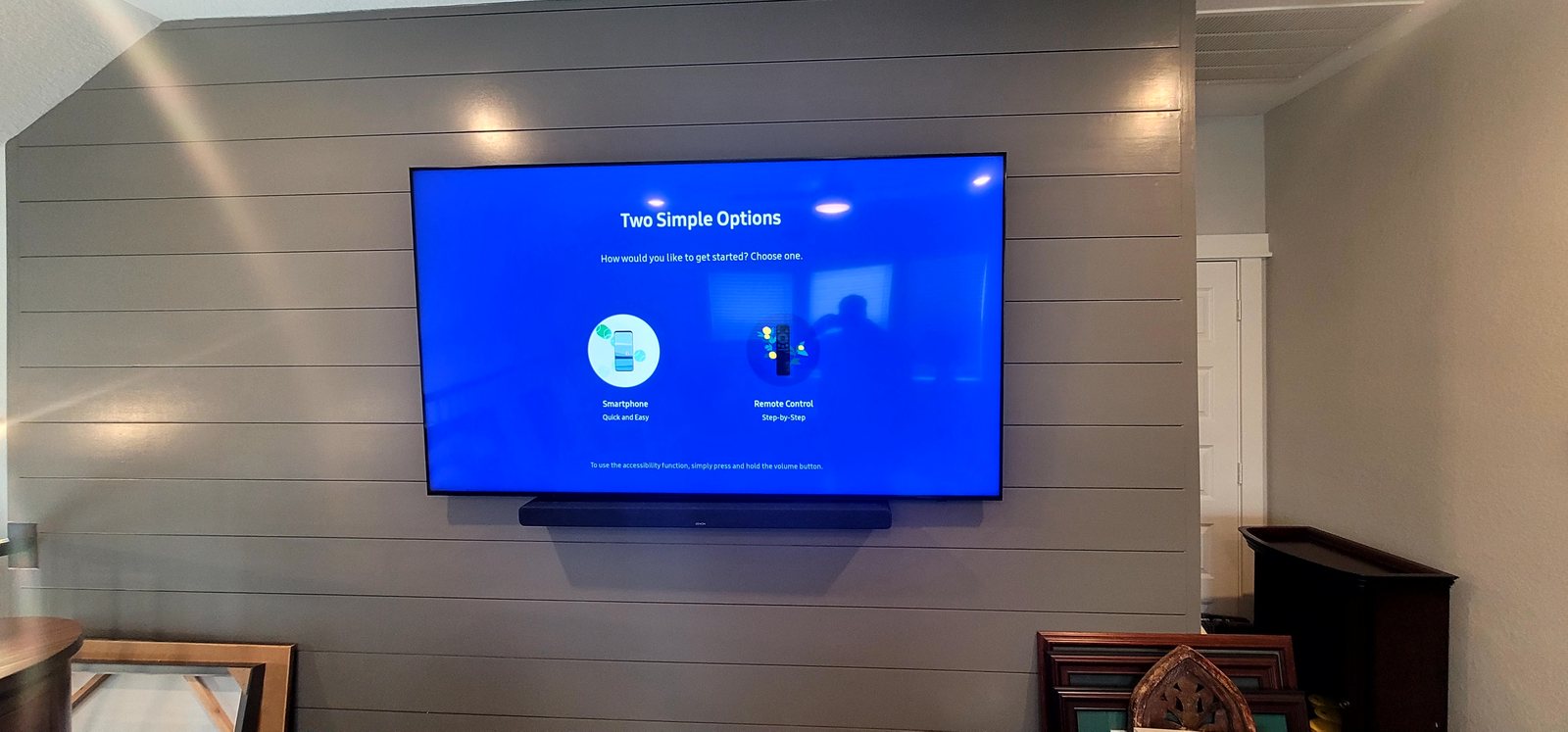
AV over IP replaces traditional matrix switchers with network-distributed video and audio. Dante audio networking delivers multichannel audio over standard Ethernet. We design and configure these systems with proper multicast management, IGMP snooping and QoS to ensure zero-drop performance.
HOME NETWORKING
Home Network Installation and Wi-Fi Setup in Houston
A reliable home network is the backbone of every modern smart home. Whether you're streaming 4K video in the living room, running whole-home audio in every room, or controlling dozens of smart devices from your phone, your home network setup needs to handle the load without buffering, dropouts or dead spots. Our home network installation service covers everything from initial wifi setup and wifi installation to mesh wifi deployment and structured wiring — giving your Houston home a network that just works, everywhere, every time.
Mesh wifi is one of the most common upgrades we perform. Traditional routers struggle to cover large homes, multi-story layouts, or properties with thick walls and detached structures. A mesh wifi system uses multiple access points placed throughout the home to create a single, seamless Wi-Fi network — walk from the front door to the back patio and your phone stays connected without skipping a beat. We handle mesh wifi installation with systems from Eero, Netgear Orbi, TP-Link Deco, UniFi, Araknis and Luxul, selecting the right platform for your home's size, construction and device count. For larger estates, we combine mesh wifi with hardwired access points for maximum throughput and reliability.
Wired connections can reduce Wi-Fi contention for fixed AV equipment, access points and cameras. We assess suitable cable routes, terminations, switch capacity and the installed network before recommending changes, with testing and documentation scoped to the project. No network is guaranteed never to fail.
Our home networking services include wifi setup and configuration, mesh wifi installation, home network wiring and structured cabling, network switch installation, access point placement and channel planning, parental controls and guest network setup, and integration with your existing smart-home and AV systems. Whether you need a simple wifi installation for a townhome in the Heights or a full home network setup with mesh wifi and structured wiring for a Memorial estate, we design the network around your home, your devices and how you actually use them. No off-the-shelf router in a box — just a reliable, professionally configured home network.
AV-OVER-IP FUNDAMENTALS
Replacing Matrix Switchers With Network-Distributed Video
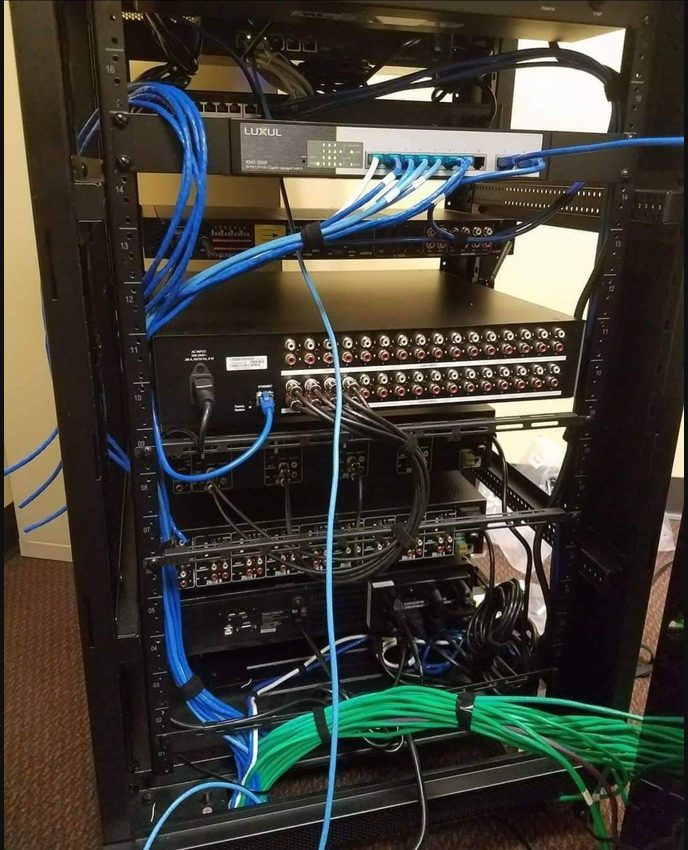
Traditional AV systems relied on hardware matrix switchers — expensive, fixed-architecture boxes that routed HDMI from a set of sources to a set of displays. The moment you needed another input or output, you needed a bigger matrix or an expansion chassis. AV over IP replaces that entire paradigm by treating video as just another kind of network traffic. Sources are encoded at the edge, streamed across a standard Ethernet network, and decoded at the destination. Add a source? Plug in another encoder. Add a display? Plug in another decoder. The network handles the routing.
The platform we deploy most often is Crestron NVX, which uses JPEG2000 encoding to deliver visually lossless 4K video with sub-frame latency over a standard 1GbE network. NVX supports point-to-multipoint routing, seamless switching, multiviewer layouts and native Crestron control integration. For projects where NVX isn't the right fit — budget constraints, mixed-vendor environments or specific feature requirements — we also work with SDVoE-based platforms from AVPro, ZeeVee and other manufacturers, all of which share the same underlying principle: video becomes a network stream rather than a dedicated circuit.
The question we hear most often is "Do I need AV over IP, or is HDBaseT enough?" The answer depends on your signal distribution topology. HDBaseT runs over a single Cat6 cable and works beautifully for point-to-point runs — one source to one display, up to about 100 meters. It's simple, affordable and proven. But the moment you need to route one source to multiple displays, or any-to-any switching between several sources and several displays, HDBaseT requires a physical matrix switcher. AV over IP handles that routing in software, with unlimited source and display counts limited only by network capacity. For new builds with more than four or five sources or displays, AV over IP is almost always the better architecture.
Bandwidth is the key constraint. A single Crestron NVX stream uses roughly 350–850 Mbps depending on resolution and content. On a 1GbE link, you can comfortably carry a single 4K stream plus overhead on each encoder or decoder port. For multi-stream aggregation — a core switch carrying many AV-over-IP flows simultaneously — 10GbE uplinks are essential. We design every AV-over-IP network with headroom: 1GbE to the edge for single-stream endpoints, 10GbE between distribution switches for aggregation, and careful multicast filtering so that each port only receives the streams it actually needs.
DANTE AUDIO NETWORKING
Multichannel Audio Over Standard Ethernet
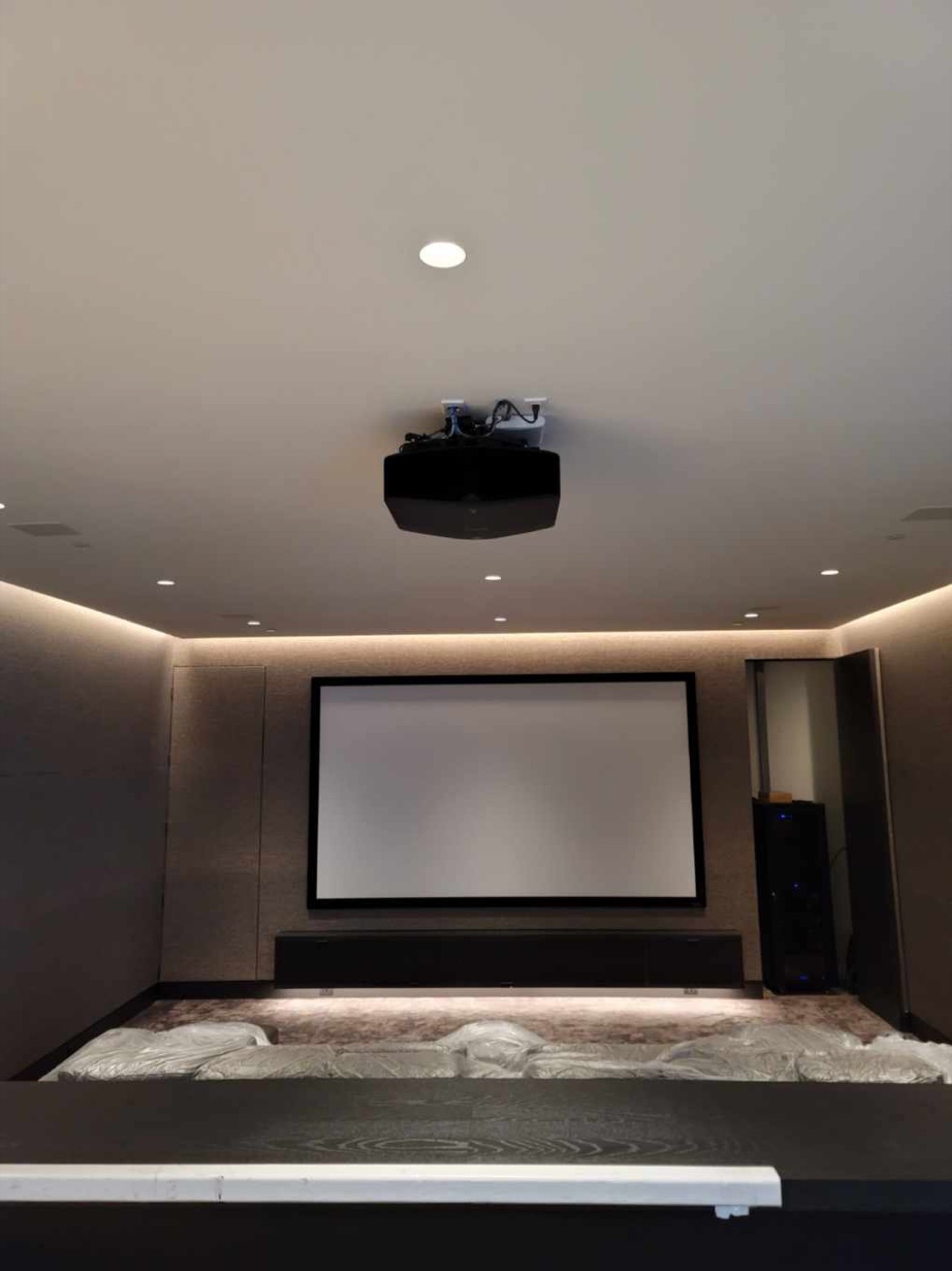
Dante by Audinate is the industry standard for networked audio transport. It carries hundreds of channels of uncompressed, low-latency audio over a standard Ethernet network — no matrix routers, no snake systems, no home-run analog cabling to every destination. Dante is used in recording studios, live venues, corporate environments and high-end residential systems wherever multichannel audio needs to move between locations cleanly and reliably.
In a residential context, Dante lets us distribute audio from a central equipment rack to zone amplifiers, in-ceiling speakers with networked DSP, outdoor zones in a separate building and even independent rooms — all over a single Cat6 cable per device. In commercial settings, Dante connects microphone mixers, wireless mic receivers, DSPs, amplifiers and ceiling speakers into a single manageable network with per-device monitoring and routing through Dante Controller software.
When comparing Dante to alternatives, the key question is scale and flexibility versus simplicity. Analog audio is bulletproof — wire it, it works — but it requires a dedicated cable run for every channel and offers no remote monitoring or routing. Dante gives you up to 64×64 channels on a single Cat6 cable at 48kHz/24-bit, with automatic clocking, per-device naming and the ability to re-route signal flows without touching a cable. For any system with more than eight to twelve audio channels that need to travel between locations, Dante is almost always the right choice. Below that threshold, a traditional analog or Cat5 balanced audio snake may be more cost-effective.
Dante and AES67 interoperability depends on support in the actual devices and their stream, clock and network configuration. AES67 is an IP-audio interoperability standard, not a universal bridge to AVB. AVB/TSN uses a different networking approach and requires compatible infrastructure. Assess the installed protocols before specifying a replacement switch or integration. See Dante's explanation of AES67 and AVB.
Proper Dante deployment requires attention to clocking — one device must be designated the Dante clock master — and multicast management. Dante uses multicast for clock distribution and certain audio flows, which means the network must be configured for proper IGMP snooping and querier settings, or multicast traffic will flood every port and degrade network performance. We configure every Dante network with correct QoS tagging (DSCP EF 46 for audio), proper IGMP snooping and a defined clock master hierarchy.
NETWORK INFRASTRUCTURE
The Switches, VLANs and Protocols That Make AV Work
An AV over IP system is only as reliable as the network underneath it. A consumer-grade router and unmanaged switches will deliver a system that mostly works — until someone joins a video call, downloads a large file or backs up a phone, at which point the AV traffic competes with everything else for bandwidth and the video stutters. Enterprise-grade managed switches with proper QoS, VLAN segmentation and multicast filtering are what separate a system that just works from one that intermittently doesn't.
VLAN segmentation is the foundation. We separate AV traffic, IoT devices, guest Wi-Fi, security systems and general data onto their own virtual networks. This isn't just about security — it's about performance isolation. When a compromised IoT device floods the network, your AV traffic stays clean because it lives on a separate VLAN. When a guest streams Netflix on the guest network, it can't saturate the uplink and cause your Dante audio to drop. Each VLAN has its own subnet, its own QoS rules and its own access controls.
QoS (Quality of Service) is the mechanism that tells switches "this traffic is real-time and time-sensitive; prioritize it over everything else." Dante audio uses DSCP EF (Expedited Forwarding, value 46) by default. AV over IP video typically uses DSCP CS4 or AF4x. We configure QoS trust boundaries on every switch port where AV devices connect, and we verify that the DSCP markings are preserved end-to-end through the network — not stripped by a misconfigured trunk or rewritten by an access switch.
Multicast management is where most DIY AV-over-IP installations fall apart. AV over IP encoders and Dante devices send their streams as multicast traffic, which means the network delivers copies of each stream to every port unless told otherwise. On a small network this is survivable; on a network with twenty or thirty endpoints, multicast flooding can consume the entire backplane. The fix is IGMP snooping — a feature on managed switches that listens to IGMP membership reports and only forwards multicast traffic to ports that have actually subscribed to it. We enable IGMP snooping on every VLAN carrying multicast AV traffic, configure a proper IGMP querier (one per VLAN, typically on the core switch or a dedicated multicast router), and verify that multicast flows are being filtered correctly with packet captures.
The switches we deploy and trust for AV infrastructure include Cisco Catalyst and Meraki managed switches for enterprise and large commercial installations; Netgear M-series (M4250 and M4500) for AV-over-IP systems — these switches are specifically designed with AV-optimized QoS presets and IGMP snooping profiles; Crestron switches for Crestron-native deployments with built-in NVX and Dante optimization; and Ubiquiti UniFi for residential and small-to-mid commercial where the management interface and value are priorities. The switch platform matters less than the configuration — what matters is that the switch supports IGMP snooping, per-port QoS, VLAN tagging and has enough backplane bandwidth for the traffic load.
HOUSTON APPLICATIONS
Where Networked AV Makes the Difference
In the Galleria and Uptown corridor, corporate boardrooms and executive conference suites increasingly run entirely on AV over IP. A typical Galleria boardroom has a Crestron NVX encoder for each input — a laptop dock at the table, a wireless presentation device, a Blu-ray player for off-site training content — with decoders feeding the wall-mounted displays and the projection system. Dante carries microphone audio from the table to the DSP and ceiling speakers. The entire room runs on a single managed switch in the equipment closet, with a 10GbE uplink to the building's core for overflow traffic. No matrix switcher, no dedicated cable runs, and the ability to add another source or display by dropping in another NVX device.
In the Energy Corridor and along I-10 West, training rooms and collaboration spaces benefit from the flexibility of networked AV. A large training room might need to display content from a presenter's laptop, a video conference system and a local PC simultaneously — with the ability to route any source to any of four ceiling-mounted displays or a rear-projection screen. AV over IP makes that routing trivial and lets the training room be reconfigured without pulling new cables. Dante handles the audio for the room's microphone array and ceiling speakers, with remote-controlled mixing and echo cancellation handled by a networked DSP.
In the Texas Medical Center, conference facilities and simulation training rooms require AV distribution that can handle medical imaging content at full resolution alongside standard video conferencing. We design these networks with end-to-end QoS, redundant uplinks and the ability to route high-bandwidth medical imaging streams without impacting the building's data or voice traffic. Multicast filtering is critical — these are large facilities where a multicast flood can affect hundreds of users.
In Memorial, River Oaks and the upscale residential neighborhoods of west Houston, distributed AV and whole-home audio are standard in new builds and major renovations. A Memorial estate with a dedicated home theater, outdoor living areas and multi-zone audio might have eight or more Dante audio zones, a Crestron NVX video distribution system feeding displays in the family room, master suite, game room and outdoor kitchen, and a dedicated AV VLAN with its own managed switch and fiber or 10GbE uplinks to the main network. The networking is invisible to the homeowner — it just works — but it's the infrastructure that makes seamless whole-home AV possible.
DESIGN + DEPLOYMENT
How We Build an AV Network
For an existing AV network, inspect the installed cable, connectors, termination quality, length and negotiated link speed. A printed cable category or a link light is not a performance test; Cat5e is not automatically a gigabit bottleneck. Agree the required continuity, qualification or certification testing and documentation for the actual link rather than promising a particular tester or universal certification on every run.
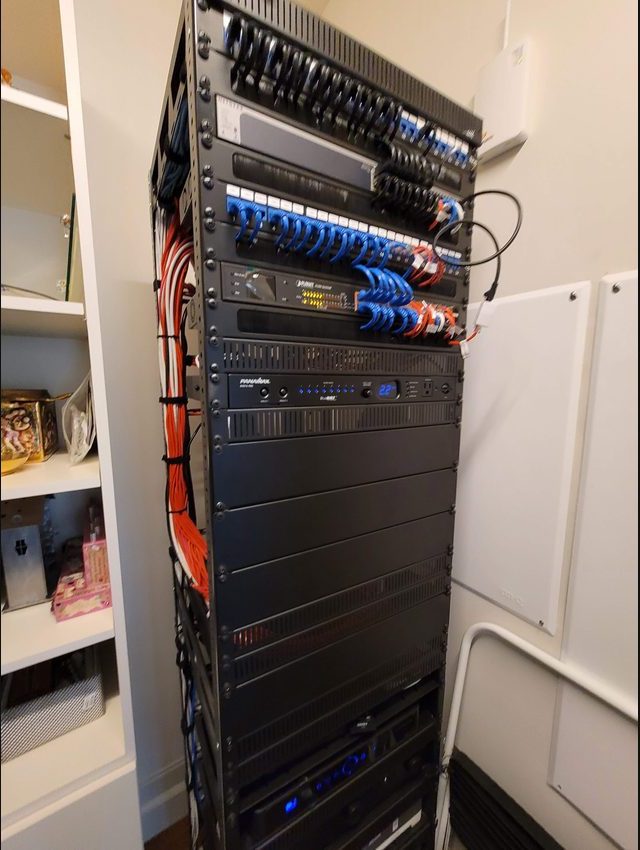
The network design phase produces a documented architecture: VLAN assignments, IP addressing scheme, QoS mappings, IGMP querier placement, switch configurations and port assignments. We specify the exact switch models, port counts and uplink speeds. For AV over IP, we calculate bandwidth budgets — how many streams per link, how much overhead, where the 10GbE uplinks need to go. For Dante, we map audio flows, designate clock masters and verify that the channel count fits within the network's multicast capacity.
For an existing AV network, inspect the installed cable, connectors, termination quality, length and negotiated link speed. A printed cable category or a link light is not a performance test; Cat5e is not automatically a gigabit bottleneck. Agree the required continuity, qualification or certification testing and documentation for the actual link rather than promising a particular tester or universal certification on every run.
The documentation package we deliver includes the network topology diagram, VLAN and IP assignment table, switch configuration files (backed up), port-to-device mapping, cable test reports and a QoS configuration summary. This documentation is what makes future service, expansion and troubleshooting efficient — whether it's us returning in a year or an internal IT team taking over day-to-day management. We've seen too many AV networks where the original installer left nothing and the system became unmaintainable the moment they walked out the door. That's not how we work.
SERVICE + TROUBLESHOOTING
Fixing Existing AV Networks
A significant portion of our networked AV work isn't new installations — it's troubleshooting and repairing existing systems that were installed by others. The most common issues we see are AV over IP systems with intermittent video dropouts, Dante audio with clicks and pops, control systems that lag, and Wi-Fi that drops connections when too many devices are active. In almost every case, the root cause is network misconfiguration rather than a defective AV device.
The typical diagnostic process starts with capturing network traffic on the affected VLAN. We look for multicast flooding (IGMP snooping misconfigured or disabled), QoS markings being stripped (DSCP values arriving as 0 at the receiving port), buffer overruns on switch ports (bandwidth exhaustion or misconfigured flow control), and clocking issues on Dante networks (multiple devices contending for clock master or a missing clock master entirely). Wi-Fi issues are usually channel congestion or interference from neighboring networks — we conduct a spectrum survey and reconfigure channel plans and access point placement.
Once the root cause is identified, the fix might be as simple as enabling IGMP snooping on a VLAN, or as complex as re-architecting the network's QoS trust chain and re-cabling problematic runs. We document every change and provide a before-and-after summary so the client understands what was wrong and what we corrected. For ongoing support, we offer remote monitoring and management on our deployed networks — we can see switch health, device status and traffic patterns and often resolve issues before the client notices them.
Frequently Asked Questions
Can you set up my home Wi-Fi network?
Yes. We handle complete home Wi-Fi setup — from wifi installation and mesh wifi configuration to eliminating dead spots and improving coverage across your entire house. Whether you need a simple wifi setup for a small home or mesh wifi installation for a large property, we select the right equipment (Eero, Orbi, Deco, UniFi, Araknis, Luxul) and configure it for maximum coverage and reliability.
What is mesh Wi-Fi and do I need it?
Mesh Wi-Fi uses multiple access points placed throughout your home to create a single, seamless Wi-Fi network — unlike a traditional router, which has limited range. If you have dead spots, a multi-story home, thick walls, or a large property, mesh wifi can dramatically improve coverage. We handle mesh wifi installation with systems from Eero, Netgear Orbi, TP-Link Deco, UniFi and others, and for the largest homes we combine mesh with hardwired access points for maximum performance.
Do you install home network wiring?
Yes. We install home network wiring and structured wiring — Cat6 and Cat6A cabling run through walls to access points, networked AV equipment, security cameras and smart-home panels. Proper home network wiring gives your bandwidth-hungry devices dedicated connections instead of competing for Wi-Fi airtime. We run and certify cabling during new construction, remodels and retrofits, with every cable labeled, tested and documented.
Can you fix my Wi-Fi?
Yes. We diagnose Wi-Fi issues — dead spots, interference, channel congestion, insufficient access point coverage — and design solutions with proper access point placement, channel planning and mesh or roaming configuration.
Do you install enterprise networks for businesses?
Yes. We design and install enterprise-grade networks for offices, restaurants, houses of worship and retail spaces — with managed switches, VLAN segmentation, guest networks and remote management.
What's the difference between AV over IP and HDBaseT?
HDBaseT is a point-to-point technology — one source to one display over a single Cat6 cable, up to about 100 meters. AV over IP treats video as network traffic, letting you route any source to any display across a managed network with unlimited endpoints. HDBaseT is simpler and cheaper for single-run applications; AV over IP is the right architecture for multi-source, multi-display systems.
Do I need 10GbE switches for AV over IP?
For edge connections — a single encoder or decoder — 1GbE is sufficient for a single 4K stream. For aggregation switches carrying multiple AV-over-IP flows simultaneously, 10GbE uplinks are essential. We size the network based on your actual stream count and bandwidth budget.
Can you troubleshoot a Dante audio system another company installed?
Yes. Dante issues are almost always network configuration problems — missing or misconfigured IGMP snooping, QoS not applied, or clock master conflicts. We diagnose with packet captures and Dante Controller, identify the root cause and document the fix.
Do you service existing AV networks, or only systems you installed?
We service both. A large part of our work is troubleshooting and repairing networked AV systems installed by others. We start with a network assessment, identify the issues, and provide documented fixes — whether it's IGMP snooping, QoS reconfiguration, cable certification or full re-architecture.
Experience across the system—not just one box
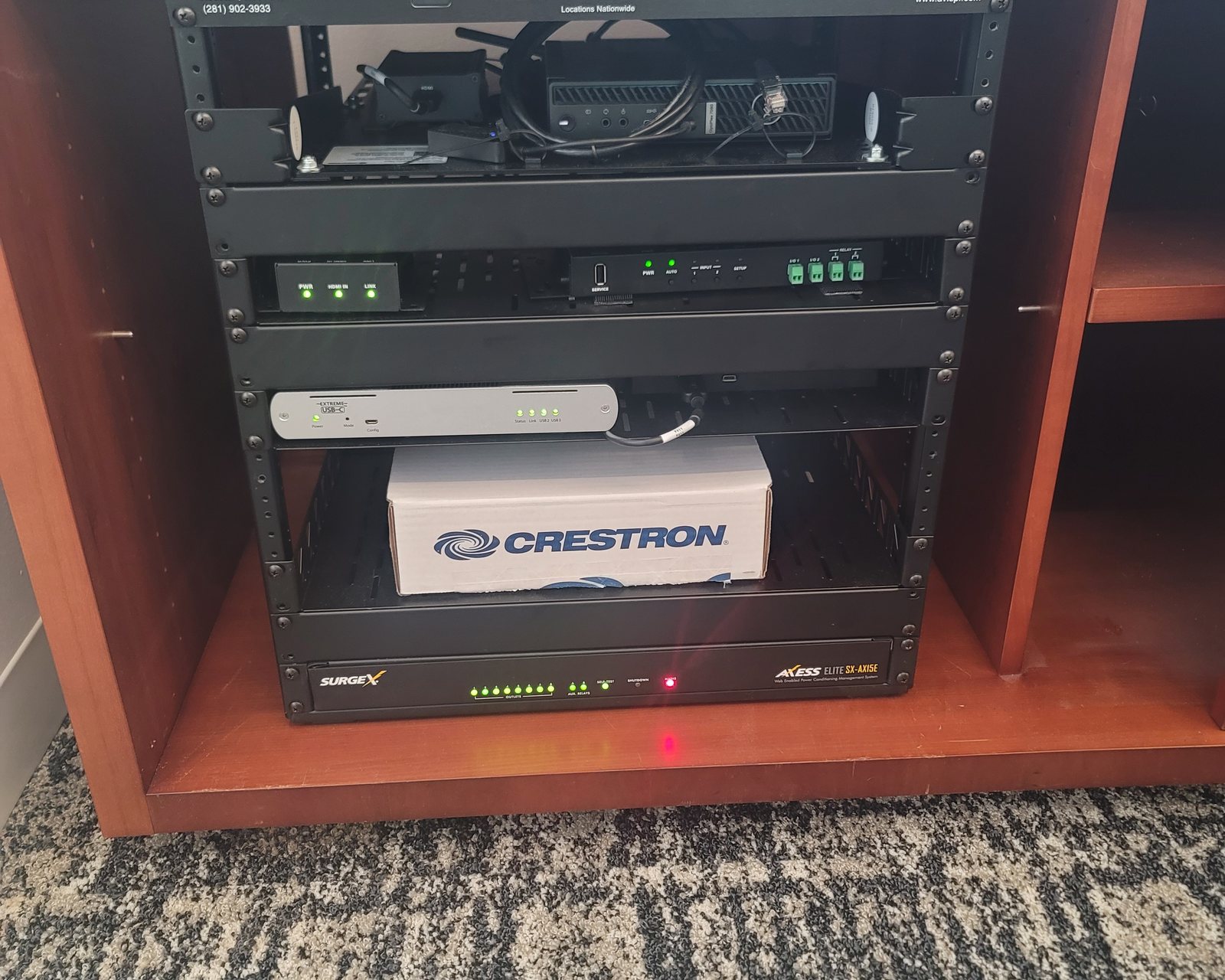
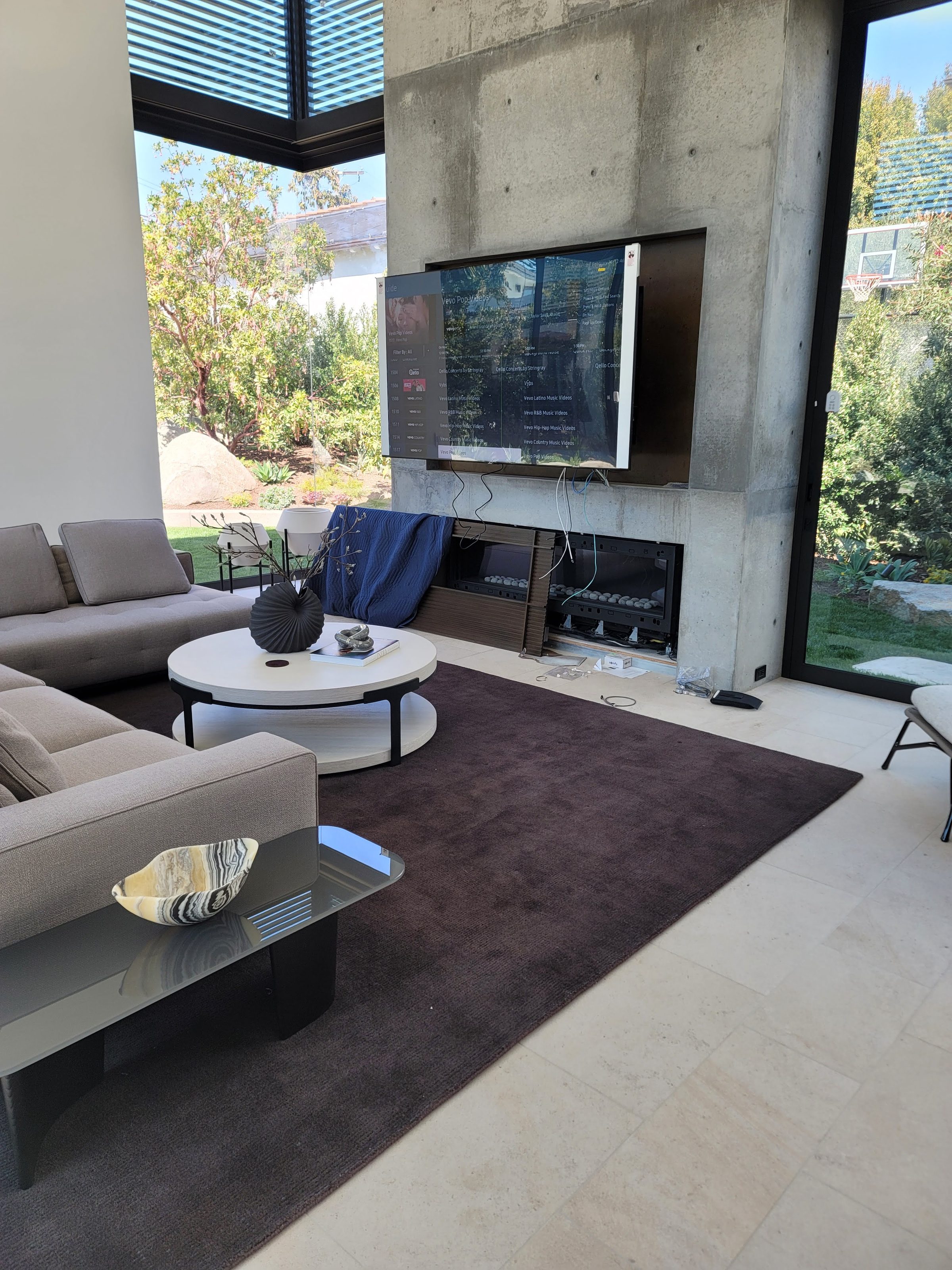
Chris Cox brings over 25 years of professional AV engineering, programming, integration and troubleshooting experience across multiple platforms. We look at how the equipment, control and network work together, then discuss the service scope, access requirements and charges before work begins.
AV repair and system takeovers · Control4 service · Savant service · Crestron service · Lutron service
Ready to start?
Tell us what you want the room to do. We'll handle the rest.