OBSIDIAN AUDIO VIDEO · EXISTING-SYSTEM SERVICE
Control4 Service & Repair in Houston — Programming, Troubleshooting & System Takeovers
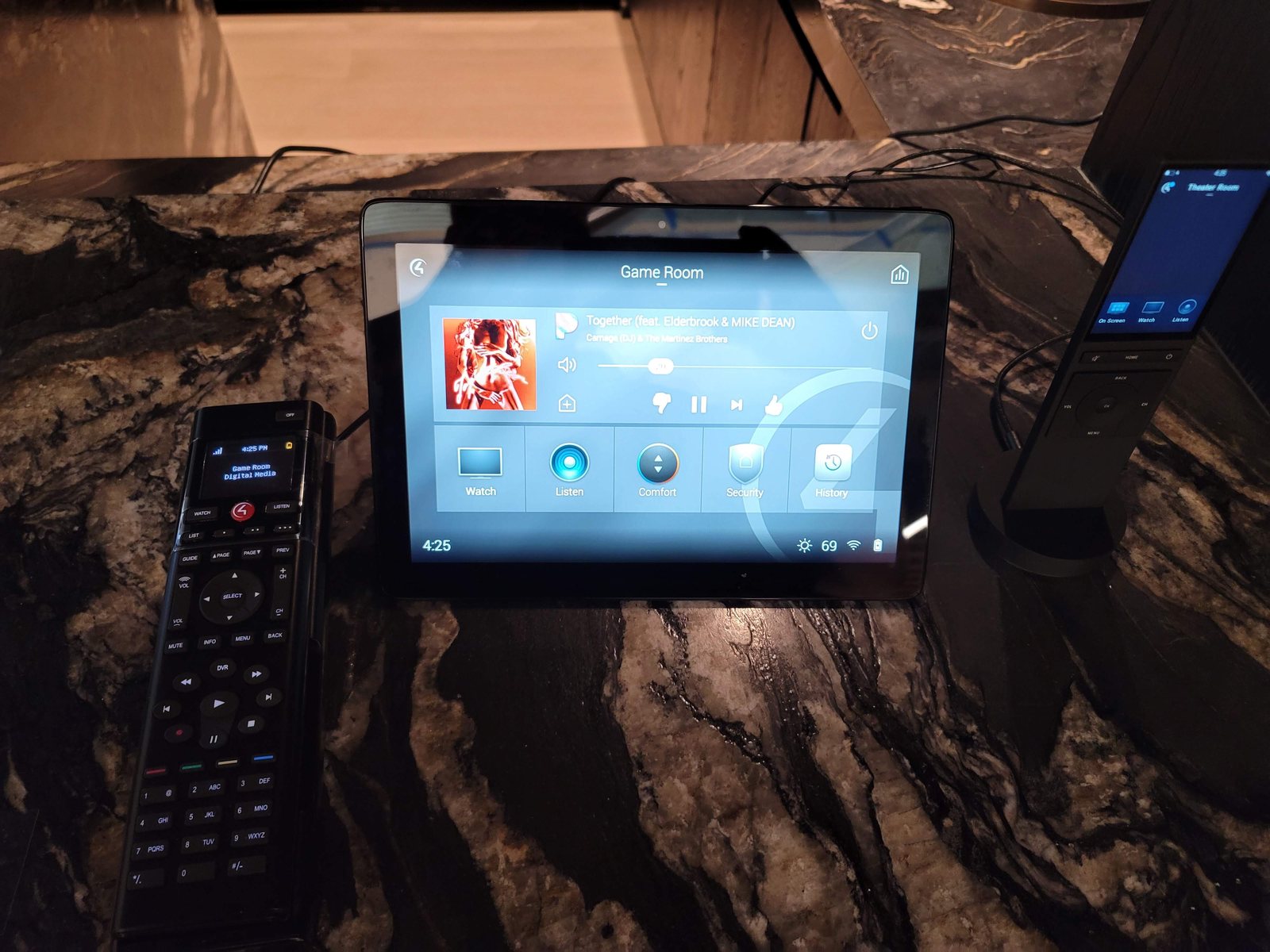
Remote not responding, app offline or rooms missing from a scene? Get help with an existing Control4 system, including one installed by another company. We assess the controller, network and affected devices before recommending changes.
Experienced assessment. Repair-first recommendations.
Control4 service benefits from an AV professional’s over 25 years of engineering, programming, integration and troubleshooting experience across platforms. That experience supports tracing the fault before recommending a controller change and explaining which equipment can remain.
Request a call back
Tell us what stopped working. We will call you.
Leave your name, number and a line about the problem. We call back to talk it through before anything is scheduled. If it is urgent, call 346-357-5323.
App offline after a router or Wi-Fi change
An internet connection can work while the controller and controlled devices can no longer reach each other. Assessment includes local connectivity, addressing and driver connections. Tell us whether the issue started after an ISP, router or access-point change and whether local remotes still work.
Remote, keypad or Zigbee device drops
First distinguish a single remote issue from a wider device communication fault. Battery condition, device identification, mesh connectivity and interference can all matter. Not every Control4 remote uses the same communication method; the model determines the checks, rather than assuming every remote is Zigbee.
Audio zones or scenes behave incorrectly
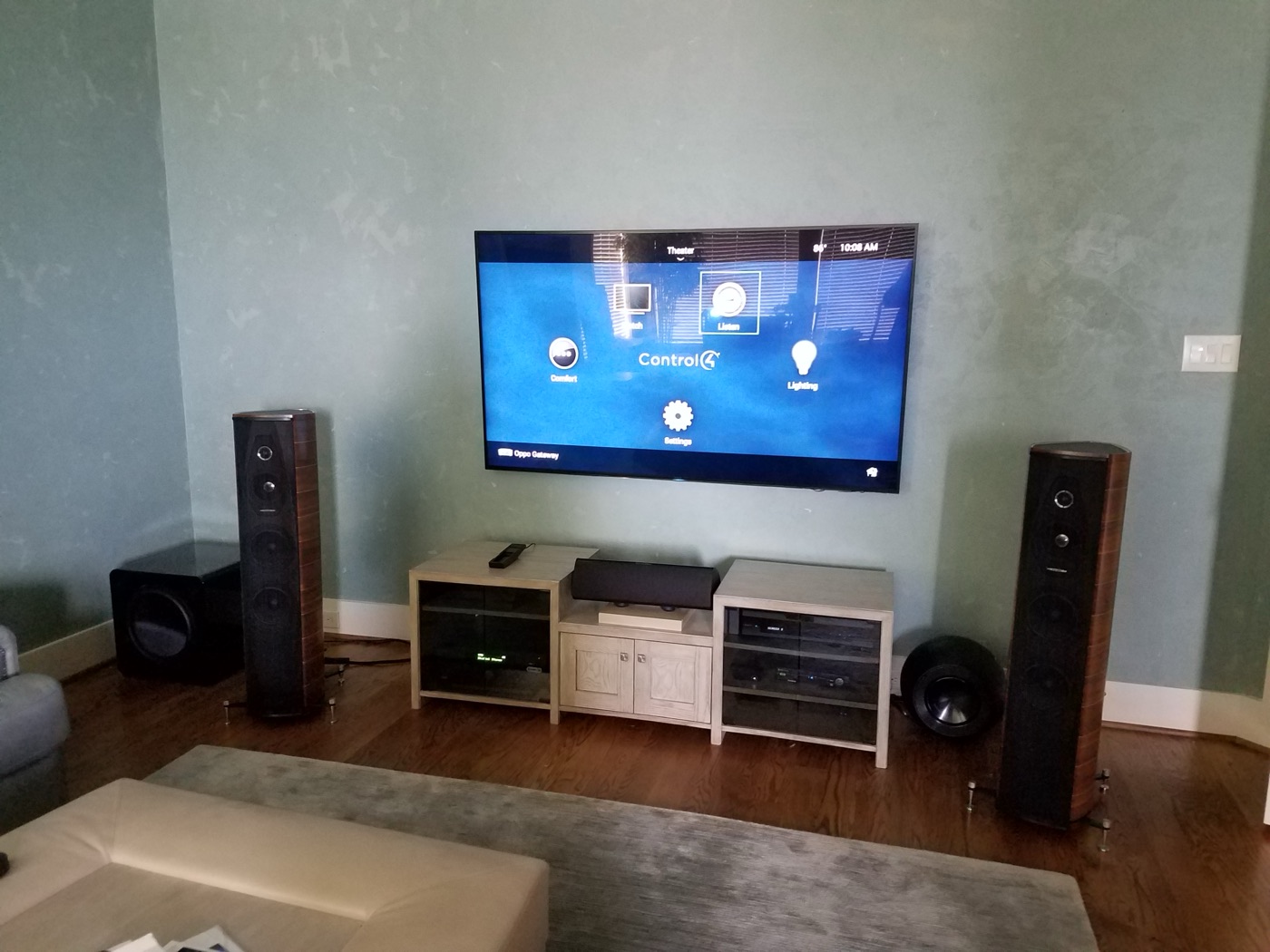
A silent room can involve source selection, matrix routing, amplifier output, a connection or programming. A scene that partly runs may have an unavailable device or a changed driver. List which room, source and control method reproduce the fault so testing can follow the signal path.
Control4 programming and takeover work
- Authorized access. Confirm the customer’s ownership and authorization, the account relationship, and legitimate Composer Pro and project access before changes.
- Project backup. Save the existing project and note controller, OS, driver and license details before any change.
- Audit. Test rooms, scenes, remotes, keypads and integrations against what the household actually uses.
- Scoped changes. Agree repairs, driver updates, re-programming or controller changes separately, with known limitations.
- Handover. Test the agreed functions with the household and record what remains unresolved.
Takeovers, project access and upgrades
Programming work depends on authorized Composer Pro access and an accessible project. We assess the existing controller, software version, drivers and integrations before proposing an update or controller migration. Backups are important, but they do not guarantee every upgrade can be reversed. Confirm compatibility and a recovery plan rather than treating an OS or controller change as an automatic repair.
Plan access and an interruption window
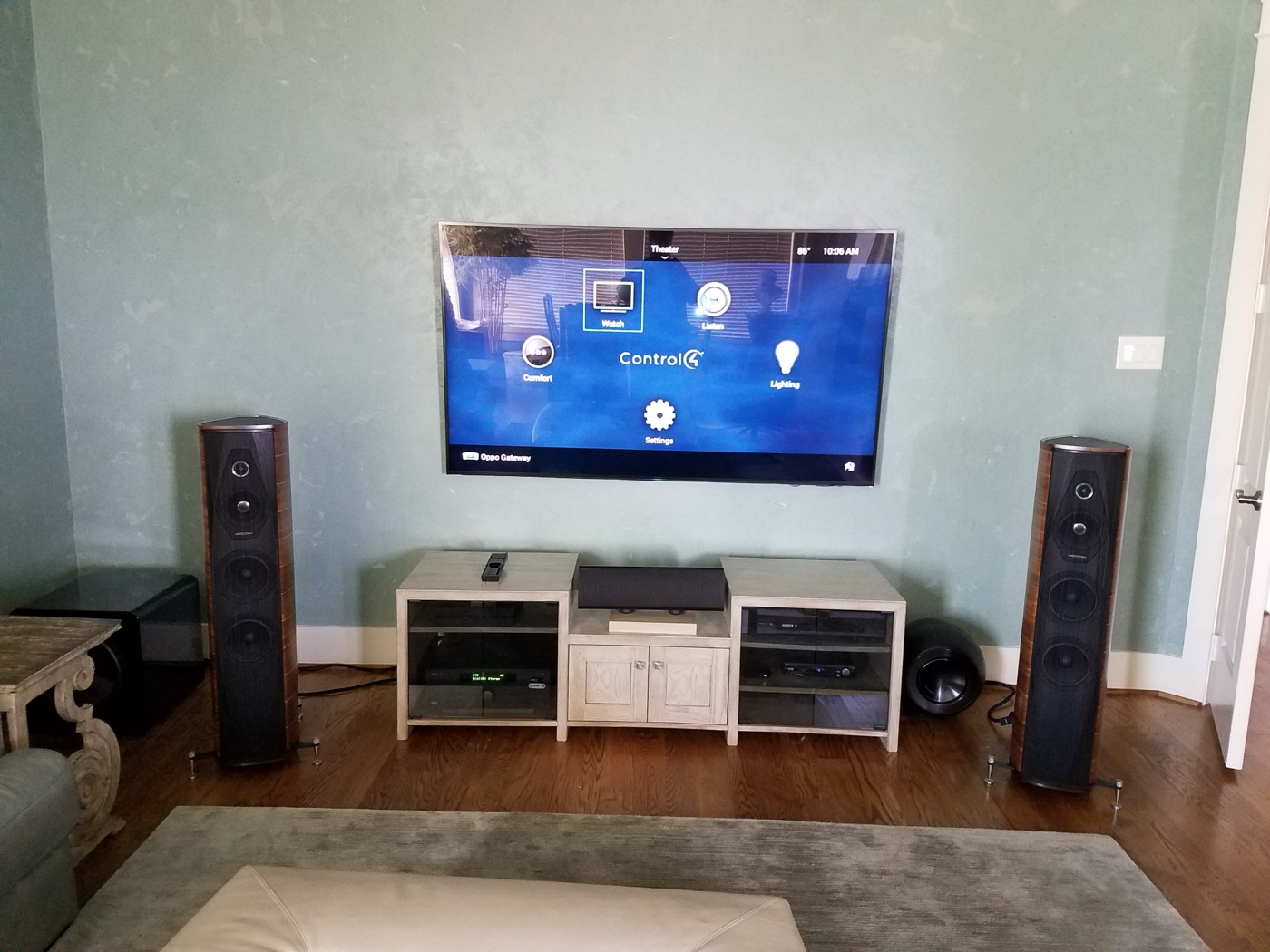
Control4 testing may mean rebooting the controller, re-identifying devices or reloading drivers, which can briefly take lights, audio and remotes offline. Agree which rooms can be interrupted, and who can authorize changes to the dealer account and project.
LEGACY CONTROL4 · COMPATIBILITY BEFORE MIGRATION
HC-800, HC-250 and CORE controller migration: assess the actual versions
An older Control4 system needs a version-specific plan, not an automatic controller swap. Control4 supported the HC-800 in early OS 3 releases, with limitations; OS 3.3.0 is its last supported version. It cannot run OS 3.3.1. Replacing that controller and converting its project are different tasks.
Start with the existing OS, an accessible project backup and a complete equipment list. The original OS 3 release required OS 2.9.0 or later, so an OS 2.7 installation needs supported preparation before that step. Later releases have their own prerequisites. Review the target controller, remotes, touchscreens, drivers, licenses and integrations against the intended release before agreeing which equipment can stay.
For the original OS 3 upgrade, Control4 lists HC-250 controllers in the project as blocking items. A device discovered on the network is not the same as one enrolled in the project. Identify the actual project entries and the Upgrade Advisor findings; do not assume an HC-250 simply appearing on the LAN proves why an update failed.
Project conversion, controller replacement and device imaging are not interchangeable. Use Composer and, where applicable, Device Image Updater only within the manufacturer-supported process for the actual hardware and versions. Imaging requirements vary by release; there is no universal instruction to image an HC-800 before every CORE migration.
After planned changes, verify the controller’s actual running software version after reboot and test the agreed room functions, including Zigbee communication where used. An interface label or a reported update completion alone does not establish that the system is working.
Manufacturer references: original OS 3 compatibility notes and OS 3.3.1 HC-800 limit. The supported route must be checked for the actual destination release.
Control4 service questions
Can a Control4 backup always reverse an upgrade?
No. The controller, software versions, drivers and available project access determine supported options. Review compatibility and a recovery plan before changes; a backup alone does not guarantee a downgrade or complete restoration.
Can you take over Control4 from another dealer?
Yes. We assess systems installed by others. Customer authorization, account permissions, legitimate Composer Pro access and available project data determine the programming options; we review the actual controller, drivers and licenses before proposing changes.
Should I factory-reset a Control4 controller that stopped responding?
No. A reset can remove the local project. Note the status lights and what still works, and leave the controller powered unless it is visibly damaged.
Can you reprogram Control4 that another dealer set up?
Programming may be possible after customer authorization and confirmation of legitimate Composer Pro access, an accessible project, compatible hardware and driver licensing. We establish those requirements before agreeing to edit another installer’s work.
Why did my Control4 system stop working after a new router?
Devices may have new addresses or lost connections to the controller. Keep the old router and record the change; addressing and driver connections are checked before hardware.
Control4 service work by Obsidian AV
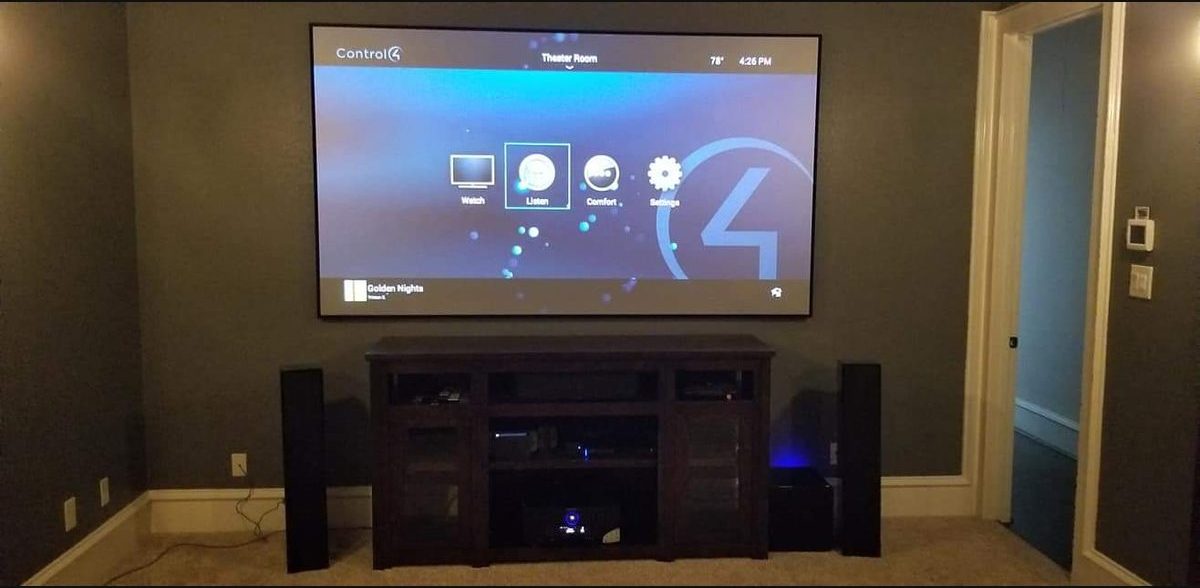
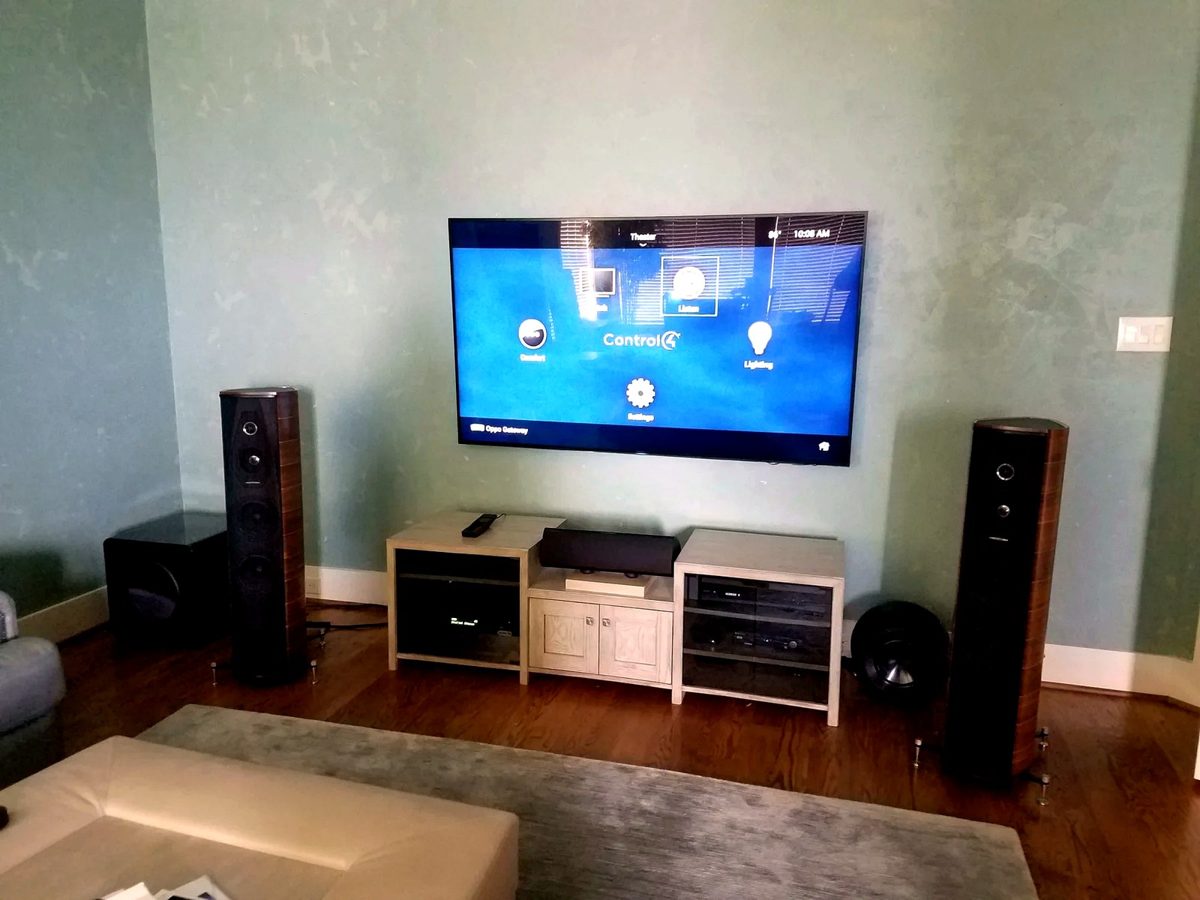
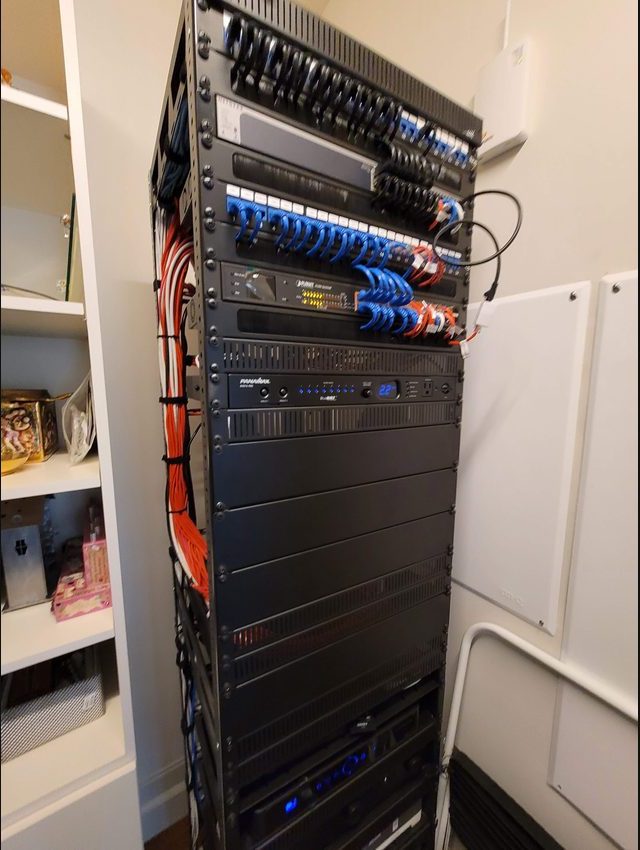
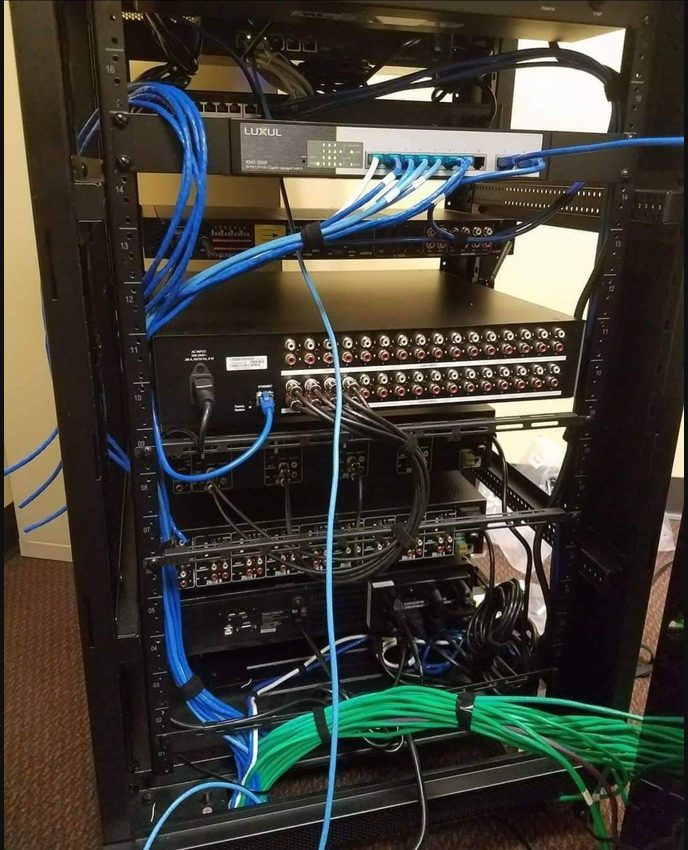
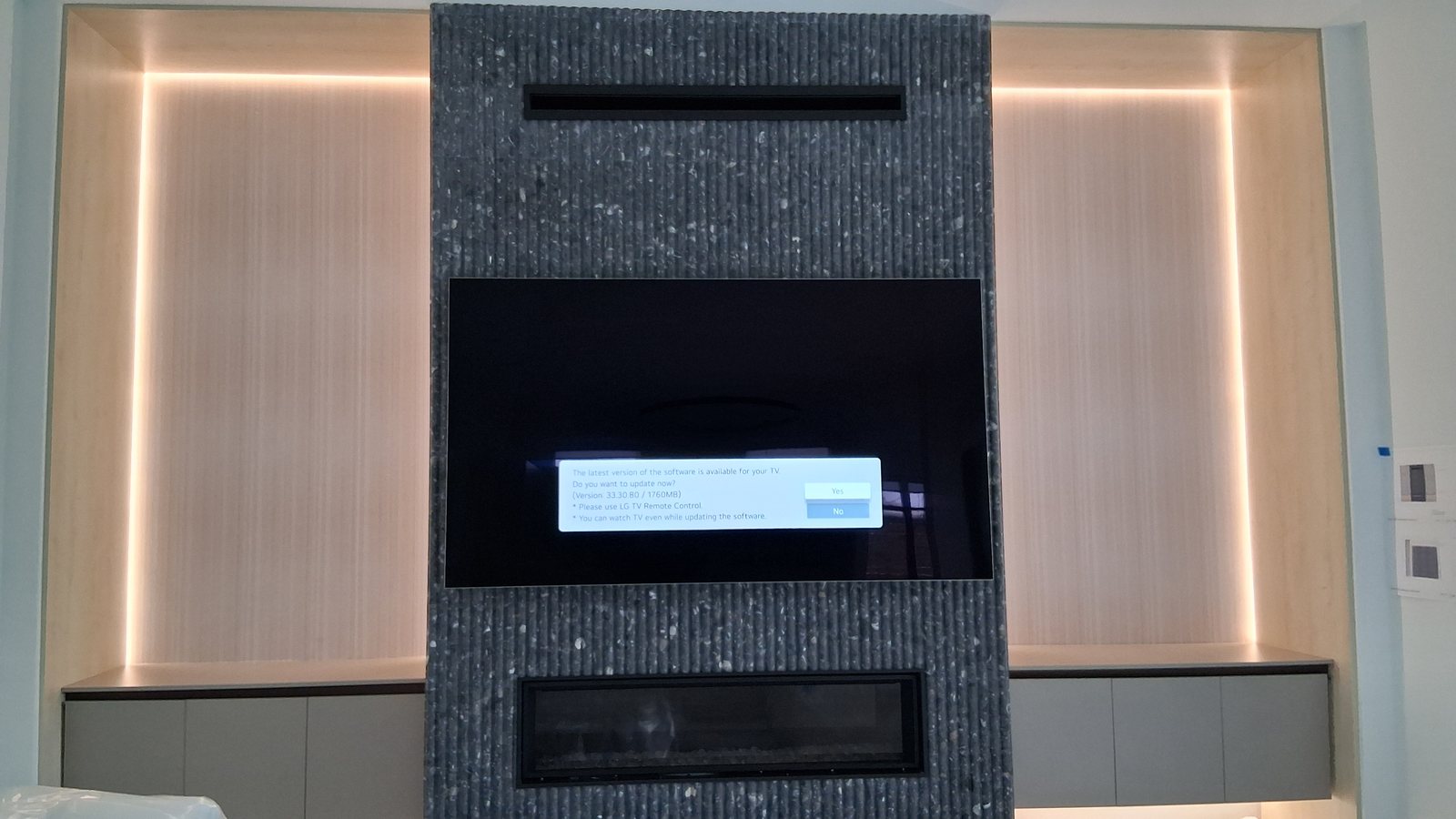
Photos from Obsidian AV service and installation work in the Houston area.
Control4 neighborhood service guides
Choose your location for a focused service brief and the details to gather before a visit. These are service areas, not branch offices.
Other systems and support
Additional Control4 service areas
Confirm service availability for the full address when arranging an assessment.