OBSIDIAN AUDIO VIDEO · EXISTING-SYSTEM SERVICE
Savant Service, Repair & Programming in Houston
Savant app disconnected, host offline, silent audio zones or lighting and shades no longer following a scene? Get help with the system already in your home—even if the original installer is unavailable. Obsidian AV assesses connectivity, routing and configuration before recommending host or equipment replacement.
Experienced assessment. Repair-first recommendations.
Your Savant assessment draws on over 25 years of professional AV engineering, programming, integration and troubleshooting experience across platforms. The aim is to understand the installed system and restore the agreed functions where access, compatibility and equipment condition allow.
Request a call back
Tell us what stopped working. We will call you.
Leave your name, number and a line about the problem. We call back to talk it through before anything is scheduled. If it is urgent, call 346-357-5323.
NEW HOMEOWNER · EXISTING SAVANT SYSTEM
Bought a home with Savant already installed?
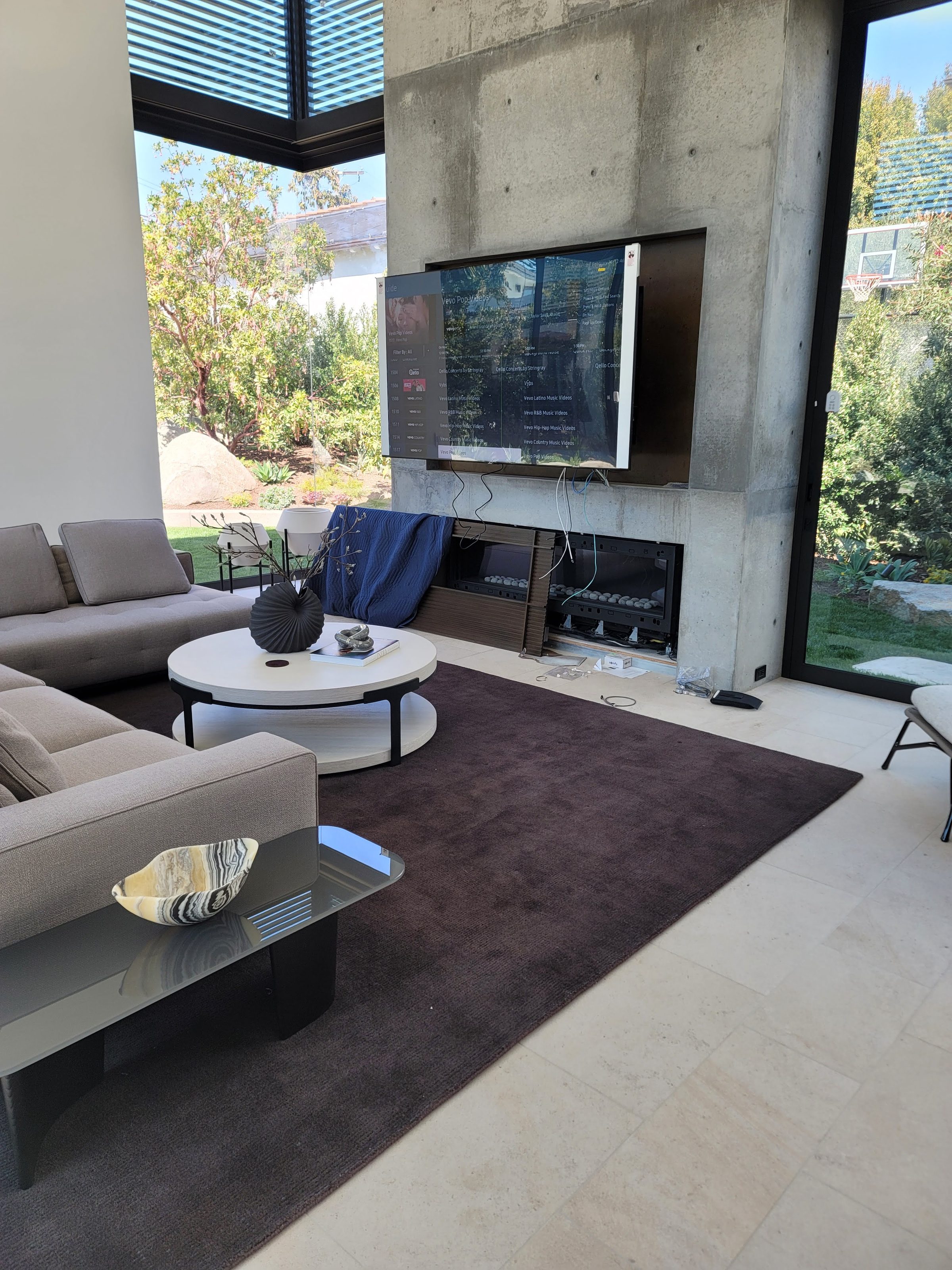
You bought the house, not necessarily a new automation project. Start by finding out what the existing system can still do. A missing handover, unfamiliar remote or change of television is a reason to assess the installation—not proof that everything needs replacing.
Savant installer unavailable?
Obsidian AV accepts Houston service and takeover inquiries for systems installed by other companies. Before booking, describe the rooms and functions you need, what still works and any recent equipment or network changes. Confirm the diagnostic charge, access arrangements and scope of the initial visit.
- Before closing or handover: ask for a room-by-room demonstration, a list of equipment that stays and the previous installer's contact details.
- Collect available records: equipment lists, invoices, configuration backups and service history. Do not assume that a working homeowner app provides access to the editable system configuration.
- Arrange secure ownership: establish the new owner's authorized account access and remove the seller's access through the appropriate provider or integrator. Confirm which subscriptions and licenses can transfer.
- Document before changing: photograph accessible equipment labels and note working functions. Coordinate router or Wi-Fi changes and avoid factory resets that could remove useful configuration.
- Request a diagnosis and options: distinguish connection or programming work from failed hardware, unsupported equipment and functions the existing system cannot provide.
New television, cable box or streaming source?
Replacing a TV or cable box does not automatically mean replacing Savant. The change may involve connections, a compatible device profile, input selection or configuration work. The host model, software generation, device compatibility and authorized project access determine whether the change can be made within the existing system.
Compare repair, selective upgrades and replacement
Ask what can remain, what cannot and why. Separate the immediate fault from optional additions. Failed or unsupported hardware, missing configuration or a new requirement may justify replacement; a diagnosis should explain that limitation rather than assume it. Agree on the functions to test and the documentation and support arrangements before work begins.
For a platform-independent handover checklist, read our guide to an inherited smart-home system. For a new installation rather than service, see Houston smart-home installation planning.
Savant app cannot reach the home
Determine whether all phones and interfaces are affected or only one. Assessment can include host power and reachability, the local network, app access and the effect of a recent router or Wi-Fi change. Discovery and network segmentation may matter, but app disconnection alone does not prove a failed host.
A room is silent or audio grouping is wrong
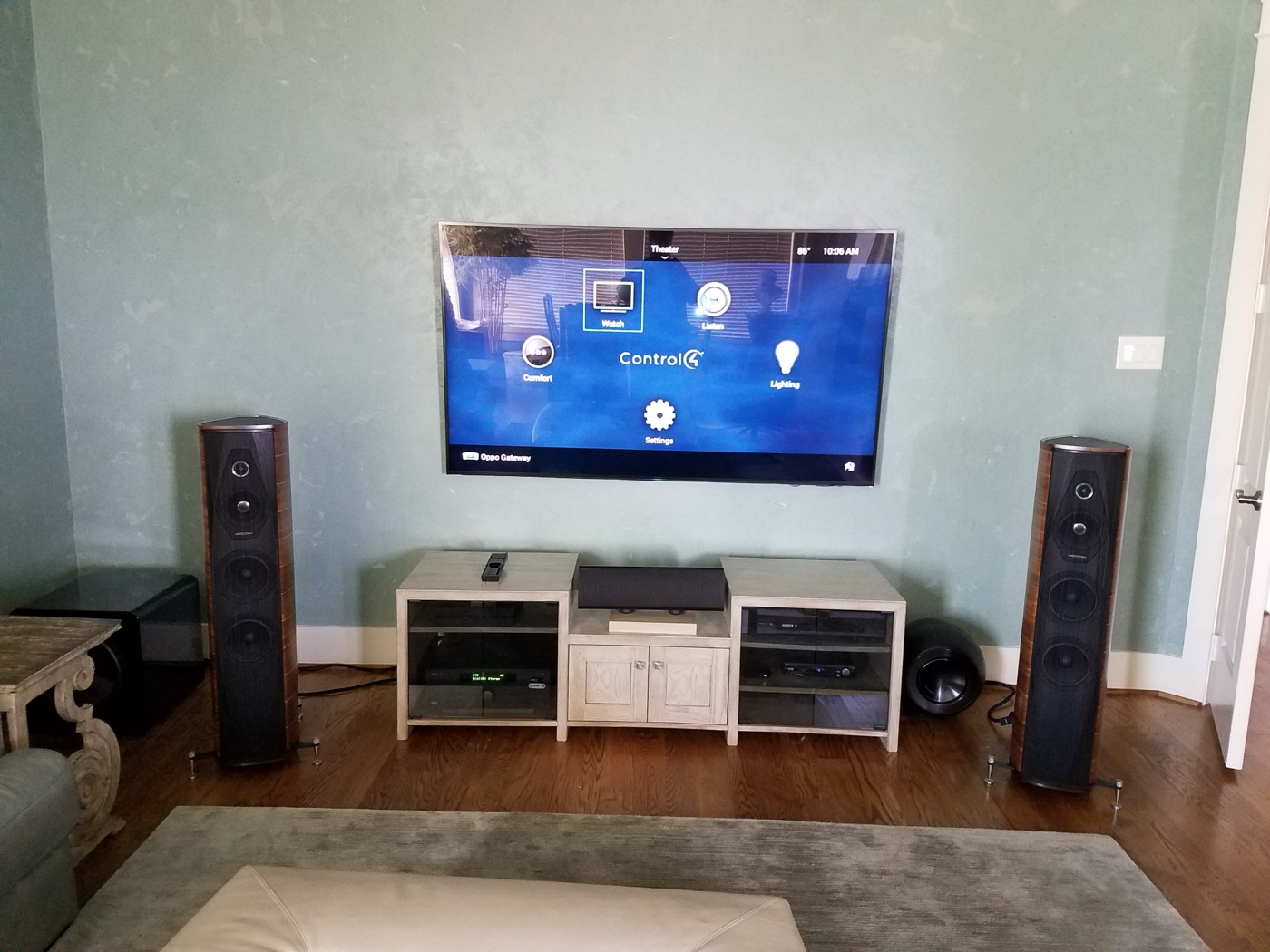
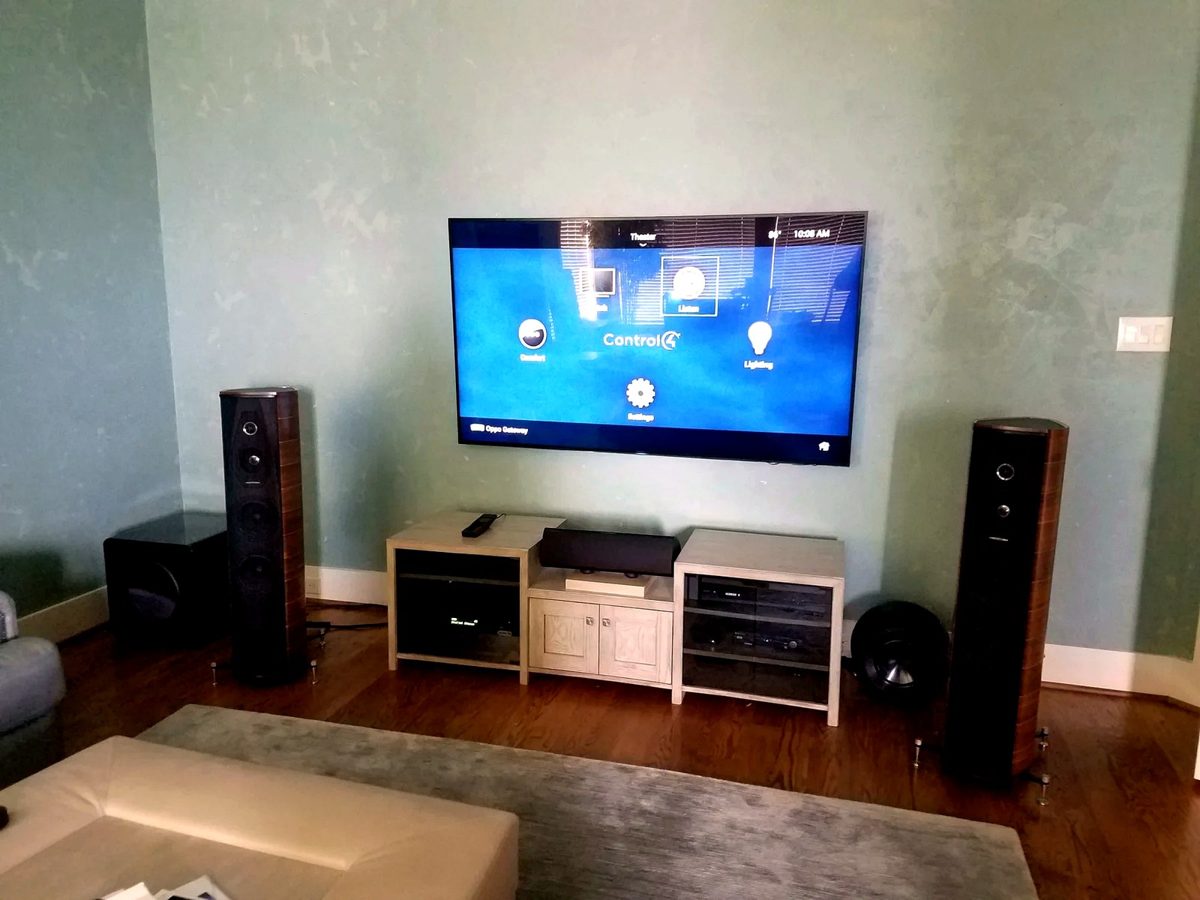
Compare the affected source with another source and the room with another zone. Check routing, volume and mute state, amplification and physical connections as appropriate. This separates a source or room issue from a host-wide problem without assuming a new host will restore sound.
Scenes, lighting and shades do not match
Record which scene and which device fail, and whether the device works independently. Scene programming, a third-party lighting or shade integration and device connectivity are separate things to check. TrueImage is a visual control interface, not a substitute for diagnosing the underlying lighting system.
Savant diagnostics and programming: what we assess
- App and host connectivity, authorized account access and network changes.
- Audio matrix and source routing, silent zones and control of connected equipment.
- Lighting, shade and other integrations, separating scene behavior from device faults.
- Programming changes where the Blueprint project, authorized tools, licenses and compatible equipment are available.
How a Savant service visit proceeds
- Describe the fault. Which rooms, sources, scenes or interfaces fail, and since when.
- Confirm access. Identify the home owner account holder and whether the configuration is available from the previous integrator.
- Check the network and host. Test local reachability, remote access and the host’s status before any configuration change.
- Agree the work. Separate the immediate repair from optional host migration, with any compatibility limits stated.
- Test and hand over. Exercise the affected rooms and scenes with the household and note anything unresolved.
Host replacement and inherited systems
Before proposing host replacement, identify the hardware model, Blueprint project or available configuration, software/runtime generation, licenses and required integrations. These are separate dependencies: buying a host does not supply missing project files or establish license eligibility. Programming requires authorized tool and project access and compatible equipment. Recovery and reuse are assessed for the actual system; neither project recovery nor a host upgrade can be promised before that review.
Plan access and an interruption window
Savant testing may mean restarting the host or network equipment, which can briefly stop the app, audio and integrated lighting. Agree which rooms can be interrupted and who holds the Savant home owner account and any network administrator access.
Savant service questions
Why has the Savant app stopped connecting?
App access, the local network, host status and recent changes all need review. An offline message alone does not prove the host has failed. Note whether other phones, remotes and rooms still work.
Should I replace my router or factory-reset Savant?
Do not factory-reset the host or make an unplanned network replacement to try to clear the fault. Document what still works and arrange an assessment; network changes should be coordinated with the system configuration and authorized access.
Can an older Savant system always migrate to a new host?
No. Host model, software generation, available configuration and integration support must be checked for the actual installation. Some equipment or functions may require changes, and missing configuration can limit recovery.
Can you take over Savant from another installer?
Yes, takeover inquiries are accepted. The home owner account and available configuration determine how much can be edited; host model and software generation are checked before any change is proposed.
Should I restart the Savant host myself?
Avoid repeated power cycling or resets. Note which interfaces and rooms still work and when the fault started; a planned restart can be part of the visit.
Do you need the original Savant configuration file?
For configuration changes, access to the existing configuration is important. Hardware and network faults can be assessed without it; if it is unavailable, parts of the configuration may need rebuilding.
Savant neighborhood service guides
Choose your location for a focused service brief and the details to gather before a visit. These are service areas, not branch offices.
Other systems and support
Additional Savant service areas
Confirm service availability for the full address when arranging an assessment.