LUTRON SERVICE · HOUSTON · TEXAS
Lutron repair in Houston, including legacy HomeWorks.
Keypads not responding? Lights that will not turn on or dim properly? Shades or app controls that have stopped working? Start with a review of what is failing and the equipment already in your home—not an assumption that everything needs replacing.
Experienced assessment. Repair-first recommendations.
The service approach draws on over 25 years of personal professional AV engineering, programming, integration and troubleshooting experience across platforms. It starts with the actual equipment and symptoms, not a blanket recommendation to replace a legacy lighting system.
Request a call back
Tell us what stopped working. We will call you.
Leave your name, number and a line about the problem. We call back to talk it through before anything is scheduled. If it is urgent, call 346-357-5323.
Lighting, shade and integration diagnostics
A useful assessment separates the lighting load or module, keypad command, shade communication, processor and connection to another automation system. Flicker after a fixture change calls for checking the actual lamp, driver and dimming combination—not assuming a processor failure.
We identify whether the installation is legacy HomeWorks, HomeWorks QS or QSX, RadioRA 3, another RadioRA generation, Caséta or a separate shade system before confirming the service scope. Programming depends on authorized platform access, available project data and compatible devices. Processor troubleshooting does not imply component-level circuit-board repair.
Tell us what has stopped working.
You do not need to know the system model to make an inquiry. Tell us what happens when you press a button, which rooms are affected, and whether the problem is constant or intermittent.
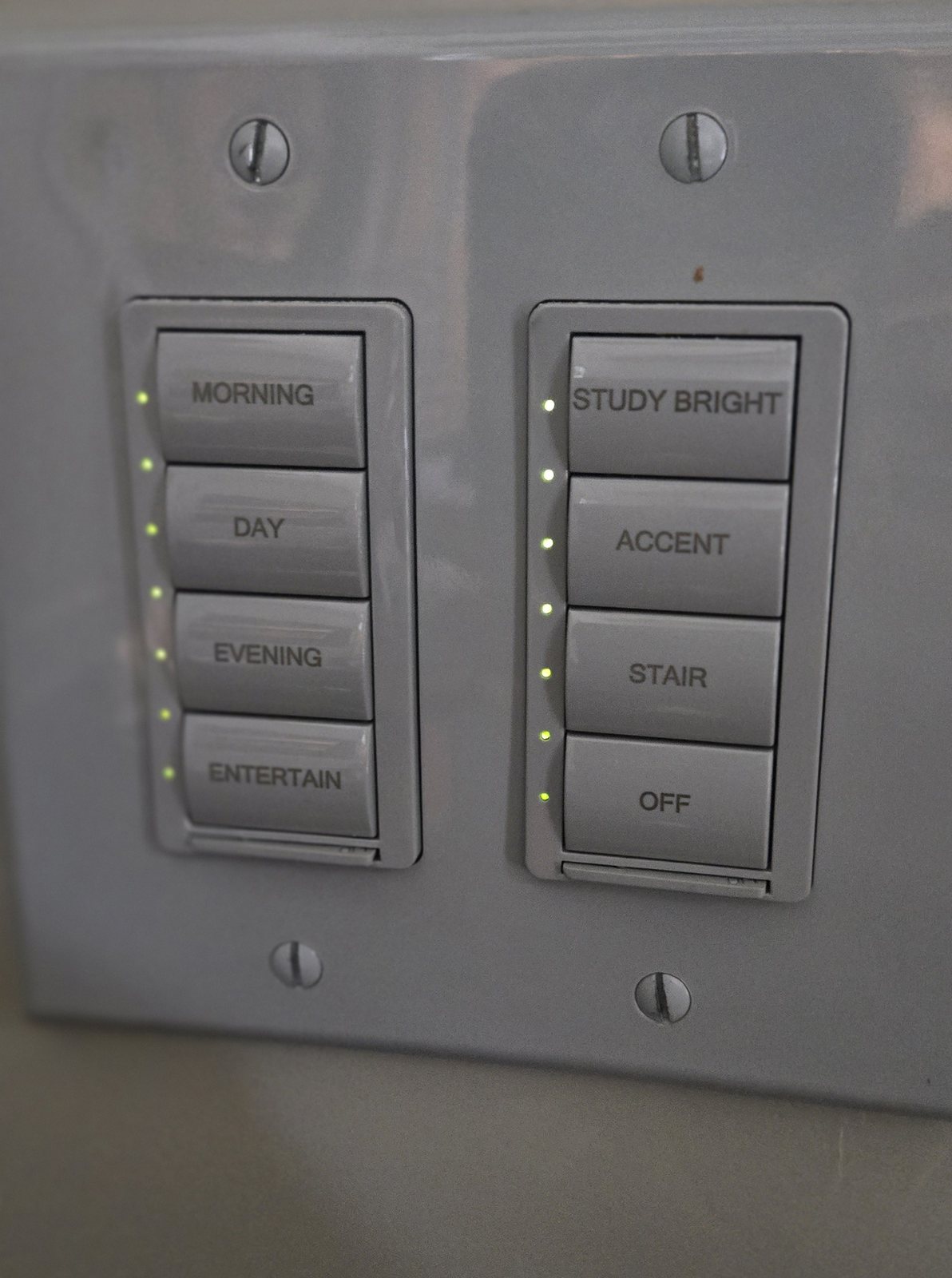
Keypads and scenes
Buttons do nothing, only some buttons respond, or a lighting scene no longer behaves as expected.
Lighting and dimming
Some lighting circuits do not respond, lights flicker, or dimming is uneven. Note any recent bulb or fixture changes.
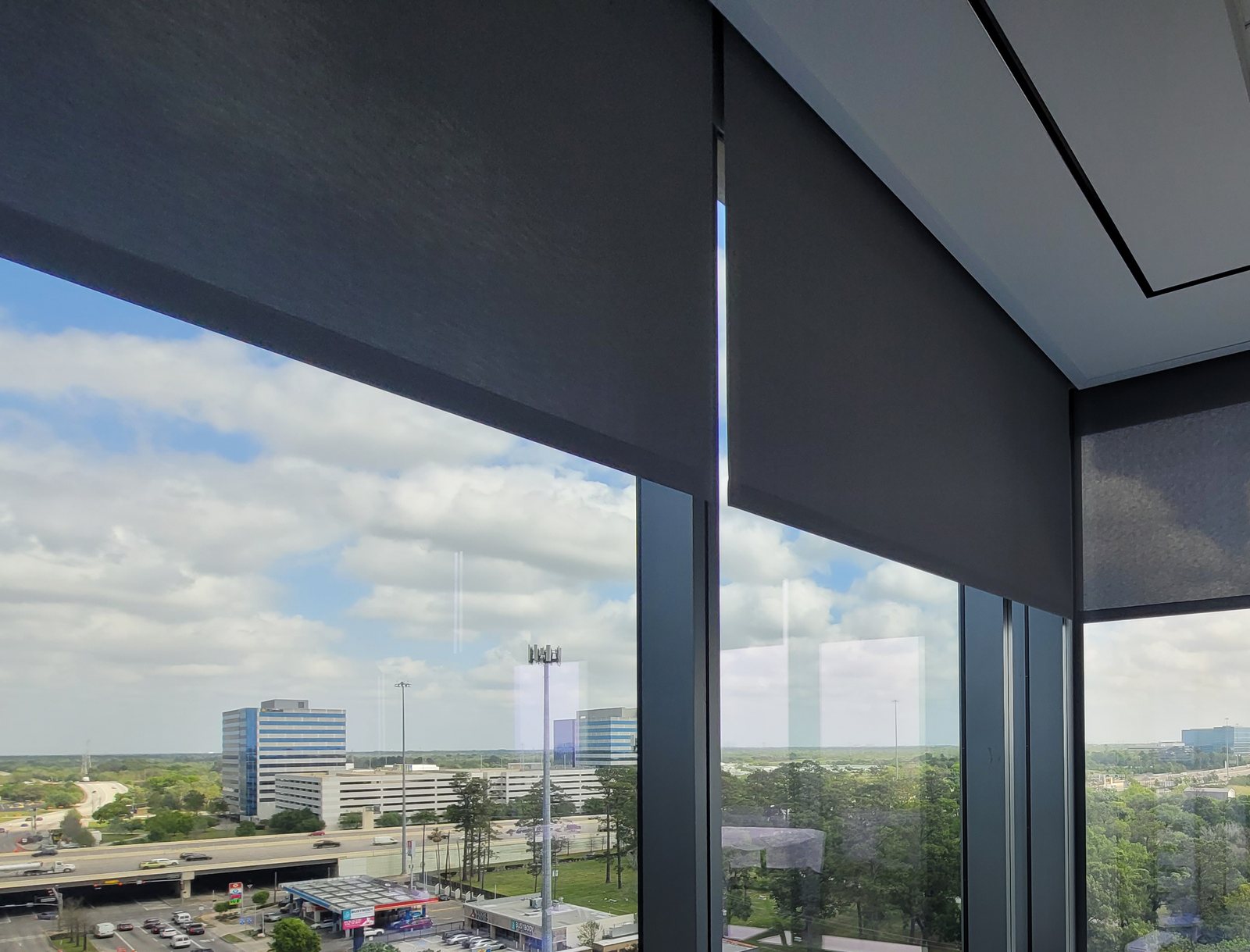
Shade controls
One or more shades do not respond to their usual controls or stop in an unexpected position. Do not force a stuck shade.
App and other controls
The app cannot connect, or lighting works at a keypad but not from your home automation controls.
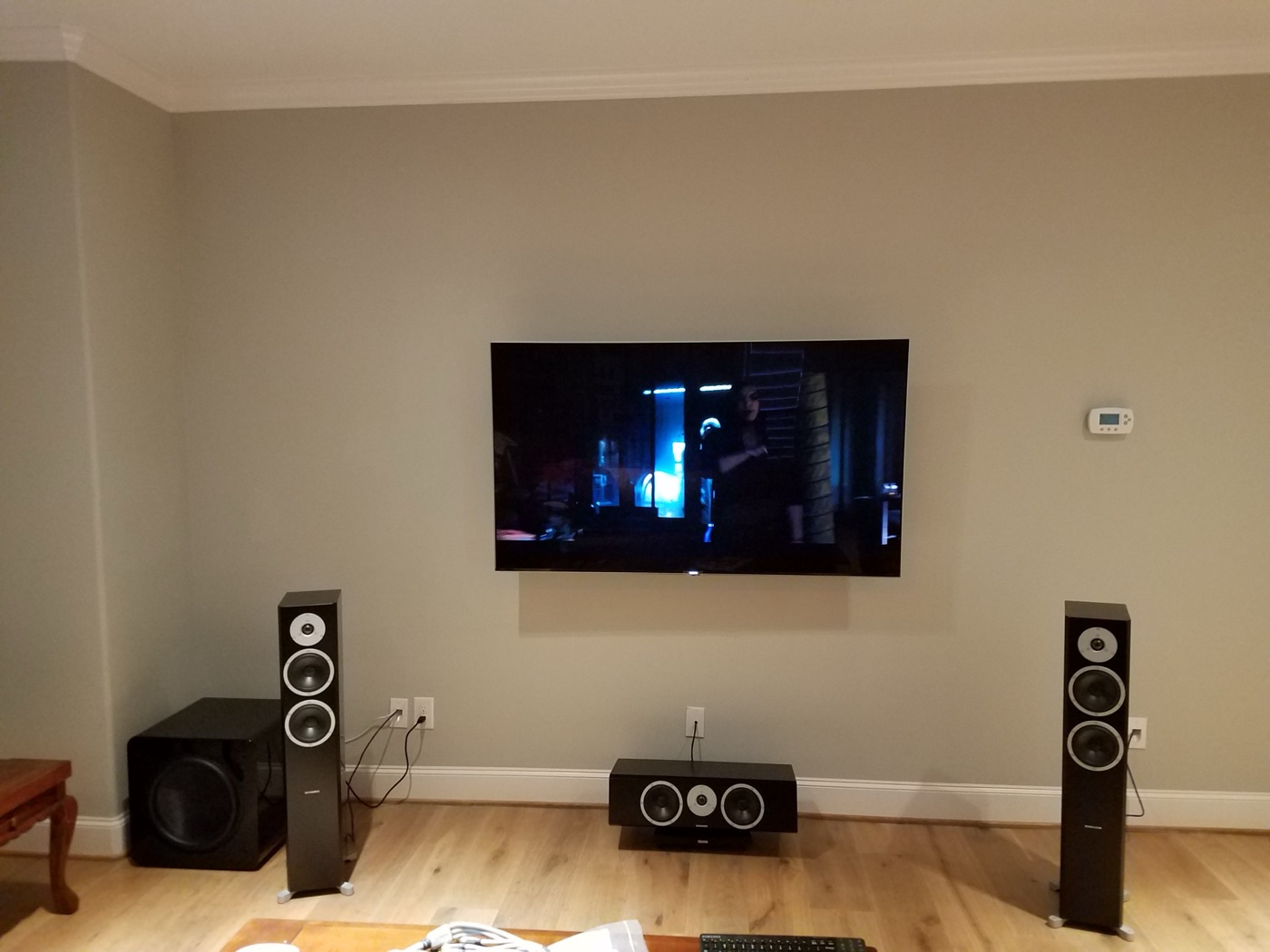
Older HomeWorks does not mean an automatic replacement.
If you inherited an older Lutron installation, the first step is identifying what is there. The HomeWorks name covers different generations; a familiar keypad or a similar-looking processor is not enough to establish compatibility.
We review the exact processor and module models, the affected controls, and any available installation or programming records. That information helps determine whether a targeted repair can be considered, whether further investigation is needed, or whether an upgrade merits discussion.
Legacy processor and module availability, condition, and compatibility are assessed case by case. We do not assume that a current processor can replace an older one while retaining every keypad, lighting module, shade, or programmed scene.
What happens after you contact us.
- Review the symptoms. Share your location, what still works, when the issue began, and any recent power, network, fixture, or equipment changes.
- Identify the installation. We establish the system generation and relevant hardware before proposing diagnostic work. Available project files, account access, and prior service records can affect the options.
- Discuss a service scope. The proposed work depends on the findings. Parts, programming access, compatibility, and any need for an electrical professional are reviewed before a repair or upgrade is agreed.
- Check the agreed work. After authorized work, we test the affected controls and document any remaining limitations or recommended follow-up.
For current HomeWorks, RadioRA, Caséta, or Lutron shade equipment, the same principle applies: identify the actual hardware rather than assume every product uses the same connections or service procedure.
Before you call.
- List the affected rooms, lights, keypads, or shades, and tell us what still works.
- Gather any existing installation records, previous service notes, or project backups. Do not send account passwords through the contact form.
- If labels are already visible and safely accessible, note or photograph them. You do not need to open equipment to identify it yourself.
- Avoid factory resets or unplanned programming changes before the installation has been reviewed.
Electrical safety: Do not open energized panels, remove protective covers, or handle mains wiring. Electrical testing and wiring work require a qualified professional. If you notice burning, smoke, sparking, or another immediate hazard, keep clear and seek emergency assistance rather than waiting for an AV service appointment.
Lutron service inquiries across Houston.
Contact us about service in Houston and nearby communities. Share the property location so we can confirm scheduling and the scope of the visit.
Related service information.
Lighting control · Motorized shades · Smart home systems · Service and repair
Frequently asked questions about Lutron service.
Can you help with an older HomeWorks system?
Contact us with the system name, any safely visible model labels, and the symptoms. Legacy HomeWorks service options depend on the exact processor, modules, installation condition, and available records. Parts availability and compatibility must be assessed case by case; repair or a drop-in upgrade cannot be promised in advance.
Will you look at a Lutron system installed by someone else?
Yes. Send us what you know about the installation and what has stopped working. We review the equipment, available documentation, and access requirements before confirming the service scope. Missing project files or account access may limit what can be changed.
Does an unresponsive keypad mean I need a new system?
Not necessarily. A keypad symptom alone does not identify the failed component. Note which buttons, rooms, and lights still work so we can assess the problem before discussing repair or replacement.
Can you help with Lutron shade controls or app connectivity?
We can assess these concerns as part of a service request. The next steps depend on the shade or control model and how it connects to the rest of the installation. We confirm the service options and any required parts after identifying the equipment.
Can my existing devices stay if I upgrade?
That requires a model-by-model review. Processors, keypads, lighting modules, shades, and connections to other control systems are not automatically compatible across Lutron generations. Existing programming may also need to be recreated or changed.
How do I arrange a Lutron service visit in Houston?
Call 346-357-5323 or use our contact page with your location, symptoms, and any equipment information you have. We confirm scheduling and the proposed scope after reviewing the request. Appointment timing and parts availability vary.
Start with the problem, not a replacement quote.
Tell us what is happening with your Lutron lighting or shades. We will review the request and discuss the next step.