CRESTRON SERVICE · HOUSTON · TEXAS
Crestron repair, troubleshooting and programming in Houston.
Frozen touchpanel, missing audio or a system that no longer responds? Obsidian AV assesses existing Crestron systems, including installations by other companies. Diagnosis comes before a replacement recommendation.
Experienced assessment. Repair-first recommendations.
Over 25 years of personal professional AV engineering, programming, integration and troubleshooting experience informs the assessment. The priority is to trace the control and signal paths, preserve useful equipment and explain source-file or compatibility limits before a rebuild.
Request a call back
Tell us what stopped working. We will call you.
Leave your name, number and a line about the problem. We call back to talk it through before anything is scheduled. If it is urgent, call 346-357-5323.
Crestron and equipment-rack service by Obsidian AV
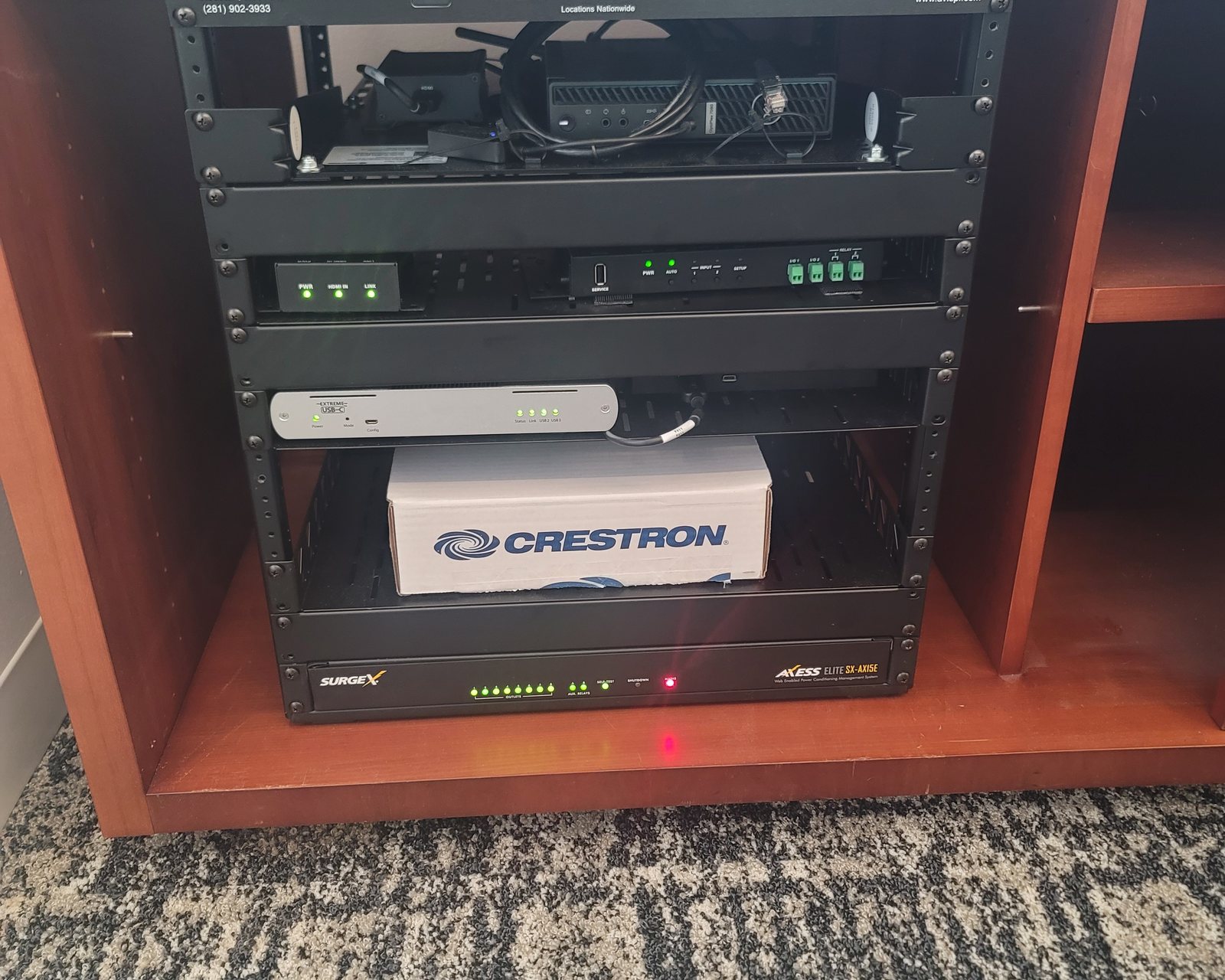
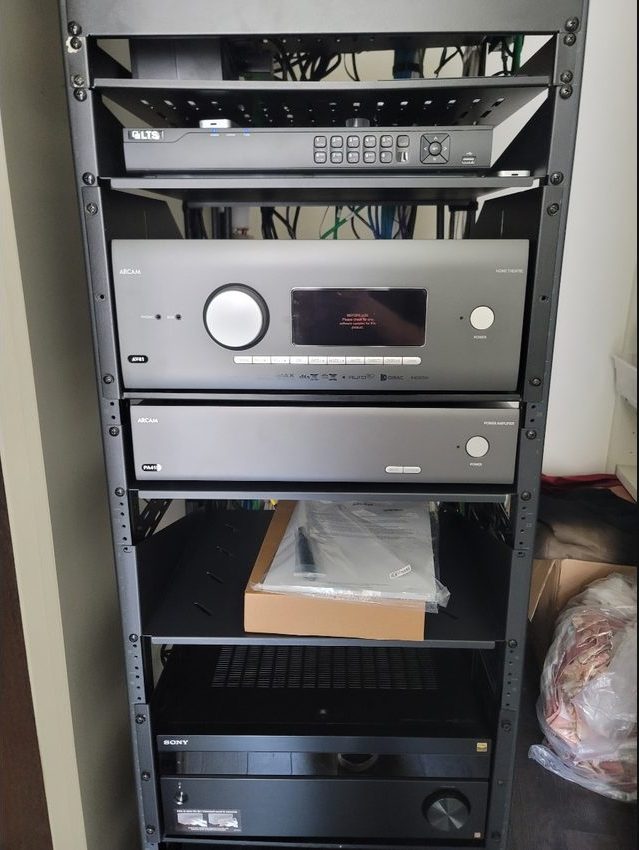
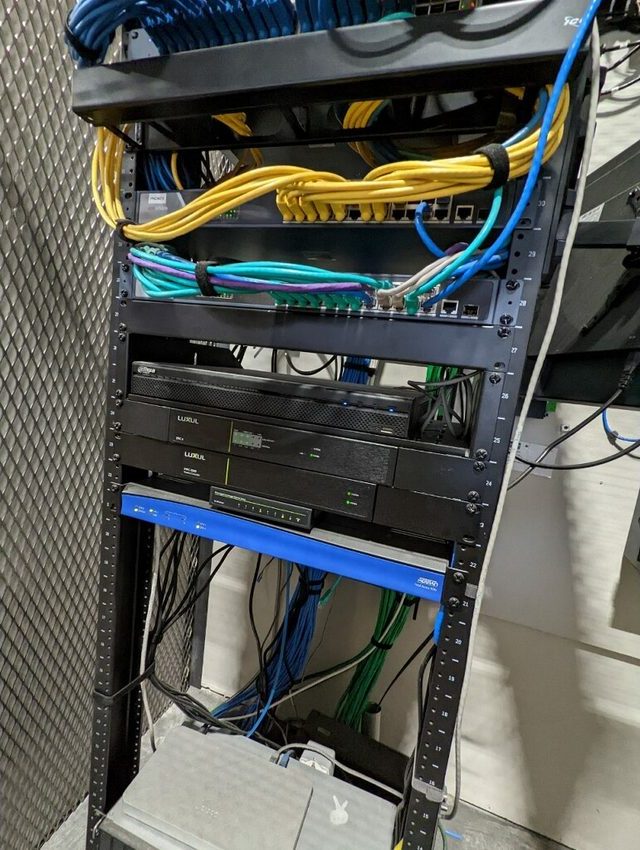
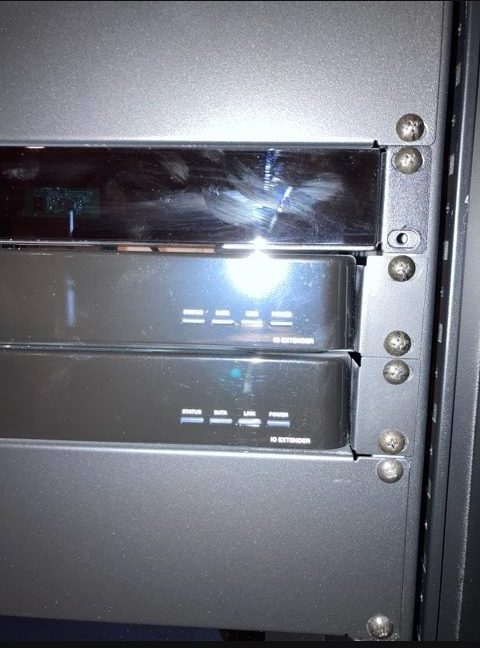
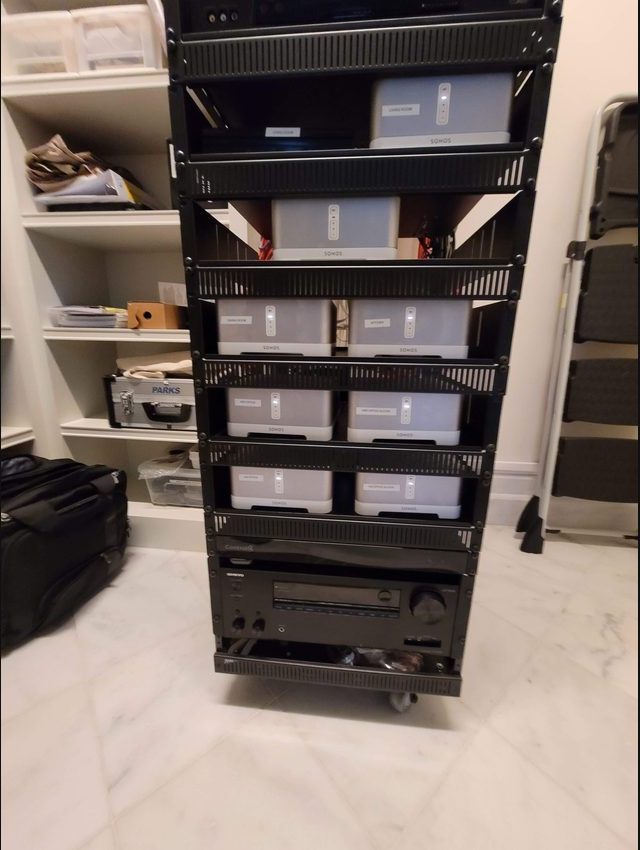
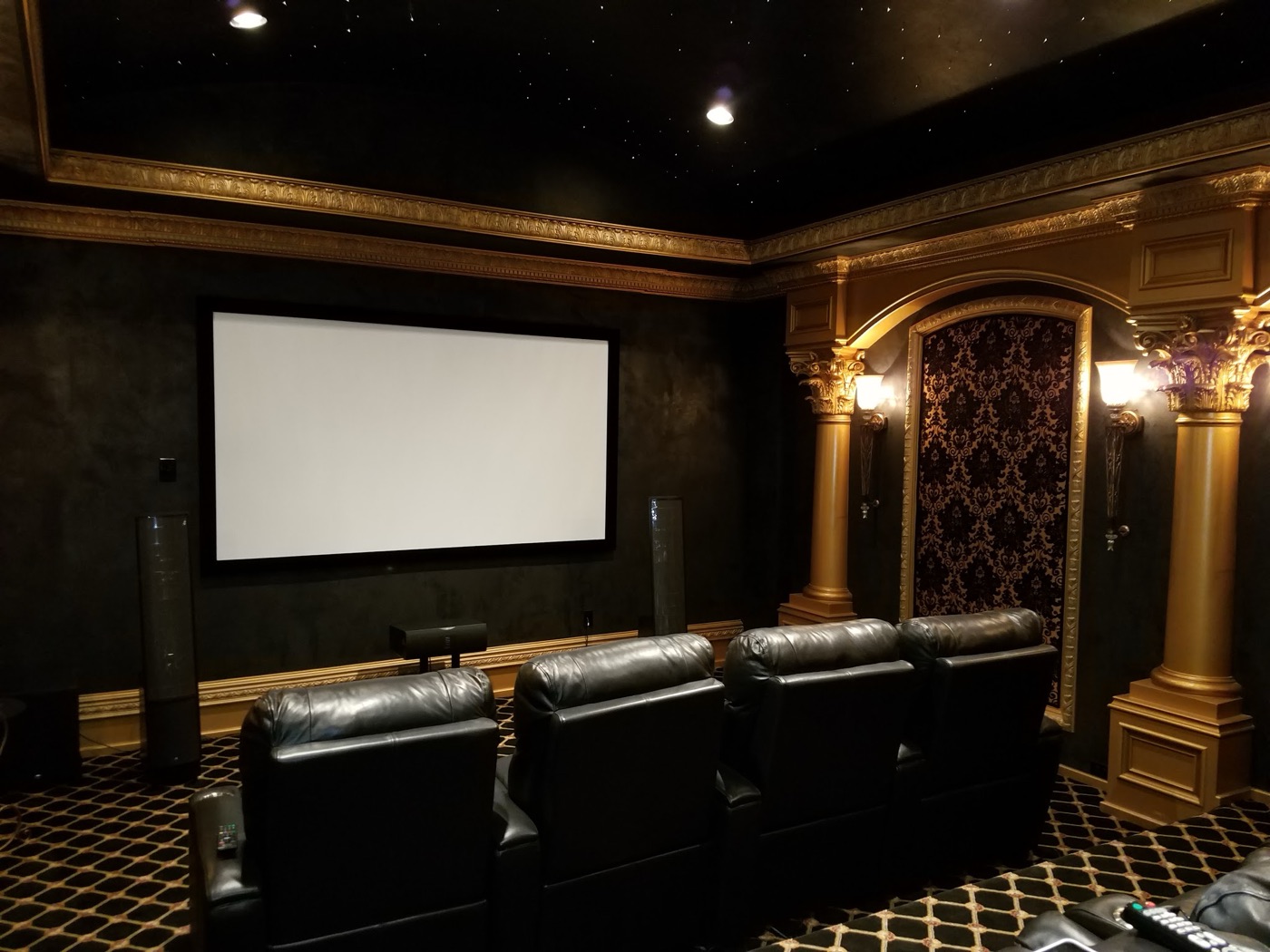
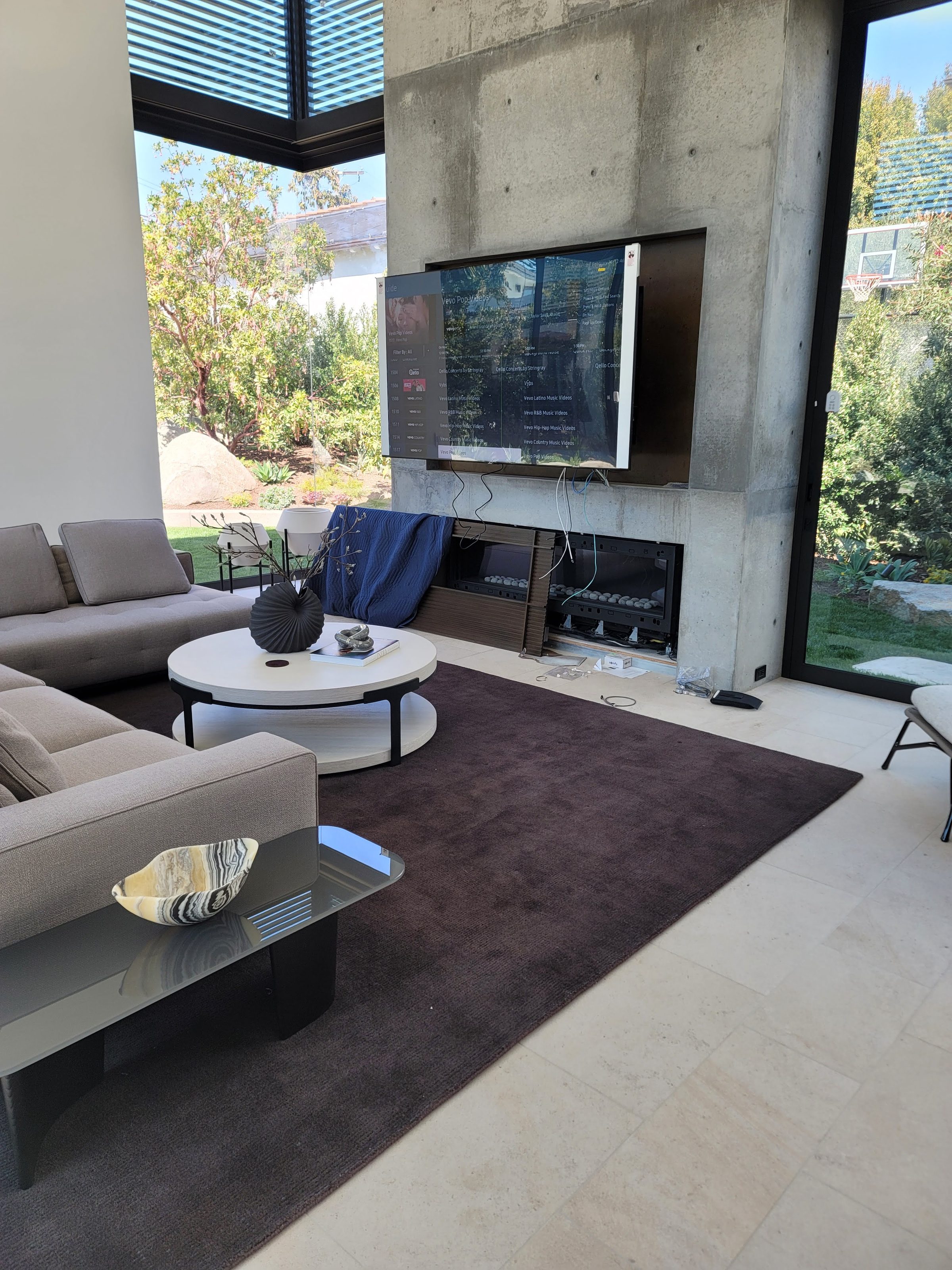
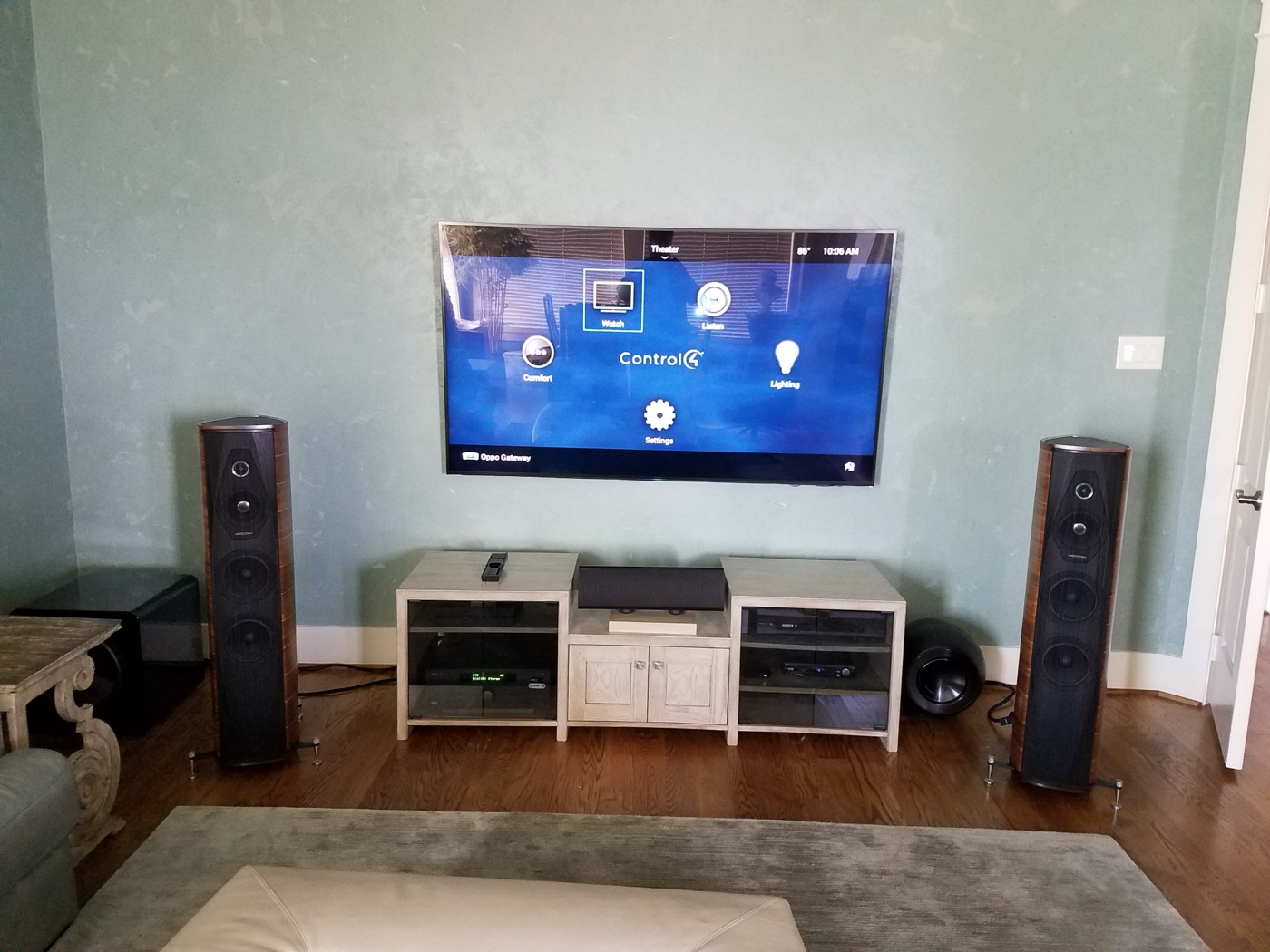
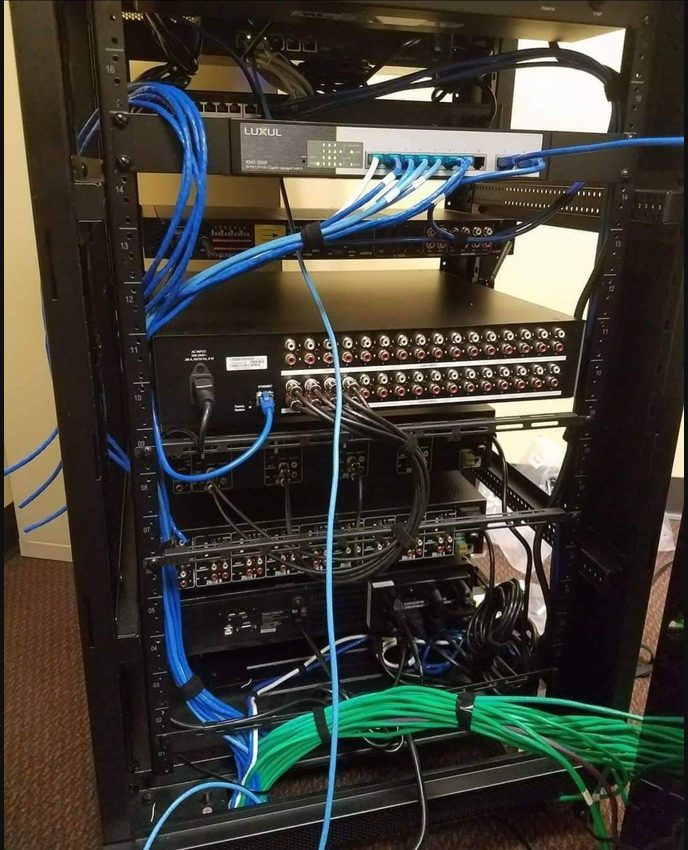
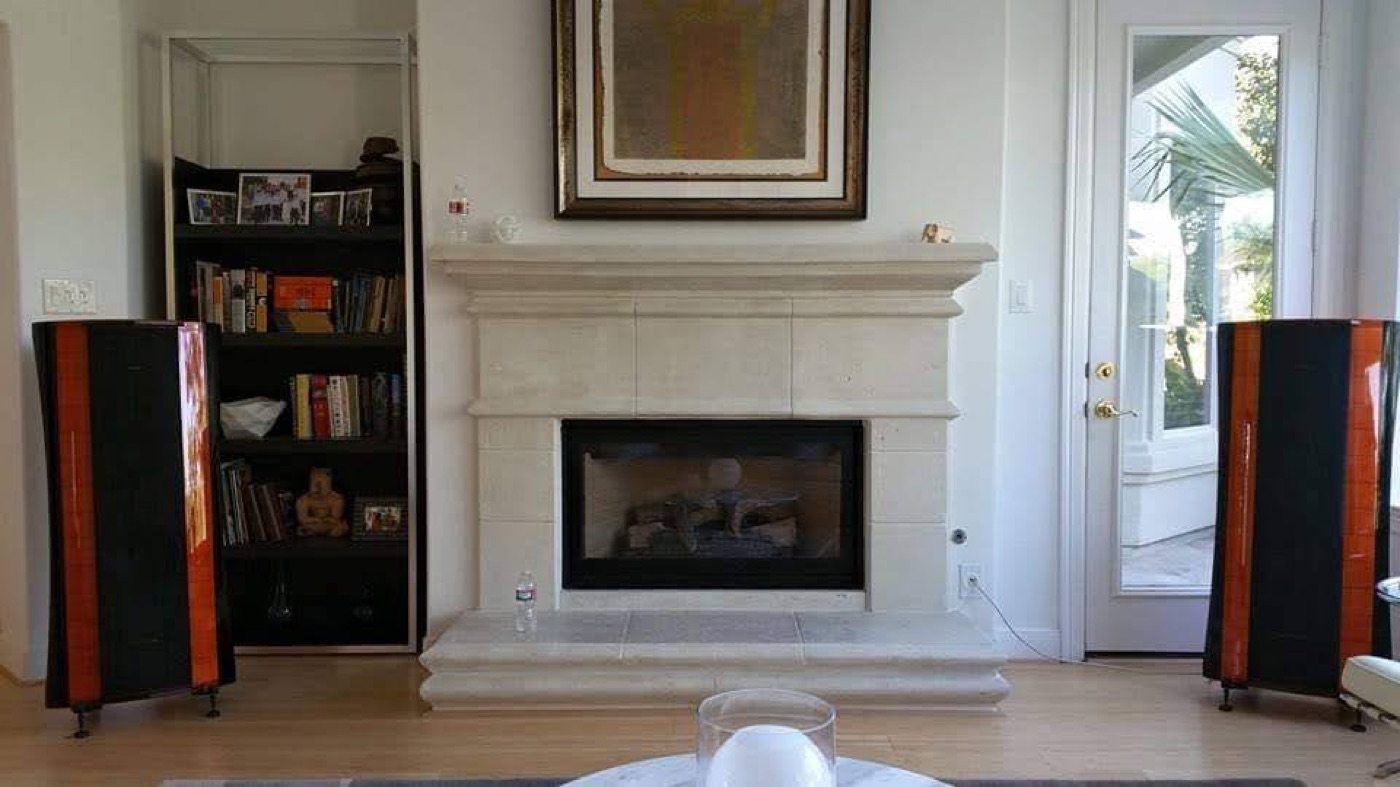
Photos from Obsidian AV rack, cabling and system service work in the Houston area.
What stopped working?
Touchscreen frozen or controls not responding?
If the screen is blank, buttons do nothing or the app cannot connect, tell us whether the problem affects one room or the whole home. We check the power, connections and control system before recommending replacement.
No picture, missing sound or rooms cutting out?
A television with no picture or music that drops out can have several causes. We trace the affected equipment and connections to find where the signal stops, rather than assume the entire system needs replacing.
Lights or shades no longer follow your commands?
If a button no longer sets the room the way it used to, or some lights and shades respond while others do not, tell us what still works. We check the controls, connected equipment and settings to narrow down the cause.
Taking over a system installed by another company
You do not need to have purchased the installation from Obsidian AV to ask for help. Tell us whether the previous installer is available, what still works, and whether you have equipment lists, project files or handover documents. Missing records do not automatically mean replacement, but they can limit recovery and programming options.
Homeowners and authorized property representatives can request an assessment. Before booking, confirm the diagnostic charge, scope, property access and scheduling. Parts availability, programming access and compatibility may affect the work; a fixed response time or repair date is not promised.
Program files and takeover access
Editable source versus the running program
A Crestron processor runs a compiled program. Changes to custom logic normally need the editable SIMPL Windows project, any relevant SIMPL+ or SIMPL# source and modules, plus the touch-panel project files and customer authorization. The compiled file generally cannot be turned back into an editable project. Ask the previous programmer or your handover records for these files before any change is scheduled.
When source files are not available
Without editable source, the options may be limited to hardware and network repairs, or to rebuilding the affected part of the program. The assessment records what currently works first, so a rebuild has a defined target rather than an assumption.
Processor series matters
Older 2-Series and 3-Series processors (for example PRO3 or CP3) and current 4-Series processors (for example CP4 or PRO4) differ in firmware, supported programming tools and supported devices. Moving a program to a newer series is a migration project that may need code and panel changes; it is not a file copy.
What a diagnostic visit should establish
- Scope the failure. Identify the affected rooms, controls, sources and recent changes. Reproduce the reported problem where possible.
- Separate the fault paths. Distinguish power, network, signal routing, programming and hardware issues. Record the configuration and back up accessible files where possible before changes.
- Explain the options. Discuss targeted repair, programming or replacement, including missing files, parts and compatibility limitations. Agree the work before changes.
- Check the result. Exercise the affected touchpanel, keypad, app and room functions after the work, and identify unresolved issues or follow-up needs.
Before you call
Have the system brand and model numbers if known, your neighborhood, the affected rooms and the date the issue began. Mention a router replacement, power event, new television, equipment change or update. Photos of equipment labels can help; do not send passwords, access codes or private account details.
Avoid factory resets, speculative firmware updates or repeated rack-wide power cycling before an assessment. Do not open electrical panels or attempt control-system wiring repairs yourself. If equipment is overheating or there is an electrical hazard, stop using it and seek appropriate qualified help.
Crestron platforms and the checks they need
With authorized access and applicable tools, assessment can use Crestron Toolbox to review processor status, software and program information and connected devices. Programming changes are scoped only after confirming editable files, platform compatibility and permission.
3-Series processors (CP3, PRO3, AV3)
Older custom programs often run here. Boot, storage and firmware state are reviewed with authorized access. Changing the program needs editable source.
4-Series processors (CP4, PRO4)
4-Series processors with their own firmware and toolchains. A move from 3-Series is a migration that may require program and panel changes.
Crestron Home
A configurable platform distinct from custom SIMPL programs. Systems on Crestron Home are set up through its own tools; a custom program cannot simply be copied into it.
DM video
A DM matrix and transmitters/receivers route video over dedicated cabling. One dark room may involve the input or output card, cable, receiver or the display’s EDID/HDCP handshake.
NVX video
NVX sends video over the network and depends on multicast handling (IGMP snooping and querier). Review the installed network design and manufacturer requirements when several rooms drop; do not assume a network change is the cause without testing.
Cresnet and touch panels
Cresnet keypads and dimmers share wiring and power supplies; several devices dropping together can indicate a branch or supply problem. Touch panels depend on matching project files and firmware.
Crestron service questions
Do you need the original programming files?
A custom Crestron system may need its original editable programming files for changes. The compiled program running on the processor generally cannot be converted back into the original editable project. We check what files and access are available before proposing repair or reprogramming.
What technical checks might a repair involve?
Depending on the system and symptoms, diagnosis may include touchpanel power, Cresnet wiring, DM video connections, EDID and HDCP compatibility, or NVX network settings such as multicast and IGMP. We explain the findings in plain language and discuss the work before making changes.
Can you help if my original Crestron installer is unavailable?
Yes, we assess existing systems installed by other companies. Programming or recovery depends on the platform, access and available project files. An assessment establishes what can be retained and what is needed.
Does a frozen panel mean I need a new system?
Not necessarily. Power, network connectivity, panel configuration, processor status and programming can produce similar symptoms. Testing the affected path is needed before deciding on replacement.
Can you copy my old SIMPL program into Crestron Home?
No. Custom SIMPL and Crestron Home are different platforms. A migration requires a compatibility and scope assessment, not simply transferring the compiled program.
How do I arrange service in Houston?
Call 346-357-5323 or request a callback with your system and symptoms. Confirm diagnostic charges, access requirements and available scheduling before booking; timing and repair scope depend on the system.
Can a 3-Series Crestron system be moved to a 4-Series processor?
Sometimes, but it is a migration project. Program source, supported devices and panel files must be reviewed; some code and interfaces may need to be rewritten. The assessment compares repair of the existing processor with a planned migration.
What if only one room’s video stopped working?
The source, the DM or NVX path, the cabling and the display handshake are tested in order. A recent TV replacement or network change is a useful clue; report it when you call.
Is Crestron Home the same as a custom Crestron program?
No. Crestron Home is a configured platform; many older systems run custom programs. The assessment identifies which you have before quoting changes or migration.
Houston service areas and related support
Contact us to confirm service scope and scheduling for your address. Explore the existing area guides or use the service hub if you are unsure which platform you own.
For brand-specific help nearby, see Crestron service in River Oaks.
Discuss your Crestron service problem
Tell us what stopped working and what you want restored. Start with a service conversation, not an assumption that the entire system must be replaced.