OBSIDIAN AUDIO VIDEO · EXISTING-SYSTEM SERVICE
Houston AV Repair, Troubleshooting & System Takeovers
Existing Crestron, Control4, Savant or Lutron system not working? We assess installations by other companies as well as systems we installed. Start with the symptoms, not a replacement list.
Experienced assessment. Repair-first recommendations.
Service is informed by over 25 years of personal professional AV engineering, programming, integration and troubleshooting experience across platforms. We assess systems installed by others and focus on the practical route back to the functions you need.
Request a call back
Tell us what stopped working. We will call you.
Leave your name, number and a line about the problem. We call back to talk it through before anything is scheduled. If it is urgent, call 346-357-5323.
Service for homes, businesses and property representatives
Remotes that no longer control the television, silent audio zones, frozen touchscreens, lighting or shades out of sync and unreliable meeting-room AV all start with the same question: where does the expected operation stop? We assess the installed system and explain which work is practical before recommending a replacement.
Residential owners, business contacts and authorized estate or property representatives can arrange service for systems installed by others. Identify any functions that cannot be interrupted and who can approve changes.
Arrange diagnosis before deciding on replacement
Call with your system brand, location, affected rooms and when the fault began. We assess systems installed by other companies. Confirm diagnostic charges, scheduling, access and authorization before booking. Recommendations depend on the actual equipment, available configuration, compatibility and parts; repair or migration cannot be promised before assessment.
Send model numbers or equipment-label photos if available, but never send passwords, alarm codes or private account details. Avoid factory resets and unplanned firmware updates. Homeowners and authorized estate or property representatives can request service.
PROGRAMMING & SYSTEM RECOVERY
Crestron and Control4 programming in Houston
A control problem does not automatically mean the controller needs replacing. A remote may still navigate menus while the television receives no picture; a touchpanel may show the right page while the device behind it is offline. The first task is to separate control, network, power and signal-path faults. Programming is recommended when the required behavior and the system's available configuration support it.
Changes to an existing system
Replacing a television or receiver, adding an audio zone, changing a streaming source or updating a lighting scene can affect device drivers, source selection and the controls people use every day. Describe what you want the system to do, which rooms are involved and what already works. We assess the affected equipment and configuration before proposing a change, then agree how its operation will be checked.
Crestron: identify the platform and available files
Crestron Home and custom-programmed Crestron systems have different service requirements. A running processor does not guarantee that editable custom source files can be recovered from it. Available source, backups, credentials, hardware generation and third-party integrations determine which changes are practical. Our Crestron service guide explains the distinction and what information helps an assessment.
Control4: configuration, drivers and access
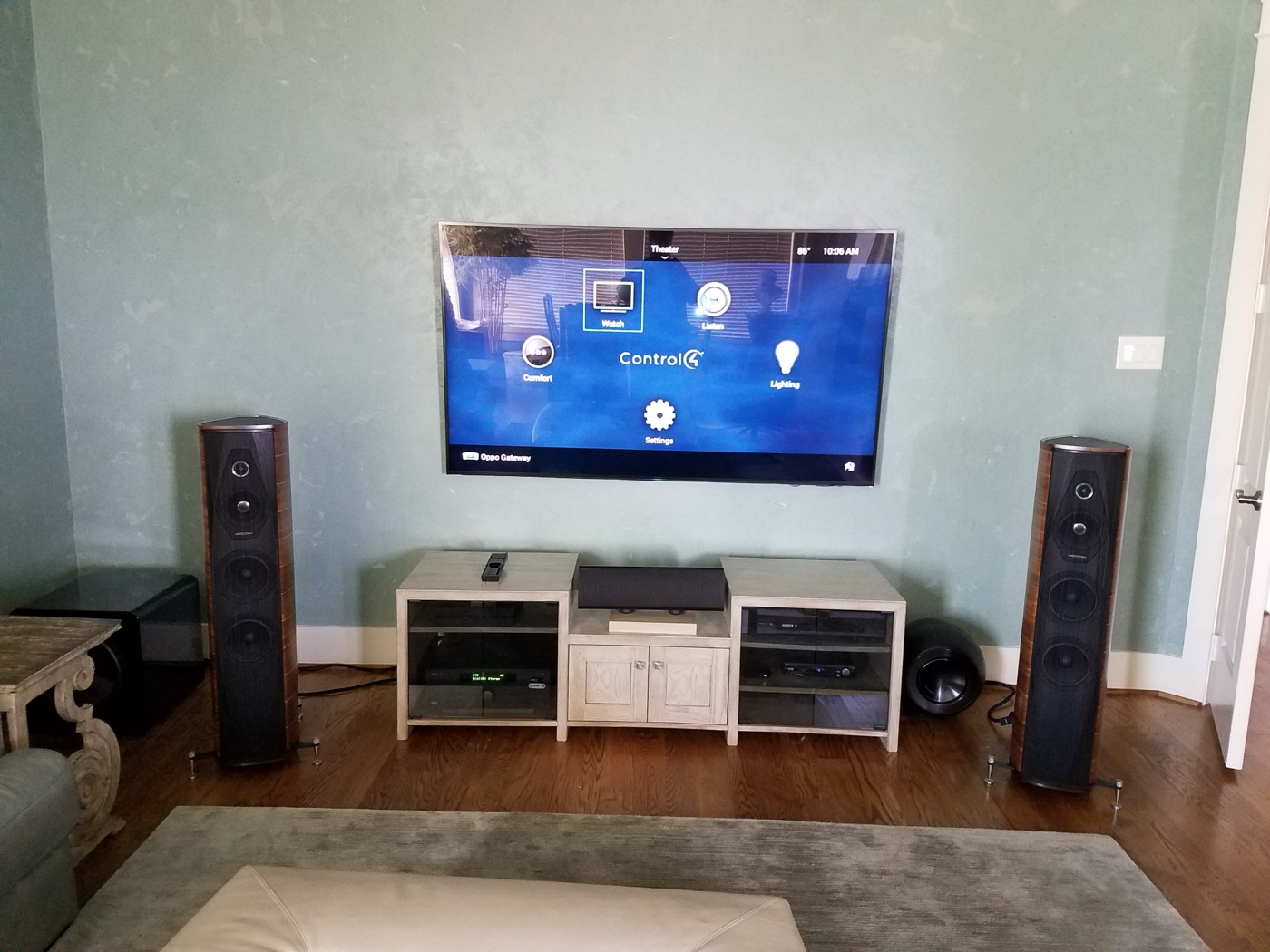
For Control4, controller generation, operating-system version, project access and installed drivers matter. A new component may require a compatible driver or a different connection; a network change can also make a working component appear unavailable. We review those dependencies before proposing updates. See Control4 troubleshooting and programming for the platform-specific starting point.
Taking over another installer's work
You do not need a complete equipment inventory to make the first call. Tell us the system brand, the symptoms and whether an installer provided project files or documentation. We assess what can be accessed and retained rather than promising a universal transfer or full recovery. Read the existing-system takeover guide before changing equipment or resetting controls.
What to prepare before a diagnostic visit
- List the affected rooms and whether the issue happens every time or intermittently.
- Note the last known working date and any power outage, internet-provider change, new router or equipment replacement.
- Photograph equipment labels and visible connections if safely accessible. Leave wiring and powered equipment in place.
- Locate documentation and backups. Do not send passwords, alarm codes or other security details through the contact form.
- Confirm the property owner or authorized representative, building access arrangements and any restrictions on working hours.
Diagnostic charges, scheduling and the initial scope are confirmed before booking. Further work depends on what the assessment finds; parts availability and platform compatibility can limit repair options.
Service across Houston's residential communities
Explore service information for The Woodlands, Memorial, River Oaks, Katy, Galleria and Uptown, Sugar Land and Cypress. The service-area directory links the wider Houston coverage. Confirm your exact project address when arranging a visit.
A practical route from service request to repair
- Tell us the symptoms. Start with the system brand, location and what still works.
- Confirm the visit. Agree diagnostic charges, scheduling, authorization and the initial scope.
- Assess the existing system. Trace the affected controls and connections and review available configuration before changes.
- Choose the next step. Discuss findings, repair or programming options, compatibility limits and any further investigation or replacement quote separately.
- Check the agreed functions. Test the affected rooms or business functions after authorized work and record unresolved items.
For a failing signal path, see AV troubleshooting and diagnosis. For preventive care, see AV maintenance. For connected household controls, see smart-home service.