SERVICE AREA · THE WOODLANDS · TEXAS
AV service, repair and installation in The Woodlands.
Obsidian Audio Video supports Crestron, Control4, Savant and Lutron systems in The Woodlands, including systems installed by another company. Call about a theater that lost sound, controls that will not connect, lighting or shade faults, or a new whole-home AV installation.
Call 346-357-5323 with the property address, system name and affected rooms. Include any guest building, patio or other separate zone that also needs attention.
Keep existing-system service and new installation in one plan.
Repairs & takeovers
Assess installed equipment, failed functions and available system access.
↯
Home theater repair
Help with missing picture or sound and existing theater controls.
↯
New theater installation
Plan the room, seating, display, speakers and wiring together.
↯
Smart-home control
Crestron, Control4 and Savant systems and compatible integrations.
↯
Lighting & shades
Lutron controls, room scenes and motorized shade service or installation.
↯
Whole-home & outdoor audio
Music zones for living spaces, covered patios and other listening areas.
↯
Networking & Wi-Fi
Connections between equipment, rooms and separate structures.
↯
PROPERTY PLANNING
Map the house, outdoor areas and separate zones.
An established home with mixed generations of equipment
When a home in The Woodlands has been remodeled or changed owners, the TVs, controller, network and lighting system may have been updated at different times. Identify what was replaced and what still works. A newer display or streaming box does not establish that an older distribution or control system is compatible with it.
Guest spaces and detached zones
If your property has a detached office, guest space or pool building, show where it connects to the main house. Distance, construction, existing cable routes and power all affect network and AV options. Note whether the problem appears only in the separate building or also at the main equipment rack; do not assume a faster internet plan will solve it.
Patios, pools and landscape audio
For an outdoor zone, distinguish Wi-Fi coverage from speaker coverage. Mark where people listen, where volume needs separate control and which equipment is exposed to weather or irrigation. Speaker positioning and equipment ratings need to suit the actual exposure and nearby property boundaries; indoor equipment under a roof is not automatically suitable outdoors.
A new theater or renovation
Bring the room and seating plan, window locations and builder’s schedule. Agree on cable routes, equipment ventilation, speaker positions and access for future service before walls close. In a finished room, visible equipment and accessible wiring routes may be preferable to extensive demolition.
EXISTING-SYSTEM SERVICE
Record where the fault starts and where it stops.
- The theater is silent: note the source, whether the display has a picture and whether another source produces sound. Keep the receiver and remote model names available.
- Music works inside but not outside: list the affected zones and whether their volume or source selection appears in the control app.
- A detached space loses connection: describe whether both internet and AV controls fail there, and whether the main house remains connected.
- Controls stopped after a change: record power events, router replacements, construction work or new equipment without assuming any one is the cause.
Preserve labels, settings and project files. Avoid factory resets or disconnecting rack wiring as a first step. The assessment needs to account for working functions as well as failed ones.
BEFORE YOU BOOK
Prepare for a visit across the property.
Send the address, contact number, system brand and a prioritized list of rooms or zones. Note the location of the main rack, network equipment and any separate building that requires access. Have an authorized person available to explain the symptoms and approve the work. Do not include passwords or gate codes in the contact form.
For an inherited system, collect the previous installer’s drawings, backups and account ownership information if available. For new work, include floor plans, the construction stage and what you want each space to do. Ask about availability, charges and the scope of the visit; access, parts, compatibility and editable programming files can affect the repair or upgrade options.
System guides and related services.
Choose the guide for your installed platform. Brand names identify the systems supported, not a guarantee that every model or requested change is serviceable.
Planning resources
For music across several living areas, the audio guide explains room use, speaker placement and independent listening zones. Separate business projects can be discussed through commercial AV.
Other installation and service options
LOCATION & ACCESS
Service inquiries across The Woodlands.
Contact us for The Woodlands, including Carlton Woods, Grogan’s Mill, Panther Creek, Cochran’s Crossing, Creekside Park and Sterling Ridge. Inquiries are welcome from 77380 and other parts of The Woodlands; that ZIP does not define the whole community. Share the complete address and requested work to confirm service availability.
For a separate Houston property, see AV service in River Oaks.
See all service areas ↯
Questions about AV service in The Woodlands.
Can you service a system another installer left in The Woodlands?
Yes. Obsidian Audio Video accepts service and takeover inquiries for Crestron, Control4, Savant and Lutron systems installed by others. Available repairs and changes depend on hardware condition, owner authorization, account access and the project files needed for the platform.
Can a visit include the main house and a detached building?
Include both in the request and identify the affected equipment and access arrangements in each location. The visit scope should account for the separate zones, connection between buildings and time needed to assess them; it should not be assumed from a main-house symptom alone.
Do you also install new home theaters in The Woodlands?
Yes. New theater, audio and smart-home installations are part of the service offering. Share the floor plan, seating, room use and construction stage so display, speaker, control and wiring requirements can be considered together.
Is service limited to the 77380 ZIP code?
No. Inquiries for The Woodlands are not limited to 77380. Provide the full property address, including the community name if useful, so availability and scheduling can be confirmed for that location.
OBSIDIAN AV WORK
Systems we installed in The Woodlands.
Photos from Obsidian Audio Video installations, shared with the homeowners' permission. Street locations are withheld for privacy.
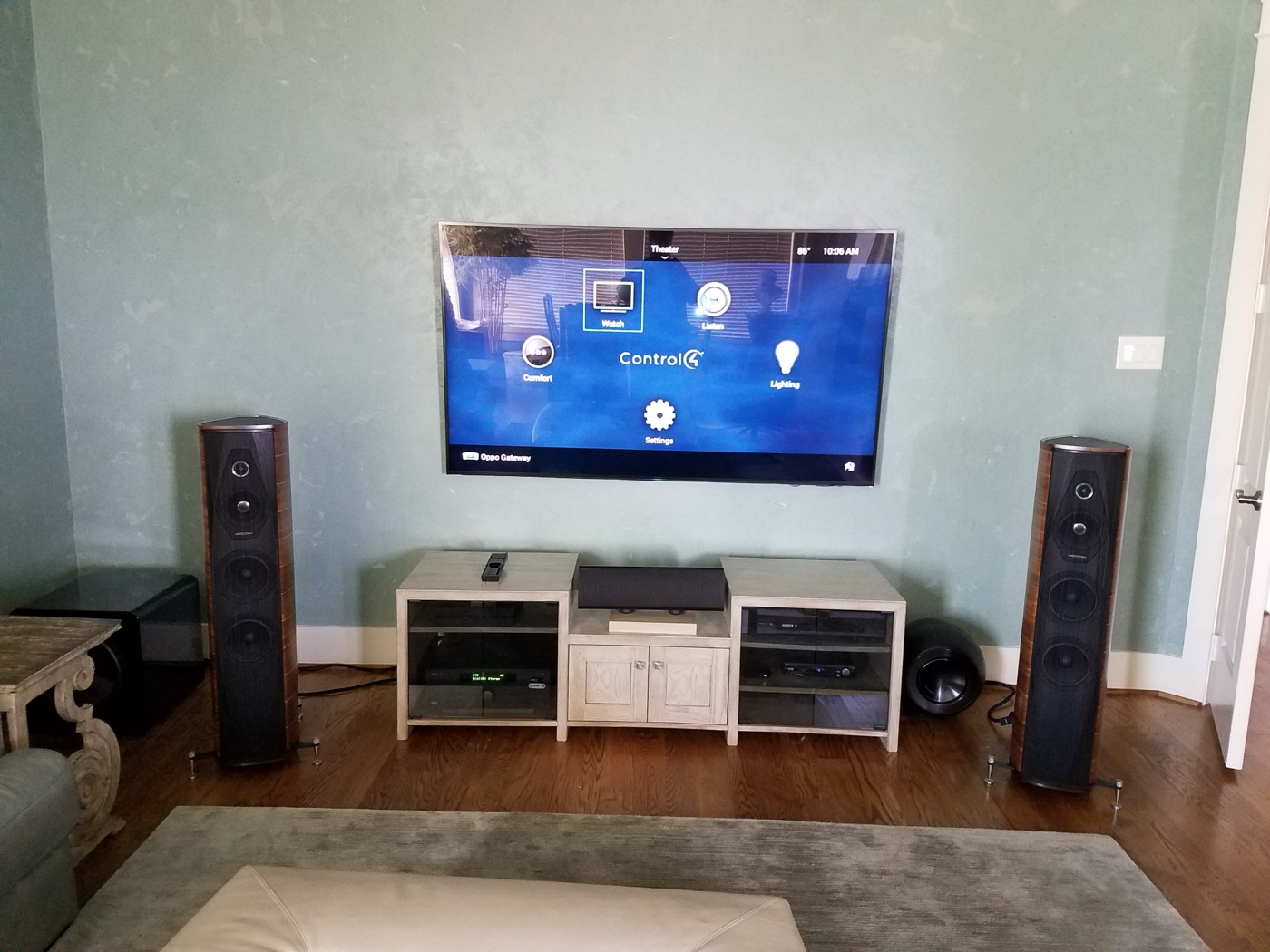
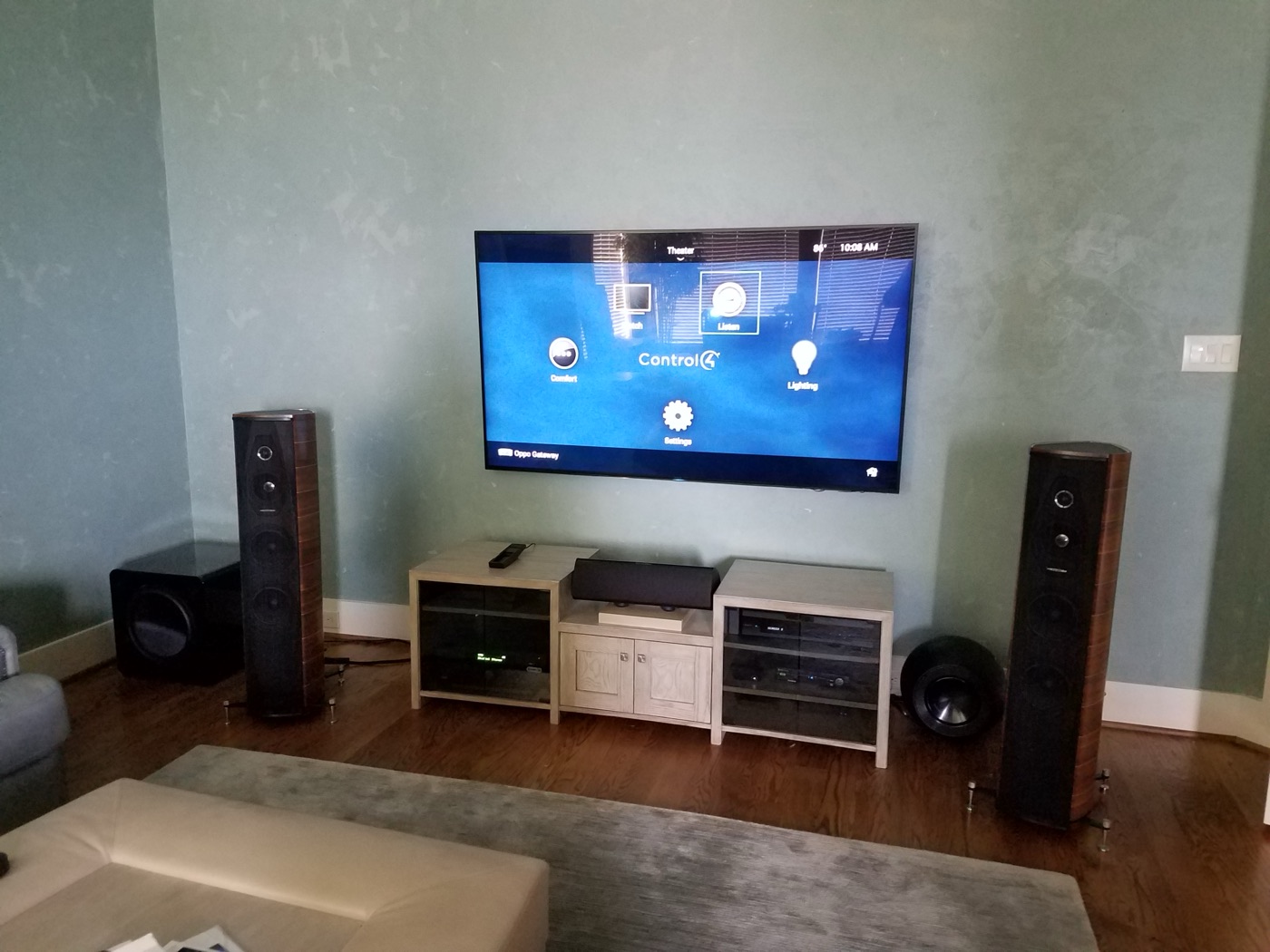
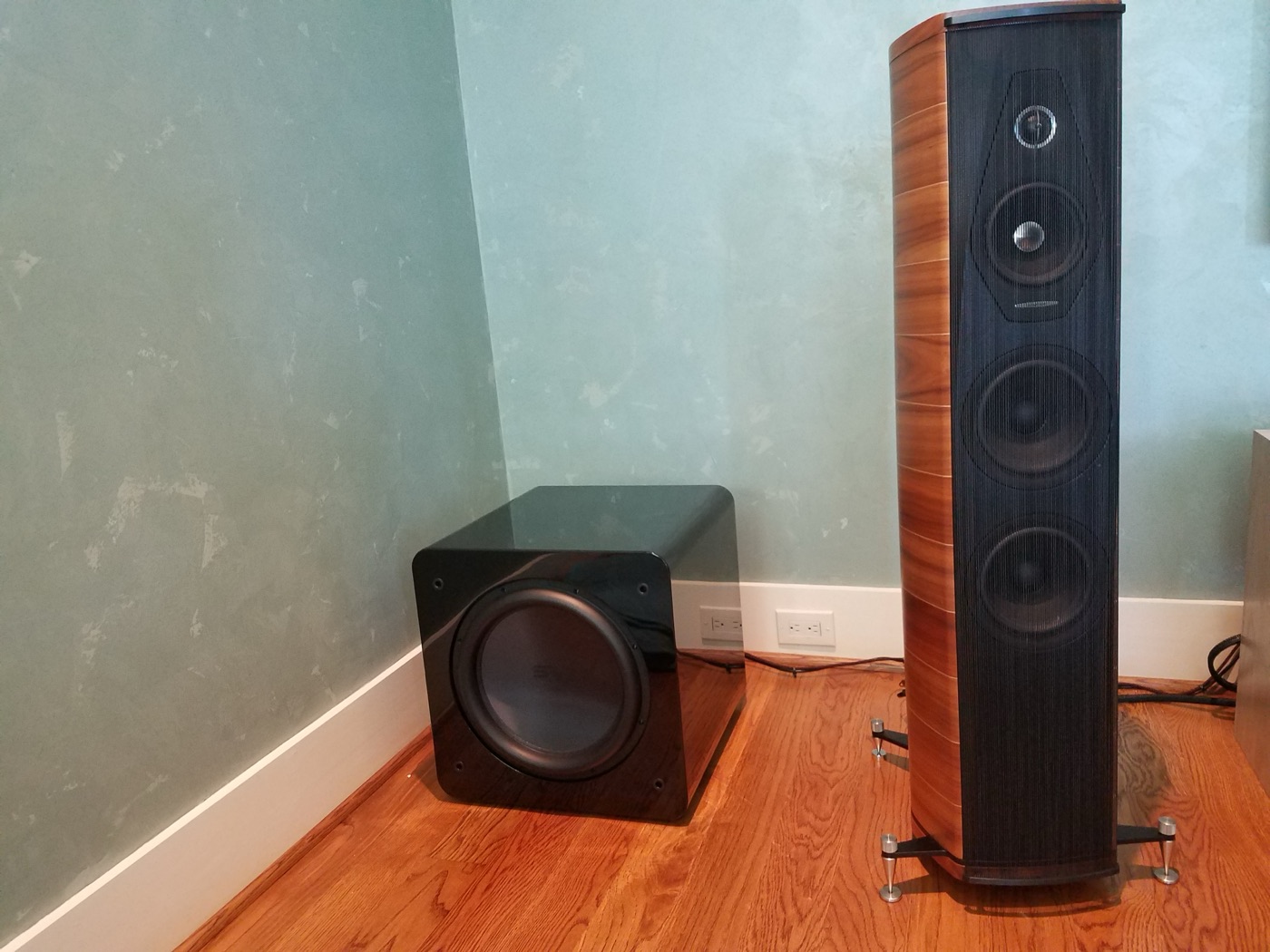
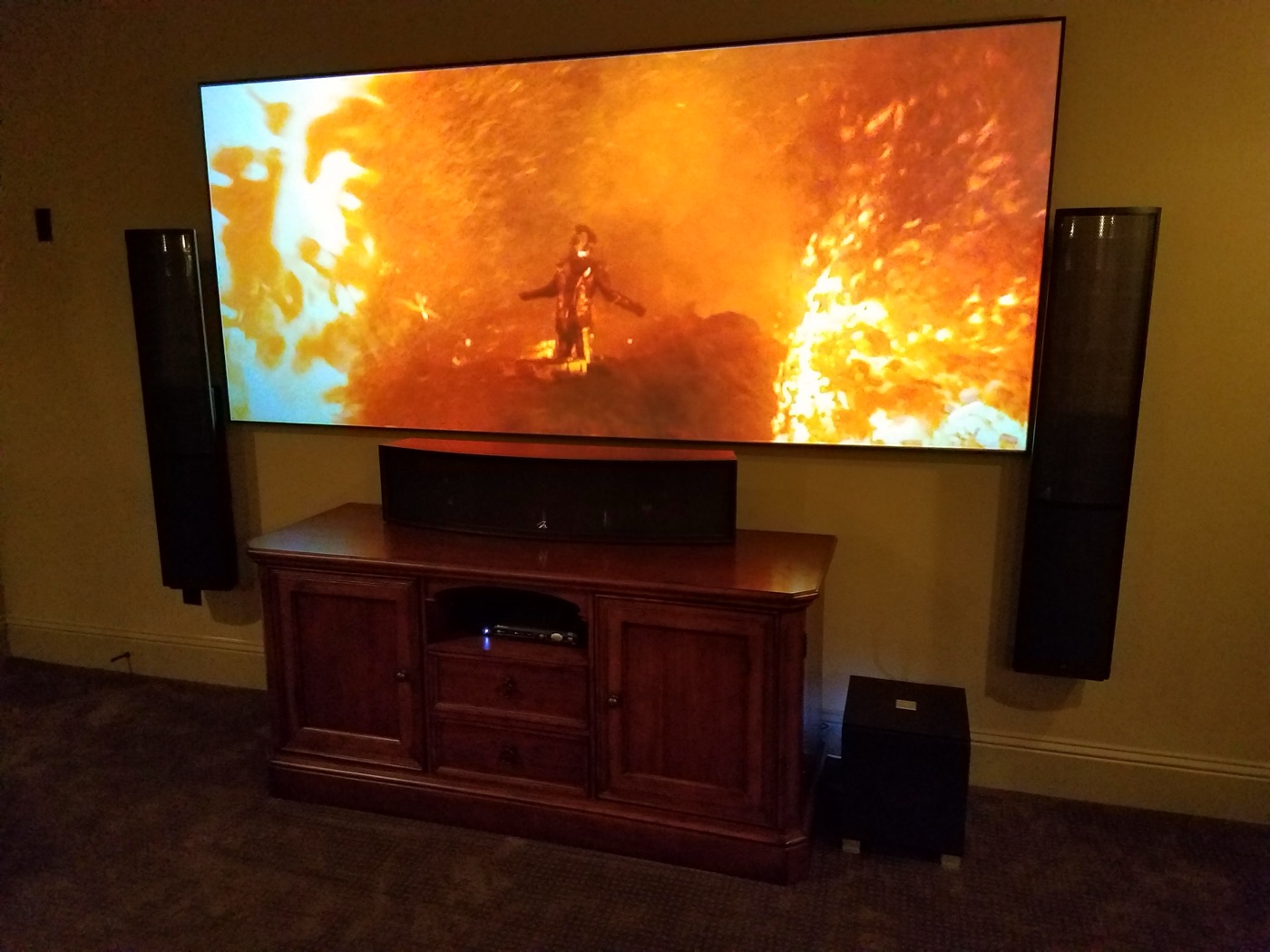
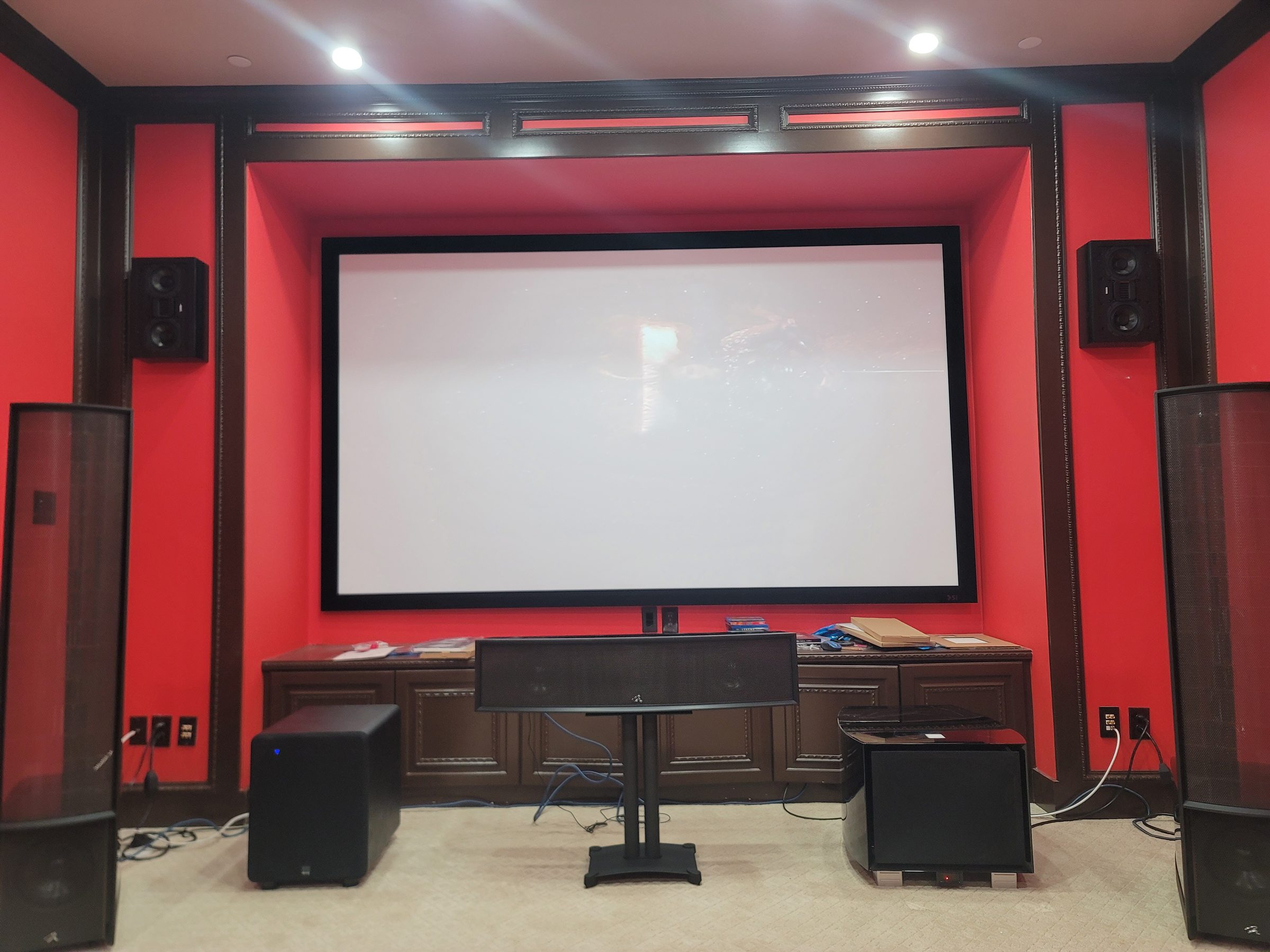
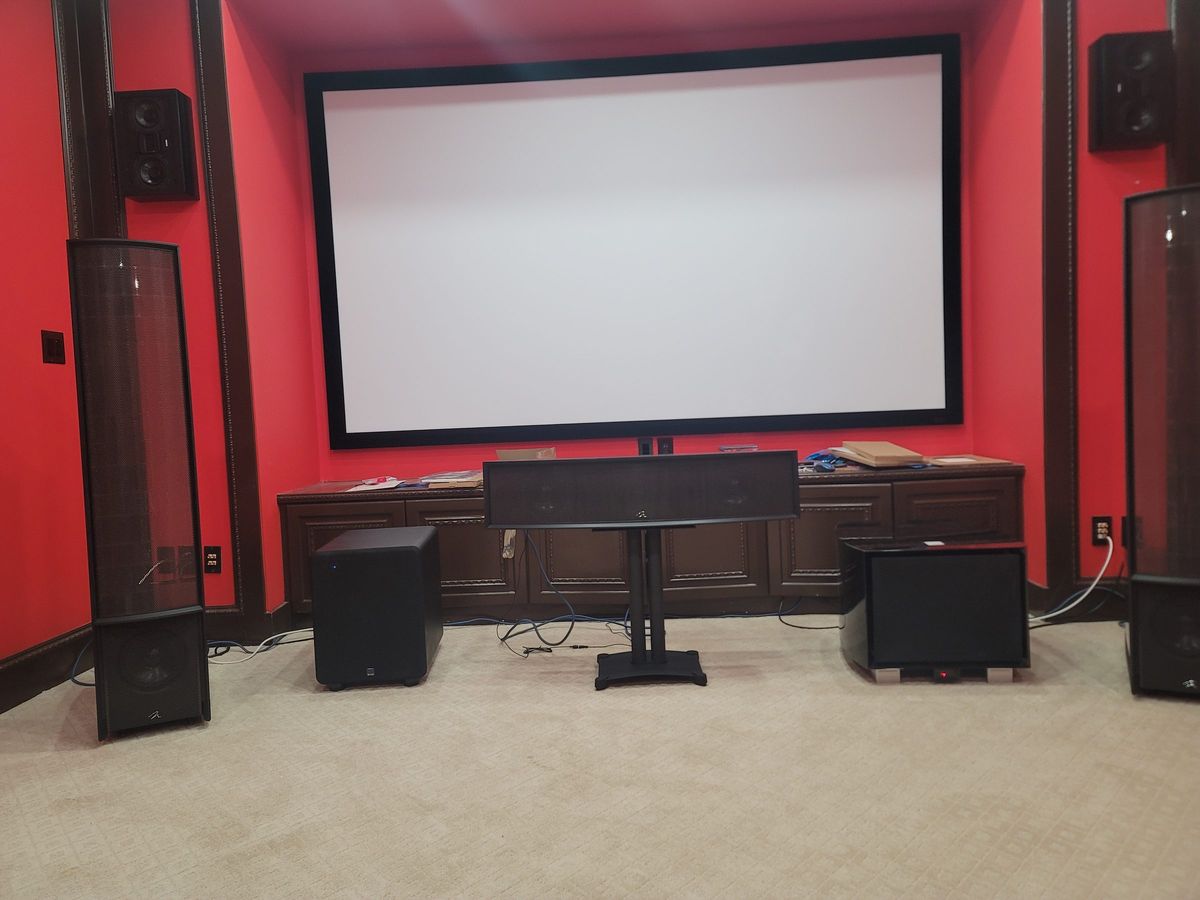
Carlton Woods area: retrofit Dolby Atmos theater
Retrofit theater near Carlton Woods with on-wall and in-ceiling speakers, two subwoofers, projection and Control4 control. For a similar room, assess existing wiring, speaker positions, seating and equipment compatibility before choosing what to retain or replace.
Tell us what your Woodlands system needs.
Call with the address and affected rooms, or describe the installation you are planning. Confirm the visit scope and availability before booking.