SERVICE AREA · GALLERIA / UPTOWN · HOUSTON
Galleria / Uptown AV repair and installation.
Obsidian Audio Video services Crestron, Control4, Savant and Lutron systems in Galleria / Uptown Houston, including systems another company installed. Call for help with condo or home AV, unresponsive controls, lighting and shades, or a new theater, audio or smart-home installation.
Call 346-357-5323 with the building or property address, system name and what is not working. For a condo, mention building access requirements before arranging a visit.
AV support for homes, condos and workplaces.
Existing-system repair
Takeover inquiries, fault diagnosis and changes to installed controls.
↯
Theaters & living-room AV
Plan a display, speakers and control around the room and building rules.
↯
Smart-home systems
Crestron, Control4 and Savant service and compatible new integrations.
↯
Lighting & motorized shades
Discuss Lutron controls, window glare, scenes and shade operation.
↯
Wired networking & Wi-Fi
Review the connection between the building internet handoff and your AV.
↯
Multi-room audio
Speaker placement and independent listening areas within your home.
↯
Office & meeting-room AV
Discuss conferencing, presentation and display requirements.
↯
PROPERTY PLANNING
Building access and room constraints belong in the plan.
Condo access before an appointment
For a high-rise visit, ask management about contractor registration, required insurance documents, work hours, parking, loading access and service-elevator reservations. Share the requirements before scheduling so they can be reviewed; a requested appointment is not confirmation of building approval. Identify any equipment outside the unit that only building staff can access.
Sound, mounting and finished surfaces
In a condo or townhome, shared walls and floors affect speaker and subwoofer choices. Room treatment can improve listening but does not by itself soundproof a unit. Confirm restrictions on drilling, penetrations and concealed wiring before planning in-wall equipment. Existing wall construction and accessible cable paths determine what is practical.
Glass, shades and network boundaries
For a room with extensive glazing, describe when glare affects the TV and which windows need independent shade control. Note whether shades respond locally but not through an app. For network problems, identify the in-unit router and any building-managed service; changes to shared infrastructure require the responsible provider or building team.
EXISTING-SYSTEM SERVICE
Before calling: identify the boundary of the problem.
- All AV lost connection: note whether internet access also failed and whether the building or internet provider recently changed equipment.
- Only the theater has no picture or sound: record the source selected and whether a different source still works in that room.
- One shade or a group does not respond: note the affected windows and whether local controls behave differently from a keypad scene or app.
- An inherited remote shows unfamiliar rooms: keep its settings and take photos of the room list and equipment labels. Do not erase the project to start over.
These details help distinguish a unit-level AV issue from an access, source or network problem. They are not a diagnosis, and they do not establish that a particular device needs replacement.
BEFORE YOU BOOK
Booking information for a Galleria / Uptown visit.
Provide the address and unit number, an authorized contact, the system brand and the symptoms. Add photos of visible model labels and any original installation documents. Tell us about front-desk arrangements and equipment access, but do not include passwords or entry codes in the contact form.
For a new installation, include room dimensions, screen location, furniture layout and any building rules for noise or alterations. Ask about scheduling, charges and scope after the access requirements are reviewed. Takeover work depends on the actual hardware, available accounts, project files and programming access; a prior installation does not guarantee that every requested change is possible.
System guides and related services.
Choose the guide for your installed platform. Brand names identify the systems supported, not a guarantee that every model or requested change is serviceable.
Planning resources
Considering shared sources for several TVs? This guide introduces video-distribution options; the building’s wiring and access constraints still need review.
LOCATION & ACCESS
Galleria / Uptown and nearby service areas.
Contact us about Galleria / Uptown properties, including the Post Oak corridor, and nearby Tanglewood or Highland Village inquiries. Projects in 77056 and the surrounding area should be confirmed by full address; the district and nearby neighborhood names do not all follow one ZIP boundary. Mention any building-specific arrangements when you call.
See all service areas ↯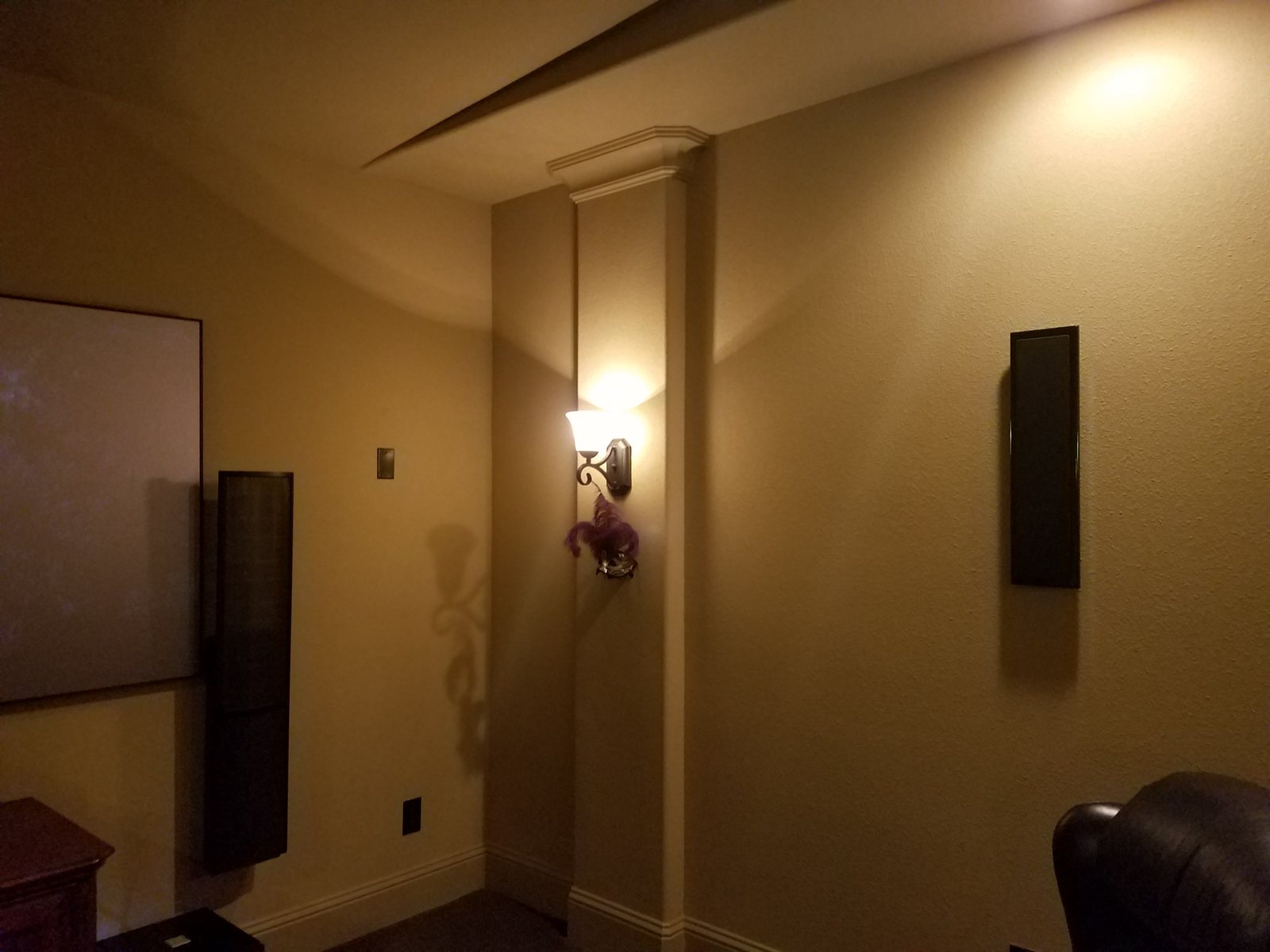
Questions about AV service in Galleria / Uptown.
Can you take over an AV system already installed in my condo?
Yes. We accept takeover and repair inquiries for existing Crestron, Control4, Savant and Lutron systems in Galleria / Uptown. The options depend on equipment condition, owner authorization, available project files and any building-managed equipment involved.
What should I check with condo management before booking?
Ask about contractor registration, required insurance documents, permitted work hours, parking, loading and elevator reservations. Share those requirements before scheduling so they can be reviewed. Building approval and access need confirmation for the specific visit.
Can you install surround sound without disturbing neighboring units?
Surround sound can be considered, but no installation can be promised inaudible to neighbors. Shared construction, speaker and subwoofer placement, volume and building rules need review. Acoustic treatment within a room is not the same as sound isolation between units.
Can you service shades if the app stopped working?
Describe whether the shade works from a local button or remote and whether one shade or all shades are affected. Lutron model information helps define the assessment. App, integration, power and hardware issues require different checks; the symptom alone does not identify the failed component.
OBSIDIAN AV WORK
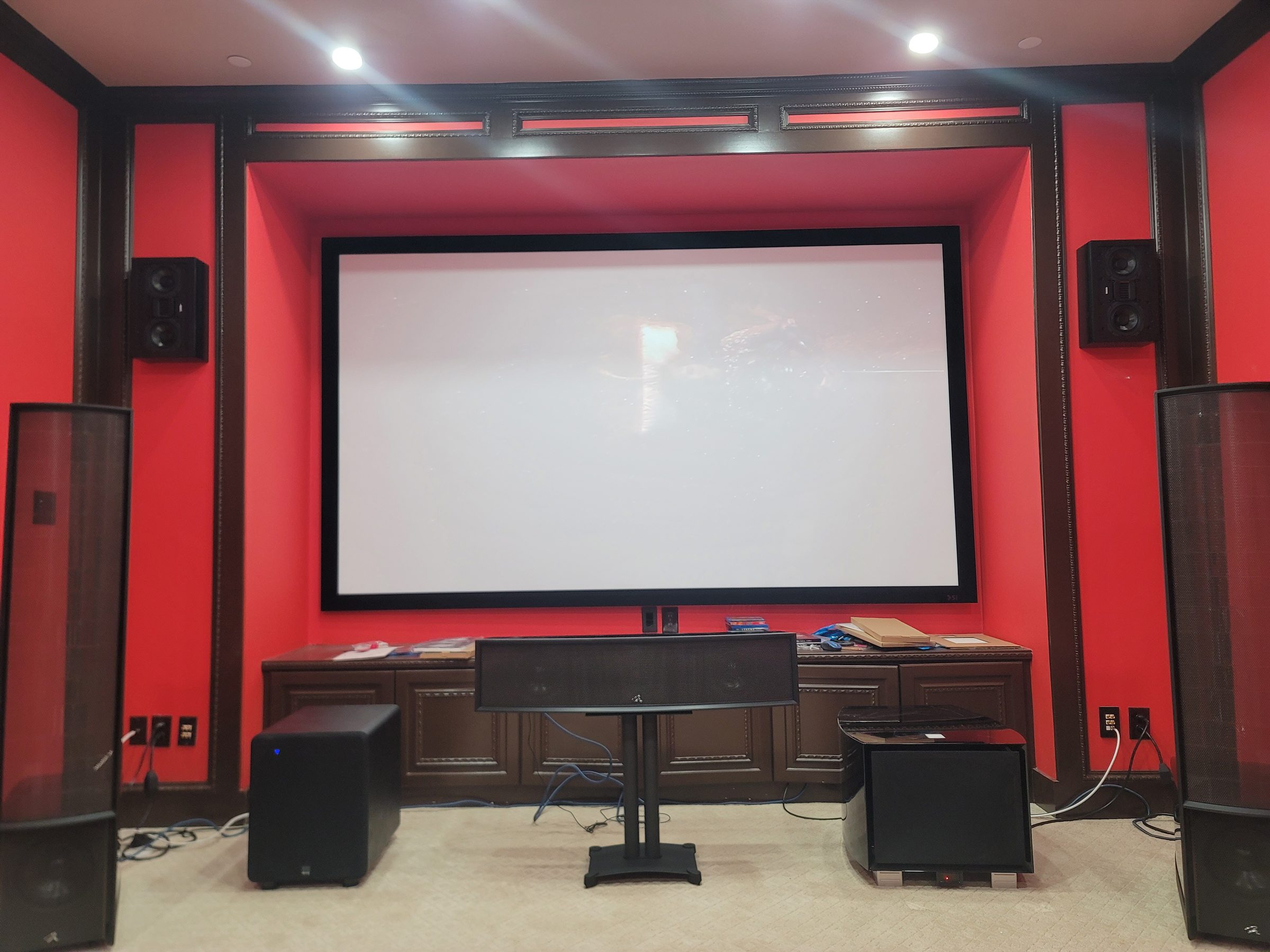
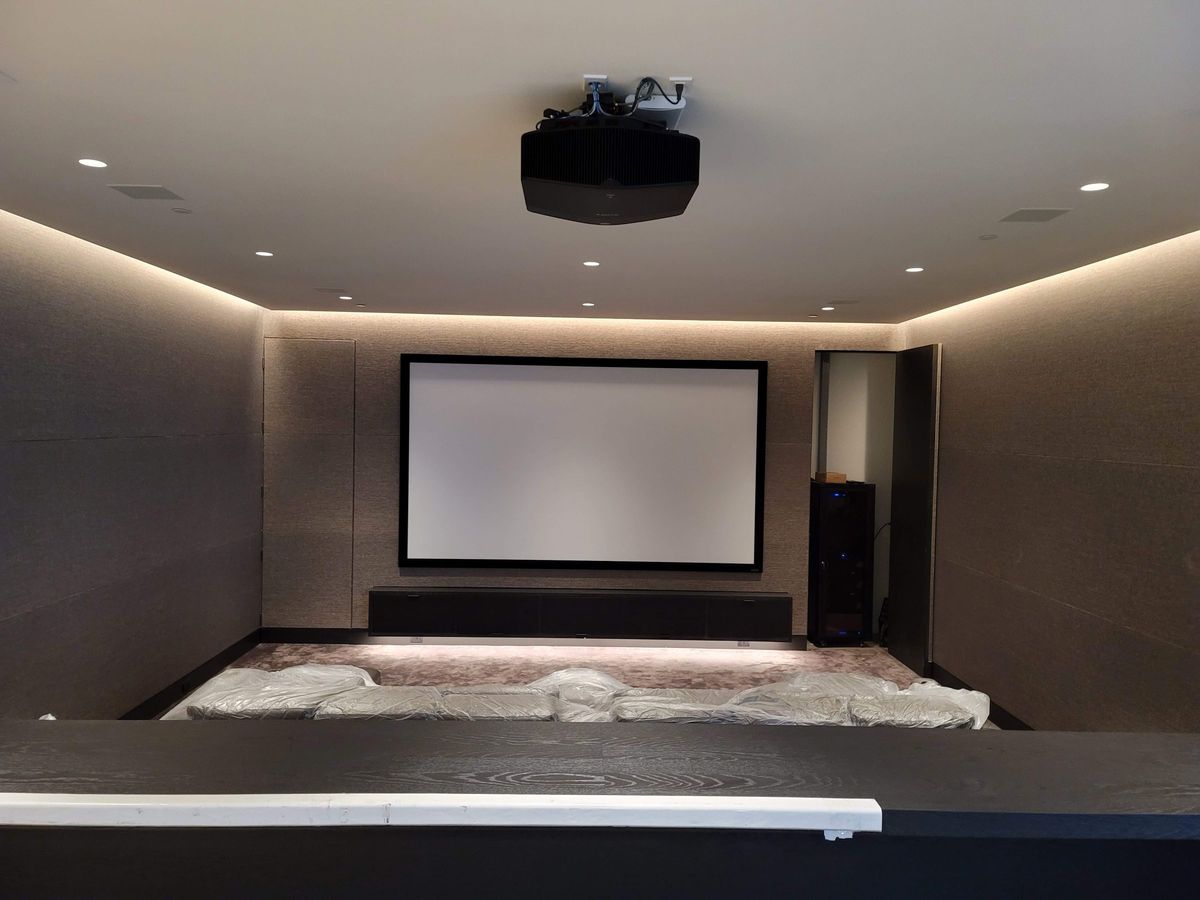
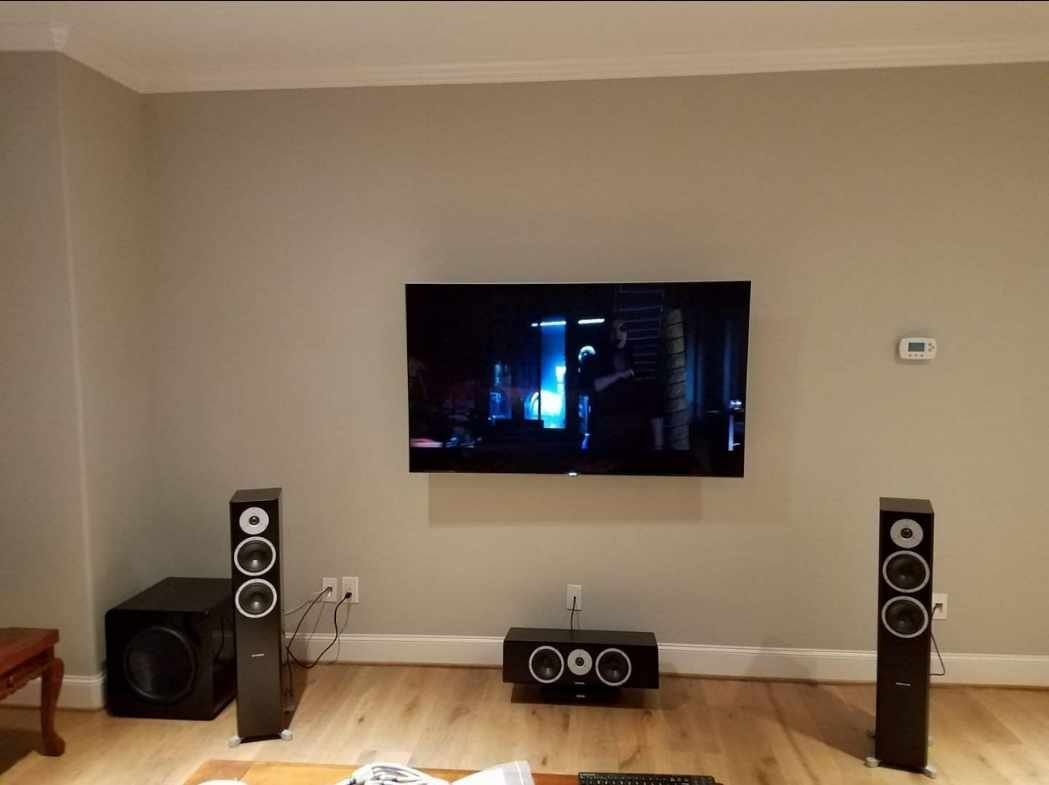
Systems we installed in the Galleria area.
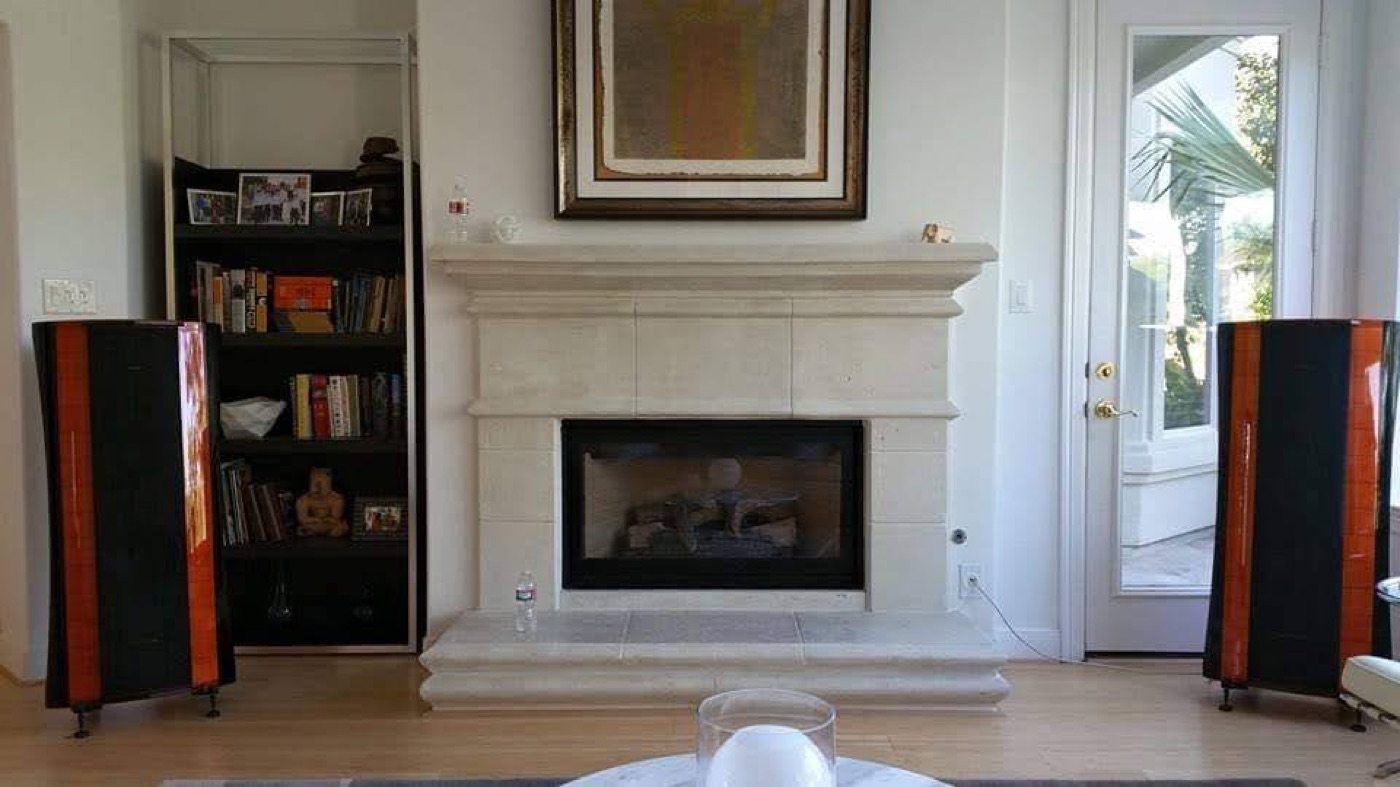
Photos from Obsidian Audio Video installations, shared with the homeowners' permission. Street locations are withheld for privacy.
Discuss your Galleria / Uptown system.
Start with the address, symptoms and building access requirements—or the room you want to install.