SERVICE AREA · TOMBALL · TEXAS
Tomball AV repair, system takeovers and installation.
An unfamiliar rack can contain equipment that supports several rooms even when its purpose is not obvious. Tomball AV service starts by mapping the installed system, identifying failures and checking what can be retained before a takeover or upgrade.
Assess an inherited rack before removing unused-looking gear
Photograph accessible model labels and note the controls used in each room. Do not unplug an unknown switch, power supply or controller to tidy the rack: another room, lighting integration or outdoor zone may depend on it. A takeover should distinguish unused sources from shared infrastructure before anything is removed.
Plan a staged upgrade when the system still serves the house
Prioritize the functions that must work now, then separate desired additions such as streaming or a new patio zone. Check the controller generation, available configuration, amplifier capacity and network paths. If more than one building is involved, define its connection and access requirements as a separate part of the plan.
Identify the platform before a rack takeover
The smart-home service guide explains the assessment of an inherited installation. Use AV troubleshooting for a specific failed room; the platform guides below describe the access needed before programming can change.
Services available in Tomball
Arrange access for Tomball service
For a Tomball request, include the full service address, whether equipment is in more than one structure and who can authorize account or configuration changes. Gather previous-installer records if available; missing records are an assessment constraint, not a promise that recovery is possible.
Service requests in Tomball and surrounding areas
Service areas include Tomball, Villages at Northgate, Creekside and The Reserve at Tomball. These are service areas, not separate offices.
See all service areasAlso serving communities around Tomball.
AV service questions for Tomball
Can a takeover proceed without the original installer’s records?
An assessment can begin with the equipment and working functions, but programming changes and migration may be limited by access, available files and manufacturer support. For custom-programmed Crestron systems, editable program source may be required. Do not erase the existing configuration in an attempt to start over.
OBSIDIAN AV WORK
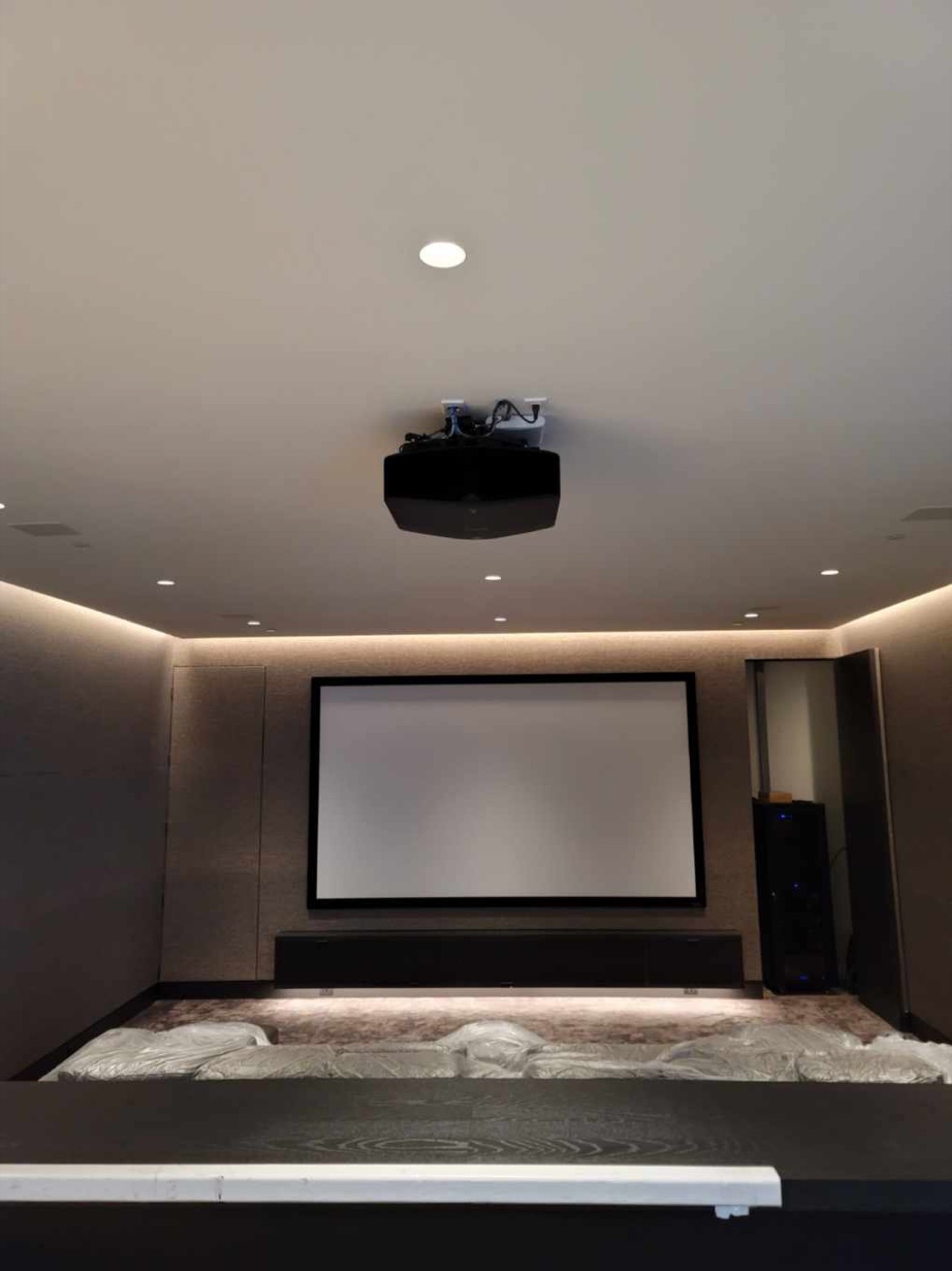
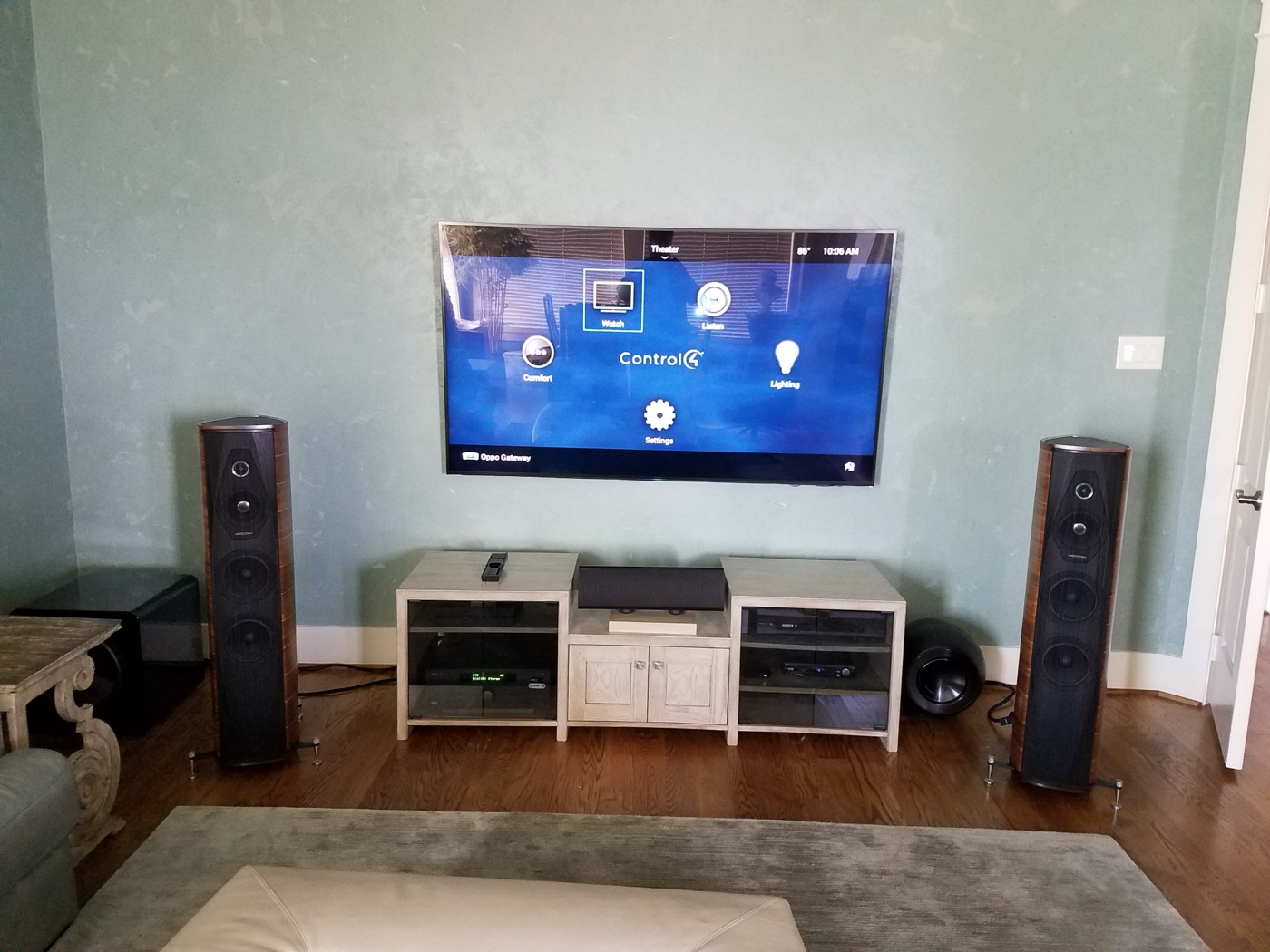
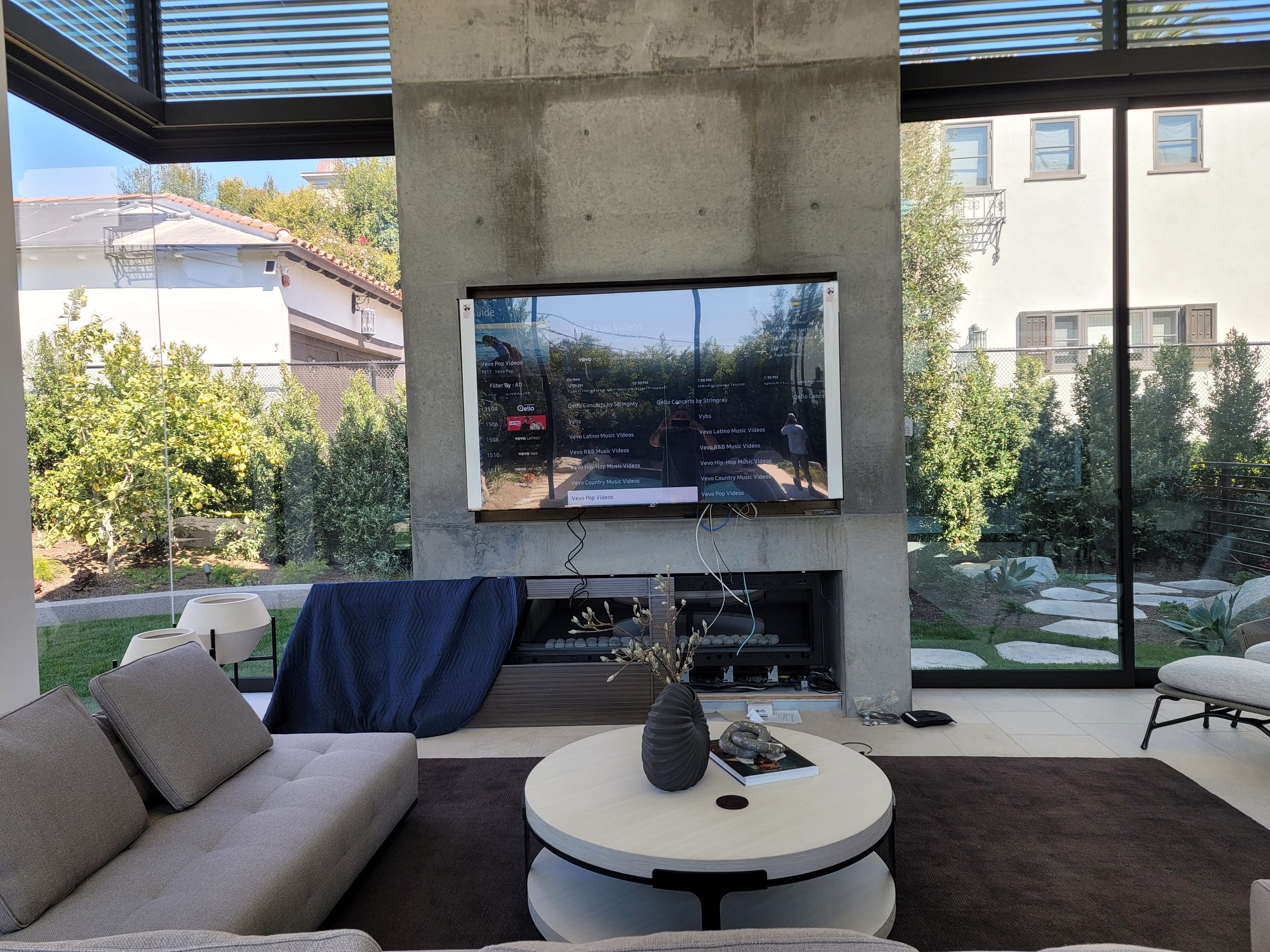
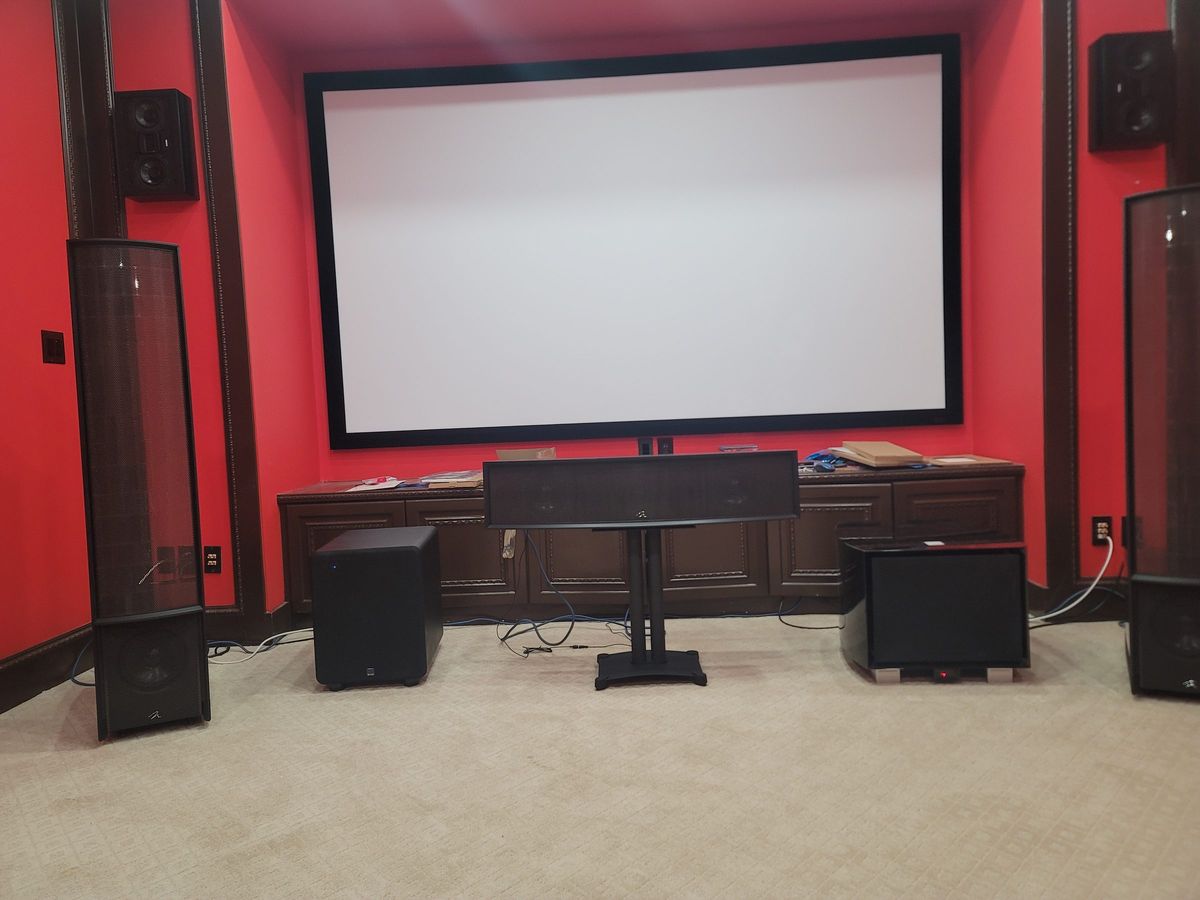
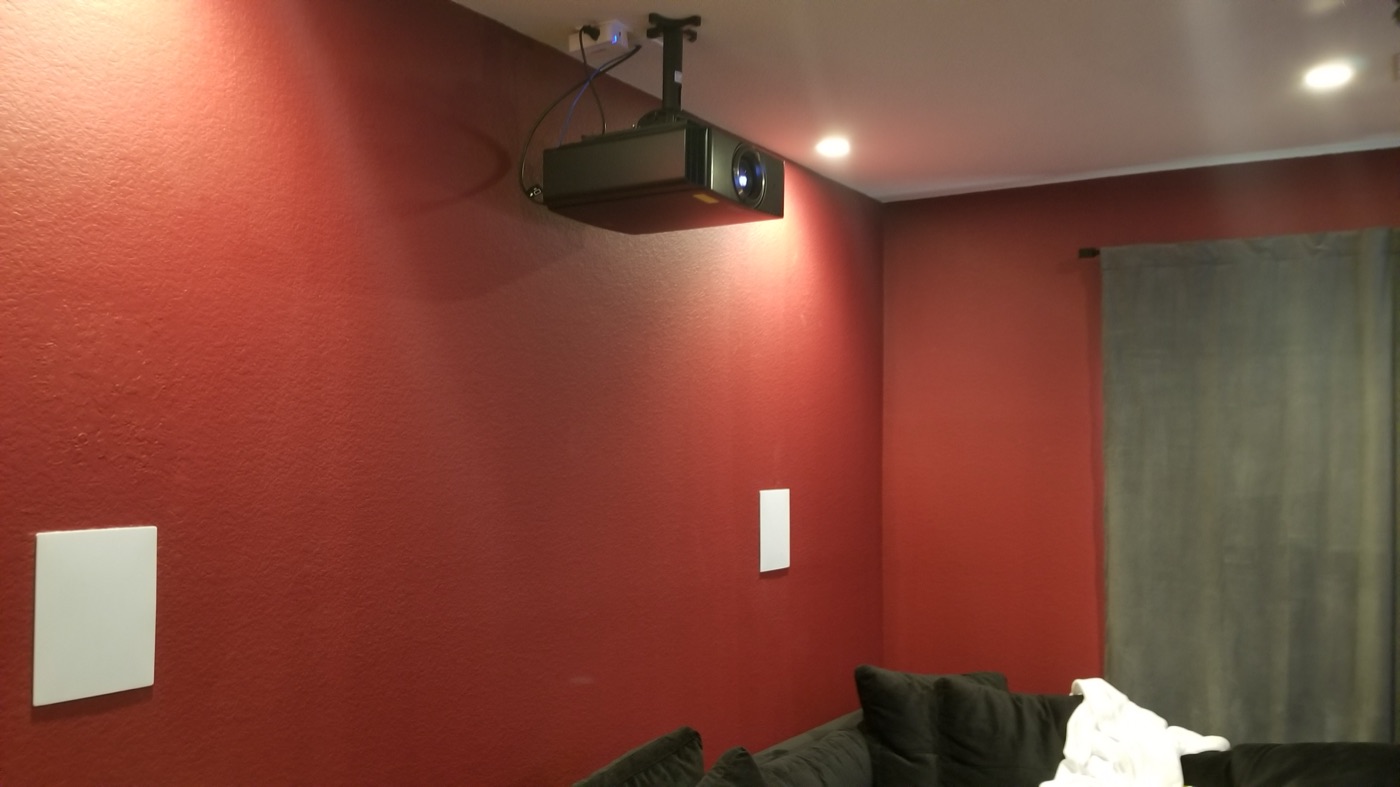
Systems we installed in Tomball.
Photos from Obsidian Audio Video installations, shared with the homeowners' permission. Street locations are withheld for privacy.
Discuss your Tomball system
Call 346-357-5323 with the address and what you are seeing.
Crestron service in Tomball
Existing Crestron service inquiries are accepted for Tomball properties, including another installer’s work. Identify the installed platform and gather available program or configuration files before requesting changes. Diagnosis should distinguish a hardware or network fault from programming work; missing source files can limit the available changes.