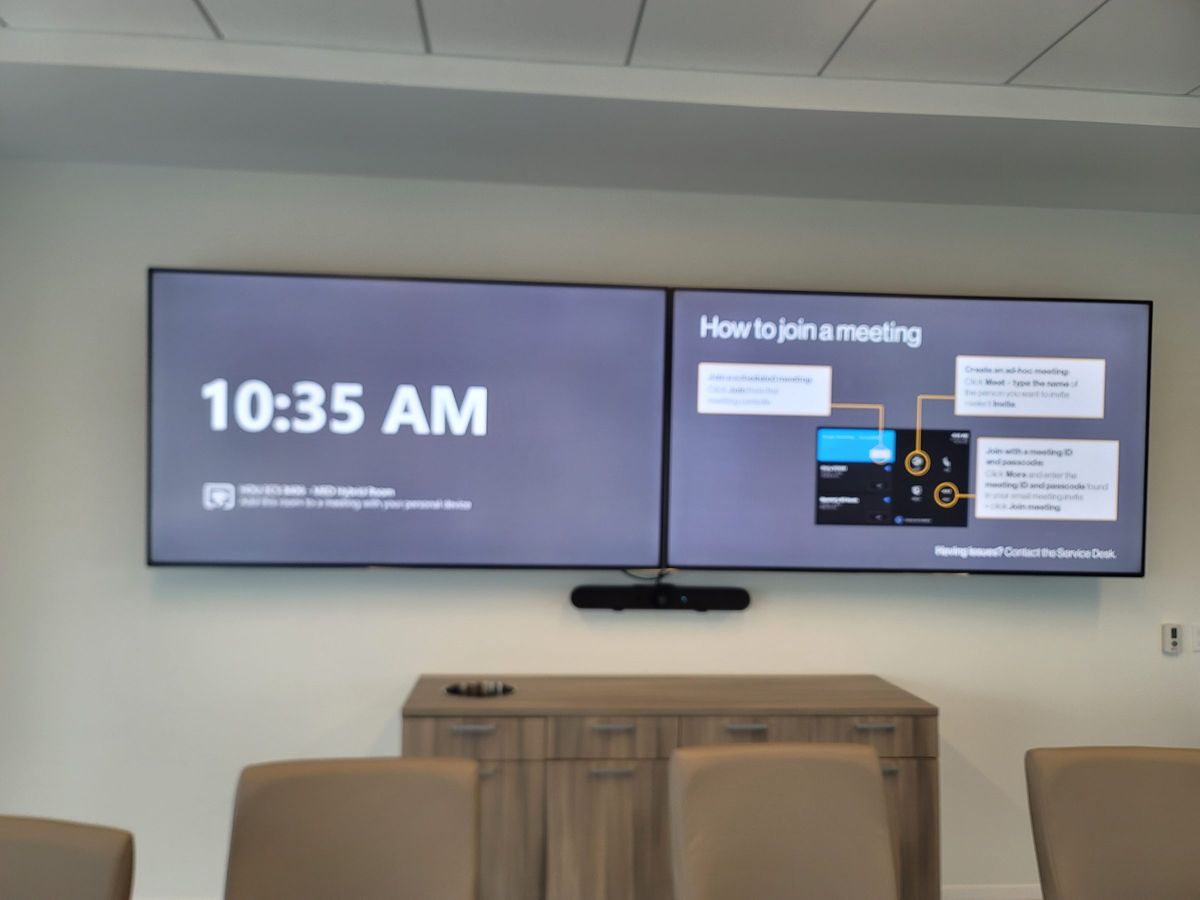
VIDEO WALLS
Video wall installation & service in Houston.
A missing tile, incorrect image layout or unreliable source needs a signal-path assessment. We inspect existing video-wall displays, processors and control interfaces, then scope service or a new installation for your room and intended content.
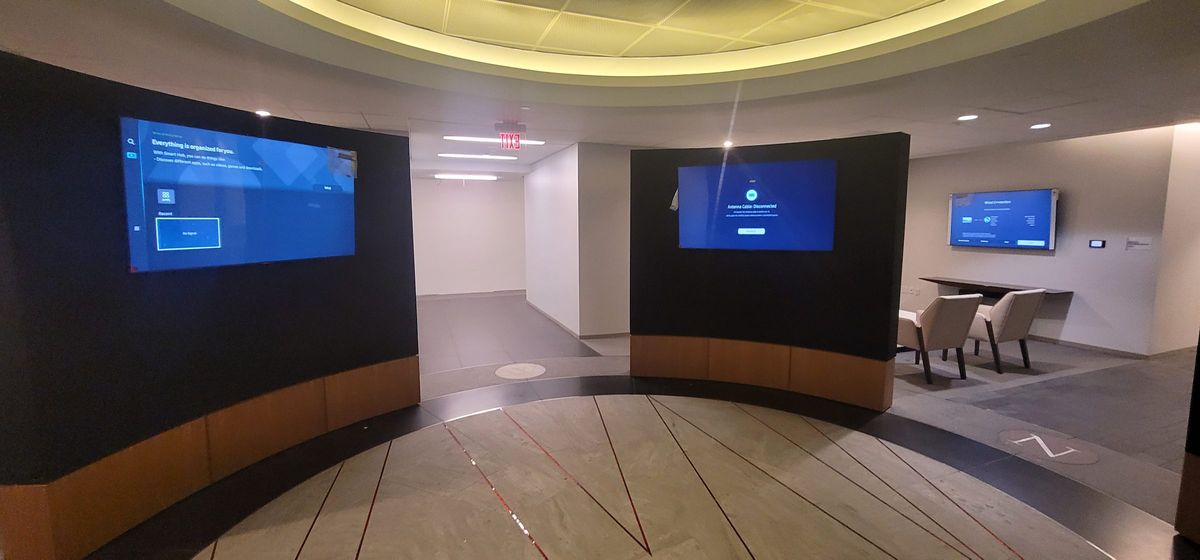
LED and LCD Video Walls
We design and install direct-view LED video walls, LCD video walls using ultra-thin-bezel panels, and large-format displays. Content management, signal distribution, calibration and control programming are all included.
Choosing the Right Video Wall Technology
The first decision is direct-view LED vs LCD. Direct-view LED modules butt together to form a seamless surface with no bezels — brightness from 800 to 1,500 nits, pixel pitches from 0.7 mm to 4 mm. LCD video walls use ultra-narrow-bezel commercial panels (typically 55" or 65") tiled in a grid. LED wins on seamlessness and outdoor visibility; LCD wins on cost per square foot for typical indoor viewing distances.
Pixel pitch selection is driven by viewing distance. Rule of thumb: comfortable viewing distance in feet ≈ pixel pitch in millimeters. A 1.5 mm pitch is sharp at 5 ft, 2.5 mm at 8 ft, 4 mm at 13 ft. For a Downtown Houston lobby where viewers stand 6–10 ft away, 1.8–2.5 mm LED is typical. For a command center with operators 8–12 ft back, 1.2–1.8 mm keeps fine text legible without overspending on pitch you don't need.
Display size depends on room geometry and content. A 2 × 2 array of 55" panels gives roughly 110" diagonal — enough for a 30-person training room. A 3 × 2 of 65" panels reaches ~165" for larger audiences. We calculate based on farthest viewer and content type: data-dense dashboards need tighter pixel pitch than ambient branding.
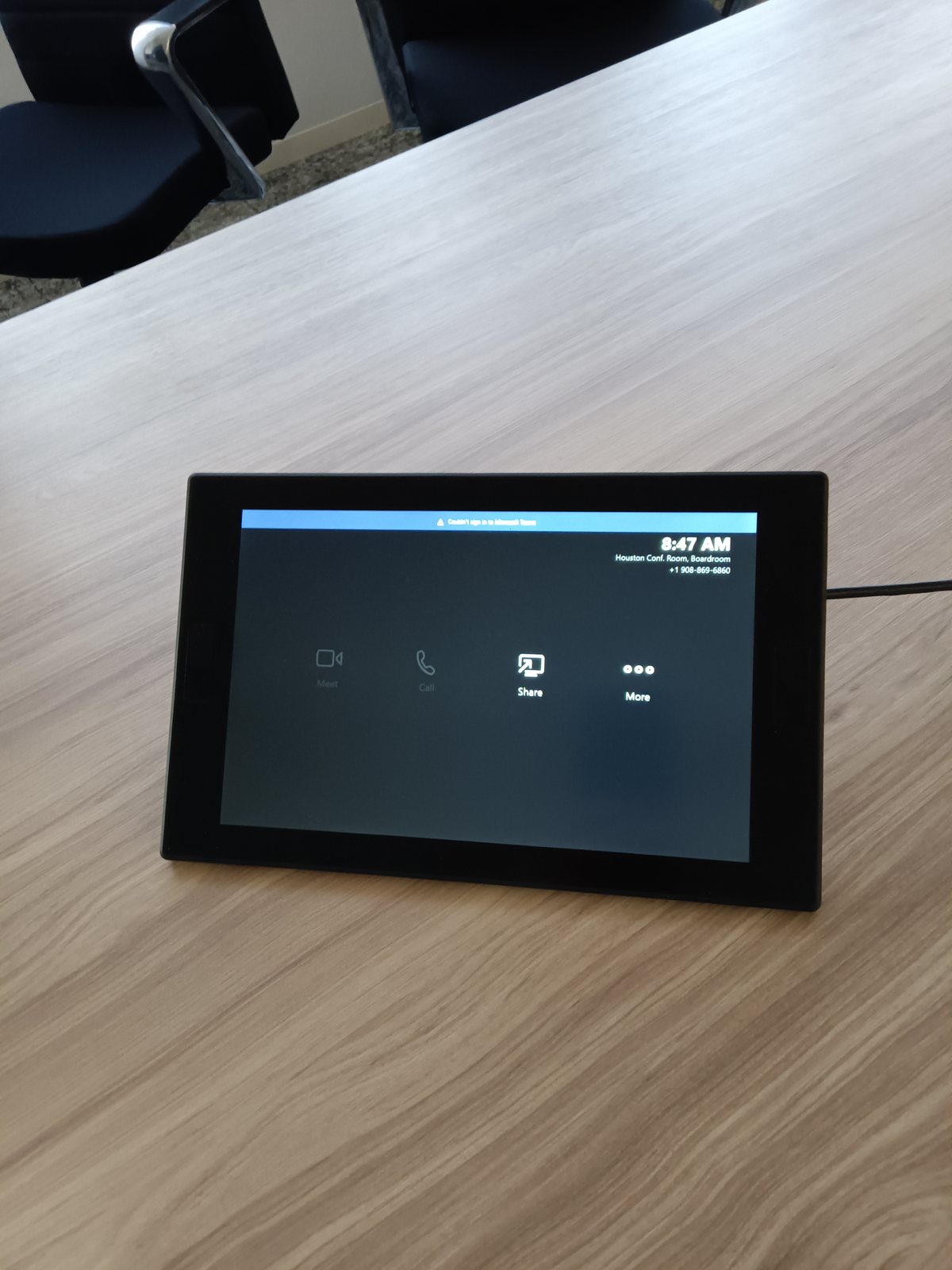
Source and content routing matters as much as the panels. We use AV-over-IP (Crestron NVX, SDVoE) or HDMI/HDBaseT matrix routing to push live TV, wayfinding, dashboards, corporate branding, and emergency alerts to zones on the wall. Content is managed through a touch panel or scheduler — no manual cable swapping, no calling IT to swap a cable in the rack.
Mounting and service access are planned before the wall goes up, not after. LED walls need a service corridor behind the wall (24–36") for rear access, or front-serviceable modules if the wall is against concrete. LCD video walls use wall mounts or floor stands with minimal rear clearance. We plan cooling, power conditioning, and cable paths up front — retrofitting service access after the fact is expensive and disruptive.
Houston's climate demands attention to 24/7 operation and cooling. LED and commercial LCD panels are rated for continuous operation, but heat is the killer — especially in Houston where ambient loads spike. We size the rear-plenum cooling, specify low-noise fans, and coordinate with building HVAC. Power is conditioned and backed by UPS for graceful shutdown during grid events, which happen often enough in Texas to plan for.
A recent Downtown Houston installation: 3 × 2 configuration of 55" ultra-narrow-bezel LCD panels (~165" diagonal), Crestron NVX AV-over-IP routing, 4K content playback, scheduled digital signage for corporate branding, and a Crestron touch panel for source switching. Mounted on a custom floor stand with integrated cable management and a lockable equipment bay — completed in three days with zero post-install callbacks.
Frequently Asked Questions
What is the difference between direct-view LED and LCD video walls?
Direct-view LED uses individual LED modules butted together to form one seamless surface — no bezels, extreme brightness (800–1,500 nits), and pixel pitches from 0.7 mm up to 4 mm for indoor use. LCD video walls use ultra-narrow-bezel commercial panels (typically 55" or 65") tiled in a grid. LED wins on seamlessness and brightness; LCD wins on cost per square foot for typical indoor viewing distances.
How do I choose pixel pitch for a Houston lobby or command center?
Rule of thumb: comfortable viewing distance in feet ≈ pixel pitch in millimeters. A 1.5 mm pitch is sharp at 5 ft, 2.5 mm at 8 ft, 4 mm at 13 ft. For a Downtown Houston lobby where viewers stand 6–10 ft away, 1.8–2.5 mm LED is typical. For a command center with operators 8–12 ft back, 1.2–1.8 mm keeps fine text legible.
What goes into mounting and service access?
LED walls need a service corridor behind the wall (typically 24–36") for rear access, or front-serviceable modules if the wall is against concrete. LCD video walls use wall mounts or floor stands with minimal rear clearance. We plan cooling, power conditioning, and cable paths before the wall goes up — retrofitting service access after the fact is expensive.
Can you route multiple sources and content to the video wall?
Yes. We use AV-over-IP (Crestron NVX, SDVoE) or HDMI/HDBaseT matrix routing to push live TV, wayfinding, dashboards, corporate branding, and emergency alerts to zones on the wall. Content is managed through a touch panel or scheduler — no manual cable swapping.
Do you handle 24/7 operation and cooling for Houston summers?
LED and commercial LCD panels are rated for 24/7 operation, but heat is the killer — especially in Houston where ambient loads spike. We size the rear-plenum cooling, specify low-noise fans, and coordinate with the building HVAC. Power is conditioned and backed by UPS for graceful shutdown during grid events.
What does a typical installation look like?
A recent Downtown Houston installation: 3 × 2 configuration of 55" ultra-narrow-bezel LCD panels (total ~165" diagonal), Crestron NVX AV-over-IP routing, 4K content playback, scheduled digital signage for corporate branding, and a Crestron touch panel for source switching. Mounted on a custom floor stand with integrated cable management and a lockable equipment bay — completed in three days with zero post-install callbacks.
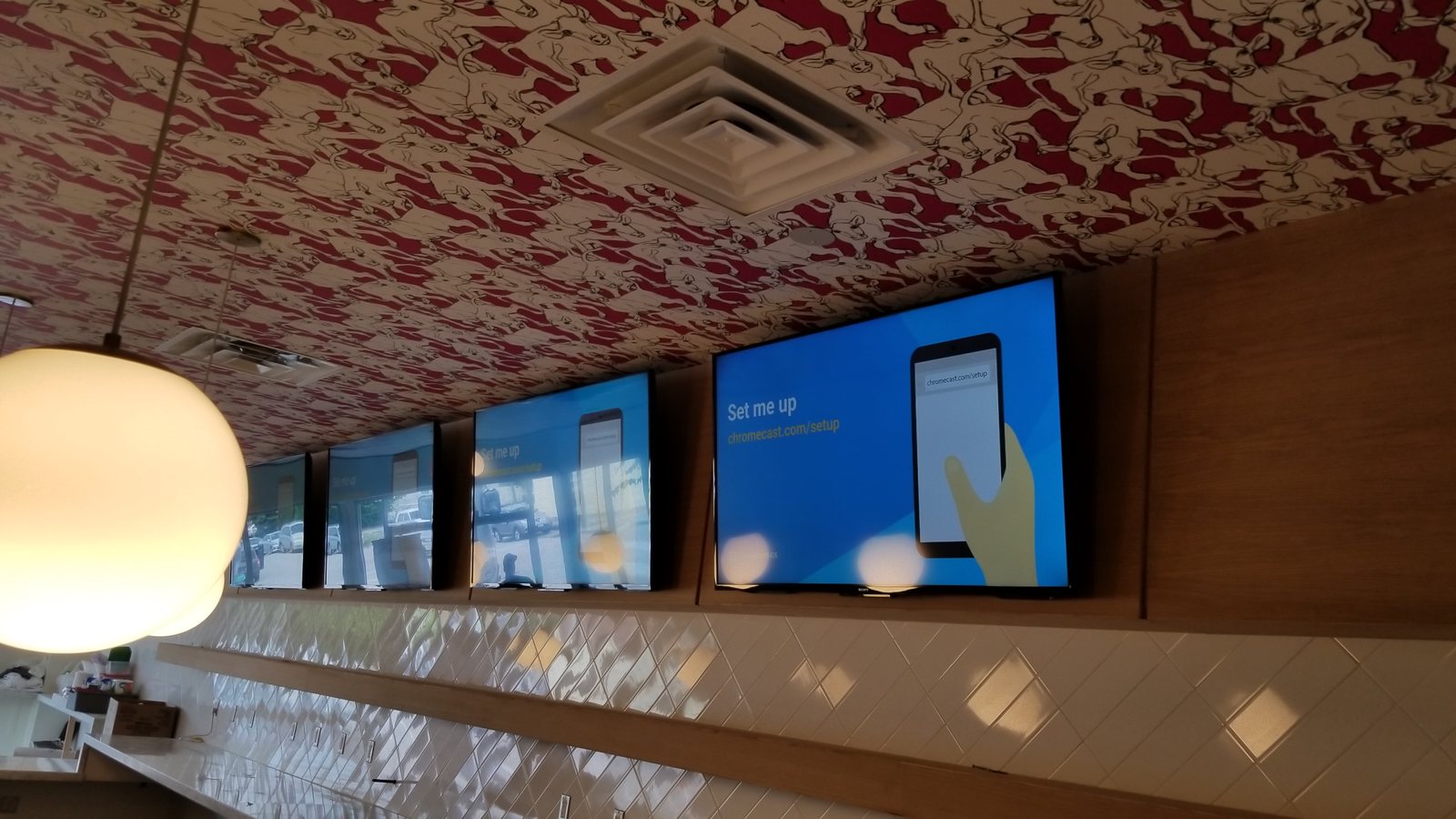
Experience across the system—not just one box
Chris Cox brings over 25 years of professional AV engineering, programming, integration and troubleshooting experience across multiple platforms. We look at how the equipment, control and network work together, then discuss the service scope, access requirements and charges before work begins.
AV repair and system takeovers · Control4 service · Savant service · Crestron service · Lutron service
Ready to start?
Tell us what you want the room to do. We'll handle the rest.