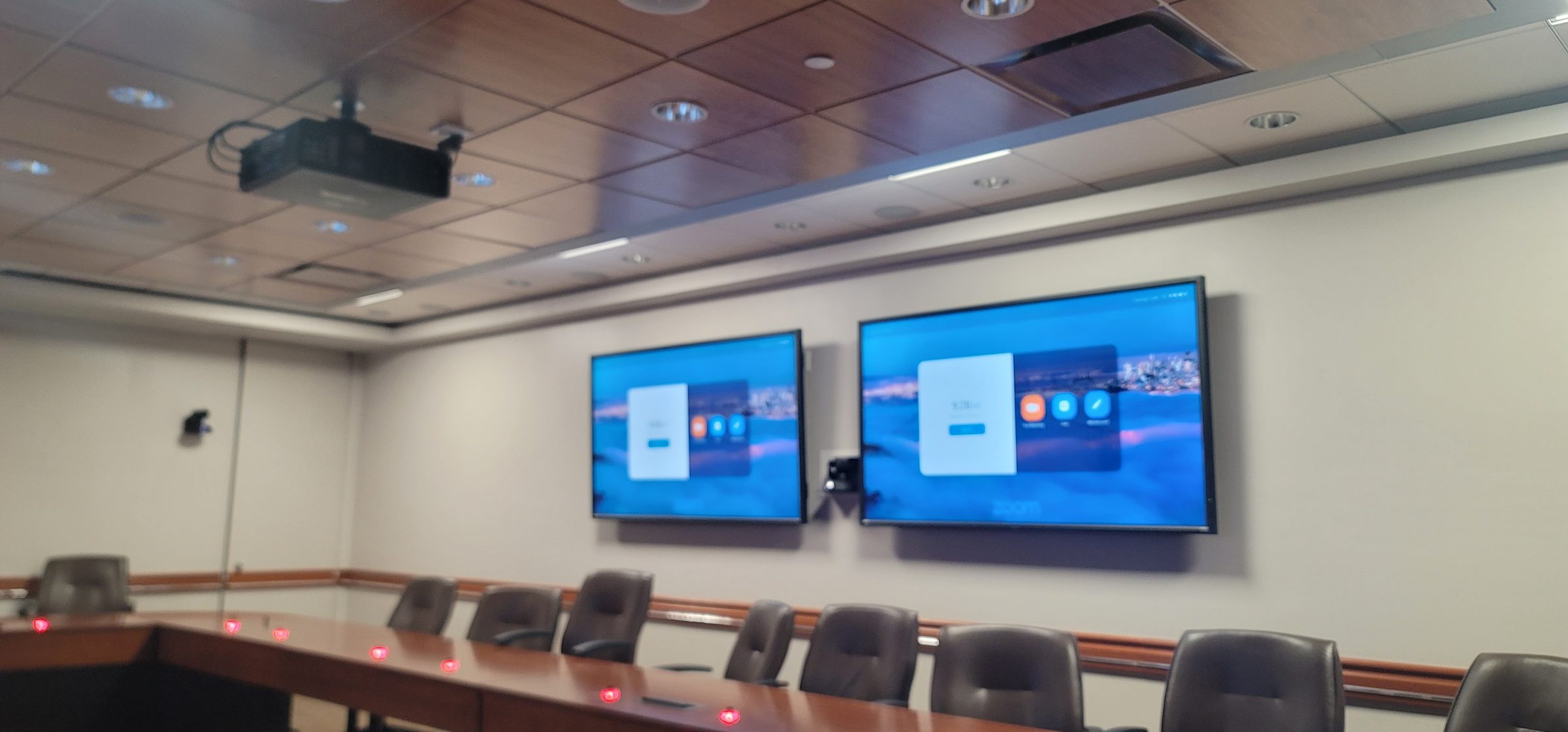
MICROSOFT TEAMS ROOMS
Microsoft Teams Rooms service in Houston.
Meeting will not join, audio drops or the room display has gone blank? We assess room hardware, connections and control, coordinating account, licensing and network work with your Microsoft 365 administrator. New rooms are specified around current supported hardware.
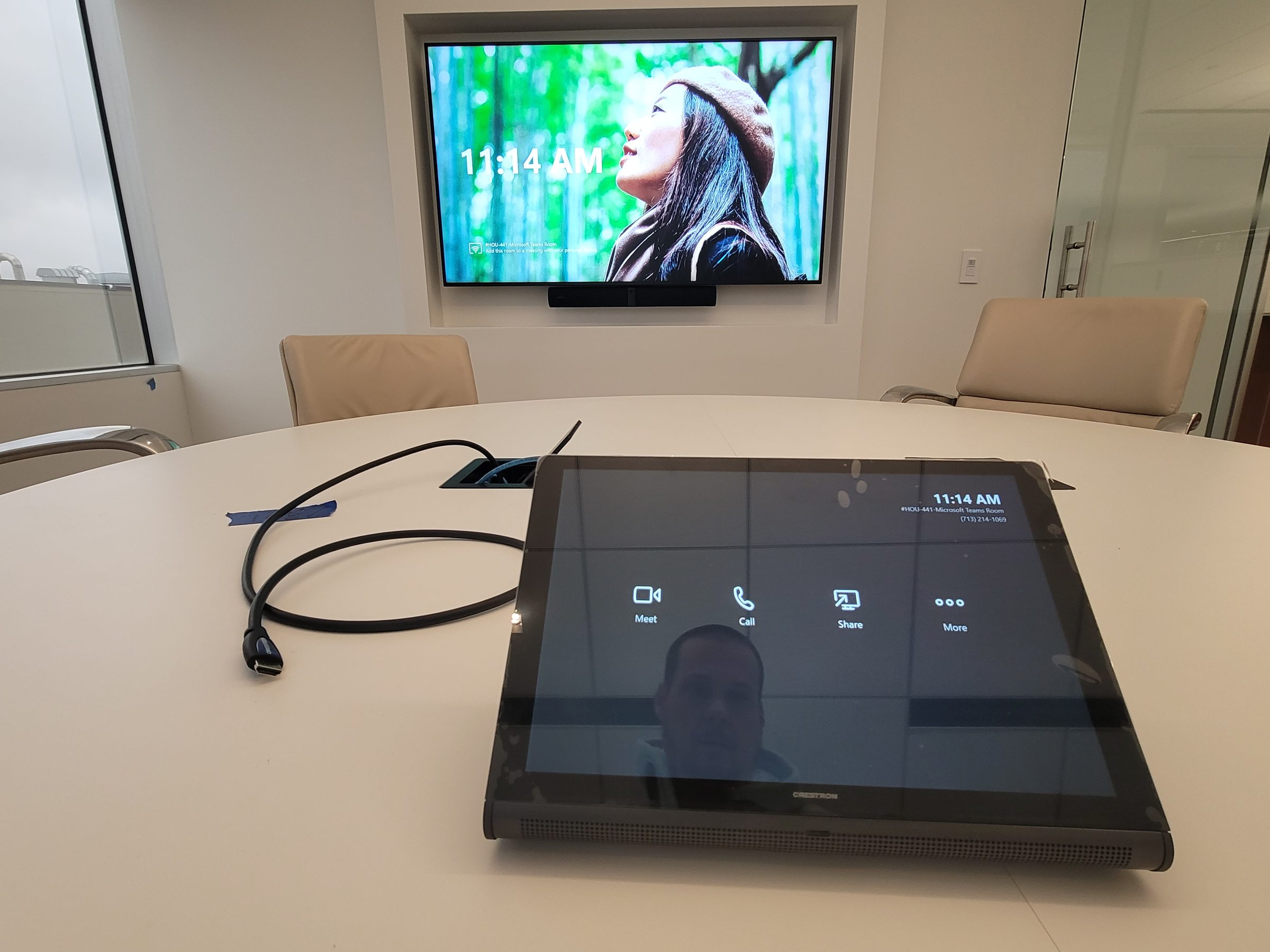
Certified Solutions
We install certified Teams Rooms solutions from Logitech (Rally, MeetUp), Crestron (Flex), Yealink (A30, A20) and other certified partners. Each includes camera, microphone array, compute module, touch controller and room calibration.
Walk in, tap to join, start the meeting. That is the bar.
Room Types and Sizing
Teams Rooms are not one-size-fits-all. Huddle spaces (2–4 people) need a wide-angle camera like the Logitech MeetUp or Yealink A20, a single display, and a tabletop touch console. Medium rooms (6–12 people) pair a Rally Plus or Yealink A30 with dual displays — one for gallery, one for content. Large boardrooms (12–20+) demand a pan-tilt-zoom camera with speaker tracking, ceiling-array microphones, and multi-display front-of-room. We size the room before we size the gear.
Camera and Microphone Coverage
Camera selection follows room geometry. A 90° FOV camera covers a 12 ft-wide room from 6 ft back; wider rooms need a wider lens or a tracking camera. Microphone arrays must cover every seat — a 6-beambar array handles 10–12 ft of table; longer tables need additional ceiling mics or a daisy-chained expansion. We measure the room, map every seat to coverage, and confirm no dead zones before we finalize the BOM.
Acoustics and AEC
Acoustic echo cancellation (AEC) is built into every certified Teams device, but room acoustics can defeat it. Hard surfaces — glass walls, concrete floors, exposed ceilings — create reflections that confuse the AEC algorithm. We treat the room with absorptive panels or ceiling clouds where needed, verify reverberation time (RT60) under 0.5 seconds, and confirm the DSP is tuned for the room's actual response. A great mic in a bad room sounds worse than a decent mic in a good room.
Presentation and BYOD
Teams Rooms include HDMI or USB-C input for in-room presentation, plus wireless sharing through Teams Cast. For BYOD scenarios — a laptop joining the meeting with its own camera and mic — we install a USB-C dock at the table so a visiting laptop gets display, audio, and network through one cable. No fumbling with adapters at the start of the meeting.
Tenant and Licensing Responsibilities
Teams Rooms require a Teams Rooms Pro or Basic license per room, assigned through the Microsoft 365 admin center. We coordinate with your IT admin to provision the resource account, assign the license, and configure room policies. The hardware is ours; the tenant and licensing are yours — we make sure the handoff is clean and documented.
Network Coordination
Teams Rooms need a wired network connection to the compute module, with QoS tagging for real-time media and firewall rules for Teams signaling. We coordinate with your network team to ensure the VLAN, DHCP reservations, and bandwidth prioritization are in place before we commission the room. A room that drops calls because it's on the wrong VLAN is not a finished installation.
Acceptance Testing and Support
Every room goes through acceptance testing before we call it done: a test call with remote participants, camera framing verification, mic coverage sweep, content sharing test, and a touch-panel walkthrough with the room owner. We document the room configuration, provide a quick-reference guide for users, and schedule a 30-day check-in to catch any issues after the team has lived with it for a month. Support after turnover includes firmware updates, Teams app updates, and a single point of contact when something breaks.
Frequently Asked Questions
What is included in a Teams Rooms installation?
A certified Teams Rooms installation includes the compute module, touch controller, camera, microphone array, display(s), room calibration and Teams provisioning. We handle the full installation and configuration.
Do I need a Teams Rooms Pro license?
Teams Rooms Pro unlocks advanced features — intelligent speaker attribution, large gallery view, Teams admin center management, and proximity join. Basic is free but limited. We recommend Pro for any room above huddle size; we'll coordinate with your IT admin on licensing.
Can you integrate with our existing calendar and room booking?
Yes. The Teams Rooms resource account integrates with Exchange and Outlook for one-touch join from calendar invites. We also install room scheduling panels (Crestron, Logitech) outside the door so anyone can see availability and book on the spot.
What if our room has poor acoustics?
We assess the room during the site survey. If reverberation time (RT60) exceeds 0.5 seconds, we recommend acoustic treatment — ceiling clouds, wall panels, or absorptive dividers — before installing the audio system. A great mic in a bad room sounds worse than a decent mic in a good room.
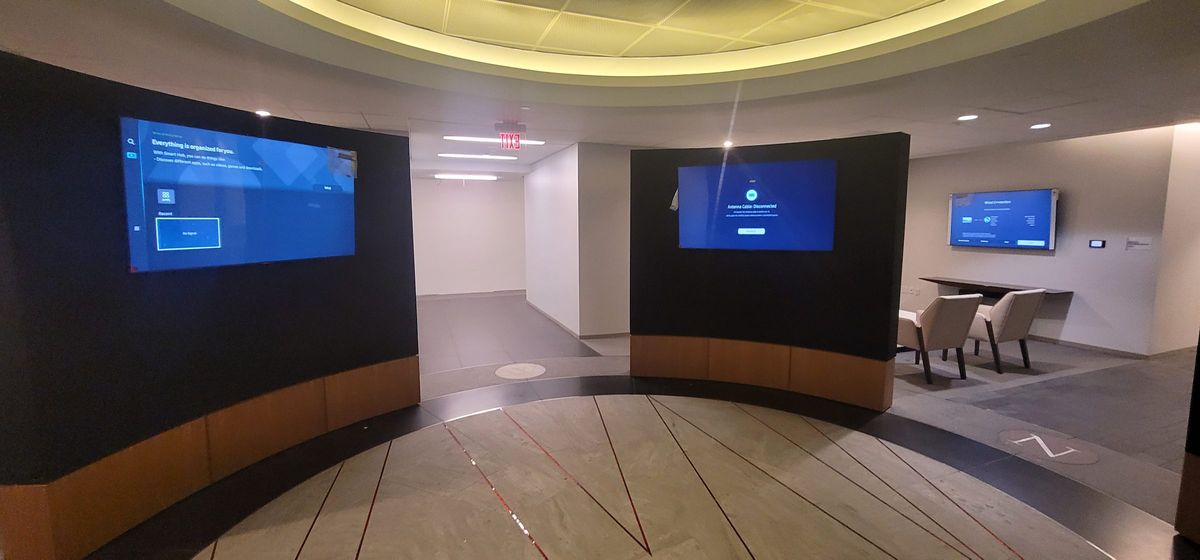
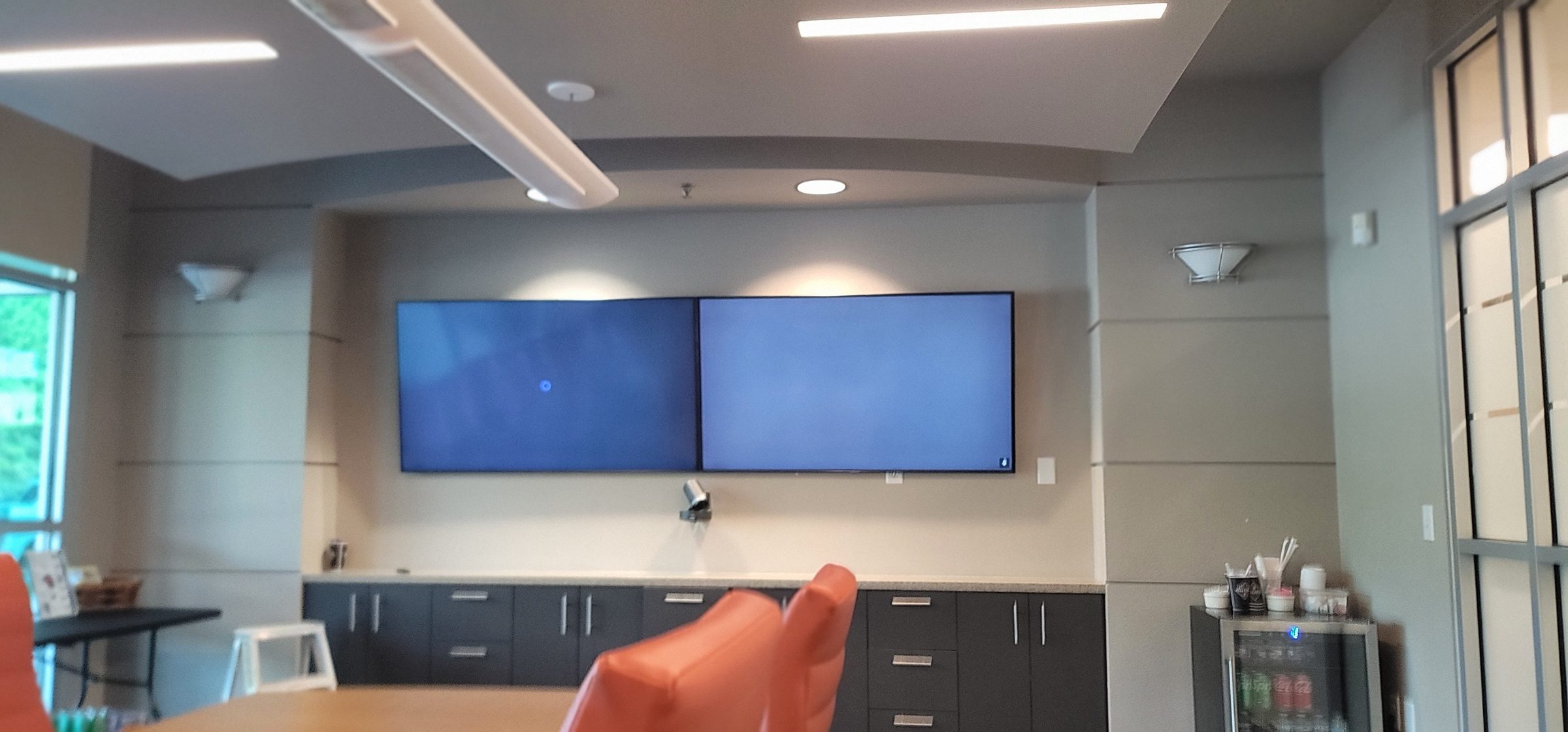
Experience across the system—not just one box
Chris Cox brings over 25 years of professional AV engineering, programming, integration and troubleshooting experience across multiple platforms. We look at how the equipment, control and network work together, then discuss the service scope, access requirements and charges before work begins.
AV repair and system takeovers · Control4 service · Savant service · Crestron service · Lutron service
Ready to start?
Tell us what you want the room to do. We'll handle the rest.