Distributed video: HDMI matrix vs. AV over IP.
2026-04-12 · Obsidian Audio Video · Houston
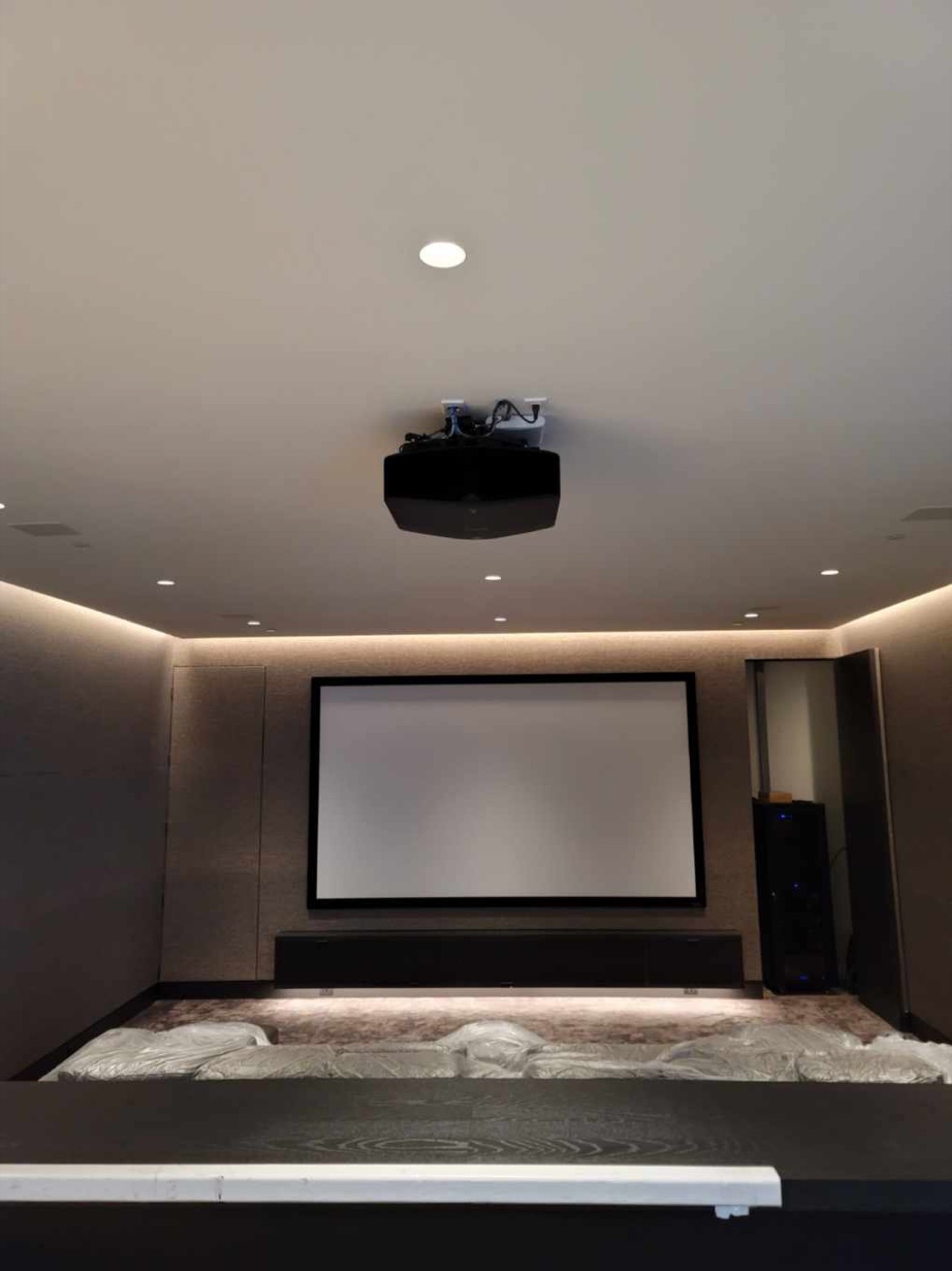
Distributed video — sending video from one or more sources (cable boxes, Apple TVs, streaming devices, Blu-ray) to displays in multiple rooms — is a core part of many Houston whole-home AV systems. The question is whether to use a traditional HDMI matrix switcher or an AV over IP solution. The answer depends on the number of sources, the number of displays, the distances involved and the budget.
HDMI matrix switchers
A traditional HDMI matrix switcher routes video from multiple sources to multiple displays over dedicated HDMI cables (usually via Cat6 baluns with HDBaseT). The advantages are simplicity, reliability and low latency — the video arrives at the display with minimal processing. The disadvantages are cost scaling (matrix switches get expensive as you add inputs and outputs) and cable distance limitations (HDBaseT has practical limits around 330 feet over Cat6).
For a moderate Houston home with 4-6 sources and 4-6 displays, an HDMI matrix is often the right choice. It's straightforward to install, reliable and has no network dependency. If the network goes down, the video still works.
AV over IP
AV over IP routes video over standard network infrastructure using encoders and decoders. Instead of a dedicated matrix switcher, the network switch handles routing. The advantages are scalability (add as many endpoints as the network can handle), flexibility (any source to any display) and cost efficiency at scale. The disadvantages are network dependency (if the network fails, video fails), configuration complexity and potential latency.
For larger Houston estates with many displays, AV over IP becomes the better choice. A 16-display system with 8 sources would require an expensive matrix switcher — but an AV over IP system can handle it with network switches you'd need anyway for the smart home infrastructure.
Which is right for your Houston home?
The decision comes down to scale, budget and reliability requirements:
- Under 6 displays: HDMI matrix is usually simpler, more reliable and less expensive.
- 6-12 displays: Either approach works. The decision depends on network quality, cable distances and whether AV over IP solves other problems (like multi-room audio distribution using the same network).
- Over 12 displays: AV over IP is almost always the better choice — matrix switchers at this scale are expensive and inflexible.
- 4K HDR: Both approaches handle 4K HDR, but AV over IP solutions with compression may introduce subtle artifacts that matter in a dedicated theater. For a dedicated cinema, direct HDMI is still the gold standard.
For most Houston homes, a hybrid approach works best: direct HDMI for the dedicated theater (where quality matters most) and distributed video for living areas, bedrooms and outdoor zones (where convenience matters more than absolute fidelity).
Need help with your AV system in Houston? Start a conversation or call 346-357-5323.