Teams Rooms for Houston offices: design guide.
2026-09-21 · Obsidian Audio Video · Houston
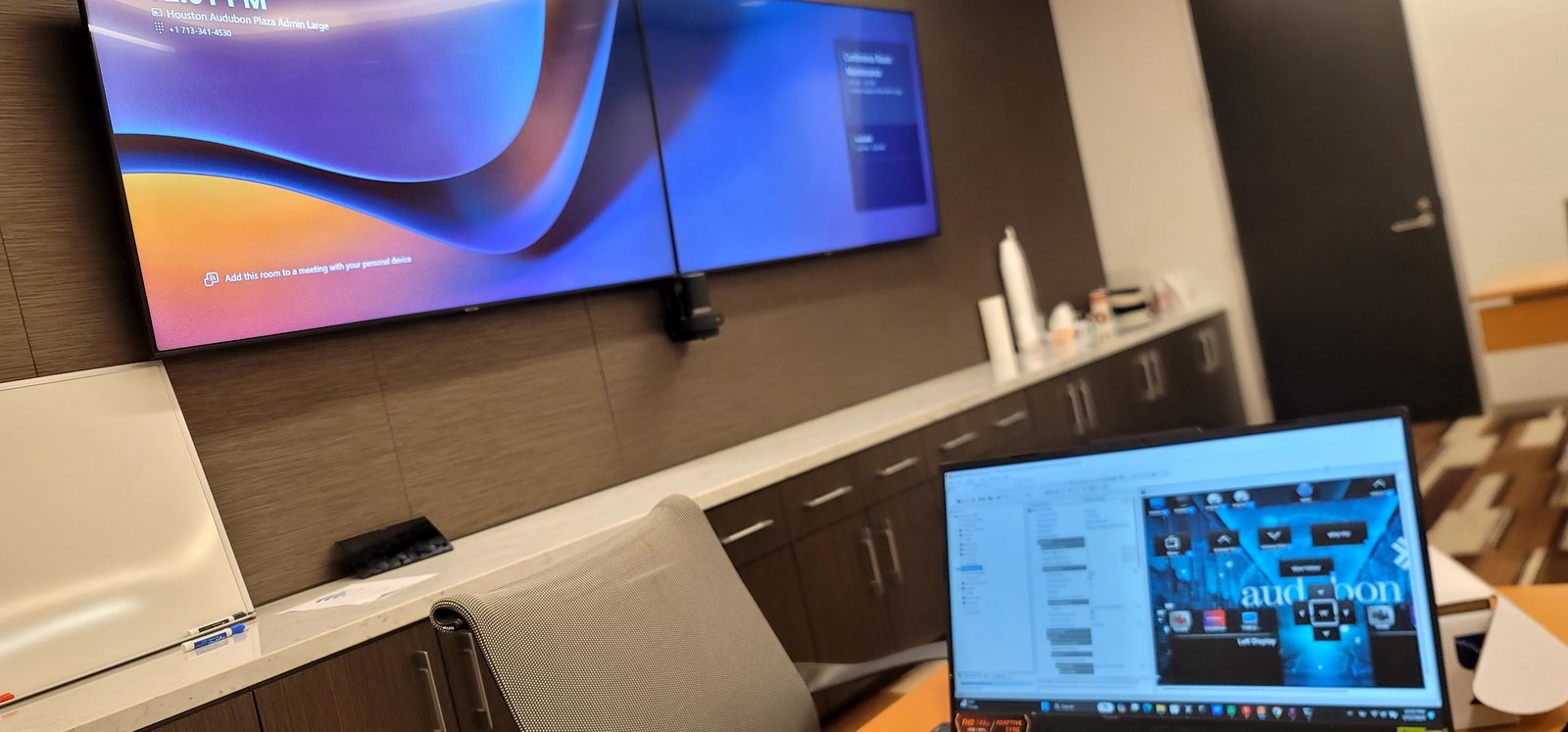
Microsoft Teams Rooms (MTR) is the fastest-growing video conferencing platform for Houston businesses. Since 2020, hybrid work has become permanent, and the companies that adapted — from energy firms in the Galleria to medical practices in the Texas Medical Center — have stopped fighting with laptop cameras and consumer webcams in conference rooms. But "Teams Rooms" is a specific Microsoft certification, not just "a TV with Teams on it." Here's what's actually required, and why it matters for your business.
What is Teams Rooms?
Teams Rooms is a Microsoft-approved hardware and software bundle that turns a conference room into a Teams-native meeting space. The compute device runs a dedicated Windows IoT or Android build that boots directly into Teams Rooms mode — no desktop, no browser, no user login. It includes a touch console for meeting control, an approved camera with intelligent framing, and approved audio components. When someone walks in and taps "Join," the room is in the meeting — no fumbling with cables, no "can you hear me," no IT support call.
Using approved hardware matters because Microsoft updates Teams Rooms regularly. If you're running unapproved hardware, a Teams update can break your room. Approved systems are tested against each update before it ships, so your room keeps working.
Room sizes and configurations
- Focus room (2–4 people): Single display, sound bar with integrated mic, small touch console. Logitech Rally Bar or Poly Studio sound bar.
- Small room (4–6 people): Dual display, ceiling mic array, touch console. Yealink or Logitech hardware.
- Medium room (6–12 people): Dual displays, ceiling mic array, PTZ camera with speaker tracking.
- Large room (12–20 people): Dual large displays, multiple mic arrays, PTZ with auto-tracking and multi-camera switching.
Hardware we recommend
For most Houston offices, we specify Logitech, Yealink, or Poly MTR bundles from Microsoft's approved list. Logitech Rally systems are our go-to for small and medium rooms — the Rally Bar Mini handles rooms up to 6 people with a built-in mic array and AI framing, while the full Rally system with Scribe whiteboard camera works for larger spaces. Yealink's MVC series offers good value with the same Microsoft approval. For large rooms, we combine a Crestron Flex compute device with a Jabra Panacast or Logitech Rally Plus camera system and Shure ceiling mics for broadcast-quality audio.
Network and room preparation
Before any MTR installation, the room needs proper network — a dedicated VLAN for the MTR device with QoS prioritization for real-time traffic. In Houston's older office buildings (particularly the vintage stock in Midtown and EaDo), we frequently find Cat5e cabling that can't handle the bandwidth. We pull Cat6 to every room. You also need a Power over Ethernet (PoE) switch for the touch console and ceiling mics, a dedicated display with HDMI runs in conduit (not just surface-mounted), and acoustic treatment if the room has hard surfaces that create echo.
Many Houston clients overlook the room itself — glass walls, exposed ductwork, and polished concrete create reflections that make ceiling mics pick up every chair scrape. We treat the room with acoustic panels or specify carpet tiles before installing the AV gear.
Management and monitoring
Teams Rooms should be managed through Teams Rooms Pro (formerly Microsoft Teams Rooms Premium), which provides remote monitoring, automatic updates, and health alerts. With Pro, if a room's mic array goes offline at 2 AM, you get an alert before the 8 AM meeting starts. Monthly health reports show room utilization, meeting quality scores, and hardware status, so IT can stop fielding "the room doesn't work" tickets.
Building Teams Rooms? Explore conference room AV or call 346-357-5323.