Conference room AV that actually works.
2026-09-21 · Obsidian Audio Video · Houston
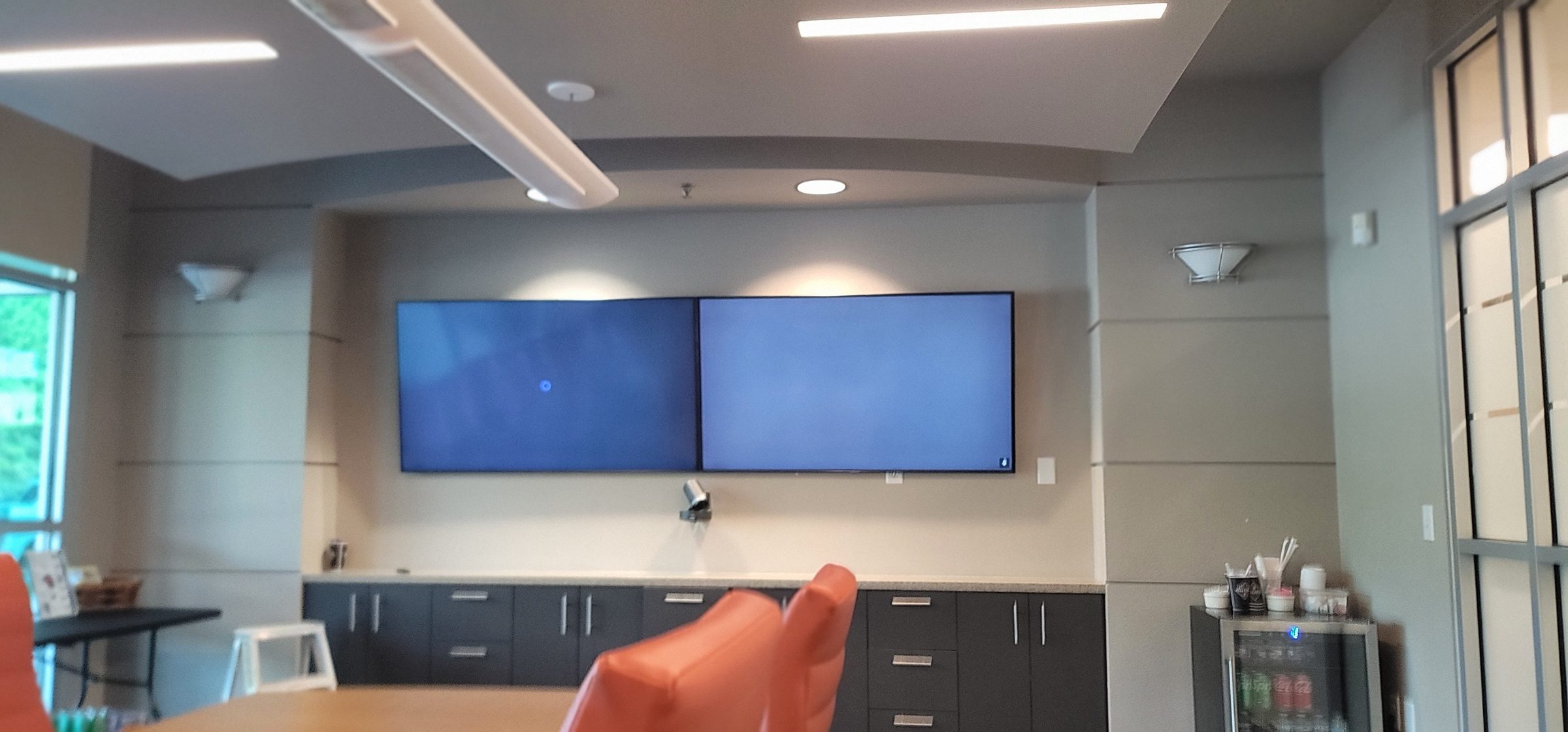
Most conference room AV is designed by an IT department that cares about the specs, not the experience. The result: rooms where no one can figure out how to share their screen, the microphone picks up the air conditioner but not the person speaking, and the video call looks like it was shot in a cave. We design and install conference room AV for Houston businesses from the Galleria to the Energy Corridor, and a common complaint is: "We spent a lot on this conference room and nobody uses it because it doesn't work right." The problem isn't the equipment — it's the design. A well-designed conference room should be so simple that the most tech-averse person in the office can walk in and start a meeting without asking IT for help.
The essentials
A conference room that "just works" starts with five core components, each sized and specified for the room. Not the spec sheet — the actual room, with its actual acoustics, lighting, and seating arrangement.
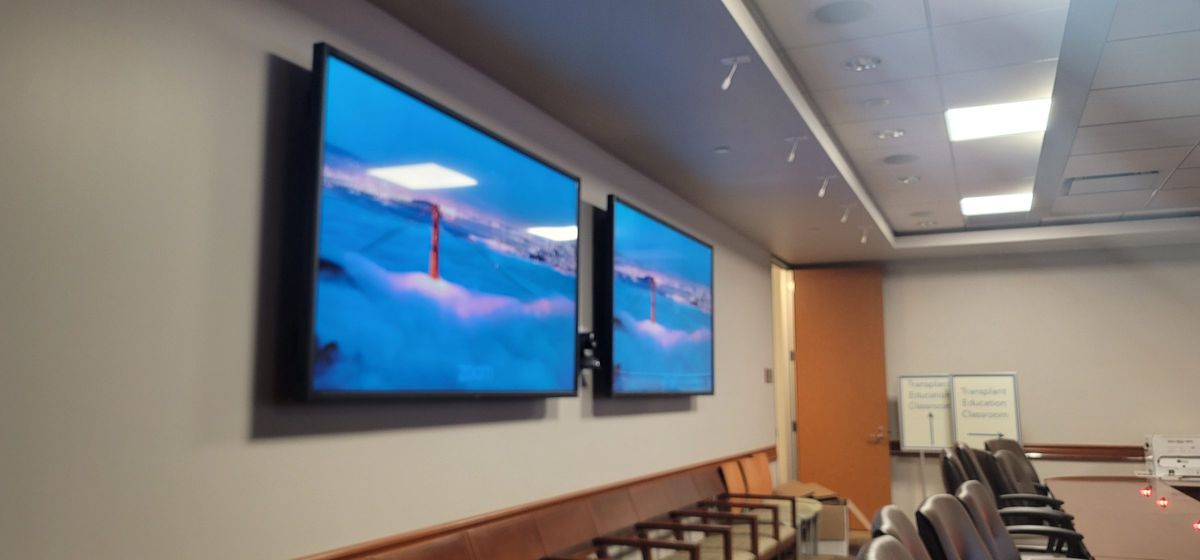
- Display: Right-size the display for the room. A 20-foot conference room needs an 86-inch display minimum. A 30-foot boardroom needs a 98-inch display or a projector. We install Samsung commercial displays (the DM and WM series) or LG commercial panels with a 3-year warranty. A common mistake is under-sizing — a 65-inch TV in a room where people 20 feet away can't read the spreadsheet on screen.
- Audio: Use a dedicated conference speakerphone with ceiling-mounted microphone array for rooms over 10 people. For smaller rooms, a Jabra Speak or Logitech Rally Bar works. For boardrooms, we install Shure MXA920 ceiling array microphones with a DSP processor (QSC or Biamp Tesira) that handles echo cancellation, noise reduction, and automatic mixing. The difference between a basic USB speakerphone and a ceiling-mic system with proper DSP is the difference between "I can't hear you" and "it sounds like you're in the room."
- Camera: Use a PTZ camera with auto-tracking, or a dual-camera system. For small huddle rooms, a Logitech Rally camera with auto-framing works well. For boardrooms, we install Panasonic AW-UE150 4K PTZ cameras with auto-tracking — the camera follows the person speaking. For Teams Rooms, use cameras on Microsoft's approved list, such as the Poly Studio or Jabra Panacast.
- Control: One-touch start. Press "Start Meeting" and everything launches — display powers on, camera and mic connect, the meeting platform opens. We use Crestron or Savant control systems with a wall-mounted touch panel. No remotes, no input switching, no "which HDMI am I on?" If you need a 15-minute training session to use the room, the control system has failed.
- Cable management: HDMI and USB-C cables on the table with clean cable management. Wireless presentation (Mersive Solstice or Airtame) for frequent sharing. We install table grommets with built-in HDMI, USB-C, and power — no cables draped across the table.
Common mistakes
The same problems show up in conference rooms again and again:
- Under-sized display: A 65-inch TV in a 20-person room. Nobody past the second row can read the screen. The rule of thumb is 1.5x the furthest viewer distance in inches — so if the furthest seat is 20 feet away, you need at least an 80-inch display.
- Bad microphones: Built-in TV mic, or a single USB speakerphone in the middle of a 20-foot table. People at the ends can't be heard. A ceiling array mic with DSP processing solves this — everyone is picked up regardless of where they sit.
- No acoustic treatment: Glass walls create echoes and reflections. Houston's modern office spaces (especially in the Galleria and downtown) are all glass and hard surfaces. Acoustic panels, ceiling clouds, or at minimum a rug, are essential. An expensive AV system in an untreated room can sound worse than a modest system in a treated room.
- Complex control: If you need a manual to start a meeting, it's too complex. A Crestron or Savant touch panel with a single "Start Meeting" button is the standard. No universal remotes with 87 buttons.
- No redundancy: When the control system goes down (and it will), the room is dead. We always include a manual fallback — a simple HDMI switcher that lets you bypass the control system and plug directly into the display.
- Ignoring the network: Houston businesses often have consumer-grade networking trying to support Teams or Zoom calls for 20 people. A single dropped packet causes video freeze. The conference room needs a dedicated network connection with QoS prioritization for video traffic.
The Houston business context
Houston's business landscape is diverse — energy companies in the Energy Corridor, law firms downtown, medical practices in the Texas Medical Center, and tech startups in the Galleria. Each has different needs. Energy companies need large boardrooms with video conferencing to global offices. Medical practices need HIPAA-compliant telehealth rooms with high-quality cameras and microphones. Law firms need secure, private conference rooms where client confidentiality is maintained. We design for the specific use case, not a generic "conference room" template. A boardroom with a 98-inch display, ceiling array mics and Crestron control and a 4-person huddle room with a 65-inch display and a speakerphone are very different projects. Both should "just work" — and with proper design, they do.
Building a conference room? Explore conference room AV or call 346-357-5323.