Home theater calibration: why professional tuning matters.
2026-09-21 · Obsidian Audio Video · Houston
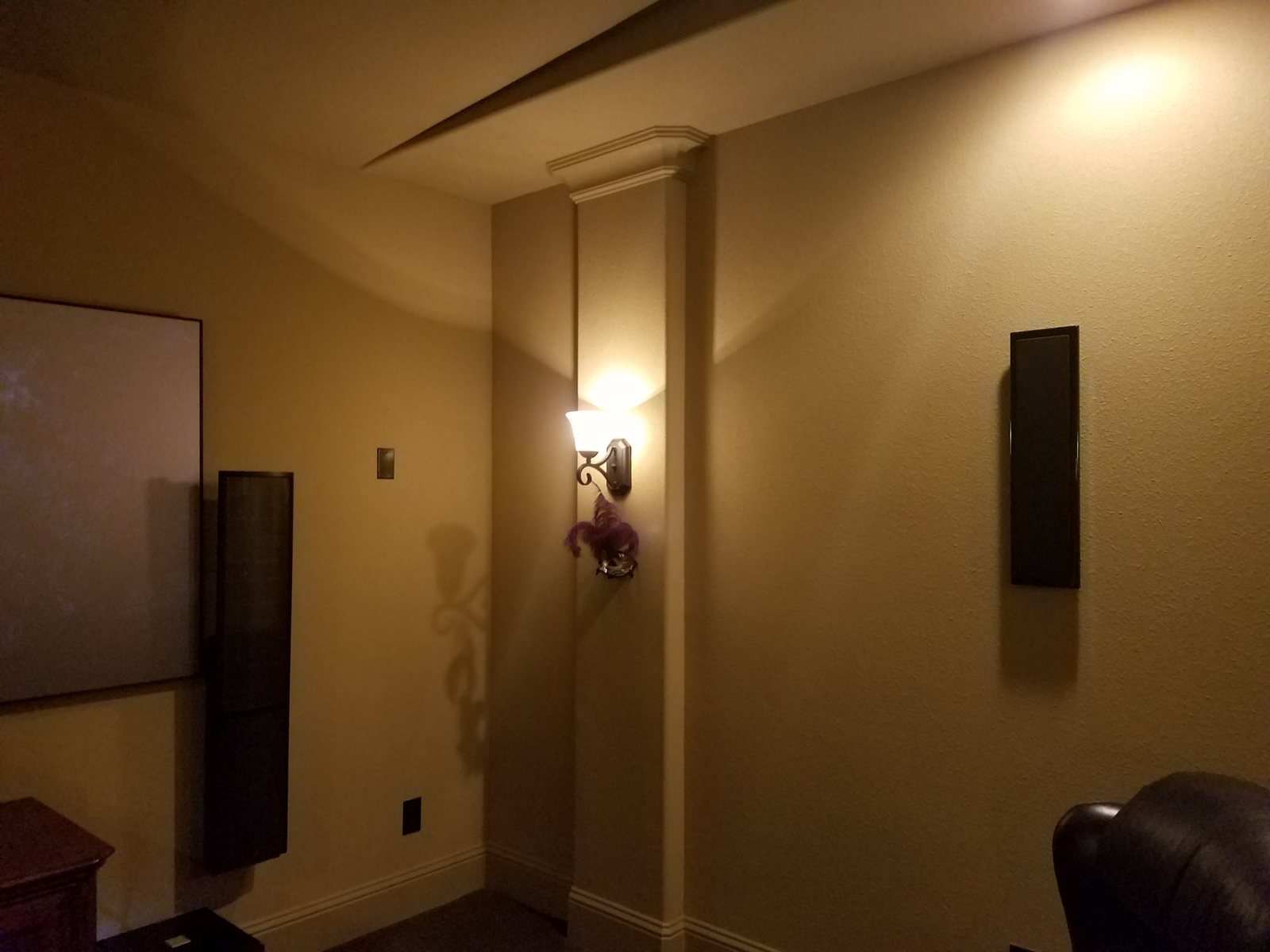
You invested in a home theater. The projector is mounted, the speakers are placed, the screen is tensioned. It sounds good. It looks good. But "good" is not "right." Professional calibration is the difference between a home theater that sounds good and one that sounds the way the filmmaker intended. Every projector, every panel, every speaker — even the same model from the same production run — measures differently once installed in your room. The walls, the ceiling height, the furniture, the carpet (or lack of it), the window treatments, even the HVAC vents all change how sound and light behave. Calibration is how you account for that.
In Houston, this matters more than most homeowners realize. Our homes are overwhelmingly built on slab foundations with large open great rooms, tile and hardwood floors, and minimal acoustic treatment. That combination creates slap echoes, bass peaks, and midrange harshness that you may not notice until you hear what a calibrated room sounds like — and then you can't un-hear it.
Video calibration
A professional video calibrator uses a colorimeter or spectrophotometer to measure the projector or TV's actual output at your screen size, in your room, with your ambient light conditions. We adjust white balance across multiple brightness levels (10-point or 20-point grayscale), color accuracy for both Rec.709 and DCI-P3 gamuts, gamma curves for SDR and HDR, brightness and contrast for your specific room, and HDR tone mapping for Dolby Vision and HDR10 content.
Most projectors ship with a "cinema" or "film" mode that's close but not accurate — typically off by 200–400K on white balance, with crushed blacks or lifted shadow detail. A calibration brings delta-E (color error) under 3 across the entire gamut. You'll see the difference in skin tones, sky gradients, and shadow detail that was previously invisible.
Audio calibration
Audio calibration uses a calibrated measurement microphone (we use a mic with a known calibration profile, not a random USB mic) and analysis software like REW (Room EQ Wizard) or Dirac Live to measure speaker distances, set levels and crossovers, EQ the room's frequency response, integrate the subwoofer with the main speakers, and time-align each channel for coherent imaging.
In a typical Houston great-room home theater, the subwoofer placement alone can change bass response by 15 dB at the listening position. We measure multiple positions, find the optimal subwoofer location, set crossover frequencies (typically 80 Hz for bookshelf speakers, 60 Hz for towers), apply parametric EQ to tame room modes, and verify the result with a final sweep. If you're running Dolby Atmos, we also calibrate the height channels to ensure overhead effects are convincing — not just loud.
What drives the cost
- Scope: video only, audio only, or a full system calibration including Atmos height channels.
- Number of speakers and subwoofers: more channels mean more measurement and adjustment.
- Room correction hardware: a dedicated room-correction processor such as Trinnov adds equipment as well as setup time.
- Display type: projectors and flat panels need different measurements and adjustments.
When to recalibrate
Calibration isn't a one-time event. If you replace your projector lamp (lamps shift color as they age — a new lamp can be 500K cooler), replace your projector, move furniture, repaint the room, or install acoustic panels, you should recalibrate. We recommend a lamp-hour check at 1,000 hours and a full recalibration at lamp replacement.
Need calibration? Explore home theater services or call 346-357-5323.