How to automate a home without making it complicated.
2026-09-21 · Obsidian Audio Video · Houston
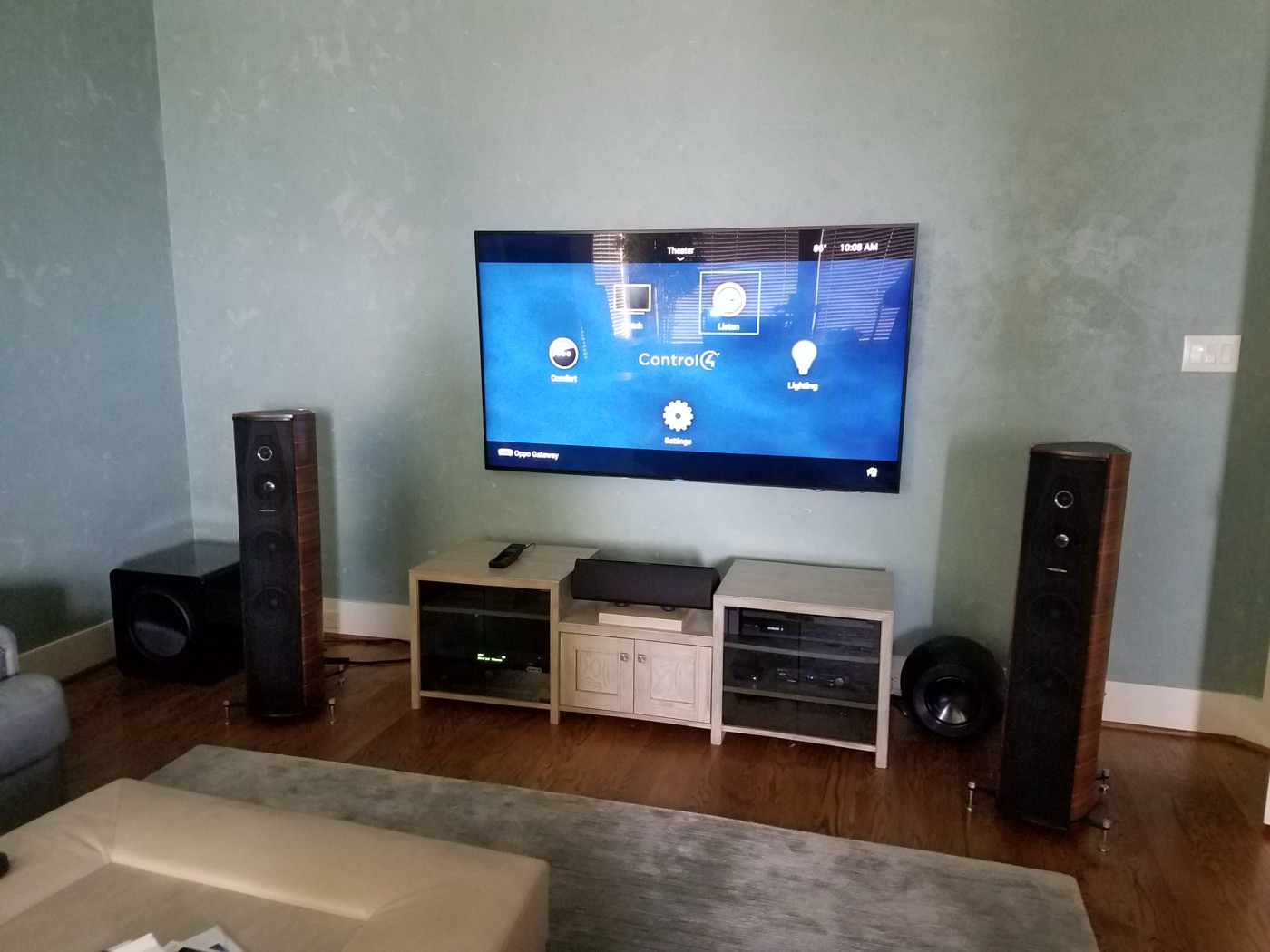
The biggest mistake in smart home automation is automating everything. Every automated device is another thing that can break, another app to learn, another setting to adjust, another update to install, and another password to forget. A home with dozens of "smart" devices spread across many apps often ends up with none of them used, because it's too complicated. Good automation is invisible. It does what you expect, when you expect it, without you thinking about it. The goal isn't a smart home — it's a home that happens to be smart.
Automate the big five
Start with the systems you use every day. If you automate nothing else, automate these five:
- Lighting: Scenes and keypads (Lutron RadioRA 3 for most homes, HomeWorks QSX for larger properties). One press changes the whole room — lights, shades, and scenes together. No more walking around turning off 8 lights before bed.
- Shades: Automated shades on an astronomic timeclock. Up at sunrise, down at sunset — adjusted automatically for Houston's latitude. In summer, shades lower during peak heat to reduce AC load; in winter, they raise to warm the house naturally.
- Audio: Whole-home audio with zone control. Music in every room from one app, with independent volume in each zone. The Sonos ecosystem is the easiest; for higher-end systems, we use Crestron or Savant distributed audio with in-ceiling speakers.
- Climate: Smart thermostat (Ecobee or Nest) integrated with the automation system. "Away" mode sets it to eco, "Welcome Home" starts cooling before you arrive. In Houston, where air conditioning runs much of the year, that adds up.
- Security: Door lock, doorbell camera, and motion sensors integrated with lighting. When the doorbell rings, the entry lights come on. When you set "Away," the door locks, alarm arms, and lights go to timer mode.
One platform, one app
The most important simplification: use one platform. If you have Lutron lighting, Control4 automation, and Sonos audio, you need three apps — and they don't talk to each other reliably. The Lutron app doesn't know what the Control4 system is doing. The Sonos app can't trigger your lights. You end up opening three apps to set up a "Good Night" scene, and eventually you stop using all of them.
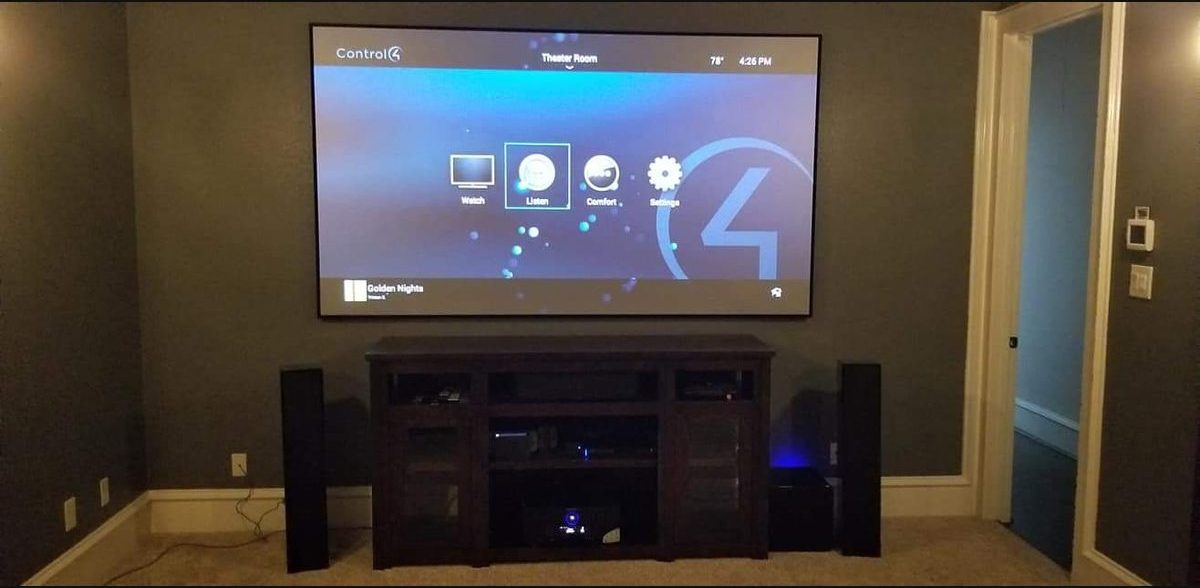
Choose one platform — Crestron, Control4, or Savant — and integrate everything into it. Lutron lighting integrates natively with all three. Sonos integrates with all three. Ecobee and Nest integrate with all three. Door locks, cameras, and sensors integrate through the platform's driver ecosystem. One app. One interface. One system that knows what everything else is doing.
What to skip
Not everything needs to be smart. Here's what we tell Houston clients to skip:
- Smart appliances: Smart refrigerators, smart ovens, smart washing machines. They're expensive, the apps are terrible, and they don't integrate with automation platforms. Buy a good refrigerator, not a smart one.
- Smart light bulbs: If you're installing Lutron, you don't need smart bulbs. The dimmer controls the light. Smart bulbs are for renters and apartments — they don't scale to a whole home.
- Smart sprinklers: They're useful but they don't integrate well with automation platforms. If you want one, get a Rachio — it works fine on its own without needing to be in your automation system.
- Every outlet: Don't automate every outlet in the house. Automate the ones that matter — lamps on timers, entry lights on motion, outdoor lights on a schedule. The rest can stay dumb.
Houston-specific simplicity
Houston homes present specific automation challenges. Slab foundations mean no basement to hide equipment — we use closets, utility rooms, and attic spaces for headend equipment. Older homes in the Heights, Montrose, and Museum District may not have neutral wires in switch boxes — we use Lutron's wireless dimmers (RadioRA 3) that don't require neutral wires, or we pull new wire during a remodel. New construction in River Oaks, Bellaire, or the outer suburbs (Cinco Ranch, The Woodlands) is straightforward — we wire during framing and install everything before move-in.
The key is planning. If you're building or remodeling, call us during the design phase — not after the drywall is up. The difference between a simple system and a complicated one is mostly in the wiring plan and the programming, and both are easier to get right before construction starts.
What drives the cost
- Number of systems: lighting, shades, audio, climate, security and cameras each add hardware and programming.
- Number of rooms and zones: more keypads, speakers, shades and displays mean more equipment and labor.
- Wiring access: new construction is far easier to wire than finished walls.
- Platform and programming depth: custom logic and integration take more programming time than simple scenes.
- Network: a home with many connected devices needs a network built for them.
The investment is in the infrastructure — the wire, the processors, the programming — not in the gadgets. A well-designed system keeps working for years with routine updates; a collection of consumer smart devices tends to need replacing much sooner.
Ready to simplify? Explore smart home design or call 346-357-5323.