Smart home scenes: one button changes everything.
2026-09-21 · Obsidian Audio Video · Houston
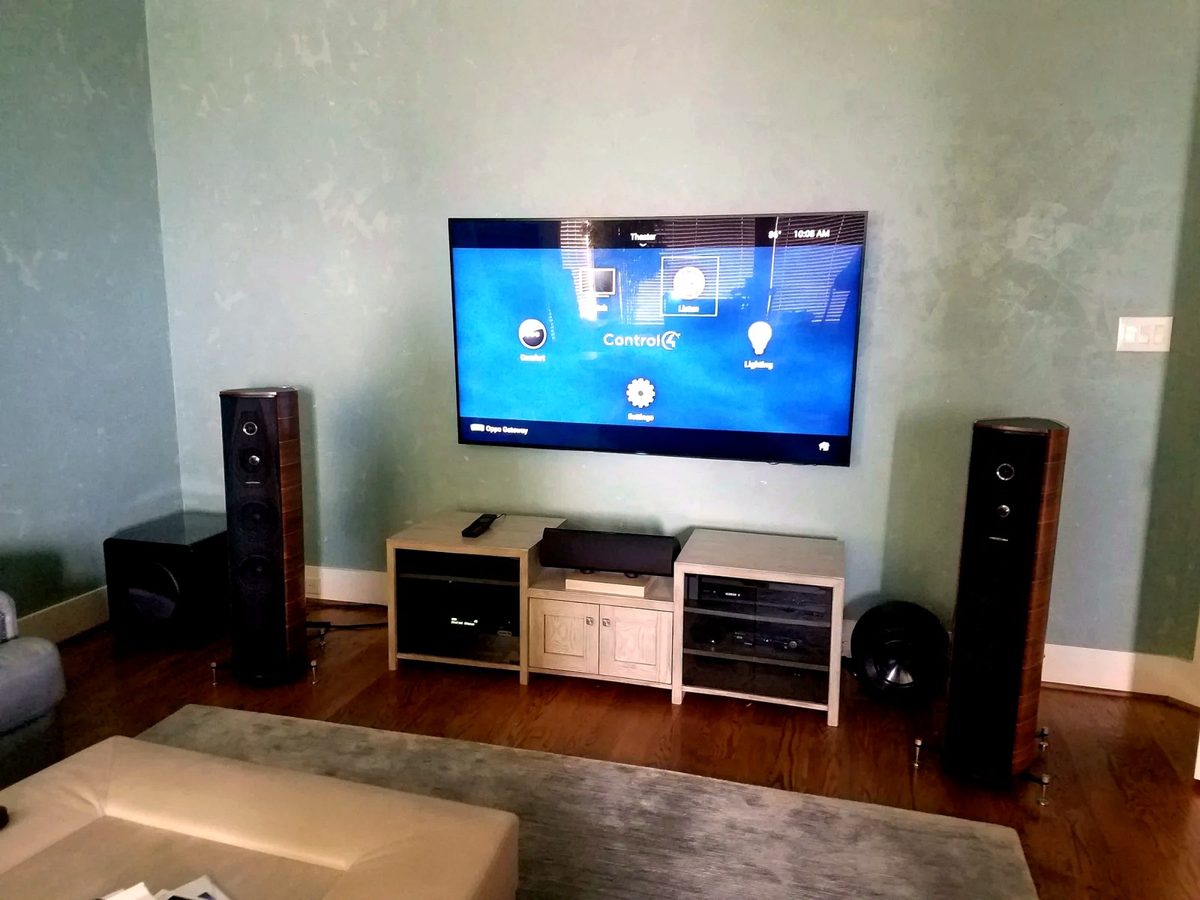
A scene is a preset that controls multiple systems with one press. "Good Morning" raises the shades, turns on the kitchen lights, starts the coffee maker, and sets the thermostat to 72. "Away" locks the doors, sets the alarm, lowers the shades, turns off the lights, and adjusts the thermostat. One button, multiple systems, zero thought. The beauty of a scene isn't the technology — it's the cognitive load it removes. You don't have to remember to turn off 14 lights, lower 6 shades, set the thermostat back, and arm the alarm every time you leave. You press one button and walk out the door.
In our Houston installations — whether it's a new build in River Oaks, a remodel in the Heights, or a townhome in Midtown — scenes are what separate a "smart home" from a "collection of smart devices." The devices are just parts. The scenes are the system. And the best scenes are the ones you forget are there, because they just work.
Essential scenes for most homes
- Good Morning: Bedroom shades rise, hallway lights at 30%, kitchen at 80%, thermostat to 72, coffee maker on, whole-home audio to morning playlist.
- Away: All lights off except entry on timer, shades down, thermostat to eco, doors lock, alarm arms, outdoor cameras activate.
- Dinner: Dining room 70%, kitchen island 50%, hallways 30%, shades adjusted for privacy.
- Movie Night: Living room lights to 10%, shades down, TV on, surround sound on, kitchen lights off.
- Good Night: All off except pathway lights at 20%, shades down, thermostat down 2 degrees, front door locks, alarm arms in stay mode.
- Entertaining: Living 30%, dining 50%, kitchen 60%, outdoor 70%, whole-home audio on, shades open.
- Work from Home: Office lights at 80%, shades adjusted to reduce screen glare, thermostat to 74, kitchen lights dim, doorbell chime volume reduced.
- Pool Party: Outdoor speakers on, landscape lighting at 100%, pool lights on, kitchen at 60%, bathroom light accessible.
How scenes are triggered
Scenes can be triggered in multiple ways, and the best setups use all of them:
- Keypad buttons: A Lutron SeeTouch or Palladiom keypad button by the front door, bedside table, or kitchen island. This is the most reliable — it works even when the internet is down.
- Voice control: "Alexa, turn on Movie Night" or "Hey Google, set the house to Away." Convenient but requires internet and a working microphone.
- Schedules: The astronomic timeclock in your Lutron or automation processor knows sunrise and sunset for Houston's latitude and adjusts automatically — no manual programming needed as seasons change.
- Occupancy sensing: Motion sensors in hallways and rooms trigger "Welcome Home" when you arrive and "Away" when everyone leaves.
- Geofencing: Your phone's GPS triggers "Welcome Home" when you're within 5 miles. We use this sparingly — it can be unreliable, but for "pre-cool the house 30 minutes before arrival," it's useful.
Programming scenes that actually work
The difference between a scene that works and one that frustrates you is in the programming. A good scene includes ramp times (lights don't snap on — they fade over 2–4 seconds), conditional logic (if it's daytime, shades raise; if it's nighttime, they stay down), and feedback (the keypad button glows when the scene is active). We program scenes on Crestron, Control4, and Savant platforms, all integrated with Lutron RadioRA 3 or HomeWorks QSX for lighting and shade control.
The most common mistake is over-programming — a scene that controls 30 devices with precise levels for each one takes 8 seconds to execute and feels sluggish. We keep scenes to 10–15 devices max, use LED dimming modules that respond instantly, and group devices so the scene fires in under 2 seconds. If you've ever pressed a button and waited 5 seconds for things to happen, you know why this matters.
What drives the cost
Scene programming is typically included in a full automation installation. For scene programming on an existing system, the cost depends on the number of scenes, the devices each one controls, and how much conditional logic is involved.
Ready for scenes that work? Explore smart home design or call 346-357-5323.