Voice control for smart homes: Alexa, Google, and beyond.
2026-09-21 · Obsidian Audio Video · Houston
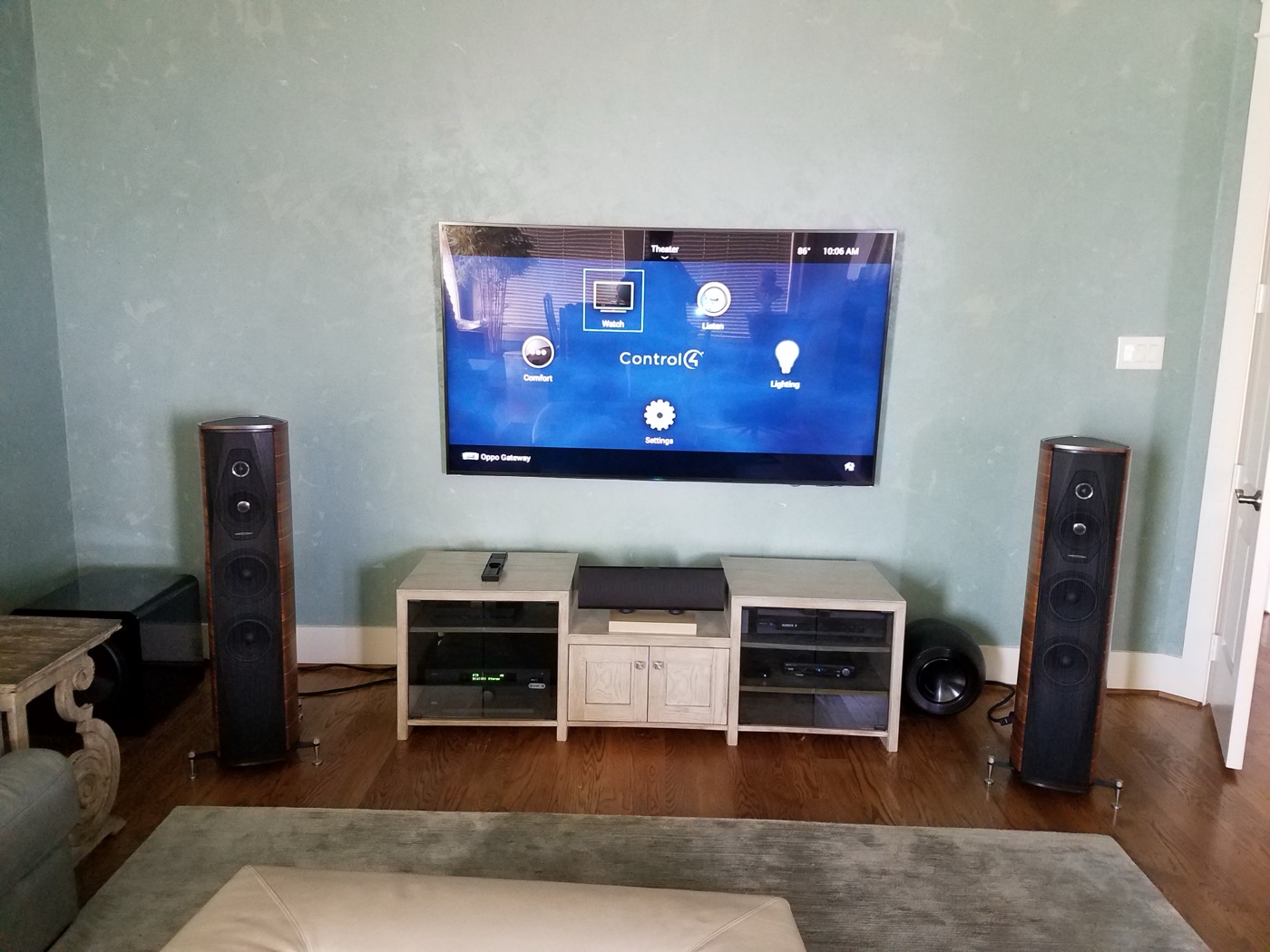
Voice control was supposed to be the future of home automation. It sounded like science fiction — and for some Houston homeowners, it still does, because their voice control does not work reliably enough to trust. Here is the honest, no-spin assessment of voice control in 2026: it is a useful convenience layer, not a primary control interface, and understanding the difference is key to a system you will actually use rather than fight.
What works well with voice today
Voice control has matured significantly since the first Alexa devices shipped in 2015. The reliable commands in 2026 are the ones that are simple, binary, or scene-based:
- Lighting on/off: "Turn on the kitchen lights" works reliably. This is the bread and butter of voice control.
- Scene activation: "Set the living room to movie mode" — works well if the scene is properly named in your automation system. The key is using natural, memorable scene names. "Set the living room to movie mode" works; "Activate Scene 4" does not.
- Music: "Play Spotify in the kitchen" — works well with Sonos, Savant, and Crestron's native streaming integration. Voice is a natural interface for music selection because you can specify artist, album, playlist, or genre without navigating menus.
- Climate: "Set the thermostat to 72" — reliable. Especially useful when you are across the room or your hands are full.
- Shades: "Open the living room shades" — works well with Lutron, Crestron, and Control4 shade integration.
What does not work well (yet)
Knowing what voice control struggles with is more important than knowing what it excels at, because these are the commands that frustrate homeowners and erode trust in the system:
- Dimming to a specific level: "Dim the lights" is ambiguous — to what level? "Set the kitchen lights to 35%" works, but most people do not speak in precise percentages. This is where physical keypads remain superior — you press and hold to the level you want without thinking.
- Complex multi-device scenes: "Turn on the kitchen lights, dim the dining room to 20%, start jazz in both rooms, and lower the shades" — too many commands in one sentence. The assistant will often execute the first one or two and ignore the rest. Complex scenes should be programmed as a single named scene and triggered with one voice command.
- Accents and children: Voice recognition still struggles with non-standard accents (Southern drawl, non-native English speakers) and with children's higher-pitched voices. This is a real limitation in diverse Houston households.
- Multiple commands in sequence: "Turn on the lights. Now turn on the TV. Now switch to Netflix." The "now" trigger is unreliable — each command should be separate and complete.
- Background noise: Music playing, kitchen fans running, or AC vent noise can interfere with voice pickup. Houston homes with open floor plans and hard surfaces are particularly challenging — sound bounces around and confuses the microphones.
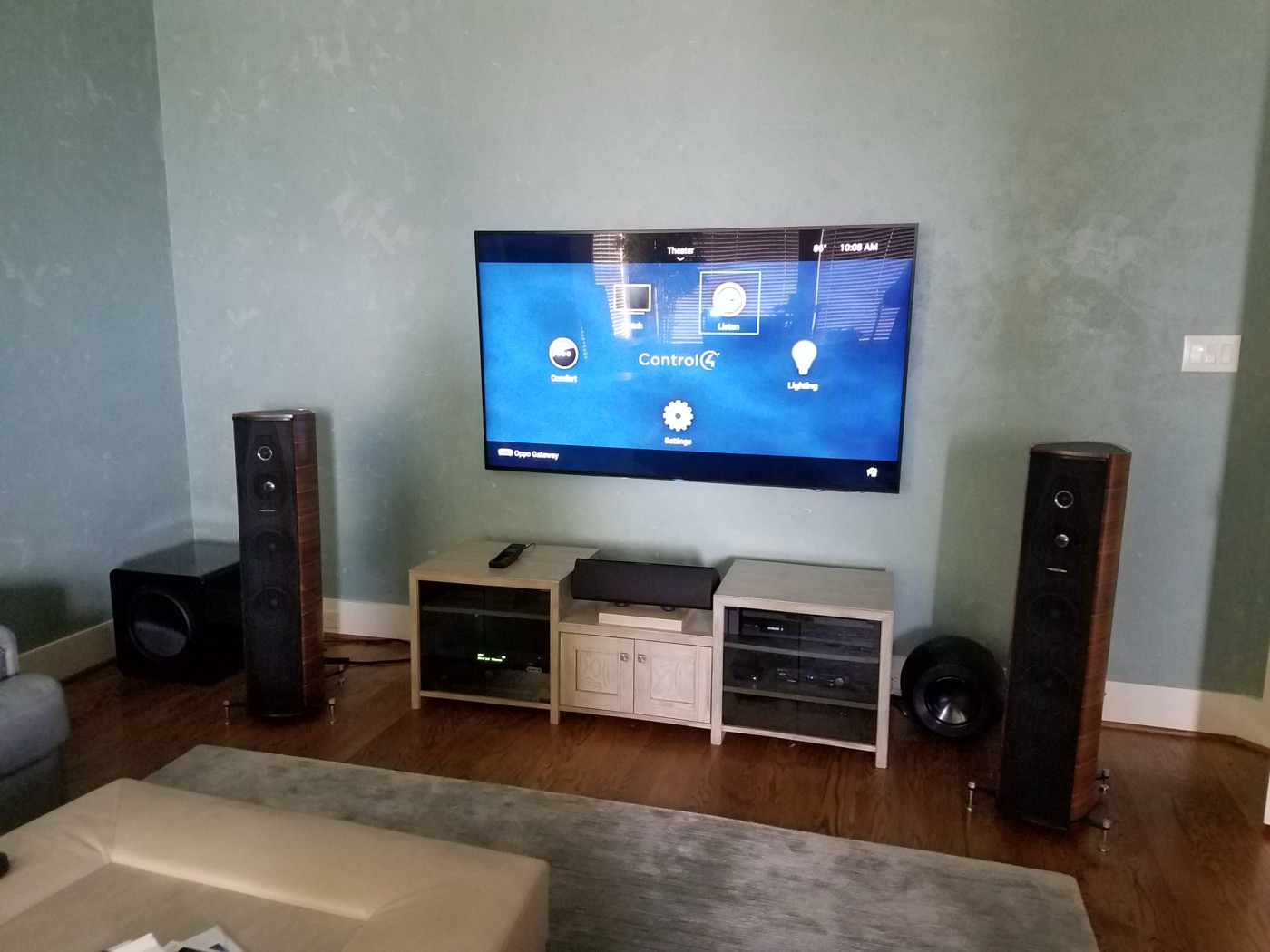
Alexa vs Google vs Siri vs Josh.ai
The voice assistant landscape has narrowed and matured. Here is how the major options compare for smart home control in a Houston home with a professional automation system:
- Alexa (Amazon): The broadest smart home integration. Works with Lutron, Crestron, Control4, Savant, Sonos, and hundreds of other devices. The Echo ecosystem (Echo, Echo Dot, Echo Show) is affordable and widely deployed. The downside: Amazon processes voice data in the cloud, which raises privacy concerns. Alexa also increasingly shows ads and suggests skills you did not ask for.
- Google Home (Google Assistant): Better at understanding natural language and contextual queries ("What is the temperature outside?" just works). Strong integration with Nest thermostats and Google Cast audio. Similar cloud-based privacy concerns. The Google Nest Hub adds a visual display for camera feeds and video doorbells.
- Siri / Apple HomeKit: The most private and secure option — voice processing happens on-device (on your iPhone, iPad, or HomePod) rather than in the cloud. Solid integration with Lutron HomeKit dimmers and Control4 via HomeKit bridges. Limited compared to Alexa's breadth, but excellent for privacy-conscious homeowners. HomePod Mini is a surprisingly capable whole-home voice endpoint.
- Josh.ai: The professional voice control option designed specifically for custom installation. Josh runs on a dedicated local server, processes voice commands locally (no cloud), and integrates natively with Crestron, Control4, Savant, Lutron, and Sonos. It understands multi-room commands ("Turn off all the lights downstairs"), contextual follow-ups ("What about upstairs?"), and natural language ("I am going to bed" → triggers the goodnight scene). It is licensed on an annual subscription that scales with the number of rooms. For a Houston estate with a Crestron or Savant system, Josh.ai is the right voice layer — it is the only assistant built for professional systems rather than consumer devices.
The right way to use voice control
Voice control is a convenience layer, not the primary interface. The professional approach is:
- Keypads for daily routines: Press a button when you walk in the door. Press a button when you go to bed. These are the things you do 20 times a day — they should be one touch, not a voice command.
- Voice for convenience: "Play music in the kitchen" when your hands are full. "Set the thermostat to 70" from across the room. These are the commands voice handles well.
- App for configuration: Setting scenes, adjusting schedules, checking system status. These are visual tasks that work better on a screen.
- Voice for accessibility: For family members with mobility issues or visual impairments, voice control is genuinely transformative — not a convenience but a primary interface.
Houston-specific voice considerations
Houston's open-concept homes (common in new construction in The Woodlands, Cypress, and Sugar Land) create acoustic challenges for voice assistants. Sound from the kitchen, living room, and dining room blends in an open space, making it harder for the assistant to isolate your voice. If you have an open floor plan, plan for multiple voice endpoints (Echo Dots or HomePods) placed in each functional area rather than relying on a single device. In enclosed rooms (older homes in the Heights, Montrose, or Bellaire), a single device per room is sufficient.
For homes with dedicated theater rooms, voice control inside the theater is impractical — the room is acoustically treated, sound-isolated, and the projector is loud. Use a dedicated keypad or remote (Crestron, Savant, or URC) for theater control. Voice belongs in the living spaces, not the cinema.
Want voice control integrated? Explore smart home design or call 346-357-5323.