
Related Guide
Commercial Collaboration Guide
Microsoft Teams Room Design in Houston: Make the Complete Meeting Workflow Predictable.
A Teams Room is more than a room computer and touch console. Camera coverage, microphone pickup, loudspeaker performance, displays, content sharing, USB, network behavior, room control, acoustics, and support access determine how the space performs.
Design the complete meeting path
Begin with the room workflow.
Define who uses the room, how meetings are scheduled, whether participants join from the room calendar, how guests present, whether the room supports non-Teams calls, and who provides first-line support. A small huddle room, executive boardroom, classroom, and town-hall space require different camera, audio, display, and control strategies.
Camera coverage should match the room geometry.
Camera selection depends on viewing distance, table shape, participant count, room width, display position, mounting height, sightlines, and desired framing. Auto-framing and speaker-tracking features can help, but they should be tested in the actual room with real seating and lighting.
Larger or deeper rooms may require multiple cameras, presets, switching logic, or an operator workflow. The far-end experience should remain understandable rather than constantly changing views without purpose.
Microphones, DSP, and loudspeakers determine whether the meeting is comfortable.
Speech intelligibility and echo control are more important than raw loudness. Microphone pickup should cover every participant without excessive room noise. Loudspeakers should distribute far-end speech evenly. A DSP may provide acoustic echo cancellation, automixing, equalization, delay, routing, reinforcement, and control integration.
Displays and content sharing should support the meeting type.
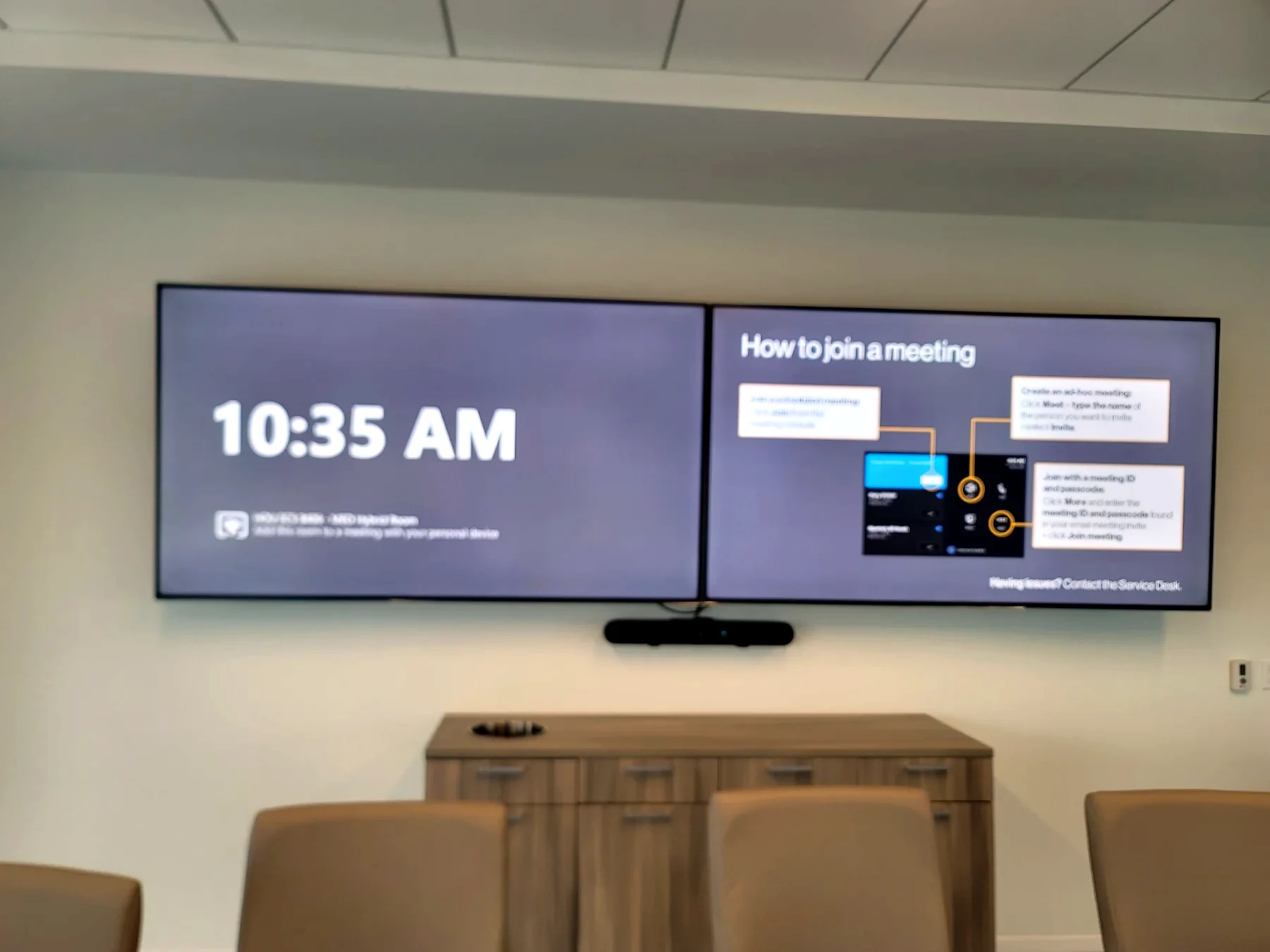
A single display may be appropriate for compact rooms. Dual displays can separate far-end participants from shared content. Larger rooms may use confidence displays, overflow displays, video walls, or presentation routing. The design should also address local computer content, wireless presentation, guest laptops, and USB extension.
Network, identity, and security decisions belong in the design phase.
Room accounts, licensing, network access, VLANs, firewall rules, updates, device management, certificates, remote support, and organizational policy can delay commissioning when they are addressed at the end. AV and IT teams should agree on ownership and test requirements before installation.
Commission the experience, not just the devices.
Verify startup, calendar join, sign-in, camera framing, microphone pickup, echo cancellation, loudspeaker level, content sharing, dual-display behavior, USB, network recovery, firmware, control, room reset, and support escalation. Provide concise user instructions and technical documentation for the support team.
Common questions
Planning answers before the project begins.
When does a Teams Room need a DSP?
A DSP becomes important when the room requires multiple microphones, ceiling or distributed speakers, acoustic echo cancellation, reinforcement, zoning, advanced routing, divisible-room behavior, or deeper audio tuning.
Should the room support guest laptops?
Many organizations need both native Teams operation and a guest or BYOD workflow. USB extension, content sharing, switching, security policy, user instructions, and support expectations should be designed intentionally.
What should be tested during commissioning?
Test startup, sign-in, calendar join, camera framing, microphone pickup, echo cancellation, loudspeaker level, content sharing, dual-display behavior, USB, network stability, room control, firmware, and the support handoff.
Continue planning
Related AV guides
Greater Houston AV design and service