
Related Guide
Distributed Video Planning Guide
Distributed Video Systems in Houston: When One Source Needs Multiple Rooms.
Distributed video can simplify equipment, source access, control, and service—but only when the signal path, network, rack, copy protection, displays, and user experience are engineered as one system.
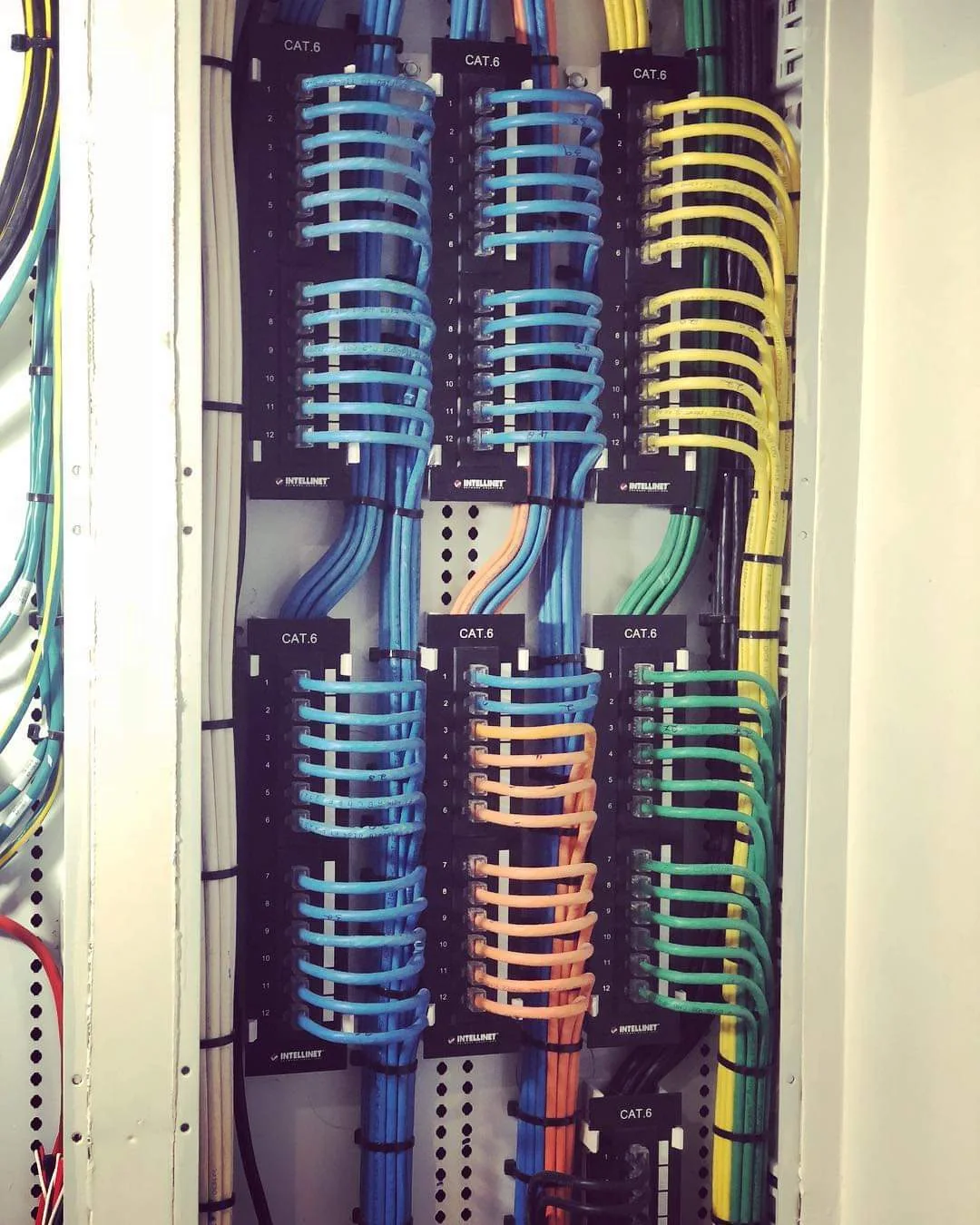
One source, many destinations
Distributed video is an architecture decision, not a single product.
A distributed video system routes selected sources—such as streaming players, cable or satellite receivers, media servers, signage players, cameras, or computers—to multiple displays. The system may use a centralized matrix, AV-over-IP transmitters and receivers, direct local sources, or a hybrid of all three.
The value is not simply sharing a source. A well-designed system can reduce equipment duplication, simplify source control, centralize service, keep rooms visually clean, and allow future expansion. A poorly designed system can introduce delayed switching, blank screens, copy-protection failures, inconsistent audio formats, difficult troubleshooting, and unnecessary network load.
Start with the source and display schedule.
Document every source, display, resolution, audio destination, control method, simultaneous-use requirement, and expected expansion. A household may need only a few shared streaming sources and local game consoles. A commercial property may need signage, live television, presentation computers, cameras, and emergency messaging across many displays.
The design should answer practical questions:
- Which sources need to appear in which rooms?
- How many different sources must play at the same time?
- Do any rooms need local low-latency gaming or computer use?
- Does audio follow the display, route to a DSP, or feed distributed speakers?
- Who controls the system, and from which interface?
Traditional matrices and AV-over-IP solve different problems.
A traditional matrix can be efficient for a known number of sources and displays with predictable switching. AV-over-IP is often attractive when the system must scale, route across a managed network, support flexible endpoints, or distribute content across a larger property. Hybrid systems can keep latency-sensitive or local sources in the room while distributing shared content from the rack.
The network is not an afterthought in an AV-over-IP design. Switching capacity, uplinks, multicast behavior, VLANs, QoS, addressing, monitoring, firmware, endpoint power, and documentation all affect performance and supportability.
EDID, HDCP, resolution, and audio formats must be managed.
Sources and displays negotiate capabilities. When one source feeds displays with different resolutions, refresh rates, HDR capabilities, or audio formats, the system must present a stable capability set to the source. Poor EDID management can cause the source to change formats or stop producing video. HDCP authentication can also fail when signal paths, firmware, cabling, or endpoint behavior are inconsistent.
Commissioning should verify real-world source switching, standby and wake behavior, resolution, HDR, audio, lip-sync, control feedback, and recovery after a network or power interruption.
The rack and control interface determine whether the system remains understandable.
Centralized sources, encoders, decoders, switches, control processors, power management, and audio equipment need clear labels, airflow, cable support, logical rack placement, and documentation. The user interface should hide routing complexity and present simple actions: choose the room, choose the source, and control it.
For service teams, the documentation should identify source names, endpoint locations, switch ports, IP addresses, VLANs, firmware, cable paths, audio relationships, and power dependencies.
Common questions
Planning answers before the project begins.
What is a distributed video system?
A distributed video system allows selected sources to be routed to multiple displays from a centralized rack or networked architecture. The design may use a traditional matrix, AV-over-IP endpoints, or a hybrid approach.
Is AV-over-IP always better than a video matrix?
No. The correct architecture depends on source count, display count, resolution, latency, network capacity, switching requirements, expansion, budget, and support expectations.
Why do EDID and HDCP matter?
Displays and sources exchange capability and copy-protection information. Poorly managed EDID or HDCP behavior can cause blank screens, resolution changes, intermittent video, or audio-format problems.
Continue planning
Related AV guides
Related Guide
Smart Home Control
Read the guide →Related Guide
Microsoft Teams Room Design
Read the guide →Greater Houston AV design and service