
Related Guide
AV Service Planning Guide
AV Rack Cleanup in Houston: Serviceability Is Part of System Performance.
A rack does not need to look perfect for a photograph, but it does need to be safe, understandable, ventilated, labeled, powered correctly, and serviceable without disturbing unrelated systems.
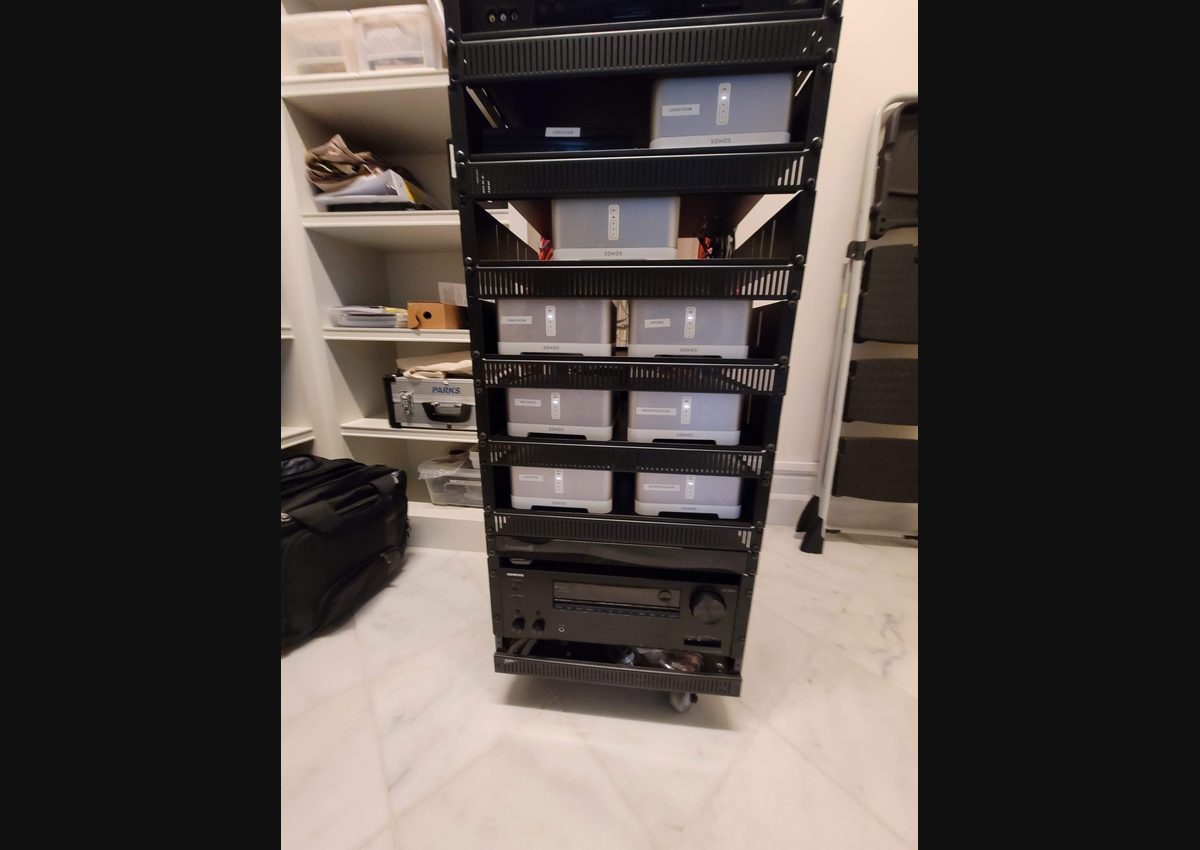
Make the system understandable
Rack cleanup starts with documentation, not cable ties.
Before moving anything, identify the devices, rooms, sources, displays, amplifiers, speakers, control processors, switches, routers, wireless equipment, power supplies, and active signal paths. Photograph the rack, record current behavior, label unknown cables temporarily, and test the system.
Cleaning a rack without understanding it can make the wiring look neater while disconnecting a working zone, hiding a network problem, or removing a device that still supports an important function.
Power, heat, and airflow affect reliability.
Receivers, amplifiers, network switches, control processors, streaming devices, and power supplies create heat. Equipment should have appropriate spacing, ventilation, and a clear airflow path. Fans and filters require maintenance access. Power distribution should be deliberate, labeled, and sized for the real load.
Intermittent failures that appear to be programming or HDMI problems may actually be related to heat, loose connections, overloaded power, or devices that never fully recover after an outage.
Cable management should support the signal path.
Separate power from sensitive signal wiring where practical, support cable weight, preserve bend radius, avoid excessive service loops, and keep connectors accessible. Use labels that identify both ends and describe the function rather than relying only on color.
Network patching should make switch ports, VLAN relationships, uplinks, and endpoints easy to trace. Audio and video paths should follow a logical rack layout so a technician can service one part without disturbing unrelated systems.
Organize the rack around service zones.
Group related equipment: network, control, video sources, distribution, DSP, amplification, power, and accessories. Frequently serviced devices should remain accessible. Small power supplies and adapters should be secured rather than left hanging behind the rack.
Test after every stage.
A staged cleanup reduces risk. Document and test the network, then control, video, audio, lighting gateways, and other subsystems. After final organization, test normal operation, source switching, audio zones, apps, remotes, touch panels, network connectivity, power recovery, and remote support.
Leave behind useful documentation.
The finished system should include labels, device names, room relationships, IP information, switch ports, source and destination paths, power dependencies, programming notes, and service history where available. Documentation converts a one-time cleanup into long-term value.
Common questions
Planning answers before the project begins.
Does messy wiring always cause failures?
Not every untidy rack fails, but poor airflow, unsupported cables, unclear signal paths, overloaded power, damaged connectors, undocumented network connections, and inaccessible equipment make failures more likely and service more expensive.
Can a rack be cleaned up without replacing everything?
Often, yes. The system can be documented and reorganized in stages. Equipment should be tested first so cleanup work supports the real signal path instead of hiding existing problems.
What should be documented?
Useful documentation may include rack elevations, device names, IP information, switch ports, cable labels, source and destination paths, power relationships, programming notes, credentials, and service history.
Continue planning
Related AV guides
Related Guide
Smart Home Control
Read the guide →Related Guide
Microsoft Teams Room Design
Read the guide →Greater Houston AV design and service