AV wiring: why cabling quality matters more than you think.
2026-09-21 · Obsidian Audio Video · Houston
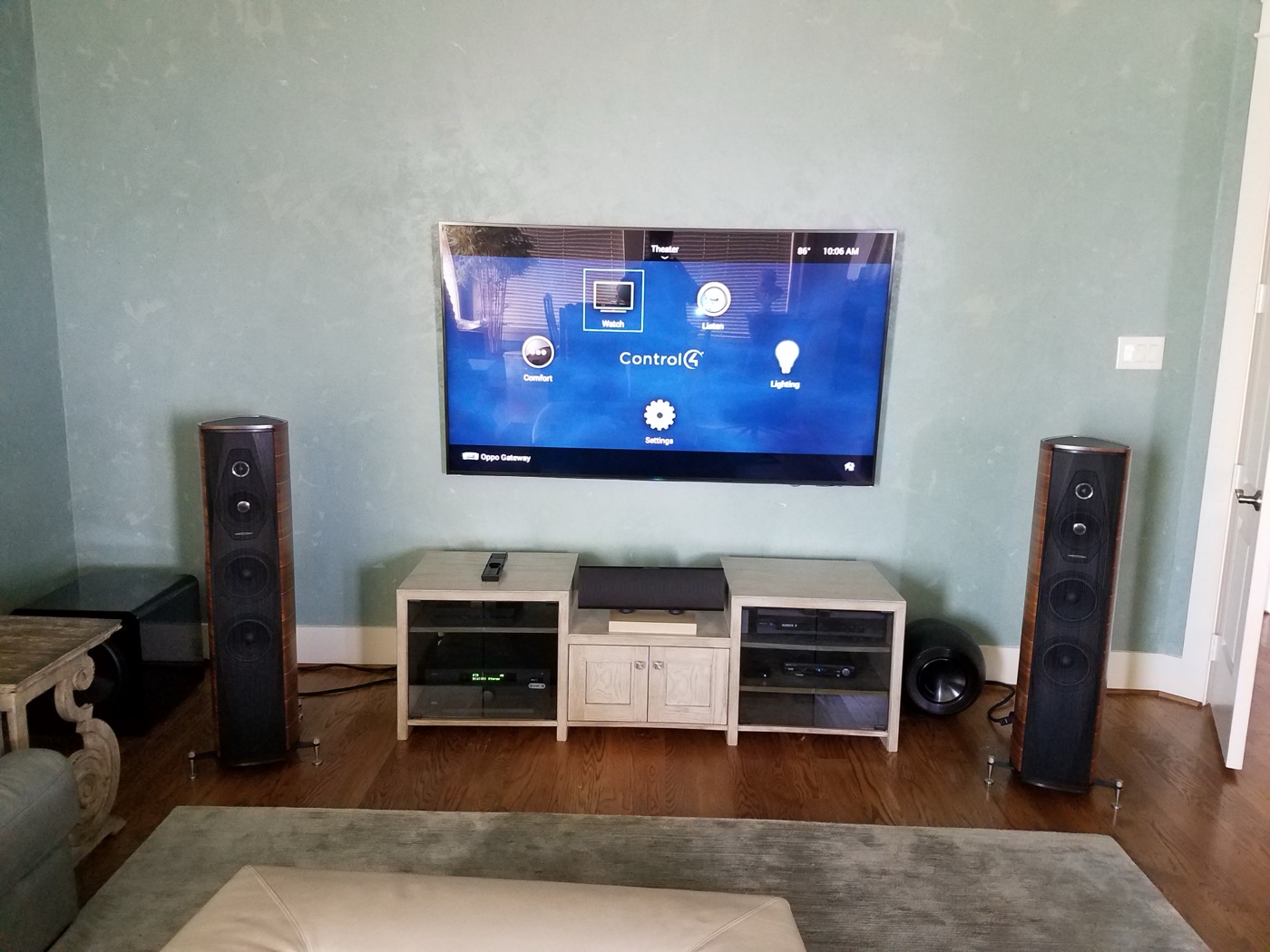
AV cabling is the least glamorous part of a smart home — and the most critical. Every intermittent audio dropout, every HDMI handshake failure, every "why does the TV keep going black?" is traceable to cabling. A common example: a beautiful dedicated theater with a high-end projector and a bargain HDMI cable that causes flicker every time someone walks past the rack. The cable is the bottleneck. No amount of equipment upgrades can compensate for a bad wire.
In Houston's new construction market — from custom builds in Memorial to spec homes in Cypress and Katy — we work with builders and electricians during the pre-wire phase to ensure the right cable goes in the walls before the Sheetrock goes up. Because retrofit cabling through finished walls is expensive, and in homes built on slab foundations (which is most of Houston), there's no crawlspace to fish wire through. Everything has to go through the attic, down interior walls, or through exterior conduit. Getting it right the first time is not optional.
HDMI: the biggest culprit
HDMI is the single most common source of AV problems we encounter on service calls. The cable carries both video and audio, and any degradation in the signal causes handshake failures between the source (Apple TV, Roku, Kaleidescape) and the display. The symptoms are familiar: black screens that flash on and off, audio dropouts, colors that look washed out, or a complete signal loss. The root cause is almost always a cable that's either too long, too low-quality, or both.
- Under 25 feet: Use a quality HDMI cable that has passed the HDMI Licensing Administrator's Premium or Ultra High Speed cable testing. We recommend cables from brands like AudioQuest, WireLogic, or MosH4. An inexpensive cable may work for short runs, but a tested cable eliminates the "maybe it works" factor.
- 25–50 feet: Use an active optical HDMI cable (Fiber Optic HDMI). These use fiber optics for the video signal, which means no signal degradation over distance. A passive copper cable at 35+ feet will start dropping 4K HDR signals. A good active optical cable costs more than copper but is far more reliable at these lengths.
- 50+ feet: Use HDBaseT (HDMI over Cat6 with a transmitter and receiver). Reliable up to 330 feet. This is what we use for whole-home distributed video, sending 4K signals from a central rack to displays throughout the house over structured Cat6 cabling.
Houston's heat and humidity also affect HDMI cables. Attic temperatures in a Houston August can exceed 130°F, causing the insulation to become brittle and the connectors to oxidize. If your HDMI runs through an unconditioned attic, use a cable rated for high temperatures and seal the connections.
Speaker wire: gauge matters
Speaker wire gauge determines how much power reaches your speakers. Too thin a wire over too long a run and you lose power to resistance — the speaker gets less power, the amplifier works harder, and the sound quality suffers. In a whole-home audio system with runs from a central rack to in-ceiling speakers across a 6,000 sq ft home, the wire runs can easily exceed 100 feet.
- 16 AWG: Fine for runs under 50 feet with 8-ohm speakers. This is the minimum we'd use for a simple living room system.
- 14 AWG: Good for 50–100 foot runs or 4-ohm speakers. This is our standard for most whole-home audio installations.
- 12 AWG: For runs over 100 feet or high-power subwoofers. Thicker wire, lower resistance, more copper — more expensive but necessary for long runs.
A common mistake we see in homes built in the 2000s is "builder-grade" 18 AWG speaker wire — the thin wire that electricians pull for whole-home audio during construction. It's barely adequate for a single pair of in-ceiling speakers in the same room as the amplifier. Over a 80-foot run to the master bedroom, it acts as a resistor, turning your amplifier's clean power into heat before it reaches the speaker. We replace it with 14 AWG or 12 AWG on every audio retrofit.
Cat6: the backbone
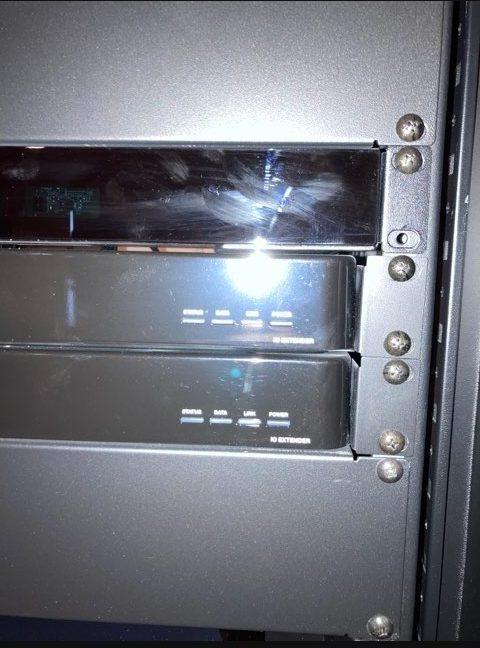
Every modern smart home runs on Cat6. It carries network traffic for your AV equipment, your smart home control system (Crestron, Control4, Savant), your cameras, your access points, and increasingly your audio via Dante or AVB. The network is the nervous system of the home, and the cabling is the nerve fiber.
- Copper: The only kind to use. Copper-clad aluminum (CCA) has higher resistance and fails under PoE (Power over Ethernet) loads. CCA cable can overheat under PoE+ loads. Always specify pure copper (sometimes labeled "Bare Copper").
- Shielded (STP): For runs near electrical panels, fluorescent ballasts, or HVAC equipment. Houston's older homes in the Heights and Montrose often have unshielded electrical wiring that creates electromagnetic interference. Shielded Cat6 prevents data errors.
- Rated for in-wall: CMP (plenum) or CMR (riser). Building code requires it. CMP is required for runs in air-handling spaces (like drop ceilings in commercial spaces). CMR is the standard for residential riser runs.
The pre-wire advantage
The best time to wire a home is during construction, before the Sheetrock goes up. A good pre-wire includes 2–3 runs of Cat6 to every TV location, speaker wire to every in-ceiling speaker, HDMI from the equipment rack to each display, and a dedicated 20-amp circuit for the AV rack. Retrofitting the same cabling after construction costs considerably more and involves patching walls, fishing wire through insulated walls, and potentially cutting access holes in ceilings. If you're building a home in Houston — whether in a master-planned community like The Woodlands or a custom build in West University Place — insist on a dedicated AV pre-wire. Your integrator should work with your electrician and builder to coordinate the low-voltage wiring before the insulation and Sheetrock go up.
Conduit: future-proofing
For any new construction, we recommend installing 2-inch conduit (smurf tube) from the equipment rack to every TV location. This allows you to pull new cable in the future — when 8K HDMI cables come out, or when a new standard replaces HDBaseT — without cutting walls. Conduit adds little to a new-construction budget and is one of the most cost-effective ways to future-proof your AV infrastructure.
Need AV wiring? Explore AV service or call 346-357-5323.