
Related Guide
Smart Home Planning Guide
Smart Home Control in Houston: What Makes a System Easy to Use?
The best smart home is not the one with the longest equipment list. It is the one where room names, scenes, favorites, remotes, keypads, touch panels, apps, feedback, and daily routines make sense to the people living there.
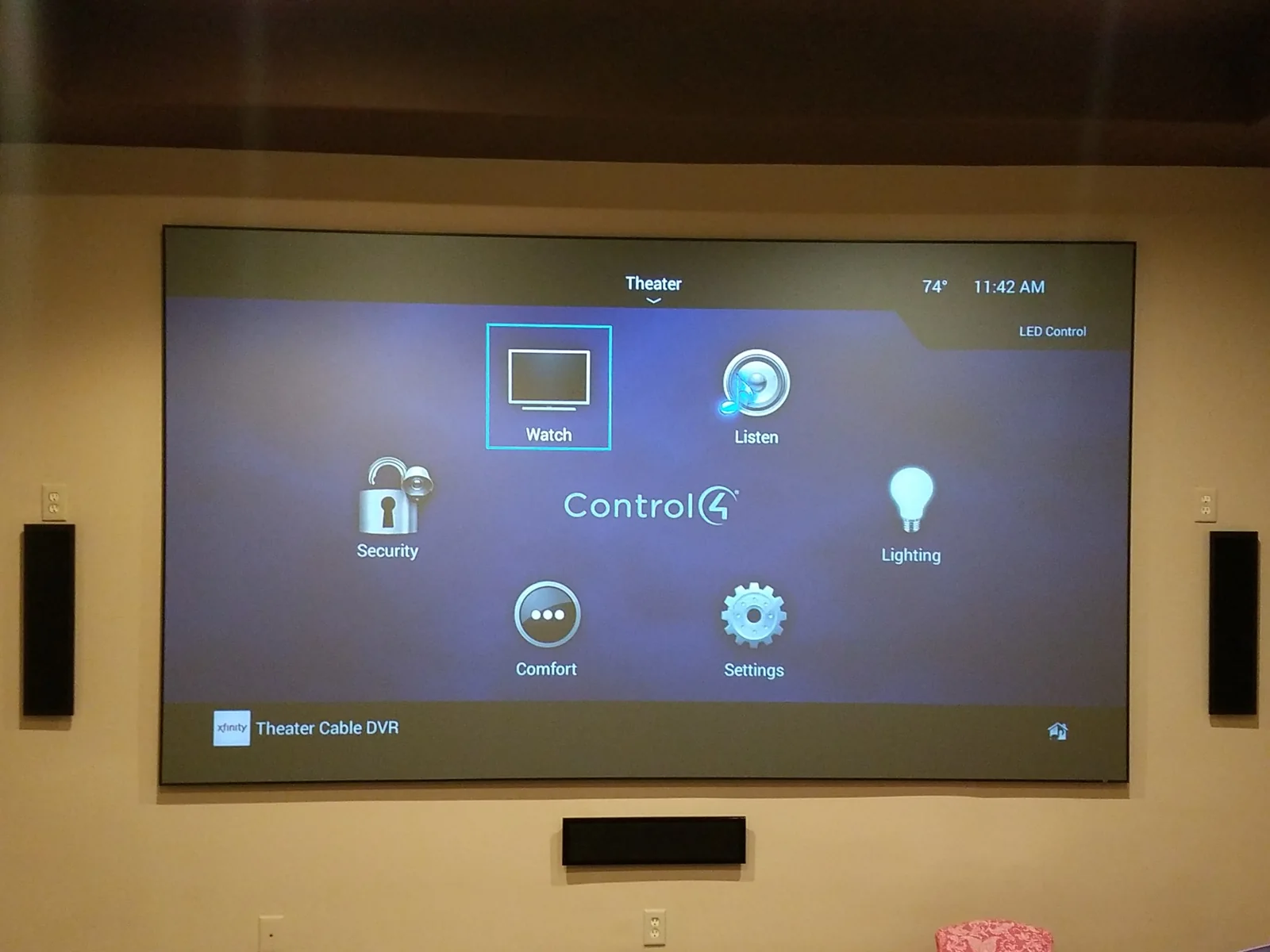
The interface is part of the design
Organize the system around actions, not equipment.
Homeowners think in rooms and activities: watch television, listen to music, lower the shades, turn on the pathway lights, secure the home, or prepare for guests. A good interface presents those actions directly instead of exposing every receiver input, matrix route, relay, driver, and network endpoint.
Room names, source names, favorites, icons, scenes, and button positions should remain consistent. The same action should behave the same way from a remote, keypad, touch panel, and app whenever the platform allows it.
Scenes should solve real routines.
A useful scene coordinates several systems around a moment: arrival, entertaining, movie, dinner, goodnight, away, or vacation. Scenes should not become a long list of nearly identical buttons. Start with the routines the household actually uses, then refine timing, feedback, and exceptions.
Platform selection should follow the required experience.
Control4, Crestron, and Savant can all support refined residential control. The right platform depends on integration depth, customization, interface expectations, project scale, existing equipment, budget, and the service team that will program and maintain it.
The platform is only one part of the result. Processor capacity, lighting gateways, network design, device compatibility, driver quality, rack architecture, power, documentation, and programming all influence reliability.
The network is part of the control system.
Apps, processors, remotes, touch panels, cameras, lighting, shades, streaming, audio, video, and cloud services depend on communication. Managed switching, Wi-Fi coverage, addressing, VLANs, PoE, internet service, remote access, and monitoring should be designed intentionally.
Feedback prevents uncertainty.
The interface should indicate whether a room is on, which source is selected, the current volume, shade position, lighting state, door status, temperature, and other important conditions where reliable feedback is available. Clear feedback reduces repeated button presses and support calls.
Documentation and support protect the experience.
Keep records of processors, gateways, network devices, IP information, credentials, software files, licenses, drivers, room names, rack connections, and service history. A system that is understandable to the next qualified technician is easier to maintain and expand.
Common questions
Planning answers before the project begins.
What should a smart home control first?
Start with the actions used every day: television and music, lighting, shades, climate, locks, gates, cameras, and common scenes. The interface should reflect the household rather than expose every technical detail.
Which platform is best: Control4, Crestron, or Savant?
There is no universal winner. The correct platform depends on integration depth, customization, user-interface expectations, project scale, existing equipment, budget, and long-term support.
Why do programming and documentation matter?
Hardware alone does not create a usable system. Programming defines behavior, feedback, scenes, routing, and consistency. Documentation makes future support, expansion, and troubleshooting more efficient.
Continue planning
Related AV guides
Greater Houston AV design and service