The network is the foundation. Not an afterthought.
2026-07-15 · Obsidian Audio Video · Houston
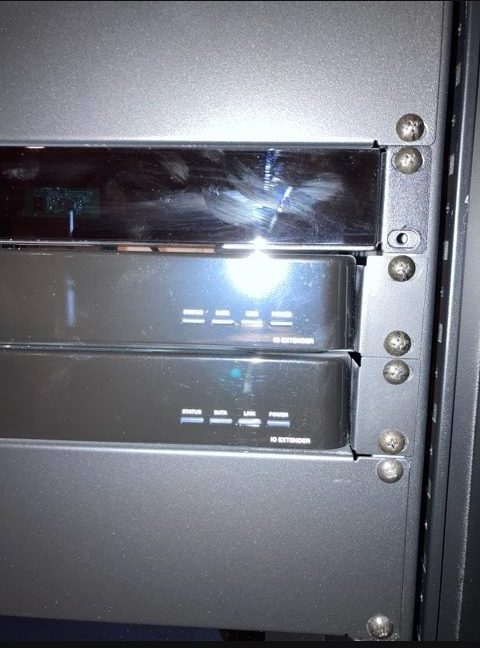
A smart home is only as reliable as the network underneath it. Every Crestron keypad, every Control4 device, every Savant stream, every Lutron shade, every camera and every streaming device depends on the network. If the Wi-Fi drops, the control system appears broken. If the network can't handle multiple streams, audio drops out. If the VLAN isn't segmented, a problem with one device takes down everything.
We've been called to Houston homes where the homeowner was ready to replace an entire control system — thousands of dollars of equipment — when the actual problem was a consumer-grade router that couldn't handle the device load. We've seen theaters that wouldn't play because a network switch was failing. We've seen distributed audio that dropped in every zone simultaneously because the access point was overloaded.
What a proper smart home network looks like
A managed network is not just a better router. It is a designed infrastructure with layers:
- Wired backbone: Cat6 or Cat6A cabling to every access point, every rack, every AV location. Wi-Fi is for mobile devices — not for infrastructure that needs to stay online.
- Enterprise access points: Not consumer mesh. Proper access points with wired backhaul, band steering, seamless roaming and capacity for 100+ devices.
- VLAN segmentation: IoT devices on one network. AV and control on another. Guest Wi-Fi on a third. Cameras on a fourth. A problem in one VLAN doesn't cascade to the others.
- Managed switching: Quality-of-service rules that prioritize AV traffic over background downloads. IGMP snooping for multicast. Proper port configuration.
- Remote monitoring: The network tells you when something is wrong — before the homeowner notices.
What happens when the network isn't designed
The symptoms are familiar to anyone who has lived with a poorly-networked smart home: the control system takes three seconds to respond. Streaming audio drops when someone joins a video call. The theater won't start because the projector can't reach the streaming device. Shades respond sometimes and not others. The installer blames the ISP, the ISP blames the equipment, and the homeowner lives with a system that feels unreliable.
The fix is almost never replacing the control system. It's designing the network properly — running wires, installing enterprise access points, segmenting traffic and prioritizing AV. The control system was never broken. The infrastructure underneath it was.
Houston-specific considerations
Houston homes present specific networking challenges. Large footprints with multiple stories require multiple access points with proper handoff. Homes with detached structures — pool houses, guest quarters, outdoor kitchens — need wired backhaul to those locations. And Houston's climate means equipment racks need proper thermal management, because a rack that overheats is a network that fails.
If your smart home feels unreliable, start with the network. We can audit what you have, identify bottlenecks and build a proper infrastructure — without replacing equipment that still works.
Need help with your AV system in Houston? Start a conversation or call 346-357-5323.