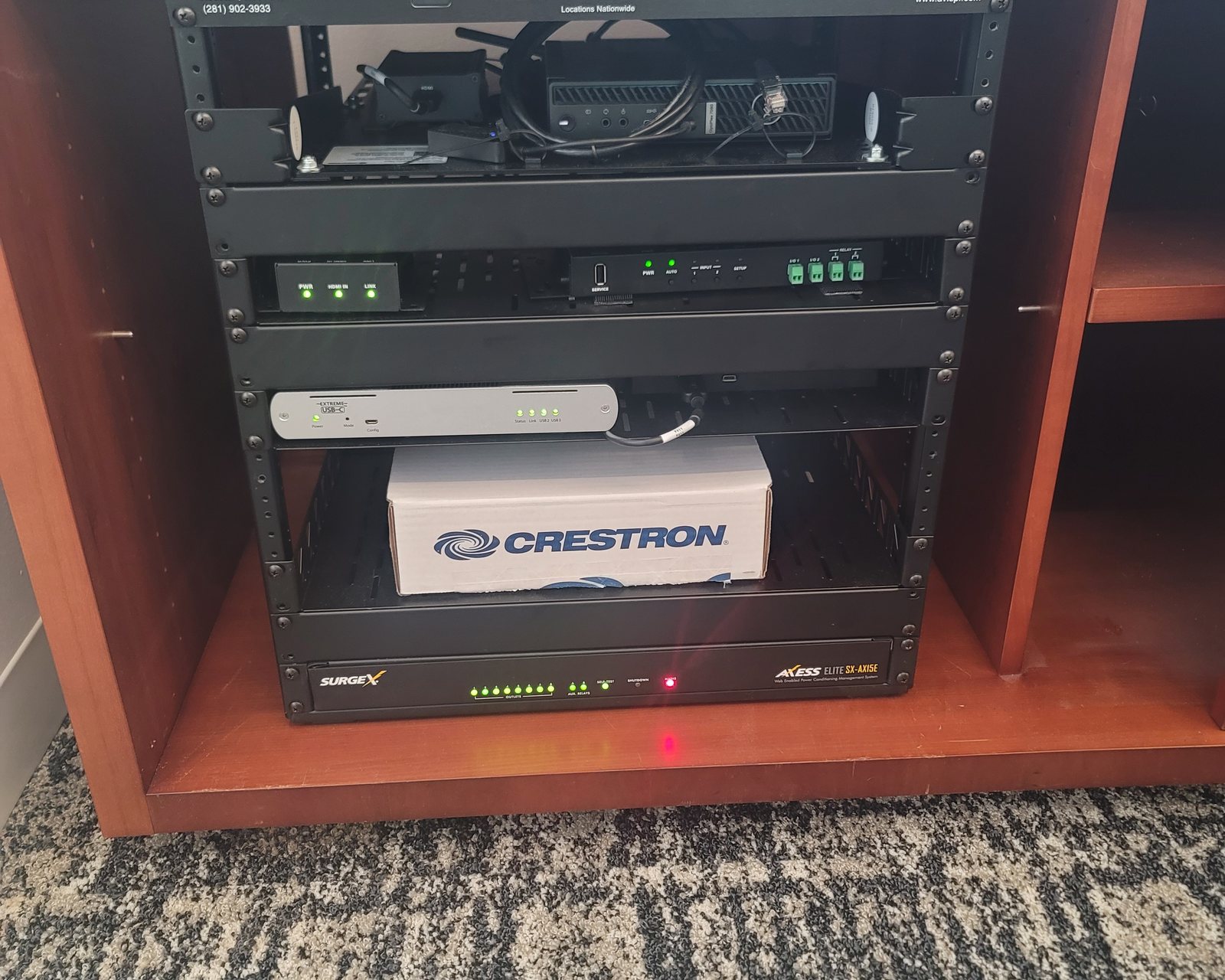
CRESTRON TAKEOVER · HOUSTON · TEXAS
Crestron system takeover in Houston.
Moved into a home with a Crestron system nobody explained? Original installer retired, closed or stopped returning calls? Obsidian AV takes over Crestron systems installed by other companies: we find out what you have, sort out access, fix what is broken and become your service contact.
Keep what works. Fix what does not.
Over 25 years of personal professional AV engineering, programming, integration and troubleshooting experience informs each takeover assessment. The aim is to keep the equipment that still does its job, restore control and explain any program-file or compatibility limits before anyone talks about replacing the system.
Request a call back
Tell us about the system. We will call you.
Leave your name, number and a line about the house and the system. We call back to talk it through before anything is scheduled. If it is urgent, call 346-357-5323.
Does this sound like your house?
You just bought the house.
The Crestron system came with the home, but not the passwords, the documents or anyone to call. Tell us what still works and what was left with the sale.
Your installer is gone.
Retired, closed, moved away or no longer answering. You can still get help; what can be changed depends on the access and files that can be recovered.
Nobody can make changes.
A new TV, a replaced router or a button that now does the wrong thing, and nobody has the access to fix it.
You manage the property.
Estate managers and property representatives authorized by the owner can arrange the assessment and walkthrough.
How a Crestron takeover works
- Walkthrough. Go room by room with you: touch panels, keypads, TVs, music, lights, shades and the equipment rack. Note what works, what does not and what you actually use.
- Inventory. Record the processor model and series, touch panels, video distribution and network equipment, so you know what is installed in the house.
- Access. Identify the logins the system depends on (processor administrator account, router and network, remote access and apps) and which ones are missing.
- Program files. Ask the previous installer or your handover records for the editable program files. If they cannot be recovered, record how the system behaves now before anything is changed.
- Options. Repair what is broken first. Updates, partial rebuilds or replacement are discussed only where they solve a real problem, and the work and charges are agreed before changes.
- A record you keep. End with your own equipment list, network notes, a note of where access details are kept and backups of the files that are accessible, so you are not locked out of your own system again.
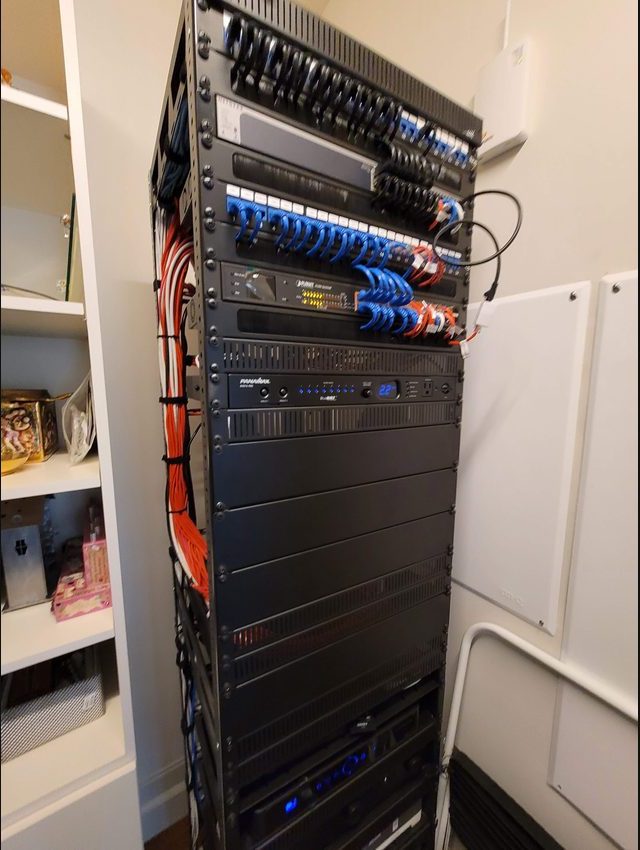
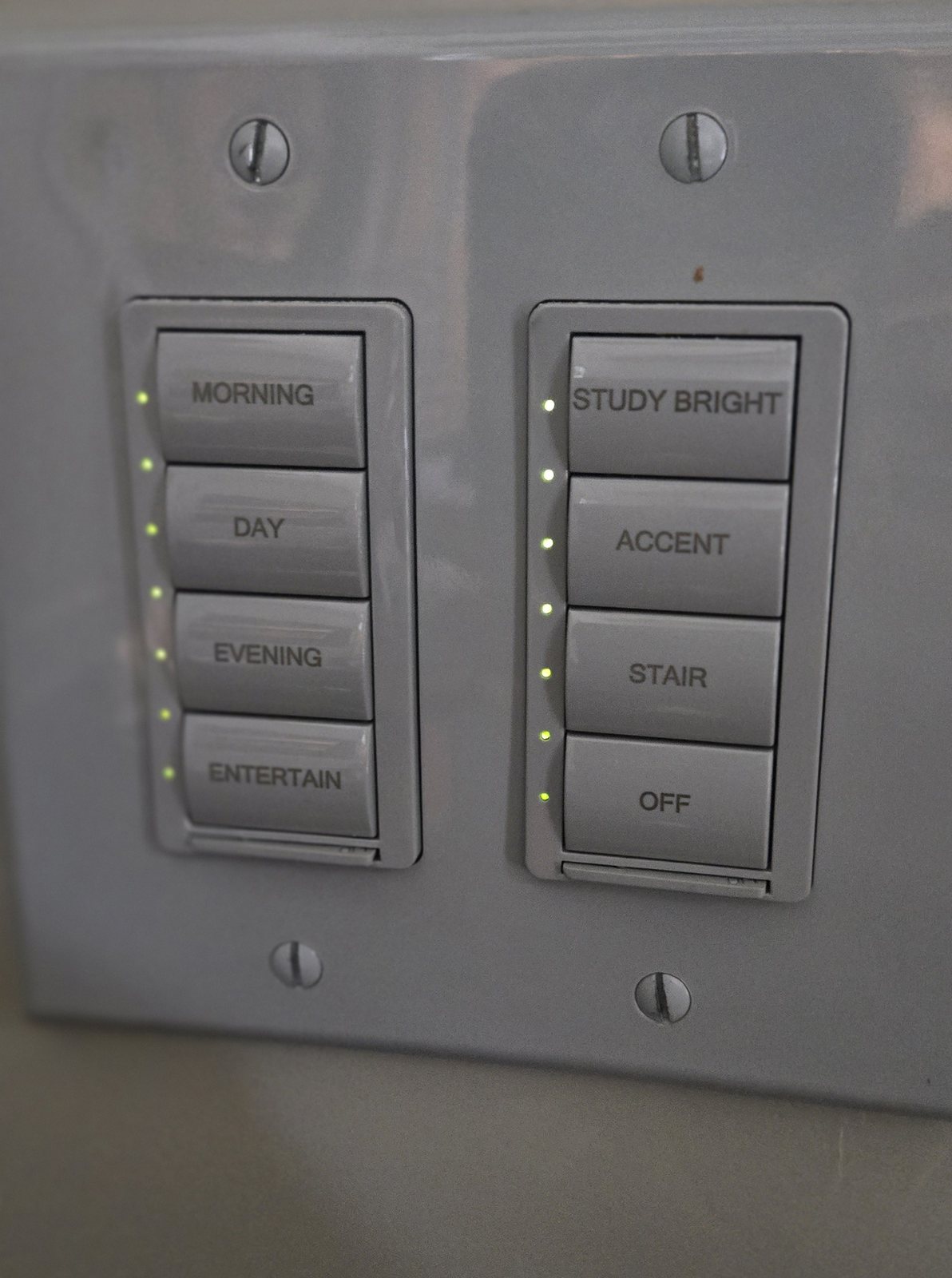
Ask the seller or previous installer for these
If you are still buying the house, ask before closing. Sellers and installers are easiest to reach before the sale is finished.
- The editable program files: the SIMPL Windows project with any SIMPL+ or SIMPL# modules and the touch-panel projects (VT Pro-e or Crestron Construct), or a Crestron Home configuration backup.
- The processor administrator login and any touch-panel or app logins.
- Router and network access, plus a list of the fixed IP addresses the system uses.
- Remote-access, app and cloud accounts the installer set up, transferred to the new owner.
- Equipment lists, rack drawings or as-built documents.
- Warranty details, service agreements and recent service history.
Keep passwords to yourself until the visit; do not send them through the website form.
Before you call: do not reset it
Do not factory reset the processor or touch panels to get past a password. A reset can erase the program the house runs on and turn a takeover into a rebuild. Avoid firmware updates and repeated power cycling of the equipment rack until the system has been assessed. If equipment is overheating or there is an electrical hazard, stop using it and seek appropriate qualified help.
What usually happens next
Keep it running.
Many systems mainly need access restored, a failed component fixed and network settings corrected.
Repair and adjust.
Replace failed panels or devices, fix video and audio paths, or adapt the system to a new TV or router, within the access and files available.
Rebuild part of the program.
When the source files are lost and changes are needed, rebuild the affected rooms or functions against the recorded behavior.
Upgrade or migrate.
Moving from a 3-Series processor to 4-Series or to Crestron Home is a migration project, not a file copy, and is considered only when it solves a real problem.
Platform detail for 3-Series, 4-Series, Crestron Home, DM and NVX systems is on the Crestron service and repair page.
Crestron takeover questions
I just bought a house with a Crestron system. Where do I start?
Before anything is reset or replaced, note what works and what does not, gather whatever the seller left (remotes, touch panels, documents and passwords) and ask the seller for the previous installer’s contact details. Then call to arrange a walkthrough of the system.
The previous installer will not or cannot hand over the program files. What happens?
The system can usually keep running as it is. Without the editable files, changes to the custom programming are limited; the options are hardware and network repairs or rebuilding the affected parts of the program. The assessment records how the system behaves now, so any rebuild has a clear target.
Do I have to replace the system?
Not necessarily. Many problems come from missing access, a network change, a failed component or settings. Replacement is discussed only after the system has been assessed.
Can you get into a processor if nobody has the password?
Only with the owner’s authorization, and the options depend on the processor. Getting past an unknown administrator password can require a reset that erases the running program, so we first check which files and access can be recovered.
Do you take over systems installed by other companies?
Yes. You do not need to have bought the system from Obsidian AV. Homeowners and authorized property representatives can request an assessment.
What does a Crestron takeover cost?
It starts with a diagnostic visit. The charge, scope, property access and scheduling are confirmed before booking, and any repair or programming work is agreed before it begins.
Crestron takeovers across Houston
Contact us to confirm service scope and scheduling for your address.
Talk through your Crestron system
Tell us about the house, what still works and what you know about the previous installer. Start with a conversation, not an assumption that the system must be replaced.