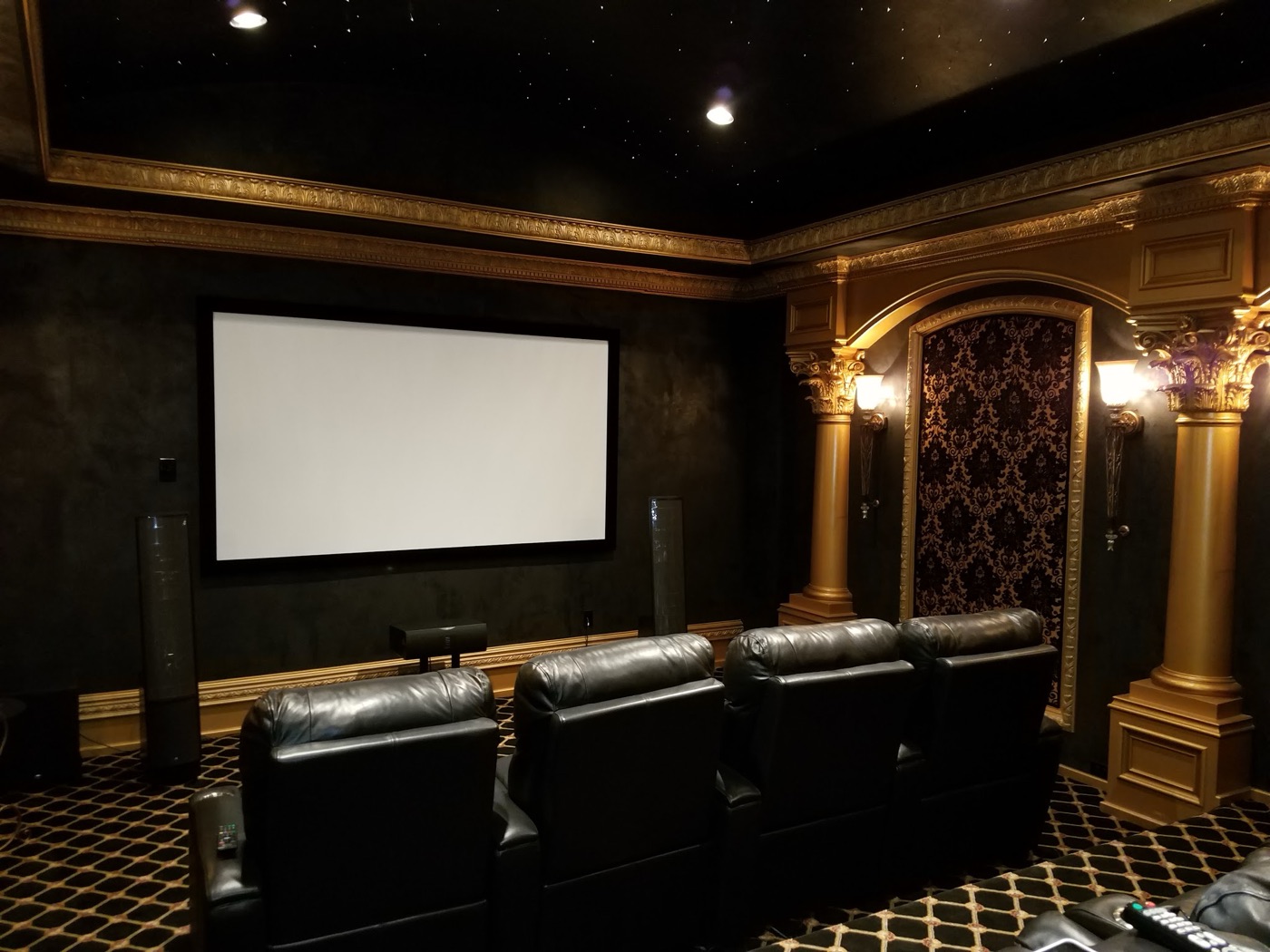
MEDIA ROOM
Media room installation & service in Houston.
A living-room system should be easy to use. We troubleshoot picture, sound and control problems in existing media rooms and plan upgrades around suitable wiring, speakers and equipment that can be retained.
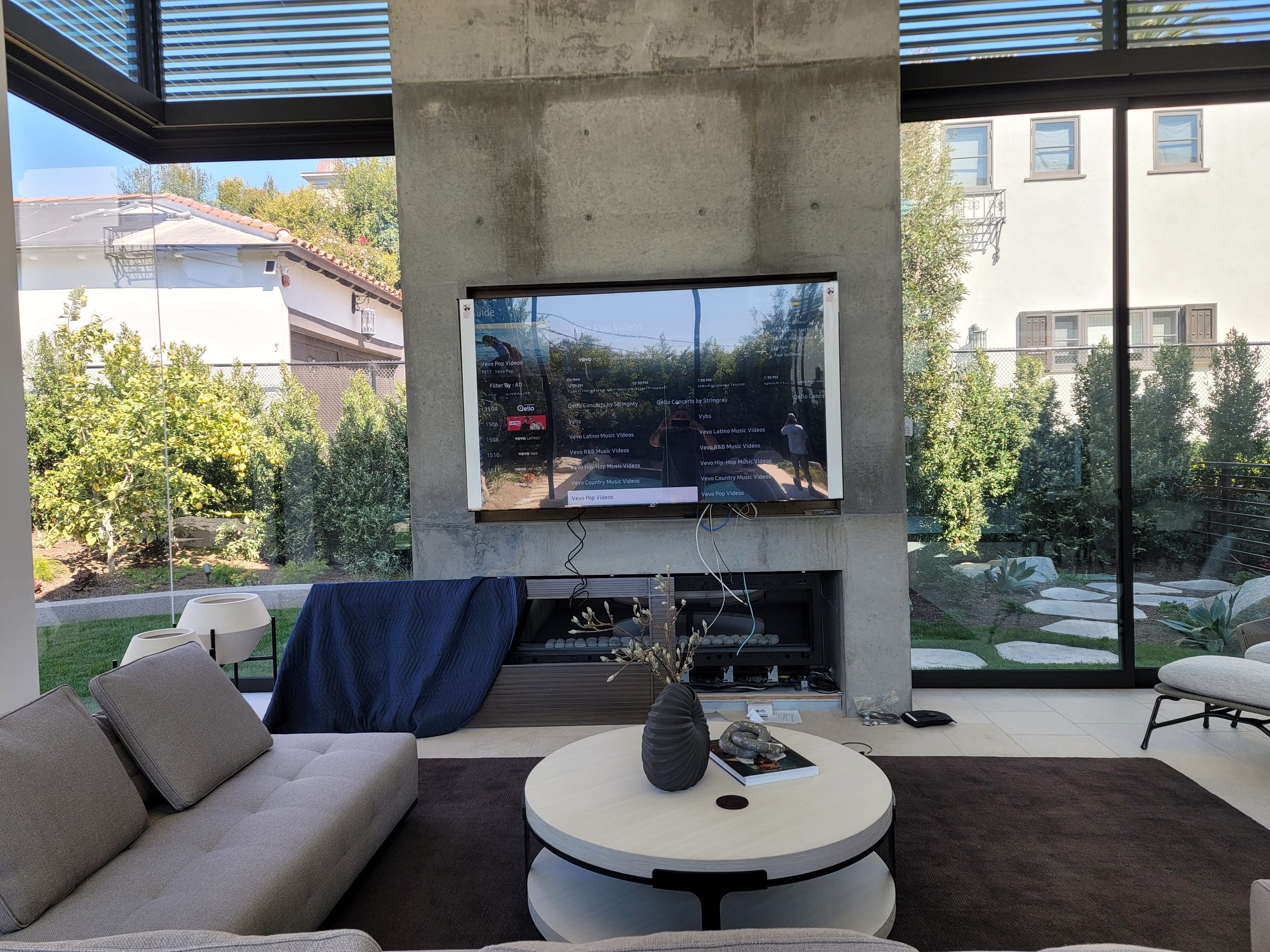
Living Room Cinema
Hidden displays that rise from cabinetry or drop from the ceiling. In-wall and in-ceiling speakers that disappear into the architecture. Surround sound that fills the room without visible equipment. A media room should be a great living space first — and a great cinema when you press one button. That is the promise of a well-executed living room cinema, and it is what we build every day for homeowners across Houston.
Media Room Design in Houston
Media room design is where function meets aesthetics. A media room is not a dedicated home theater with a single purpose — it is a living space that transforms into a cinema on demand. That duality demands thoughtful design from the very beginning. At Obsidian AV, our media room design process starts with how you live in the room: where you sit, where the natural light enters, where the traffic flows, and where the TV or projector needs to live when it is not in use. Every decision flows from those answers.
Houston homeowners are increasingly choosing media rooms over dedicated theaters because the media room serves the whole family, every day, not just on movie night. A well-designed media room in Houston might include a 75-inch or 85-inch flat panel that sits flush in a wall unit, in-ceiling speakers that deliver immersive surround sound without a single visible grille, and a motorized shade system that drops the room into cinema darkness with a single tap. When the movie is over, the shades rise, the lights come up, and the room is a living room again — no black box, no projector hanging from the ceiling, no equipment rack in the corner.
The key to a successful media room design is restraint. We are not trying to recreate a commercial cinema in your living room. We are trying to build a space that is beautiful and functional as architecture, and that delivers a genuinely cinematic experience when you want it. That means careful speaker placement, acoustic considerations that work with — not against — your room's geometry, and display solutions that integrate with your furniture and millwork. Whether your Houston home is a contemporary new build in the Heights or a traditional brick in River Oaks, the design must respect the architecture while delivering the performance.
Living room cinema is the most common expression of media room design, but the concept extends to dens, game rooms, master bedroom suites, and outdoor-adjacent great rooms. The unifying thread is that the technology serves the space, not the other way around. A living room cinema should feel like a living room first — comfortable, social, and warm — and a cinema second, at the touch of a button. That is the standard we hold ourselves to on every media room Houston project we take on.
Our media room design services include room layout and furniture placement planning, acoustic evaluation and treatment recommendations, display selection and integration strategy, speaker placement and concealment planning, control system design, and coordination with your interior designer, builder, or architect. We work as part of your design and build team — not as an afterthought that shows up after the drywall is hung. The best media room setups are designed before construction, not retrofitted after it.
Surround Sound in Media Rooms
Surround sound is the heart of any media room. A big screen without immersive audio is just a large television — it is the sound that turns a living room into a cinema. Surround sound envelops you in the soundtrack, places you inside the scene, and delivers the emotional impact that separates a real home cinema experience from casual viewing. At Obsidian AV, surround sound is what we do best, and it is the single upgrade that transforms every media room we install in Houston.
5.1 Surround Sound
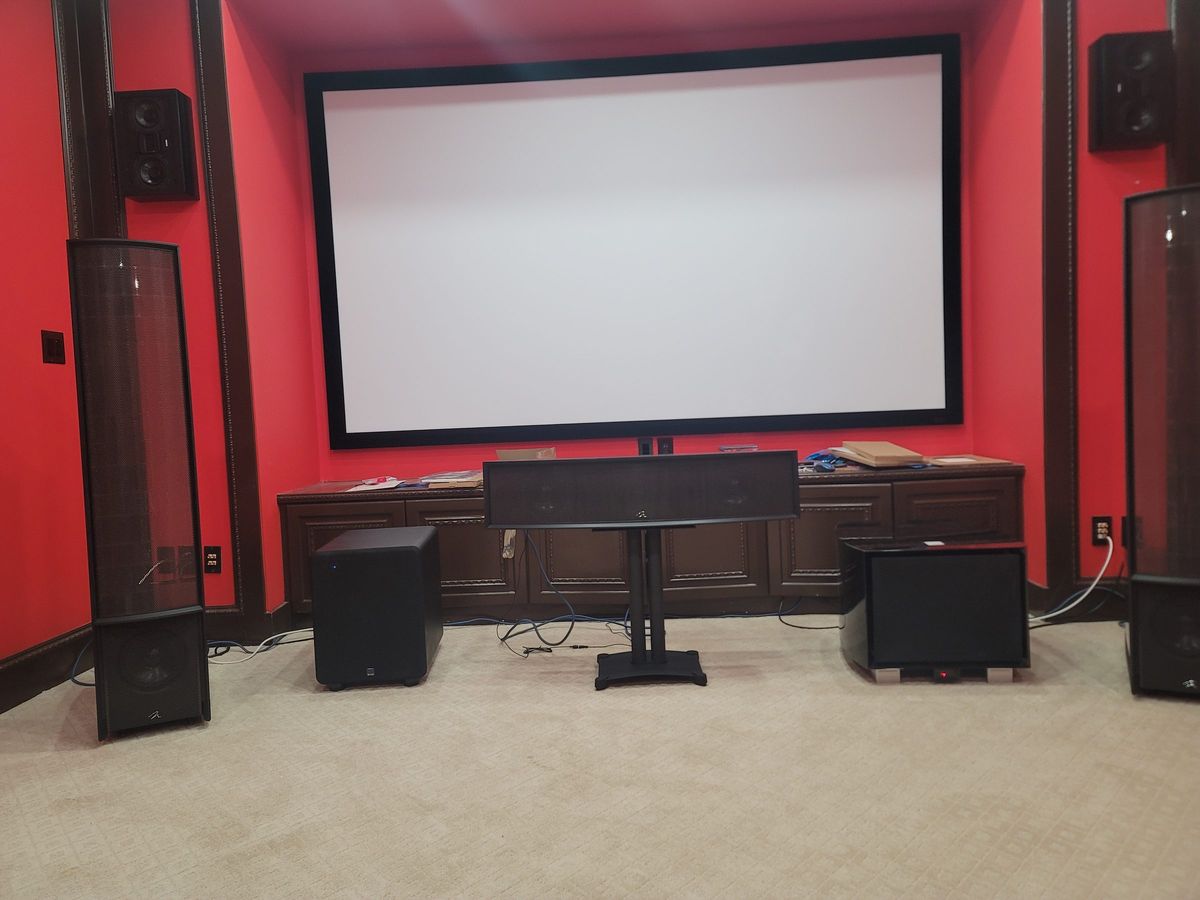
The 5.1 surround sound configuration is the foundation of home cinema audio: three front channels (left, center, right), two rear surround channels, and a subwoofer for low-frequency effects. For most media rooms, 5.1 is the sweet spot — it delivers genuine cinematic immersion without requiring an excessive number of speakers or complex room calibration. In a media room setup, we typically place the left and right speakers in-wall flanking the display, the center channel directly above or below the screen for dialogue clarity, and the surround speakers in-ceiling behind the seating position. The subwoofer is usually concealed in a cabinet or built into a millwork enclosure. The result is a room that sounds like a theater but looks like a living room.
7.1 Surround Sound
A 7.1 surround sound system adds two side surround channels to the 5.1 configuration, placing speakers along the side walls to create a wider, more enveloping soundfield. In a larger media room — a great room or an open-concept living space — 7.1 can deliver a noticeably more immersive experience, especially for action films and live sports where the extra channels help fill the room with directional sound. For media rooms in Houston's larger homes, where ceilings are high and rooms are voluminous, 7.1 is often the right choice to ensure the sound fills the space rather than feeling thin or localized.
Dolby Atmos in Media Rooms
Dolby Atmos takes surround sound into the third dimension by adding overhead or height channels. In a media room, this is typically achieved with in-ceiling speakers or upward-firing modules that bounce sound off the ceiling to create a sense of height and space overhead. When you hear a helicopter pass above or rain falling from the sky, Atmos is what makes it feel real. For clients who want the ultimate living room cinema experience, we design 5.1.2 or 7.1.4 Atmos configurations that deliver dedicated-theater-level immersion in a multi-purpose space. Our home theater installation team specializes in Dolby Atmos calibration, and we bring that same expertise to media room surround sound installations.
In-Wall and In-Ceiling Speaker Solutions
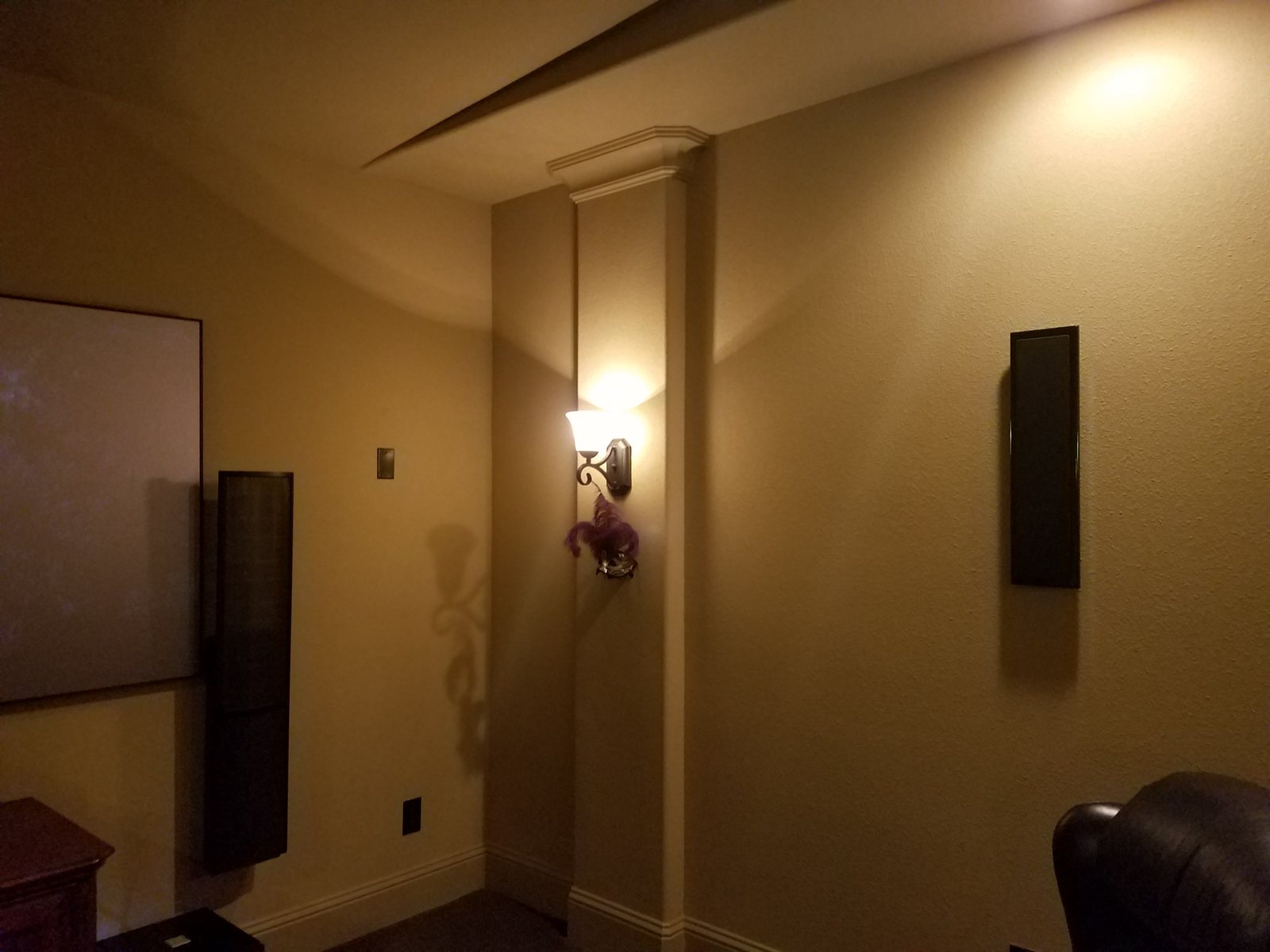
The challenge of surround sound in a media room is simple: you want the sound without the speakers. Traditional bookshelf and floor-standing speakers are visual clutter in a living space. That is why we specify in-wall and in-ceiling speakers from premium brands like James Loudspeaker, Sonance, Definitive Technology, and Paradigm. These speakers disappear behind paint-matched grilles — flush with the wall or ceiling — while delivering performance that rivals conventional freestanding designs. The surround sound is real, immersive, and cinematic. The speakers are invisible. That is the media room promise.
For clients who want whole-home audio integration alongside their media room surround sound, we connect the system to a whole-home audio platform so the same speakers can serve double duty — streaming music throughout the house when you are not watching a movie, and switching to dedicated surround duty when it is cinema time.
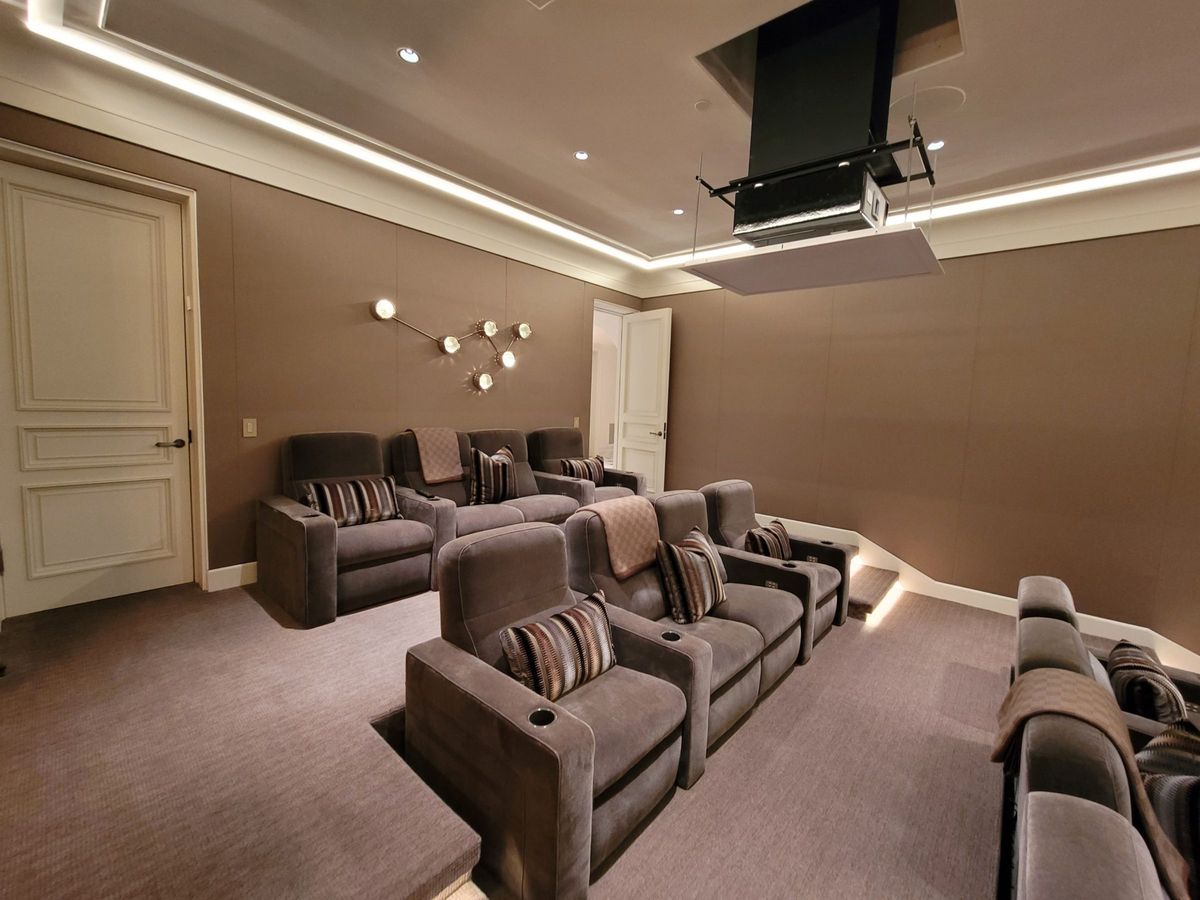
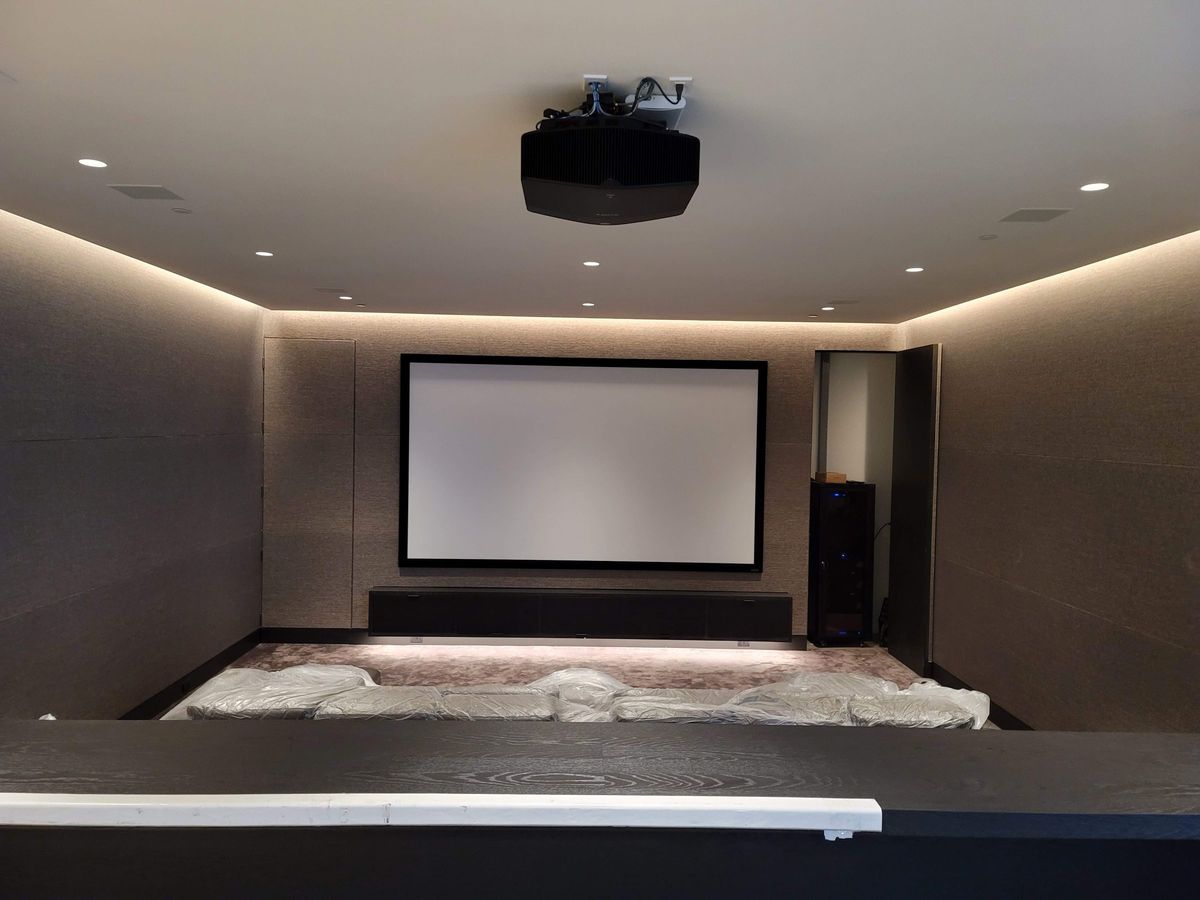
Display Options for Media Rooms
The display is the visual centerpiece of any media room, and choosing the right one is a balance of performance, aesthetics, and how you use the room. There is no single right answer — the best display for your media room depends on room size, ambient light, viewing distance, and how prominently you want the screen to feature in the space when it is not in use. At Obsidian AV, we help Houston homeowners navigate these decisions every day, and we install every type of display technology available.
Large-Format Flat Panels
For most media rooms, a large-format flat panel — 75 inches or larger — is the practical, high-performance choice. Today's OLED and mini-LED displays deliver stunning contrast, deep blacks, and HDR performance that rivals projection in many room environments. A flat panel mounted flush to the wall or integrated into a custom media center looks clean and intentional. For rooms with significant ambient light — and in Houston, most living spaces have large windows — a flat panel will outperform a projector simply because it maintains contrast in bright conditions. For a living room cinema that functions as a daily-use space, a premium flat panel is usually the right call.
Projector Installation for Media Rooms
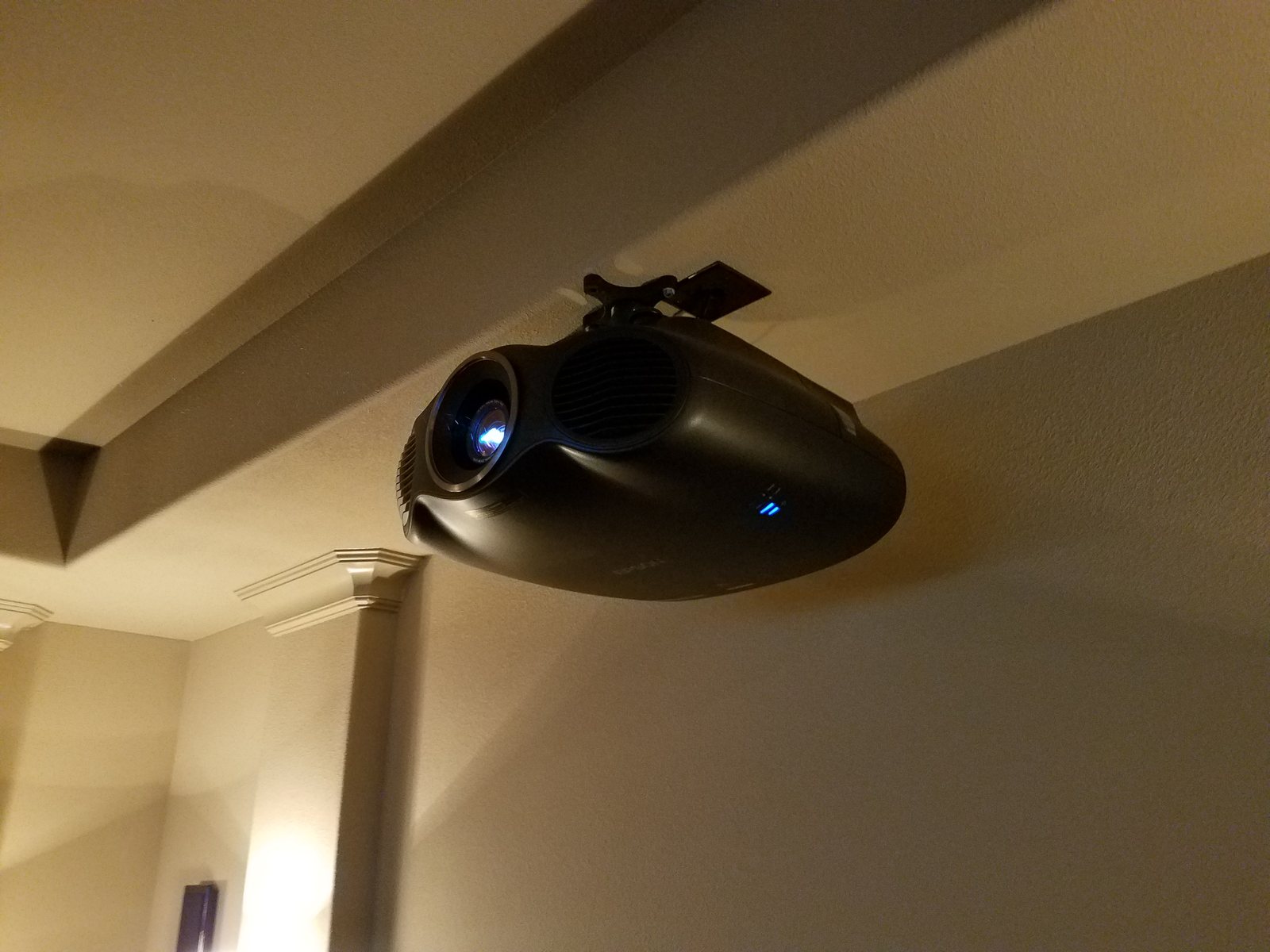
For larger media rooms — or for clients who want the maximum possible image size — projector installation is the path to a true cinema experience. A 100-, 120-, or even 150-inch projected image delivers a scope and impact that no flat panel can match. Modern ultra-short-throw projectors can produce a 120-inch image from inches away from the screen, eliminating the need for long throw distances and ceiling mounts. Traditional long-throw projectors, when we do use them, are housed in a flush ceiling enclosure or hidden above a soffit.
Projector installation in a media room requires careful planning: throw distance calculations, screen material selection (we use ambient-light-rejecting screens for rooms with windows), lens shift alignment, and integration with motorized screen masking. We handle the full scope of projector installation — from selecting the right projector for your room's lighting conditions to precision-calibrating the image geometry and color. For Houston homeowners who want the biggest possible screen in a living space, a projector with a motorized drop-down screen is the definitive home cinema solution.
Hidden and Motorized Displays
One of the most popular media room upgrades in Houston is the hidden display. Motorized lift mechanisms can raise a flat panel from within a cabinet, lower it from a ceiling cavity, or rotate it from behind a piece of art. When the TV is off, it is gone — hidden in the furniture, ceiling, or wall. This is the ultimate expression of the media room philosophy: the technology is there when you want it and invisible when you do not. We install motorized lifts from Future Automation and Auton, integrated with your control system so the display appears with the same button press that dims the lights and starts the movie.
Micro-LED and Emerging Technologies
For clients with larger budgets and the desire for the absolute pinnacle of display technology, micro-LED displays offer the brightness and contrast of OLED at sizes up to 140 inches and beyond — without the brightness limitations of projection. Micro-LED is a significant investment, but it is the future of premium home cinema, and we are among the few integrators in Houston with experience designing and installing these systems. For most media rooms, however, the practical sweet spot remains a well-calibrated flat panel or a quality projector on an ambient-light-rejecting screen.
Smart Control for Media Rooms
A media room is only as good as its control system. The most immersive surround sound and the largest display in the world are useless if you need three remotes and ten button presses to start a movie. Smart control for media rooms is about reducing the entire cinema experience to a single action: press one button, and the room transforms. Lights dim, shades close, the display powers on, the surround sound system switches to the right input, and the movie starts. That is the power of integrated control, and it is what turns a collection of equipment into a genuine media room experience.
At Obsidian AV, we are trained integrators for the leading control platforms: Crestron, Control4, and Savant. Each platform has its strengths, and we help you choose the right one based on your home's ecosystem, your existing infrastructure, and your preferences for interface — touch panels, mobile apps, voice control, or dedicated remotes. The control system is the brain of your media room setup, and it is what makes the technology feel effortless rather than overwhelming.
One-Button Cinema Scenes
The hallmark of a well-designed media room is the scene. A scene is a programmed macro that executes multiple commands simultaneously — the lights go to 10%, the shades drop, the receiver switches to the Blu-ray input, the TV turns on, and the volume sets to your preferred level. One press. We program scenes for every situation: Movie Night, Sports, Gaming, Music, and Off. When you are done, the Everything Off scene raises the shades, brings the lights back up, and powers down the system. The room returns to being a living room, and there is no equipment to stow or buttons to hunt for.
Integration with Whole-Home Systems
If your Houston home has a broader smart home system — climate control, security, whole-home audio, motorized shading — the media room should be part of it. We integrate media room control with platforms like Crestron Home, Savant Pro, and Control4 OS so that the cinema is just another room in your smart home ecosystem. Start a movie from the same app that controls your thermostat. Have the whole-home audio pause automatically when the media room turns on. Coordinate with lighting control so that landscape lights dim when the movie starts and the media room shades close. Integration is where the individual pieces become a unified home.
Remote Control Options
Not every client wants to use a phone app to control their media room. We offer a range of physical remotes — from simple Crestron and Control4 remotes with tactile buttons to full-featured Pro Remote with voice control and backlit keys. For family members who are not technology-enthusiastic, a well-designed physical remote with clearly labeled activity buttons (Watch Movie, Watch TV, Listen to Music) is often the most user-friendly option. We design the control experience for everyone in the household, not just the person who commissioned the system.
Media Room vs Home Theater — Which Is Right for You?
One of the most common questions we hear from Houston homeowners is whether they should build a media room or a dedicated home theater. The answer depends on how you plan to use the space, how many rooms you have to work with, and what your household's viewing habits look like. Let us break down the key differences so you can make an informed decision.
Purpose and Flexibility
A dedicated home theater is a room with one purpose: watching movies. It typically has no windows (or heavily blacked-out ones), fixed tiered seating, acoustic treatment on every surface, a projector on a fixed screen, and lighting designed exclusively for cinema. It is an immersive, controlled environment — and it is spectacular for movie night. But it is not where you host a Super Bowl party, where kids do homework, or where you relax with a book on a Sunday afternoon. A media room, by contrast, is a multi-purpose space that serves as a living room, family room, or great room first — and a cinema when you want it. It is the Swiss Army knife of entertainment spaces.
Display Technology
Home theaters almost always use projectors on fixed screens because the room is fully light-controlled, which is the environment where projection shines. Media rooms can use projectors, flat panels, or hidden displays, depending on the room's ambient light conditions and how the space is used when the screen is off. Projector installation in a media room is absolutely viable, but it requires careful planning around screen material and ambient light. A flat panel is often the more practical choice for a media room that gets daily use in a room with windows.
Surround Sound
Both media rooms and home theaters benefit from surround sound, but the implementation differs. In a home theater, you might use freestanding tower speakers and visible in-wall surrounds, because the room is dedicated to cinema and acoustic treatment is part of the design. In a media room, the surround sound system needs to be invisible — in-ceiling speakers, in-wall speakers behind paint-matched grilles, subwoofers hidden in cabinetry. The performance target is similar, but the aesthetic constraints are stricter in a media room setup because the room is also a living space.
Cost Considerations
Generally, a media room costs less than a dedicated home theater because it does not require acoustic treatment, tiered seating platforms, or a fully light-controlled room. However, a high-end media room with a premium display, in-ceiling Atmos surround sound, motorized shading, and full smart control can approach the cost of a modest dedicated theater. The investment is in the integration and concealment — making the technology disappear — rather than in room construction and acoustic treatment. For many Houston families, the media room delivers more value because it serves the household every day rather than only on movie nights.
Which Should You Choose?
If you have the space and budget for both — a dedicated home theater for the cinematic purist and a media room for everyday living — that is the ideal. If you must choose one, consider how your household actually uses entertainment. If you watch movies as a family several nights a week and want the full cinematic immersion, a home theater may be right. If you want a space that is equally good for morning news, afternoon sports, evening movies, and hosting guests — a media room is the answer. Most of our Houston clients end up with a media room because it fits their life.
Houston Media Room Installations by Neighborhood
Obsidian AV designs and installs media rooms across Greater Houston. From the established estates of River Oaks to the contemporary builds of the Heights, we understand the architectural styles, home sizes, and lifestyle preferences that vary by neighborhood. Here is how media room design adapts to some of Houston's most popular areas.
River Oaks
For a River Oaks media room, confirm the finishes and sightlines that must be preserved before changing displays, speakers or controls. Existing cabinetry, documented cable routes and available configuration help determine whether repair or a selective upgrade is practical. Interior designers and property representatives can join that planning discussion.
Memorial
Memorial's sprawling ranch-style homes and large lots mean media rooms here tend to be generous in scale — great rooms and open-concept living spaces that flow into kitchens and outdoor areas. These rooms benefit from larger displays, 7.1 or Atmos surround sound configurations that fill the volume, and integration with outdoor AV for seamless indoor-outdoor entertaining. Memorial homeowners often want the media room to connect to a covered patio or pool area, extending the entertainment experience beyond the walls of the house.
The Woodlands
The Woodlands is a master-planned community with a mix of large custom homes and production builds, many with dedicated media or game rooms as part of the floor plan. Media room design in The Woodlands often takes advantage of these purpose-built flex spaces — rooms that are intended for entertainment but need the right technology to fulfill that promise. We frequently install projector setups with motorized screens, Atmos surround sound, and gaming-focused scenes for families who use the room for everything from movies to console gaming to homework.
The Heights
The Heights is one of Houston's most vibrant neighborhoods, with a mix of historic bungalows, new-construction townhomes, and modern builds. Media rooms in the Heights tend to be compact and design-forward — spaces where every inch matters and where the aesthetic is contemporary and clean. We specialize in small-space media room solutions: flush-mounted displays, ultra-short-throw projectors that do not require long throw distances, compact in-ceiling speakers, and sleek control options. The Heights homeowner values design as much as performance, and our media room designs reflect that priority.
Galleria and Inner Loop
The Galleria area and Inner Loop neighborhoods — including Bellaire, West University, and Upper Kirby — feature a mix of mid-century ranches, high-rise condos, and luxury townhomes. Media rooms in these areas range from high-rise installations with motorized shades and spectacular skyline views to compact townhome living rooms with hidden displays and in-ceiling audio. The common thread is that space is at a premium and integration is essential. We work within the constraints of HOA requirements, shared-wall acoustics, and compact floor plans to deliver media room experiences that feel expansive despite the square footage.
Our Media Room Design Process
A great media room does not happen by accident. It is the result of a deliberate, collaborative process that begins long before any equipment is installed. At Obsidian AV, we have refined our media room design process over hundreds of installations across Houston. Here is how we work.
Step 1: Discovery and Consultation
Every media room project begins with a conversation. We visit your home, measure the space, discuss how you use it today and how you want to use it tomorrow. We talk about your viewing habits — movies, sports, gaming, streaming — and your listening preferences. We assess the room's natural light, its acoustic properties, and its existing architecture. Most importantly, we listen to what you want the room to feel like. This is not a sales call; it is a design consultation. Design consultations for new projects and paid service visits for existing systems are scheduled separately; whether a consultation is complimentary or billed is confirmed before it is booked. The goal is to understand your vision and determine whether a media room, a home theater, or a hybrid approach is the right fit.
Step 2: System Design and Equipment Selection
Based on the discovery, we design a complete system: display technology, speaker layout, surround sound configuration, control platform, and integration with your home's existing or planned smart systems. We produce a detailed proposal with equipment recommendations, placement diagrams, and a transparent budget. No vague estimates — you see exactly what goes into the room, what it costs, and why we chose it. If you are working with an interior designer, architect, or builder, we coordinate with them at this stage to ensure the technology integrates seamlessly with the design vision.
Step 3: Pre-Wiring and Infrastructure
If your project is new construction or a major renovation, we handle pre-wiring — running speaker cable, control wiring, and power to the right locations before the drywall goes up. This is the stage that most determines whether your media room will look clean or cluttered. Proper pre-wiring means no surface-mounted conduit, no visible cable runs, and no retrofitted junction boxes. Every cable is in the wall, every connection is in the right place, and the room is ready for the equipment to arrive. If your home is already built, we use retrofit techniques — fishing wires through existing wall cavities, using wireless distribution where appropriate, and selecting equipment that minimizes wiring complexity.
Step 4: Installation and Calibration
Once the room is ready, our installation team mounts the display, installs the speakers, configures the control system, and connects every component. We then calibrate — using professional tools to set speaker levels, time-align the surround sound system, tune the display for accurate color and contrast, and program the control system scenes. This is not a plug-and-play process; it is a precision tuning session that ensures the system performs at its potential. A miscalibrated surround sound system or an untuned display will underperform no matter how premium the equipment is.
Step 5: Demonstration and Handoff
When installation is complete, we walk you through the entire system. We show you how to use the control system, how to switch between sources, how to adjust the surround sound settings, and how to use the scenes we have programmed. We leave you with documentation, contact information for support, and the confidence that you know how to use every feature. We do not disappear after the install — our service and support team is available for ongoing maintenance, system updates, and troubleshooting. A media room is a living system, and we are your partner for its entire life.
Frequently Asked Questions
What is the difference between a media room and a home theater?
A dedicated home theater is a room designed specifically for cinema — controlled lighting, acoustic treatment, tiered seating and projection. A media room is a multi-purpose space (living room, family room) that doubles as a cinema, typically with a large display or hidden projection, in-ceiling speakers and integrated control. Media rooms are more flexible and serve the household every day; home theaters are purpose-built for the ultimate movie-watching experience.
How much does a media room cost in Houston?
Service and project pricing depends on the equipment, access, required work and installation conditions. We confirm diagnostic charges and scheduling when arranging a visit, then discuss repair or installation options before additional work proceeds.
Can you add surround sound to my living room?
Yes — adding surround sound to an existing living room is one of our most common projects. We use in-wall and in-ceiling speakers that disappear into the architecture, a compact subwoofer that can be hidden in cabinetry, and a receiver that fits in your existing media console or equipment rack. We can retrofit speaker wire through existing wall cavities in most homes, and we use wireless surround solutions where fishing wire is impractical. The result is genuine surround sound without visible speakers or remodeling.
Can you hide the TV when not in use?
Absolutely. We install motorized lift mechanisms that raise the TV from within a cabinet, lower it from a ceiling cavity, or rotate it from behind artwork or a mirror. When the TV is off, it is completely hidden — no black rectangle on your wall. These systems integrate with your control system so the TV appears with the same button press that dims the lights and starts the movie. We work with lift mechanisms from Future Automation and Auton, the leading manufacturers in hidden display technology.
Do you install projectors in media rooms?
Yes. We handle complete projector installation for media rooms, including ultra-short-throw projectors that produce a 100-inch-plus image from inches away, and traditional long-throw projectors housed in ceiling enclosures. We handle throw distance calculations, screen selection (including ambient-light-rejecting screens for rooms with windows), lens shift alignment, and full calibration. A projector installation in a media room can deliver a 120-inch or larger image — the kind of cinematic scale that no flat panel can match — while remaining hidden when not in use via motorized drop-down screens.
Can you integrate my media room with smart home control?
Smart-home integration can connect the media room with compatible Crestron, Control4 or Savant control, lighting, shades and whole-home audio. Scene or programming changes depend on authorized tool access, compatible equipment and the editable project where required.
Experience across the system—not just one box
Chris Cox brings over 25 years of professional AV engineering, programming, integration and troubleshooting experience across multiple platforms. We look at how the equipment, control and network work together, then discuss the service scope, access requirements and charges before work begins.
AV repair and system takeovers · Control4 service · Savant service · Crestron service · Lutron service
Ready to start?
Tell us what you want the room to do. We'll handle the rest.