OBSIDIAN AUDIO VIDEO · EXISTING-SYSTEM SERVICE
AV maintenance and preventive service in Houston.
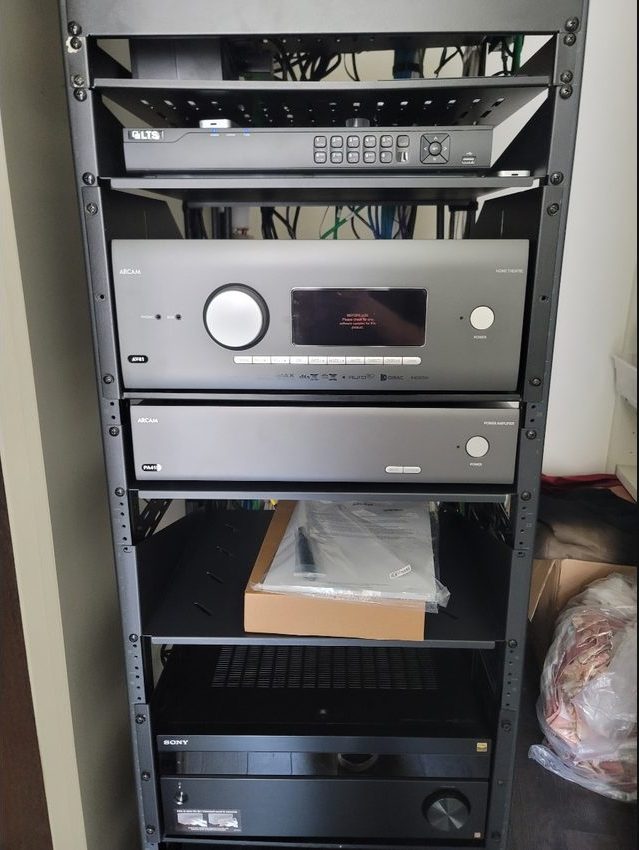
Audio dropping out, controls becoming unreliable or an equipment rack with no service records? Start with a condition assessment and a maintenance scope for the system you already own—including installations by other companies.
Experienced assessment. Repair-first recommendations.
Preventive service draws on over 25 years of personal professional AV engineering, programming, integration and troubleshooting experience across platforms. That experience informs the review; it does not replace a defined maintenance scope or guarantee against equipment failure.
Preventive care starts with a documented baseline
Maintenance is not a guarantee against failure. Identify what works, reproduce existing problems and agree which functions matter to the household or business before scheduling preventive work. Separate overdue repairs from routine checks so you know what the proposed visit covers.
Work with the equipment already installed
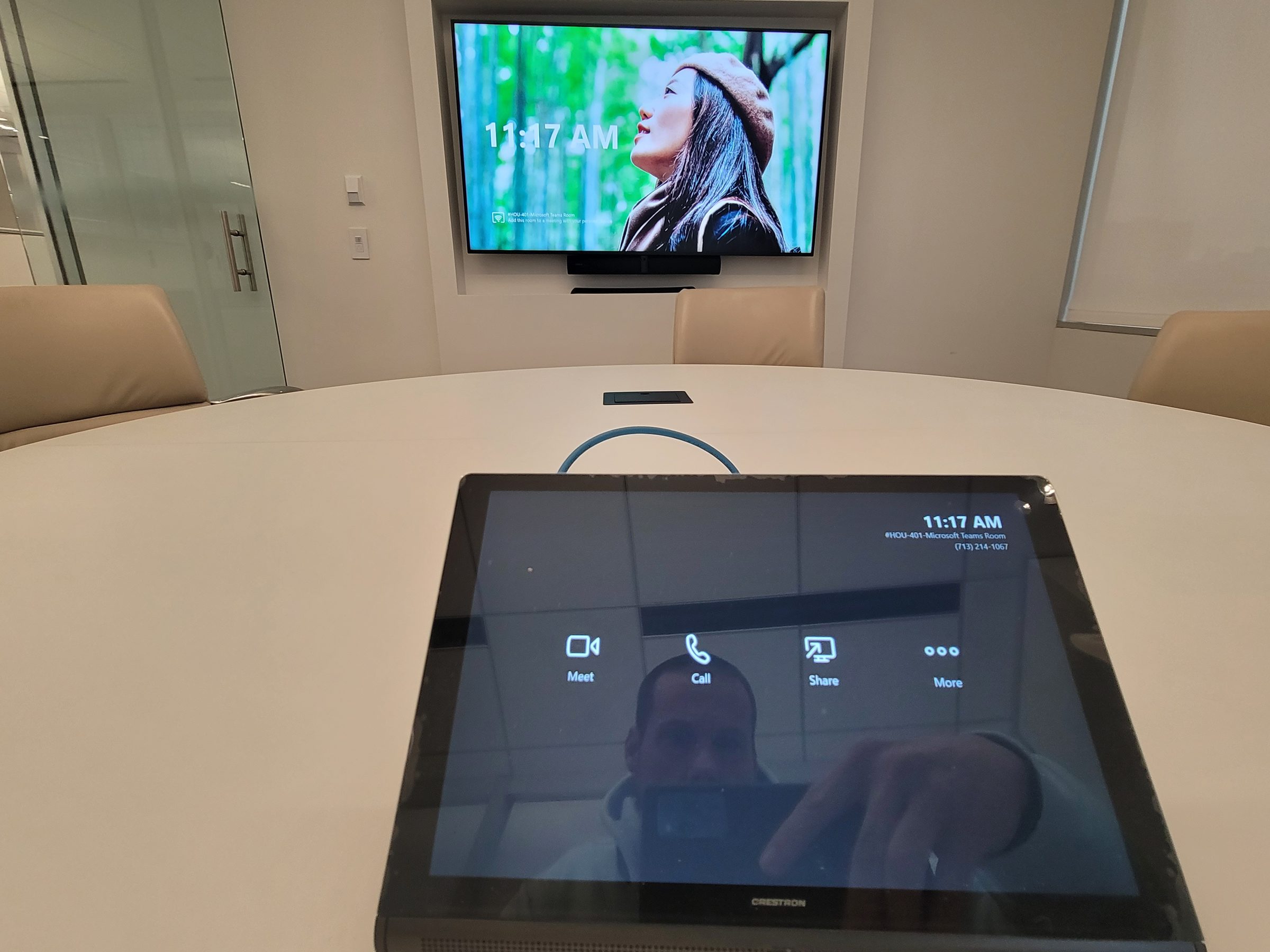
An equipment inventory and accessible configuration records help define what preventive checks are practical. The service scope is agreed for the actual installation.
What an agreed maintenance visit can cover
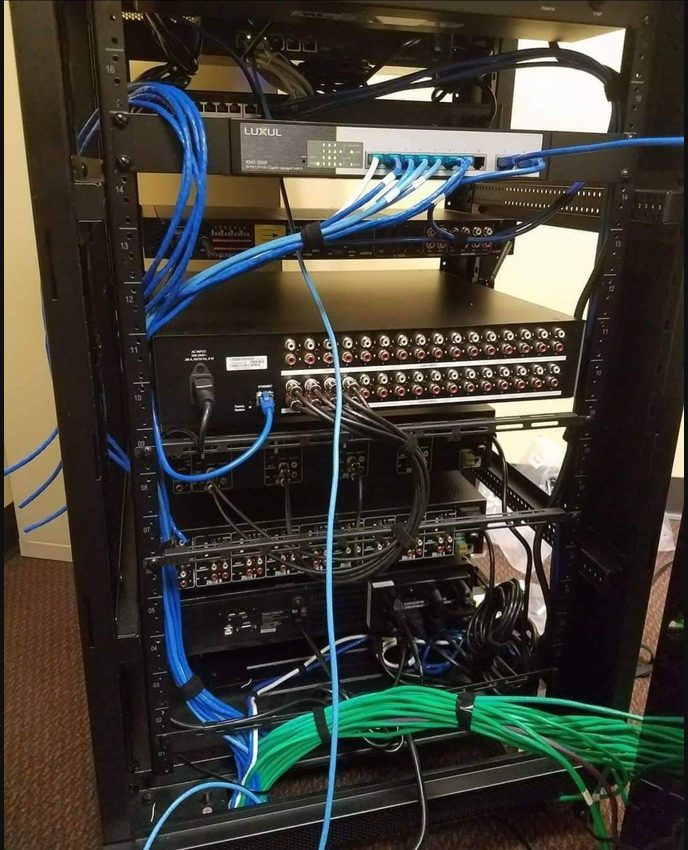
- Rack condition, ventilation, accessible cabling and power-related observations.
- Network connectivity, switches, access points and relevant AV network settings.
- Audio routing, levels and calibration verification where appropriate.
- Video sources, switching and display operation.
- Control-system responsiveness, room functions and integrations.
- Equipment inventory and documentation of accessible configuration.
- Backups of accessible project data where supported, with recovery limitations recorded.
- Compatibility-reviewed, backed-up and approved software updates when appropriate—not indiscriminate updates to all devices.
- Remote-access review only where authorized, supported and agreed.

Plan service around the way you use the system
- Assess first. Identify the equipment, symptoms, available records and authorized access.
- Agree the scope. Confirm fees, scheduling, interruption windows and what the visit will and will not cover.
- Make controlled changes. Preserve accessible configuration, check compatibility and obtain approval before updates or programming.
- Test and document. Check the agreed room or business functions and record unresolved issues and any separately proposed repairs.
Homes, businesses and inherited installations
A household may need reliable music, television and lighting scenes; a business may need rooms ready for calls and presentations. Tell us which functions cannot be interrupted and who can authorize work. Ongoing service terms, monitoring and response arrangements need a specifically agreed scope; they are not automatic inclusions.
Explore AV repair and system takeovers or fault diagnosis when something is already failing.
AV maintenance questions
How much does AV maintenance cost in Houston?
The scope and fees depend on the equipment, access and work agreed. Confirm the diagnostic charge and scheduling before booking. Any ongoing service arrangement should state visits, response terms, exclusions and separately chargeable repairs in writing; no standard annual price or response window is promised here.
Does maintenance mean updating every device?
No. Proposed updates need a compatibility review, accessible backups and customer approval where appropriate. An update can affect integrations and may not be reversible; leaving stable equipment on a supported version may be the appropriate choice.
Can you maintain a system another company installed?
Yes, we assess existing installations in homes and businesses. We first identify the equipment, accessible configuration and existing faults. Missing proprietary source, account permissions or unsupported equipment may limit maintenance and recovery options.
Are all programming files and cloud services backed up?
No. We document and back up accessible configuration where supported. Proprietary programs, missing source files and cloud services may not be exportable or restorable. Backup coverage and recovery limits should be recorded for the actual system.
Discuss the system before choosing a maintenance plan
Call with the system brands, affected rooms, location and available service records. Do not send passwords or alarm codes through the contact form.