
Teams Rooms and Zoom Rooms in Houston for boardrooms, huddle rooms, town halls, and high-impact meeting spaces.
Obsidian AV designs Microsoft Teams Rooms and Zoom Rooms with the right cameras, microphones, speakers, displays, DSP, room control, and infrastructure so meetings are clear, intuitive, and supportable.
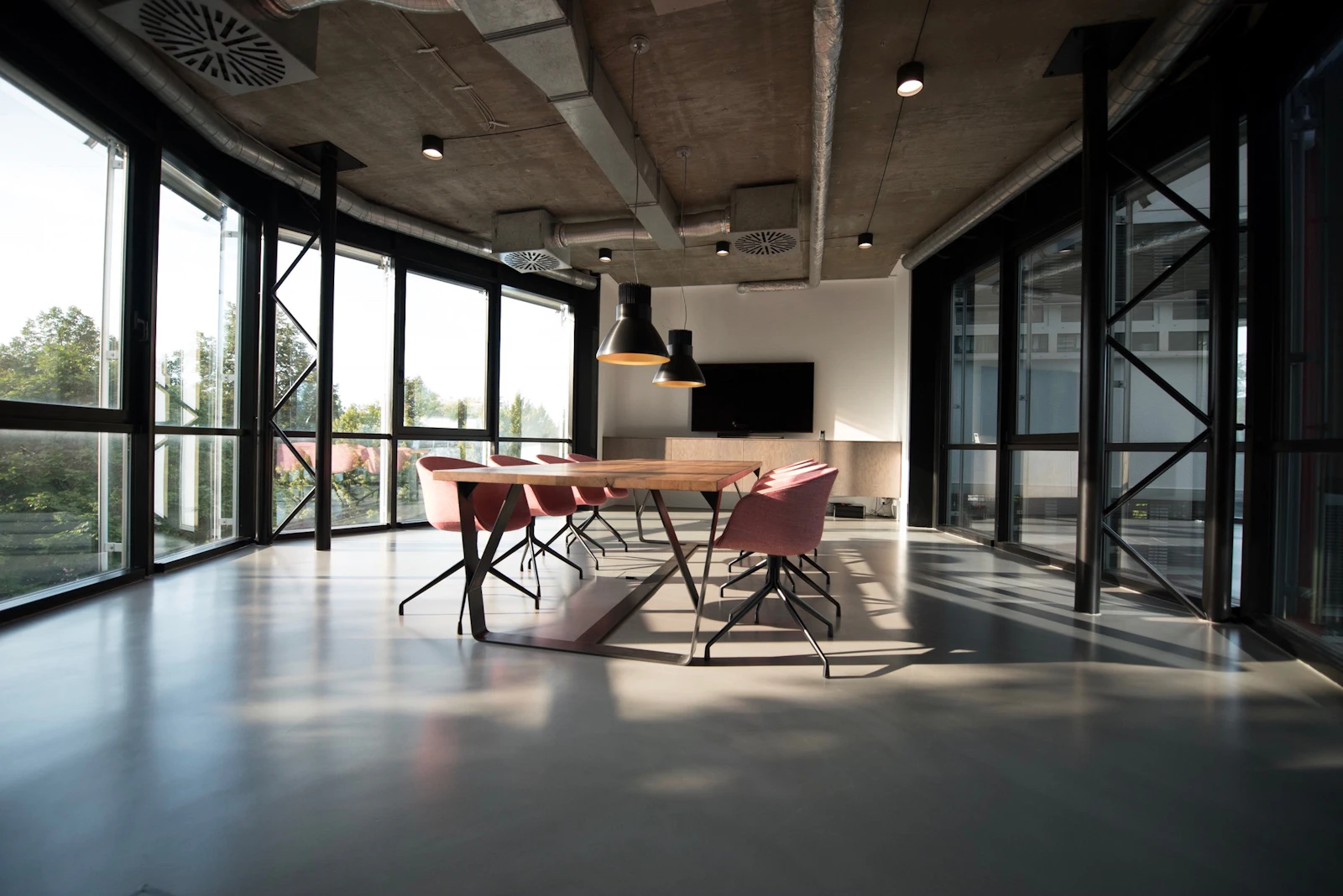
Focus the commercial side around real meeting environments and platforms.
The commercial message should directly speak to the rooms and workflows clients buy: Teams Rooms, Zoom Rooms, boardrooms, huddle rooms, training rooms, executive spaces, town halls, and video wall environments. Crestron support should be part of that message, not a side note.
Microsoft Teams Rooms and Zoom Rooms for boardrooms, huddle rooms, conference rooms, and training spaces.
Cameras, microphones, speakers, DSP, displays, room scheduling, wireless presentation, and collaboration workflows.
Town hall AV solutions and large meeting spaces with distributed audio, multiple displays, overflow support, and presentation confidence.
Crestron support for room control, automation, touch panels, switching, user interface flow, and supportable room logic.
Commercial AV service paths for Teams, Zoom, video walls, and Crestron support.
These pages are built around the commercial terms buyers actually search for instead of hiding everything under one generic AV page.
Conference Room AV Houston
Meeting rooms, displays, conferencing, microphones, cameras, speakers, and easy daily operation.
Conference room AV Houston →Commercial AV Houston
Boardrooms, huddle rooms, video walls, town halls, infrastructure, and control systems.
Commercial AV Houston →Control4 & Crestron Programming
Crestron support, control programming, custom logic, and device integration.
Crestron support and programming →How the room gets planned, installed, and supported.
Define room type
Identify whether the space is a huddle room, boardroom, conference room, training space, or town hall environment.
Choose platform
Plan the room around Microsoft Teams, Zoom, or hybrid BYOD workflows and decide what should be native versus flexible.
Engineer coverage
Lay out displays, cameras, microphone pickup, speaker coverage, switching, control, and network coordination.
Commission + support
Test real calls, tune audio, confirm camera framing, program control, and leave the room supportable for daily use.
Common questions before starting the project.
Can Obsidian AV build Microsoft Teams Rooms in Houston?
Yes. Obsidian AV can design and integrate Microsoft Teams Rooms in Houston for boardrooms, huddle rooms, conference rooms, and training spaces with displays, cameras, microphones, speakers, and room control.
Do you support Zoom Rooms as well as Teams Rooms?
Yes. Obsidian AV can design Zoom Rooms, Teams Rooms, and hybrid meeting environments, including BYOD workflows, presentation switching, displays, cameras, speakers, microphones, and control.
Can you include Crestron support in a Teams or Zoom room?
Yes. Crestron support can be part of the room through control systems, touch panels, automation, switching, user interface design, and supportable room logic for daily commercial use.